FREE CHEATS FOR
s&box
Released April 28, 2026
Updated

 EAGLE CHEATS
How to use Eagle in s&box
With s&box running, press Insert to open the Eagle menu. The quick keys give direct access to Free Camera and Object Browser. Use the menu for Spawn Menu, Physics Speed and World Preset and the remaining listed features; close it with Insert to return to the app.
- F2 Free Camera
Press F2 to turn Free Camera on or off without opening the menu. - F3 Object Browser
Press F3 to turn Object Browser on or off without opening the menu. - Insert Spawn Menu
Press Insert, choose Spawn Menu, adjust its value or option, and apply. - Insert Physics Speed
Press Insert, choose Physics Speed, adjust the value, and apply. - Insert World Preset
Press Insert, find World Preset in the feature list, and switch it on or off.
EXPLORE THE MENUFeatures
8 features
Free Camera and Object Browser let players explore and modify the game environment. These controls enhance gameplay by allowing quick access to tools and settings during the game loop. Press Insert to open the Eagle menu on Windows PC.
- Free Camera
- Object Browser
- Spawn Menu
- Physics Speed
- World Preset
- Scene Bookmark
- UI Hide
- Session Tools
About the game
s&box is a dynamic platform where players can explore a vast library of community-created games spanning multiple genres. The core gameplay loop involves selecting a game, jumping into it with friends, and engaging in various activities ranging from competitive matches to creative exploration. Players can customize their experience with in-game cosmetics and interact with a rich, ever-evolving content ecosystem. The game emphasizes ease of access, allowing players to instantly start playing without the need for downloads or setup. The environment is designed to foster creativity and social interaction, making it a hub for both casual and dedicated gamers.
The setting is a digital playground filled with diverse game worlds, each offering unique mechanics and challenges. Players can choose to immerse themselves in existing games or contribute by creating their own. The game's open-ended nature encourages experimentation and personalization, with options to tweak settings and explore different gameplay styles. This flexibility ensures that every session feels fresh and engaging, catering to a wide range of interests and playstyles.
Official game page
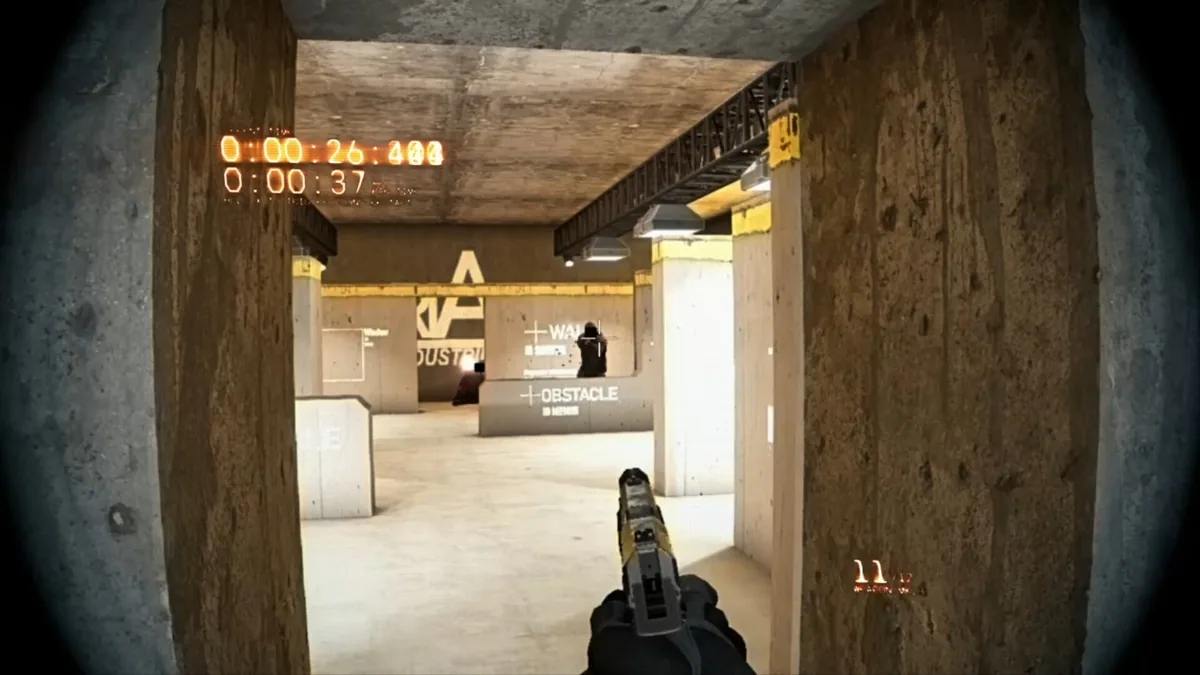

Using the s&box mod menu
Use Free Camera to navigate environments freely and Object Browser to interact with objects in the game. These controls are essential for exploring and modifying the game world efficiently.