FREE CHEATS FOR
Scritchy Scratchy
Released March 18, 2026
Updated
 EAGLE CHEATS
How to use Eagle in Scritchy Scratchy
With Scritchy Scratchy running, press Insert to open the Eagle menu. The quick keys give direct access to Fast Progression and Unlimited Upgrade Currency. Use the menu for Instant Upgrade, Set Game Speed and Auto Collect and the remaining listed features; close it with Insert to return to the app.
- F2 Fast Progression
Press F2 to turn Fast Progression on or off without opening the menu. - F3 Unlimited Upgrade Currency
Press F3 to turn Unlimited Upgrade Currency on or off without opening the menu. - Insert Instant Upgrade
Press Insert and choose Instant Upgrade when you want to run this action. - Insert Set Game Speed
Press Insert, choose Set Game Speed, adjust the value, and apply. - Insert Auto Collect
Press Insert, find Auto Collect in the feature list, and switch it on or off.
EXPLORE THE MENUFeatures
8 features
The free Scritchy Scratchy trainer includes Fast Progression, Unlimited Upgrade Currency and Instant Upgrade. It also offers Auto Collect, No Prestige Reset and Unlock Milestones. Press Insert to open the menu on Windows PC.
- Fast Progression
- Unlimited Upgrade Currency
- Instant Upgrade
- Auto Collect
- No Prestige Reset
- Unlock Milestones
- Set Game Speed
- Save Progress State
About the game
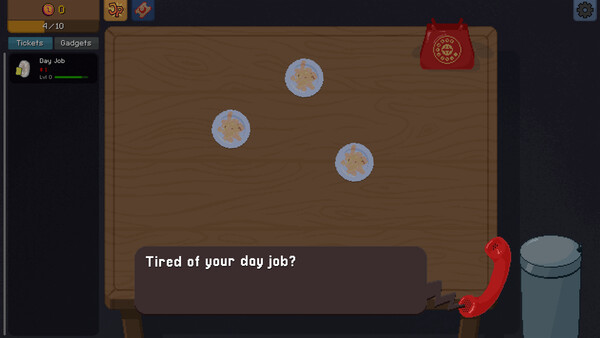
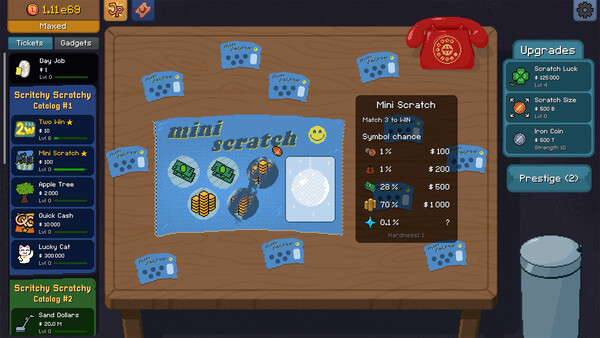
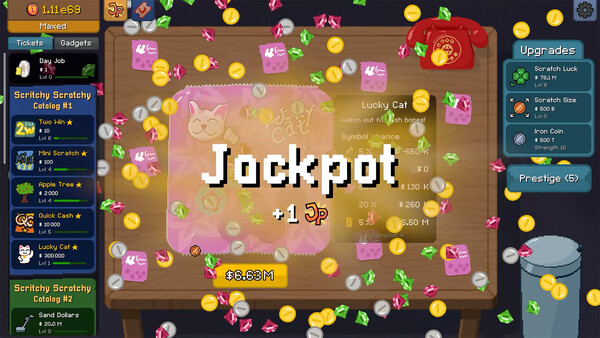
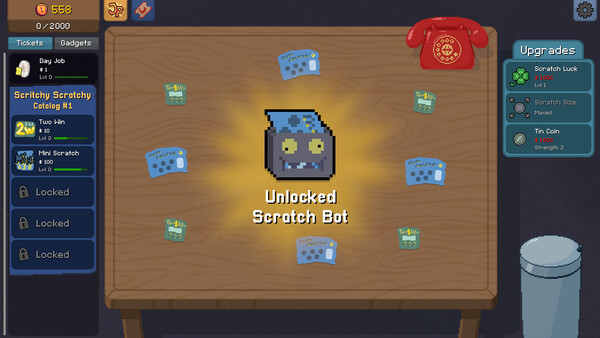
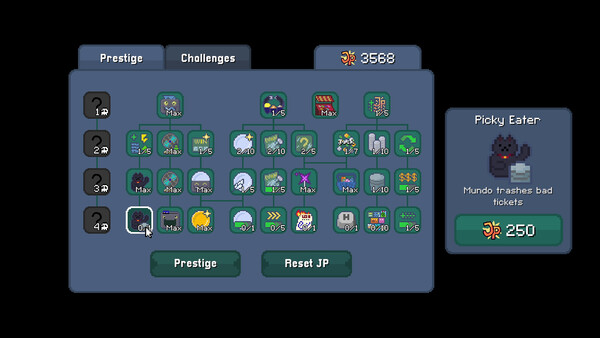
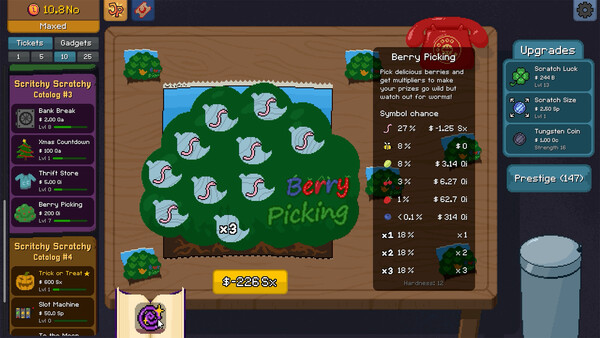
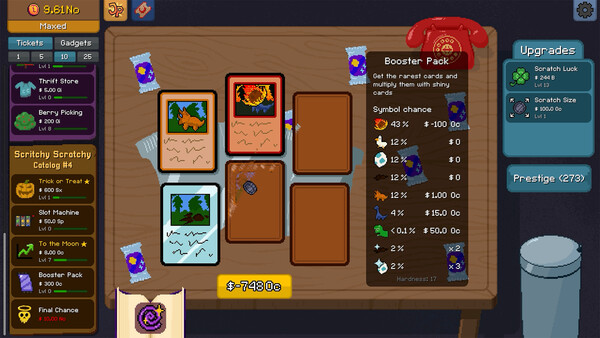
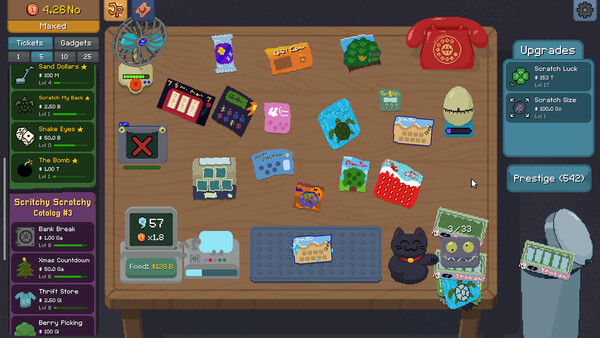
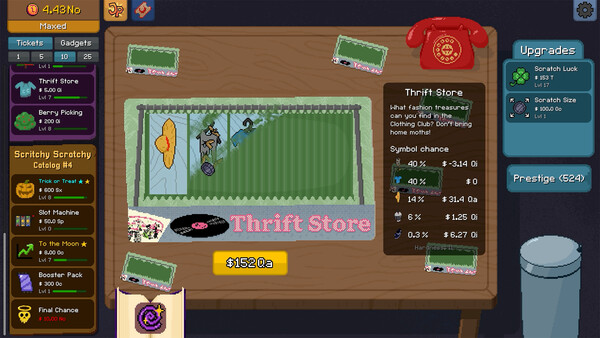
Scritchy Scratchy is a super-satisfying scratch card incremental game. Buy stacks of scratch-offs, unlock auto-scratching, and chase massive jackpots. Will you play it safe or go all-in?.
Official game page