FREE CHEATS FOR
ShantyTown
Released April 16, 2026
Updated

 EAGLE CHEATS
How to use Eagle in ShantyTown
With ShantyTown running, press Insert to open the Eagle menu. The quick keys give direct access to Unlimited Building Pieces and No Placement Limits. Use the menu for Fine Rotation, Set Time of Day and Snap Toggle and the remaining listed features; close it with Insert to return to the app.
- F2 Unlimited Building Pieces
Press F2 to turn Unlimited Building Pieces on or off without opening the menu. - F3 No Placement Limits
Press F3 to turn No Placement Limits on or off without opening the menu. - Insert Fine Rotation
Press Insert, find Fine Rotation in the feature list, and switch it on or off. - Insert Set Time of Day
Press Insert, choose Set Time of Day, adjust its value or option, and apply. - Insert Snap Toggle
Press Insert, find Snap Toggle in the feature list, and switch it on or off.
EXPLORE THE MENUFeatures
10 features
The free ShantyTown trainer includes Unlimited Building Pieces, No Placement Limits and Fine Rotation. It also offers Snap Toggle, Instant Scene Build and Save Diorama Preset. Press Insert to open the menu on Windows PC.
- Unlimited Building Pieces
- No Placement Limits
- Fine Rotation
- Snap Toggle
- Instant Scene Build
- Save Diorama Preset
- Set Time of Day
- Set Weather
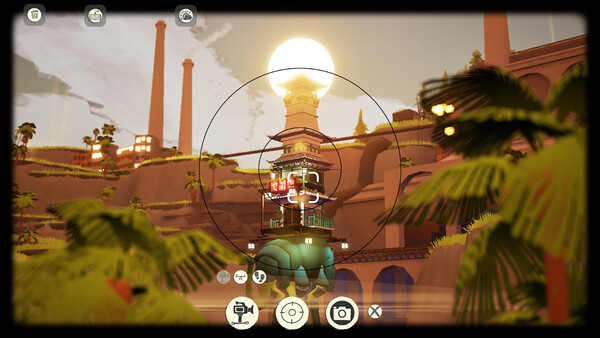
- Free Camera
- High Resolution Capture
About the game
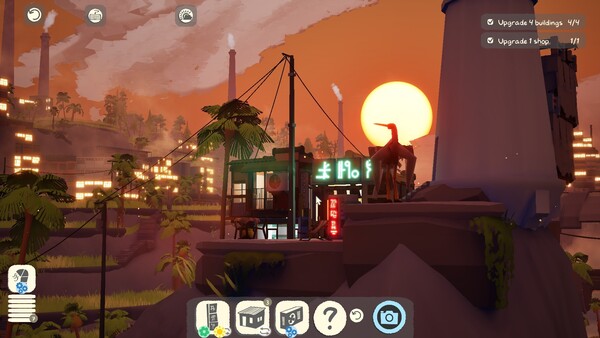
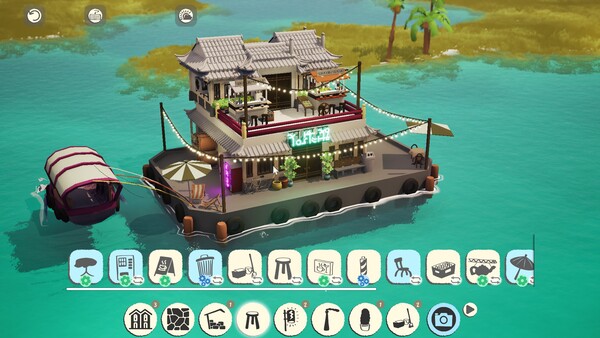
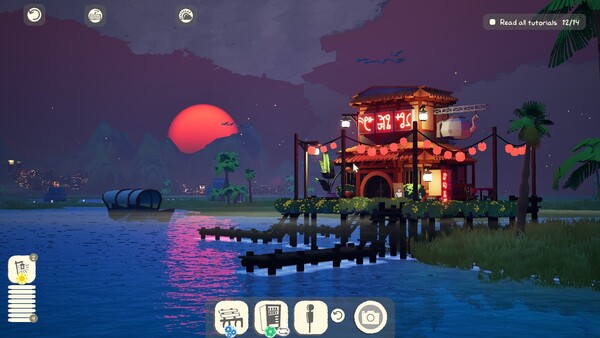
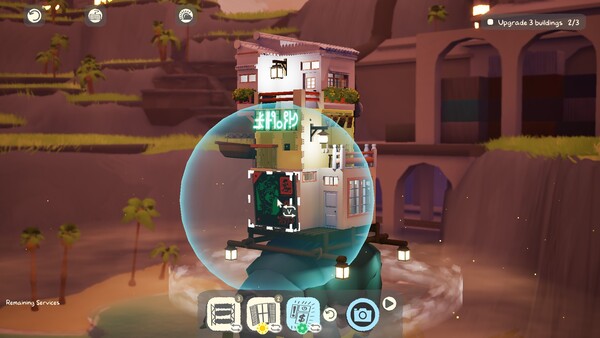
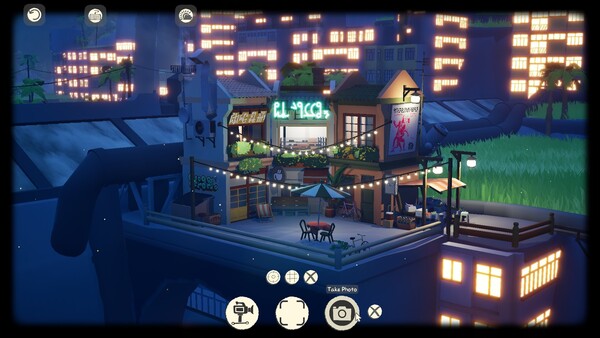
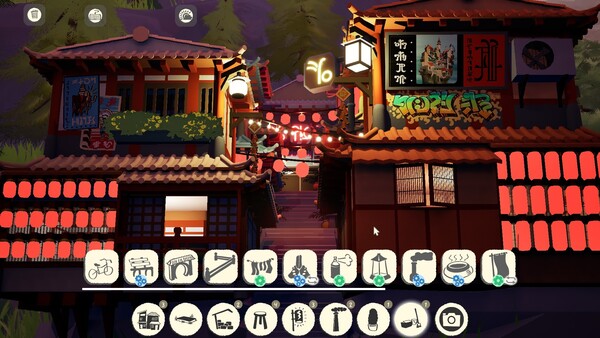
ShantyTown is a relaxing diorama-building game about finding beauty in everyday chaos. Bring new locations to life, stack your urban buildings high, and fill each little nook and cranny with your own touch. Try your hand at shaping a cozy little town that is unique to you.
Official game page