FREE CHEATS FOR
Shipping Store Simulator 2037
Released October 14, 2026
Updated

 EAGLE CHEATS
How to use Eagle in Shipping Store Simulator 2037
With Shipping Store Simulator 2037 running, press Insert to open the Eagle menu. The quick keys give direct access to Company Cash, Package Queue and Delivery Deadline. Use the menu for Route Planner, Van Condition and Fuel Supply and the remaining listed features; close it with Insert to return to the app.
- F2 Company Cash
Press F2 to turn Company Cash on or off without opening the menu. - F3 Package Queue
Press F3 to turn Package Queue on or off without opening the menu. - F4 Delivery Deadline
Press F4 to turn Delivery Deadline on or off without opening the menu. - Insert Route Planner
Press Insert, find Route Planner in the feature list, and switch it on or off. - Insert Van Condition
Press Insert, find Van Condition in the feature list, and switch it on or off. - Insert Fuel Supply
Press Insert, find Fuel Supply in the feature list, and switch it on or off.
EXPLORE THE MENUFeatures
14 features
Track packages, delivery routes, automation and company finances.
- Company Cash
- Package Queue
- Delivery Deadline
- Route Planner
- Van Condition
- Fuel Supply
- Drone Battery
- Robot Task Queue
- VIP Contract Tracker
- Customer Satisfaction
- Warehouse Capacity
- Competitor Activity
- Upgrade Costs
- Daily Profit
About the game
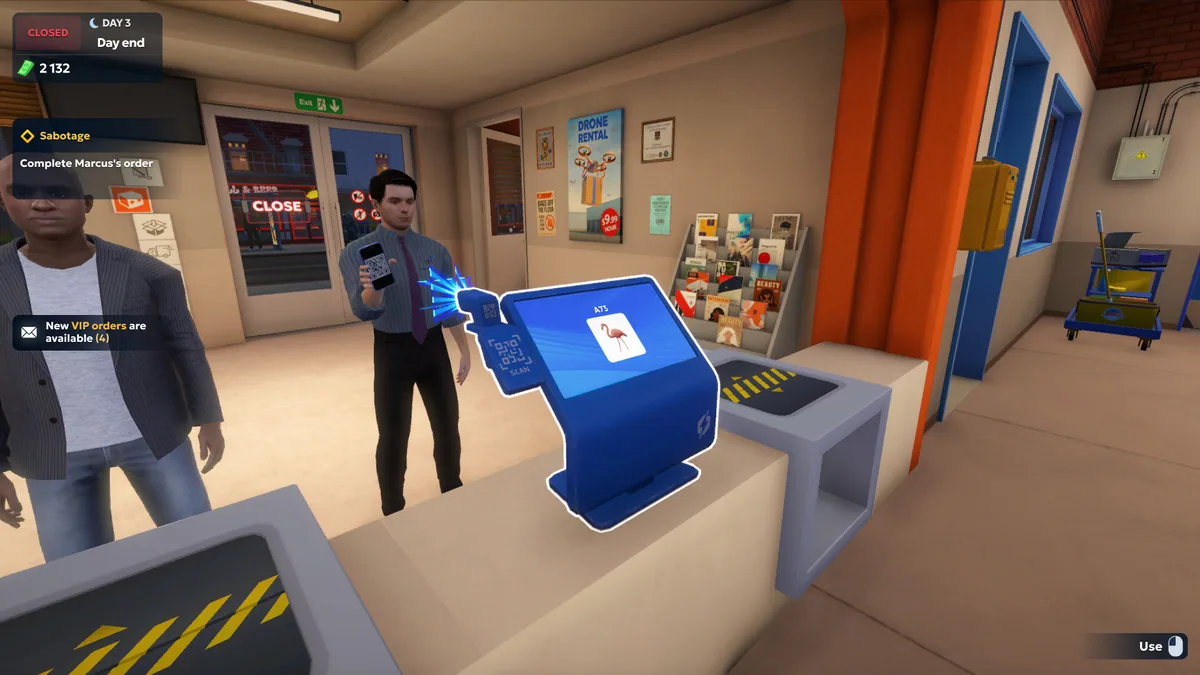
Shipping Store Simulator 2037 puts a struggling delivery company in the player's hands. Packages, customers and routes fill the working day in a future city.
Robots and drones can automate parts of the service, but expansion brings competitors, special contracts and vehicle challenges. Managing each stage of a shipment determines whether the business recovers.
Official game page









Shipping Store Simulator 2037 trainer features
Robots and drones can automate parts of the service, but expansion brings competitors, special contracts and vehicle challenges. Managing each stage of a shipment determines whether the business recovers.