FREE CHEATS FOR
Songs of Glimmerwick
Released September 30, 2026
Updated
 EAGLE CHEATS
How to use Eagle in Songs of Glimmerwick
With Songs of Glimmerwick running, press Insert to open the Eagle menu. The quick keys give direct access to Instant Song Cast and Unlimited Garden Seeds. Use the menu for Unlock Learned Songs, Set Time of Day and Instant Crop Growth and the remaining listed features; close it with Insert to return to the app.
- F2 Instant Song Cast
Press F2 to activate Instant Song Cast without opening the menu. - F3 Unlimited Garden Seeds
Press F3 to turn Unlimited Garden Seeds on or off without opening the menu. - Insert Unlock Learned Songs
Press Insert, choose Unlock Learned Songs, and apply the unlock. - Insert Set Time of Day
Press Insert, choose Set Time of Day, adjust its value or option, and apply. - Insert Instant Crop Growth
Press Insert and choose Instant Crop Growth when you want to run this action.
EXPLORE THE MENUFeatures
10 features
The free Songs of Glimmerwick trainer includes Instant Song Cast, Unlock Learned Songs and Unlimited Garden Seeds. It also offers Instant Crop Growth, No Watering Needed and Max Friendship. Press Insert to open the menu on Windows PC.
- Instant Song Cast
- Unlock Learned Songs
- Unlimited Garden Seeds
- Instant Crop Growth
- No Watering Needed
- Max Friendship
- Freeze Class Clock
- Reveal Quest Objectives
- Fast Fishing
- Set Time of Day
About the game
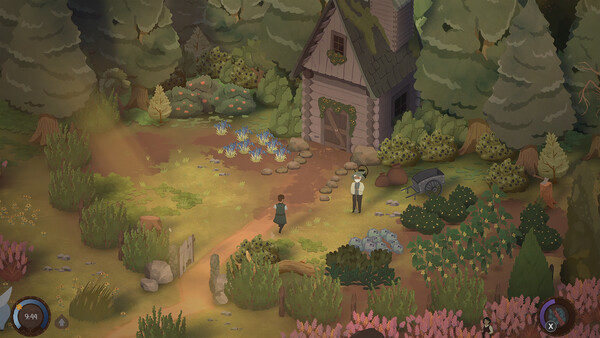
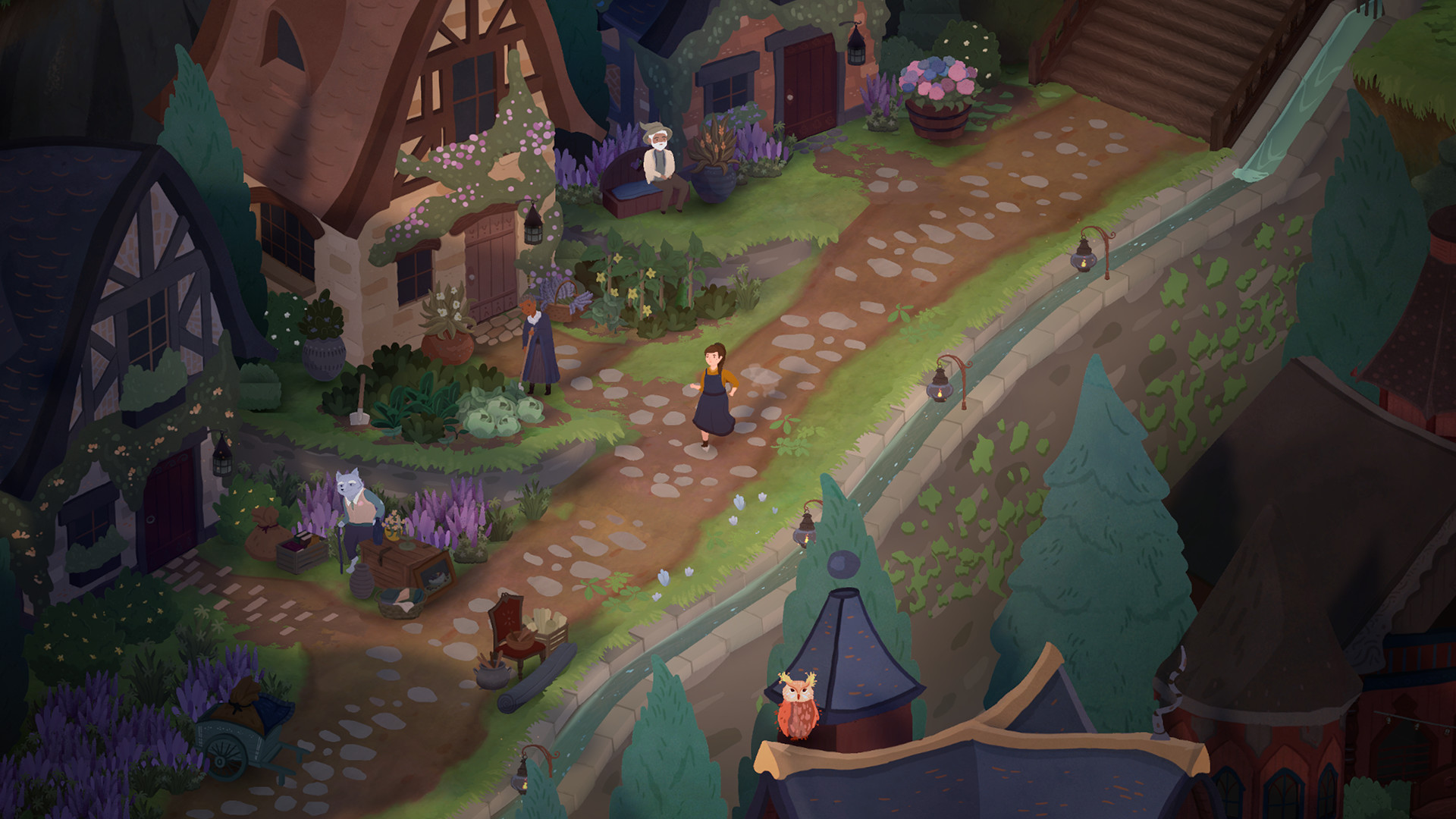
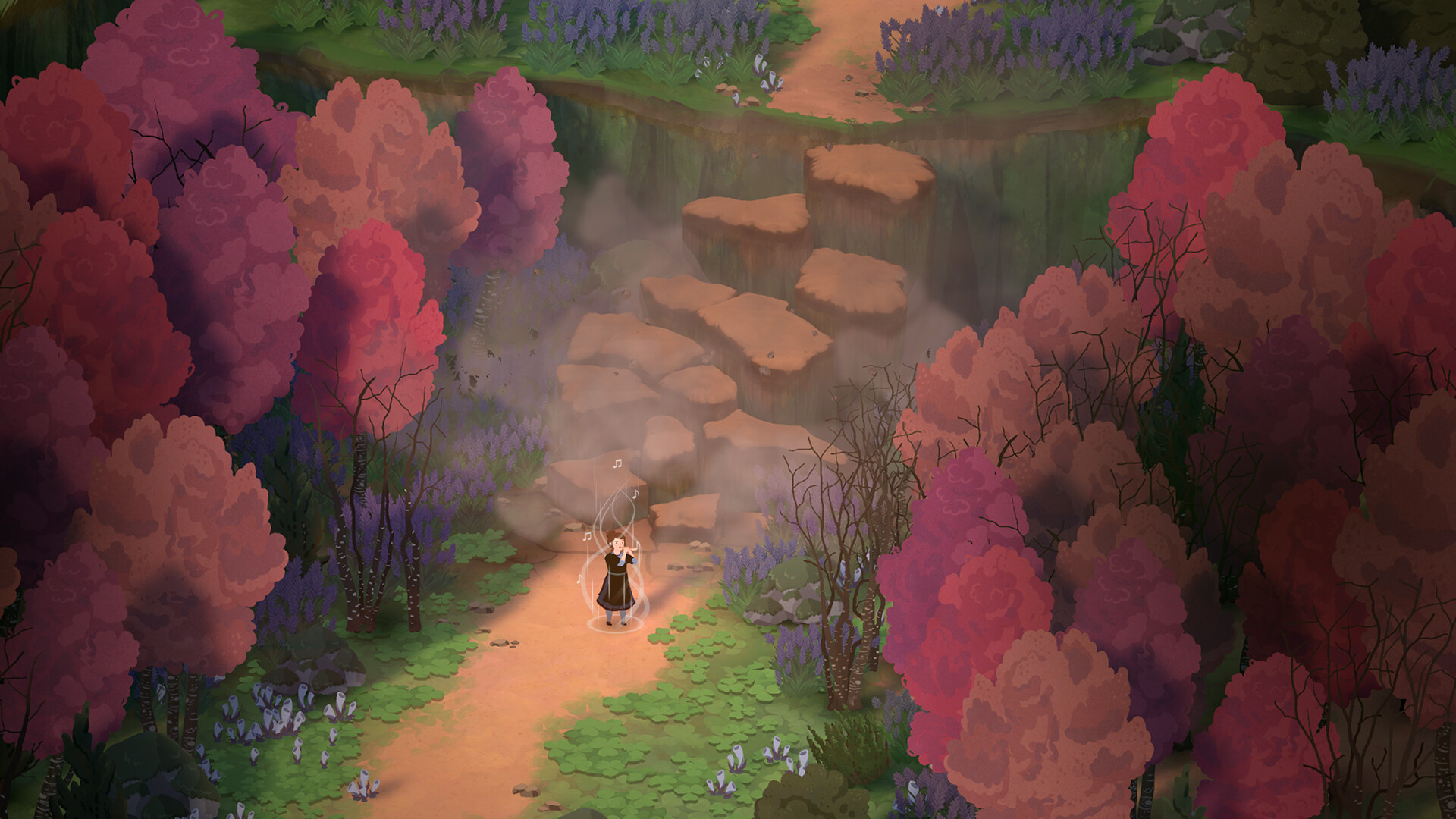
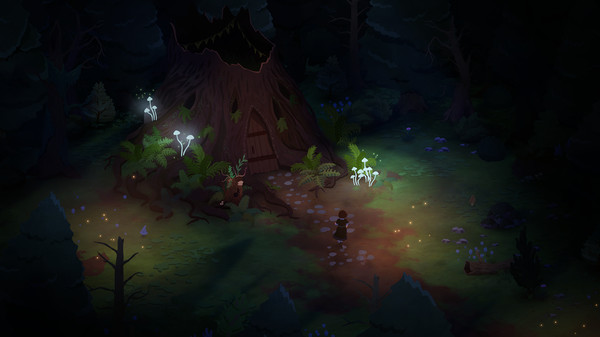
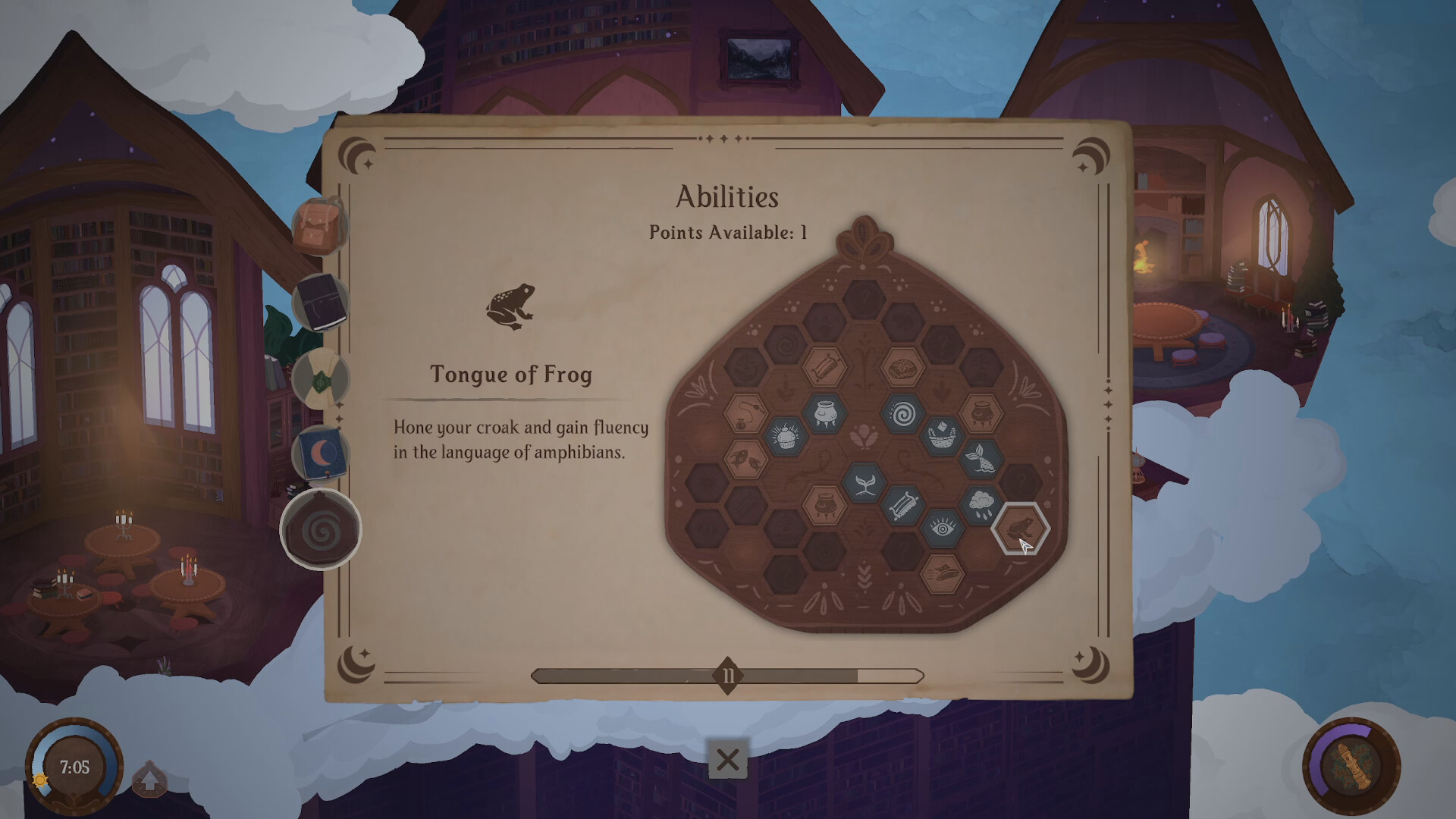
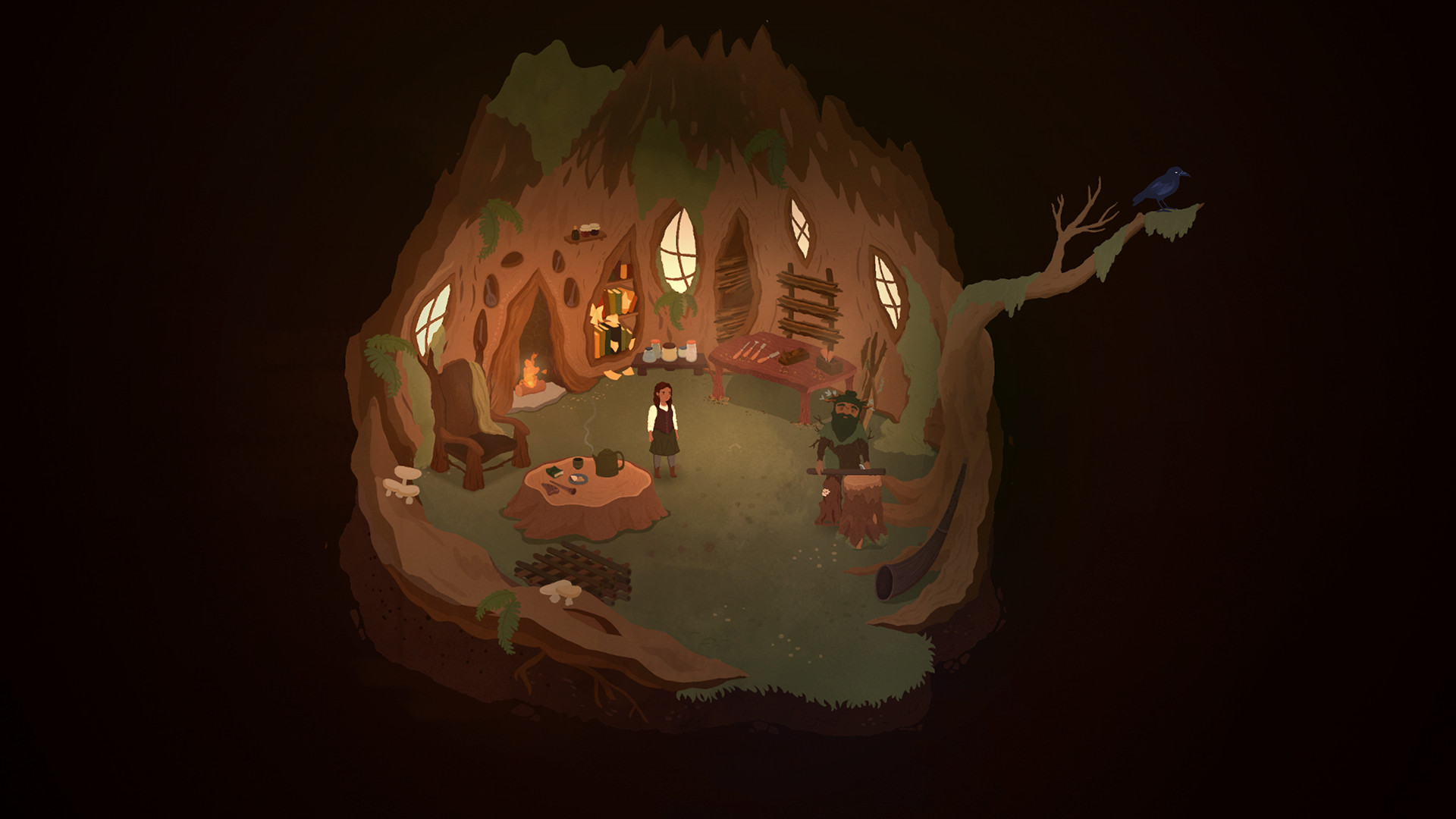
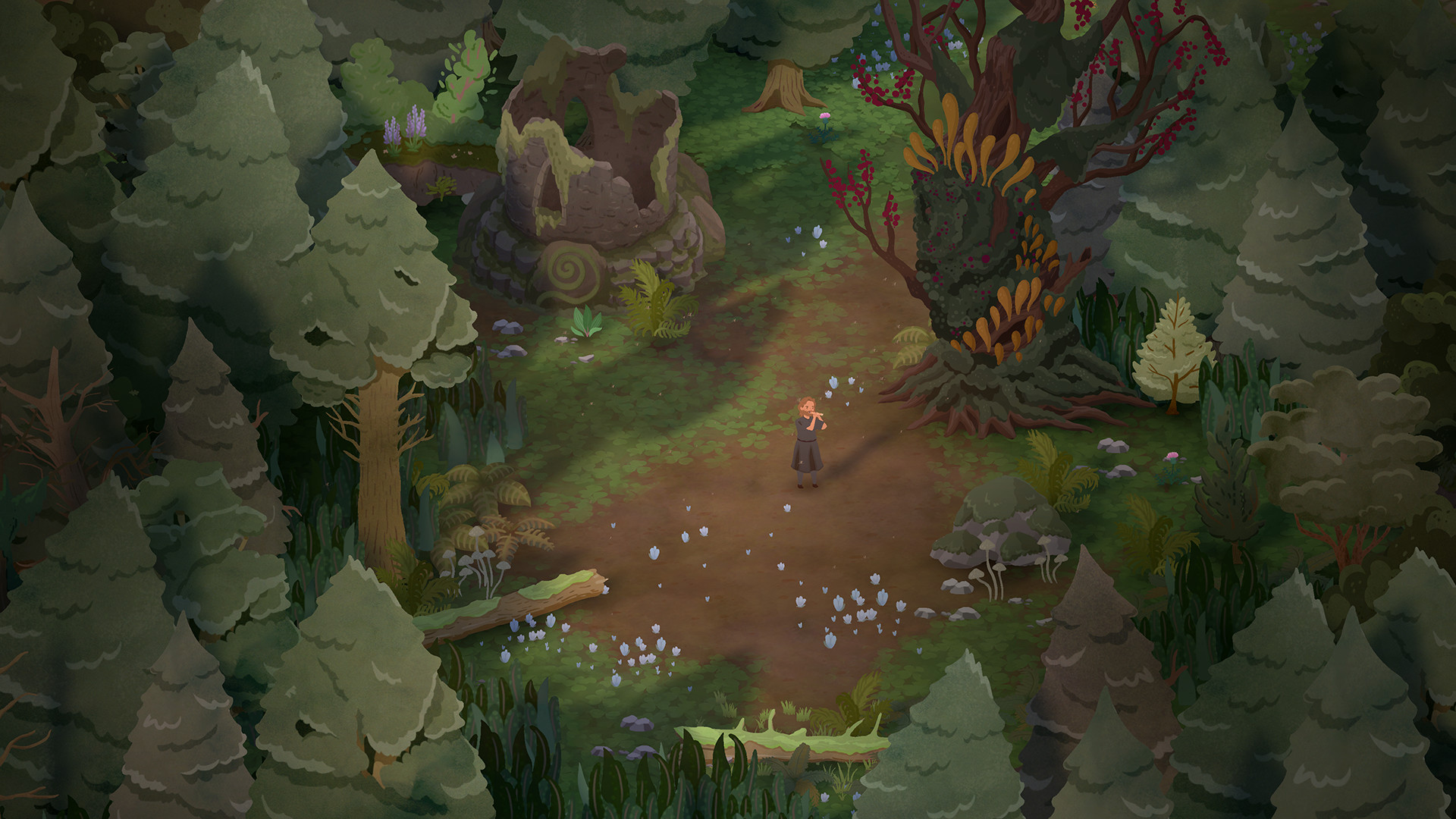
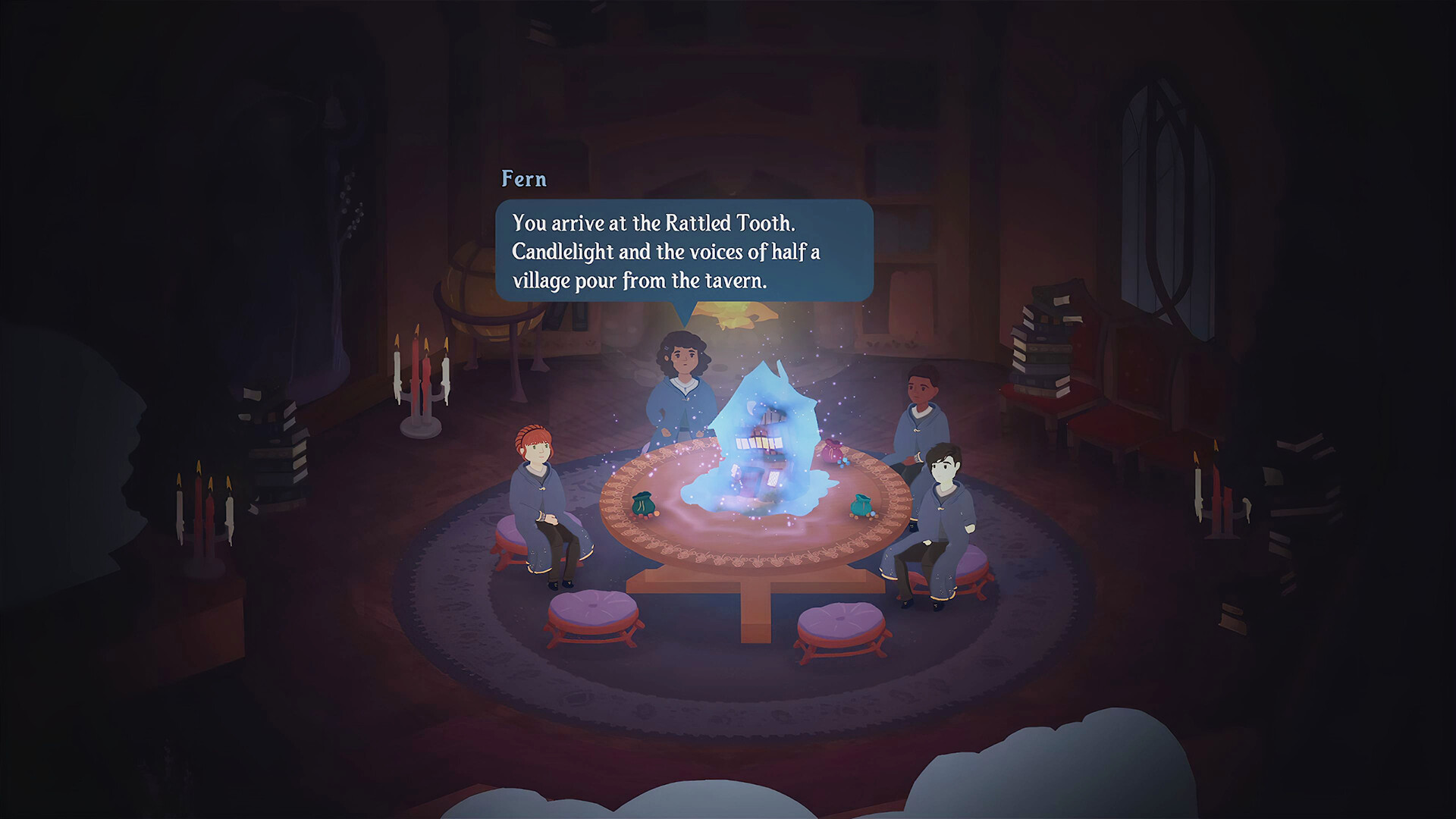
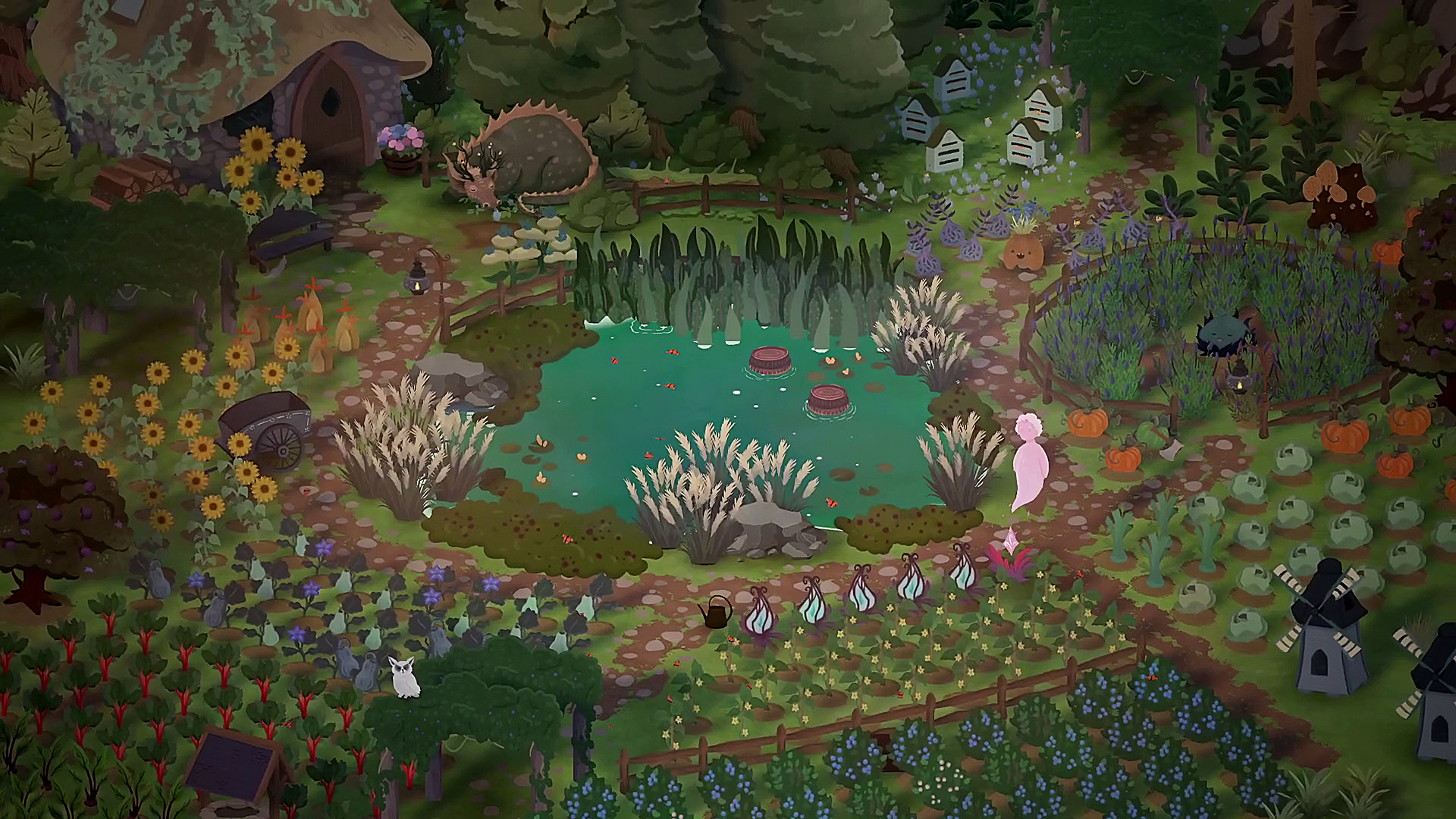
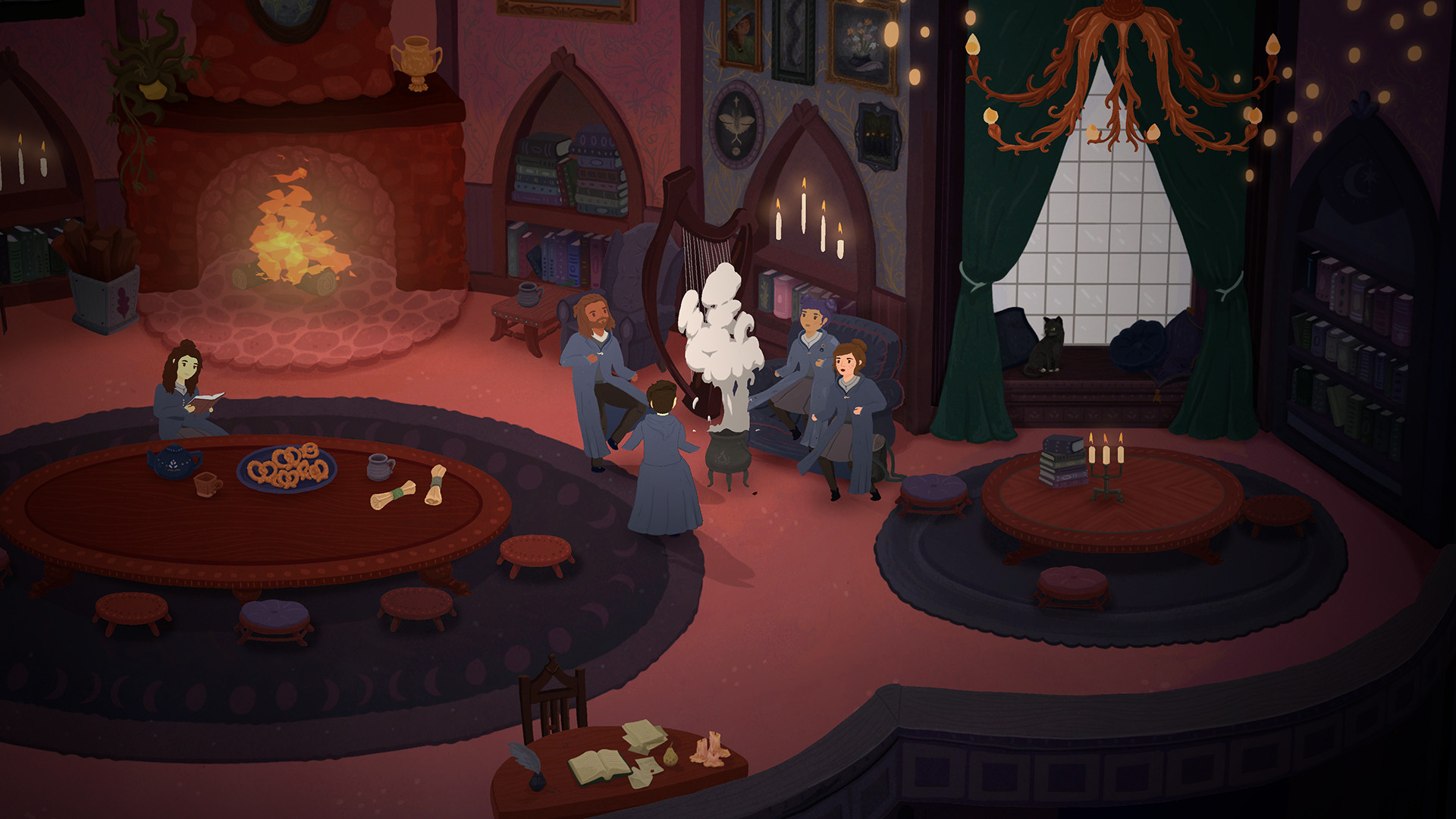
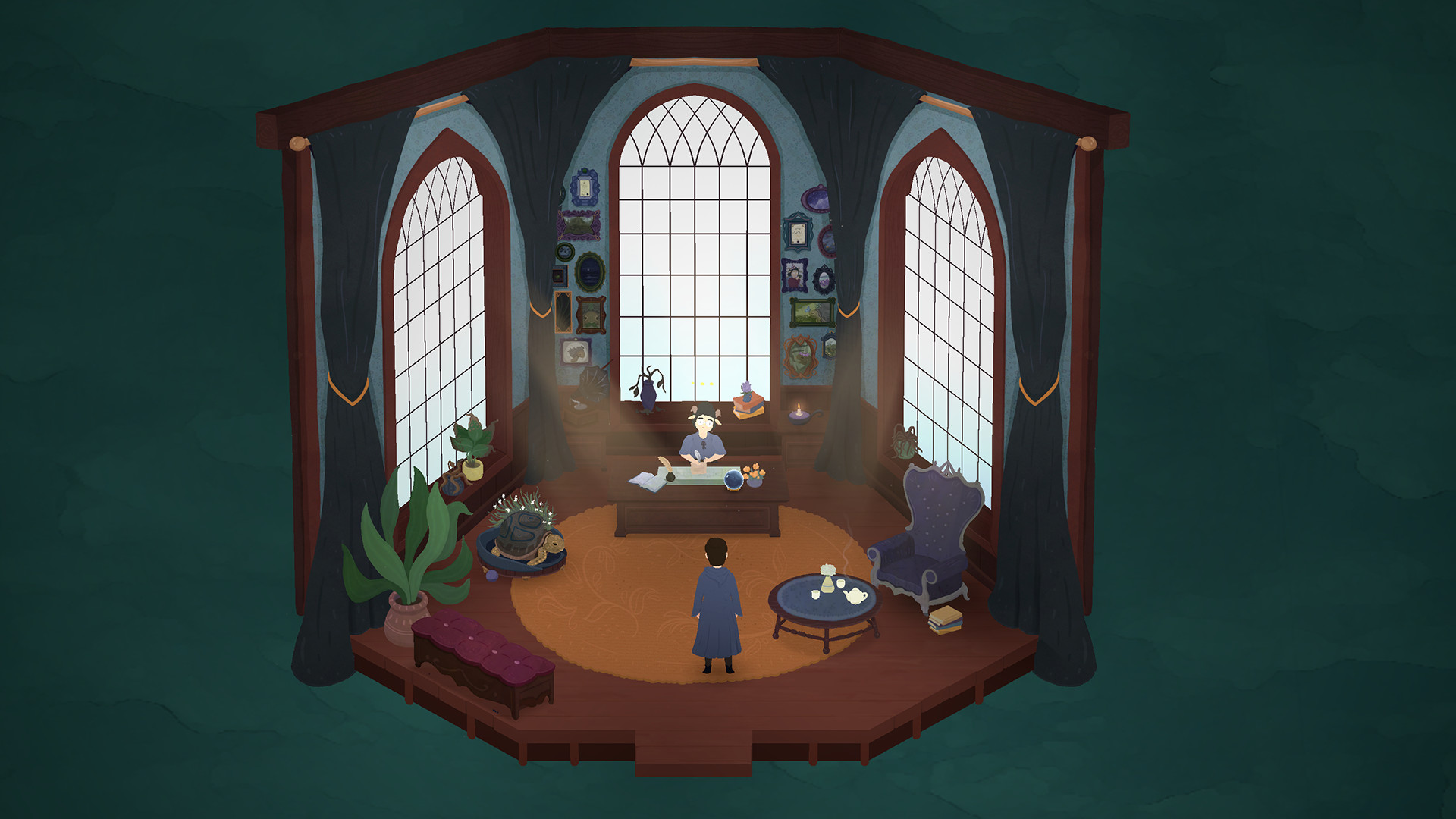
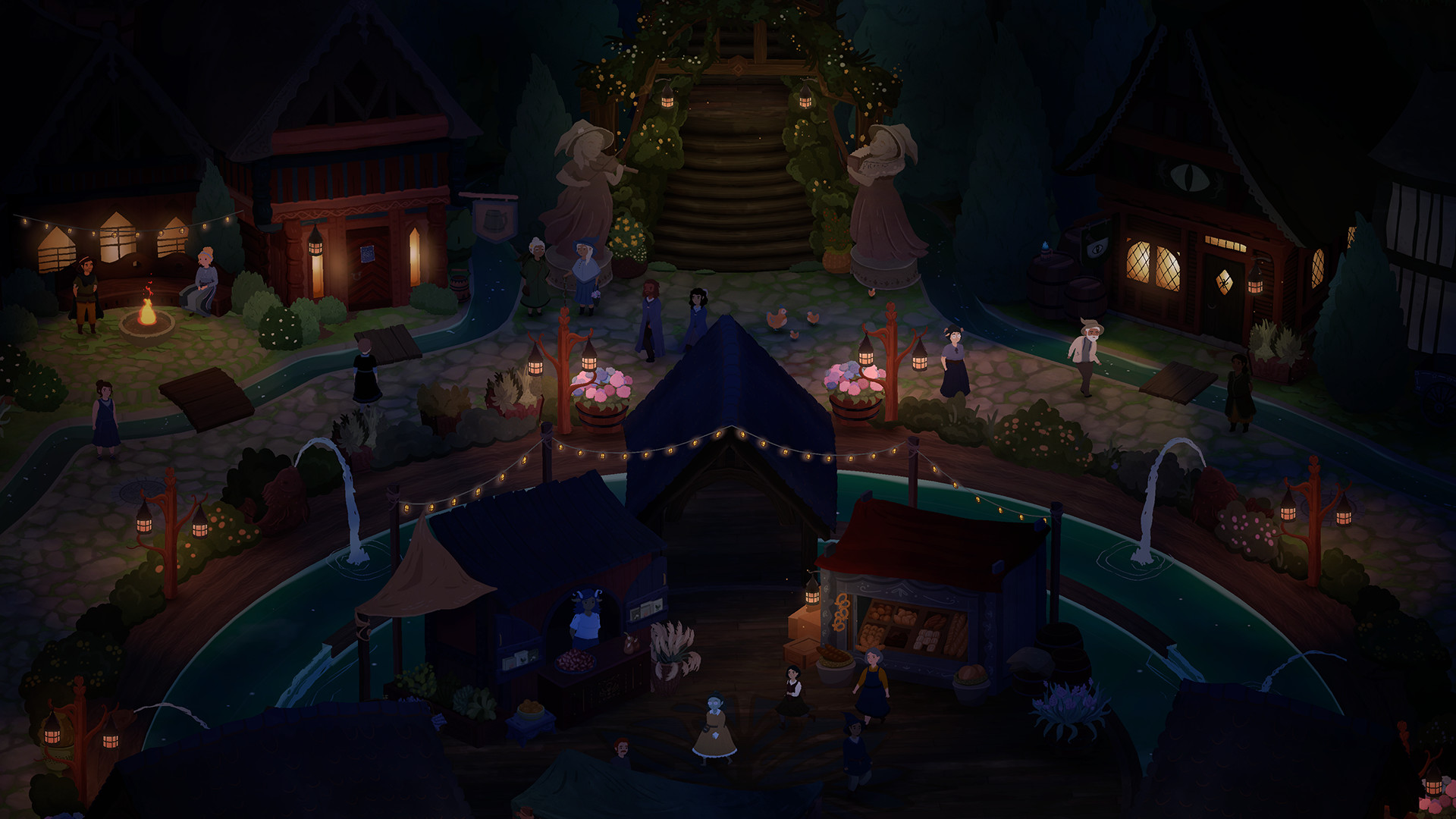
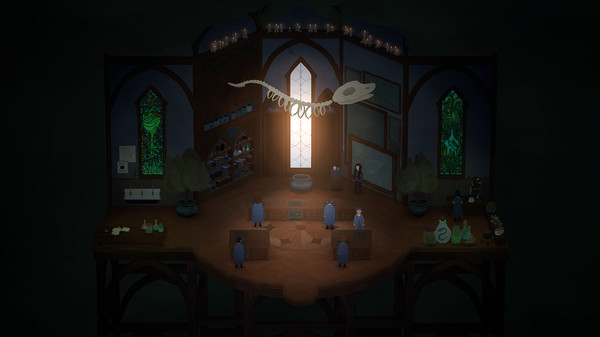
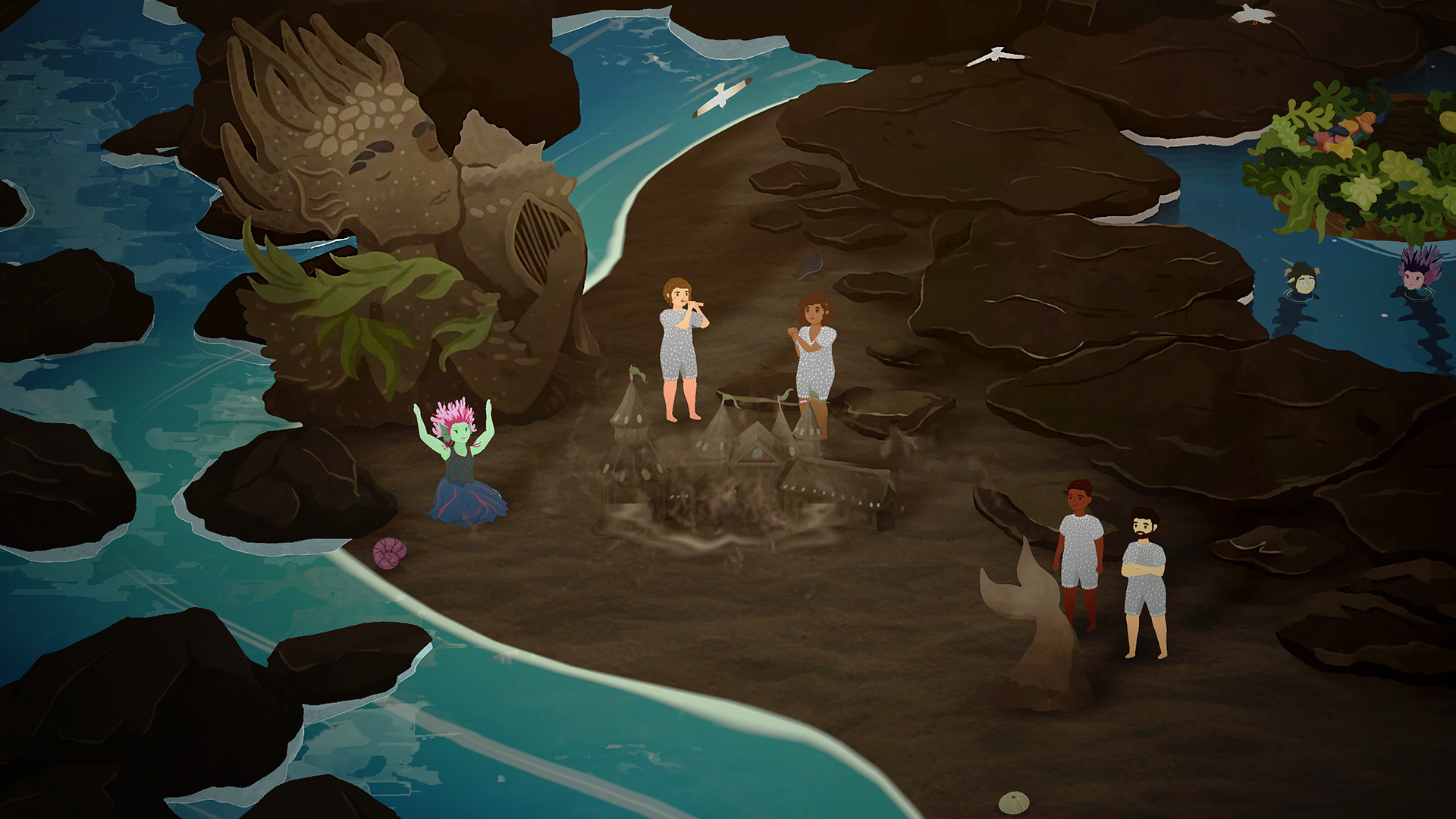
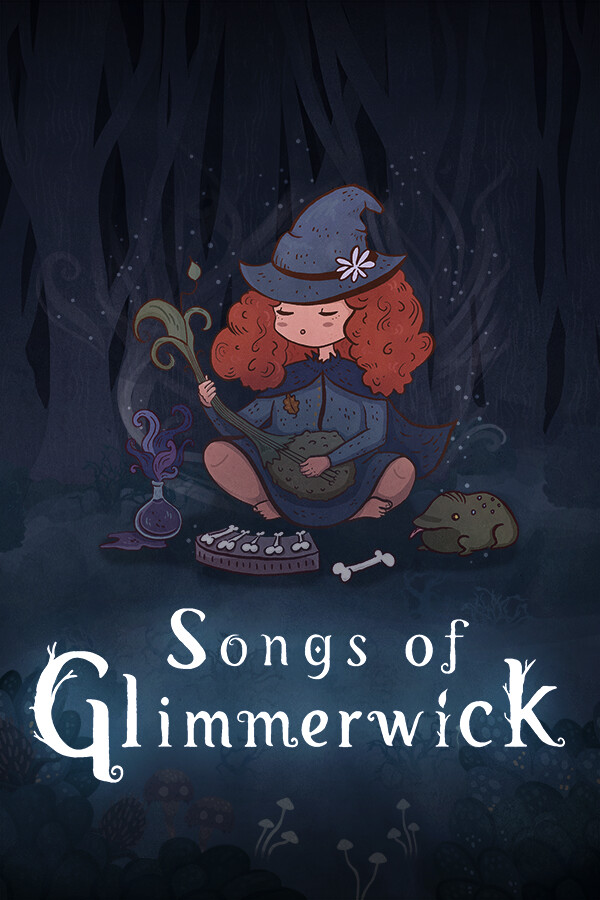
Become immersed in a musical woodland fantasy world where casting a spell is as easy as playing a song. Attend classes, grow the university garden, make friends with classmates and townsfolk, and explore the island’s many oddities and mysteries in this story-driven witch academy RPG.
Official game page