FREE CHEATS FOR
STAR WARS Zero Company
Released August 27, 2026
Updated

 EAGLE CHEATS
How to use Eagle in STAR WARS Zero Company
With STAR WARS Zero Company running, press Insert to open the Eagle menu. The quick keys give direct access to God Mode/Block All Hits, Infinite Health and Infinite AP. Use the menu for Infinite ADV, Defense Multiplier and Max Critical Chance and the remaining listed features; close it with Insert to return to the app.
- F2 God Mode/Block All Hits
Press F2 to turn God Mode/Block All Hits on or off without opening the menu. - F3 Infinite Health
Press F3 to turn Infinite Health on or off without opening the menu. - F4 Infinite AP
Press F4 to turn Infinite AP on or off without opening the menu. - Insert Infinite ADV
Press Insert, find Infinite ADV in the feature list, and switch it on or off. - Insert Defense Multiplier
Press Insert, choose Defense Multiplier, adjust the value, and apply. - Insert Max Critical Chance
Press Insert, find Max Critical Chance in the feature list, and switch it on or off.
EXPLORE THE MENUFeatures
26 features
Control squad health, action points, movement, accuracy and tactical resources.
- God Mode/Block All Hits
- Infinite Health
- Infinite AP
- Infinite ADV
- Max Move Range
- Max Hit Chance
- Max Evade Chance
- Max Critical Chance
- Min AI Critical Chance
- Super Damage/One Hit Kills
- Damage Multiplier
- Defense Multiplier
- Infinite Influence
- Influence Multiplier
- Infinite Den Exp
- Den Exp Multiplier
- Max Bonds
- Inifnite Intel
- Edit Credits
- Edit Capacitors
- Edit Contacts
- Edit Focus Points
- Set Game Speed
- Set Player Speed
- Set Move Speed
- Set FOV
About the game
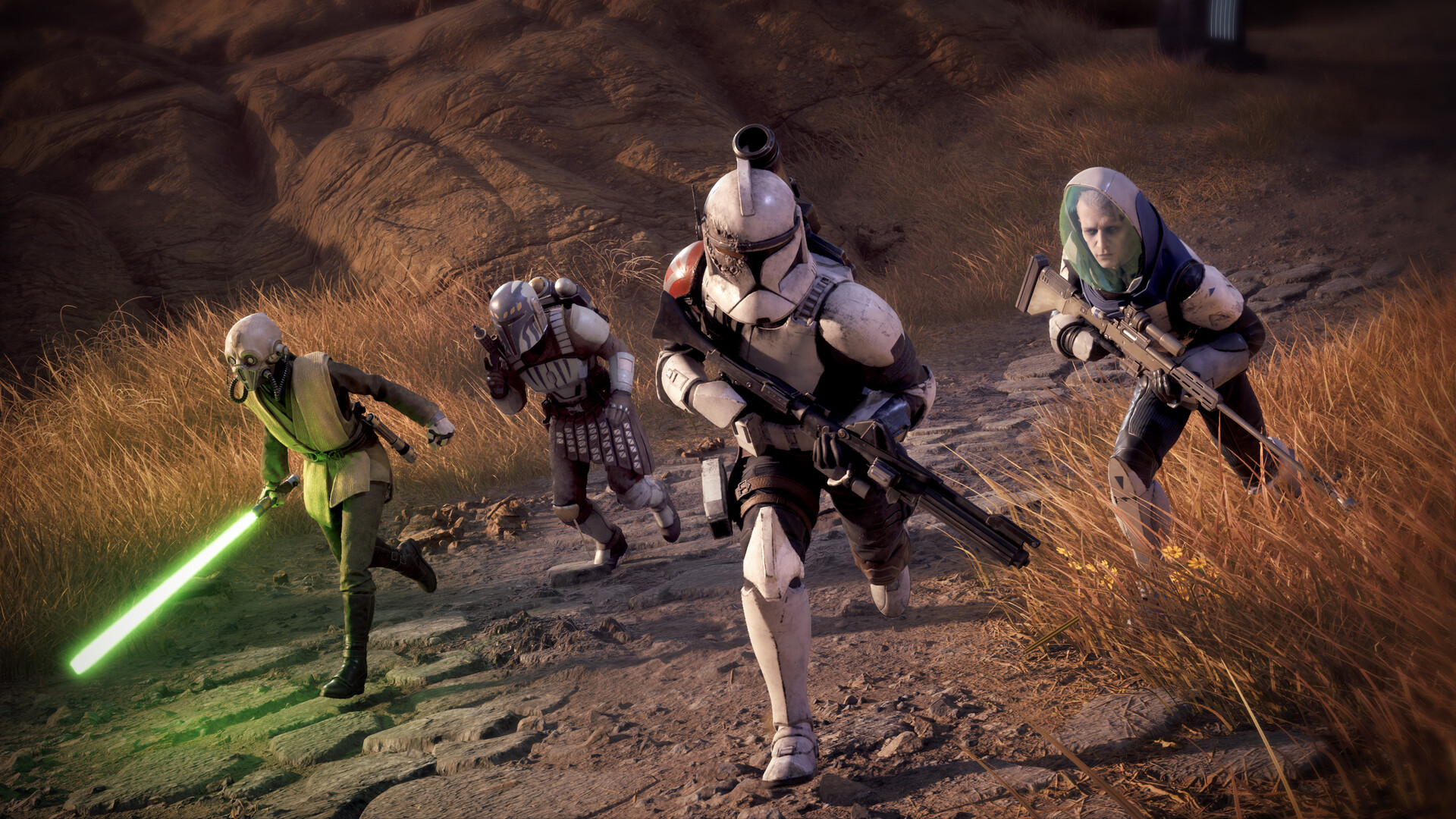
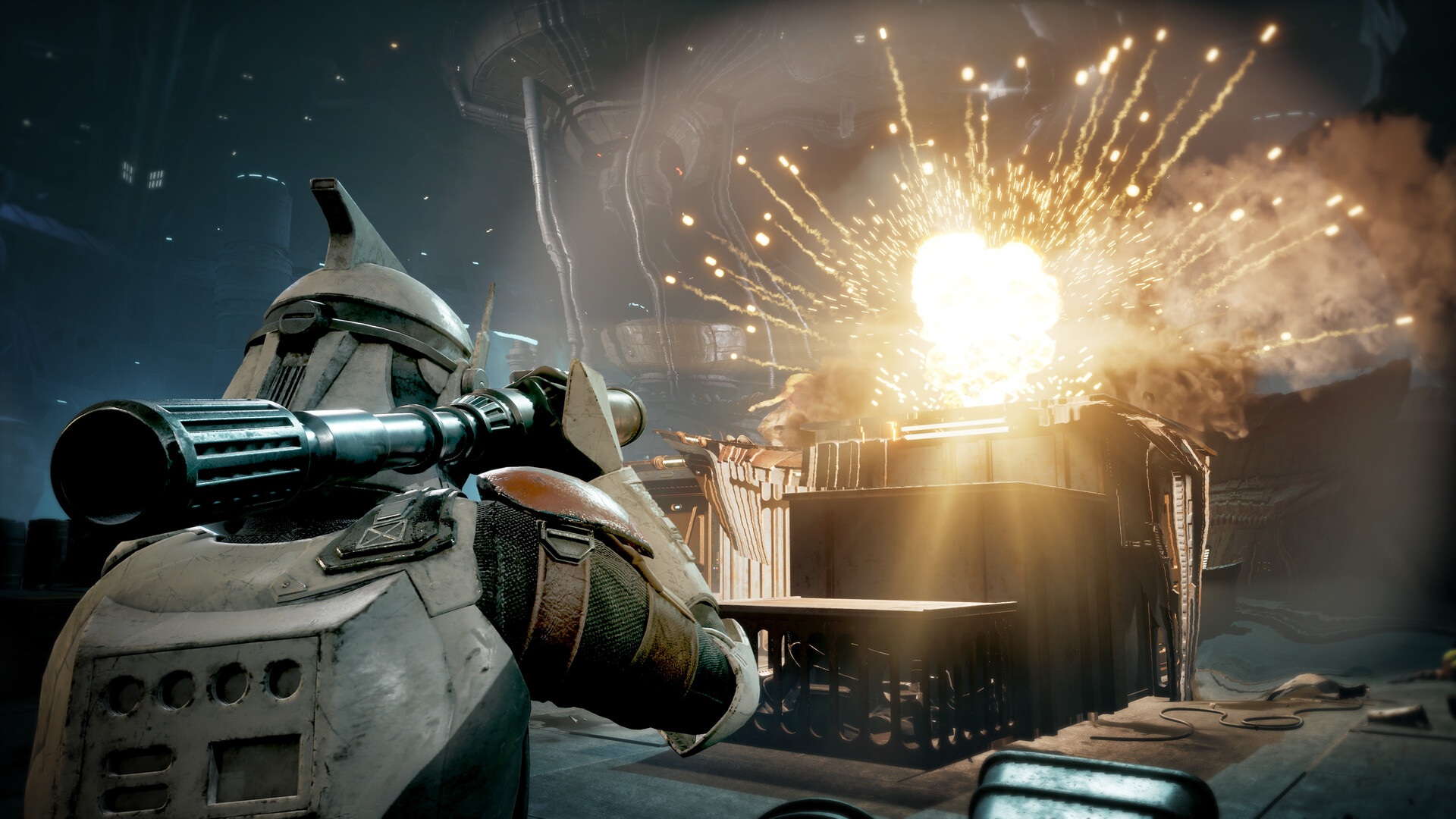
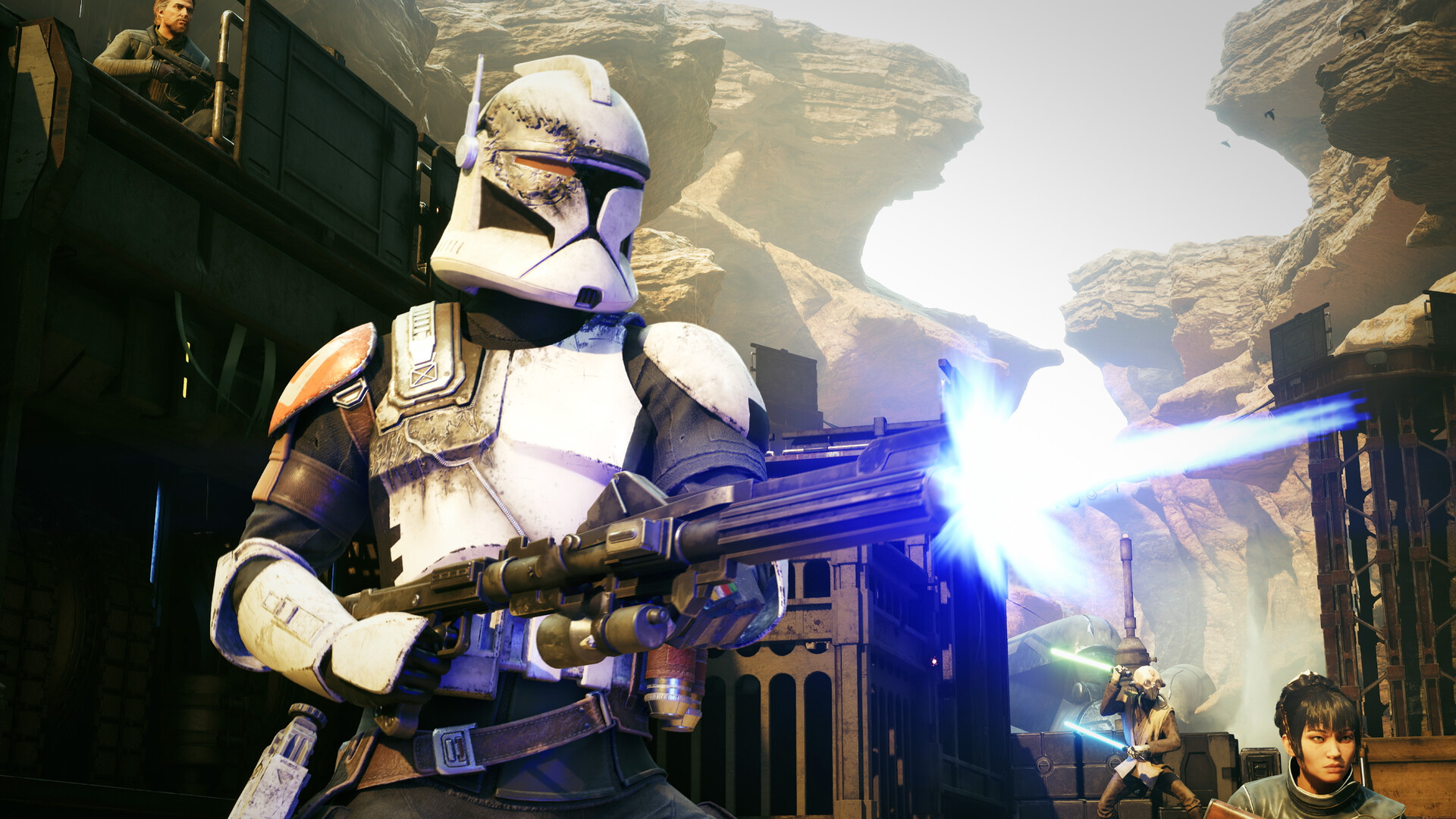
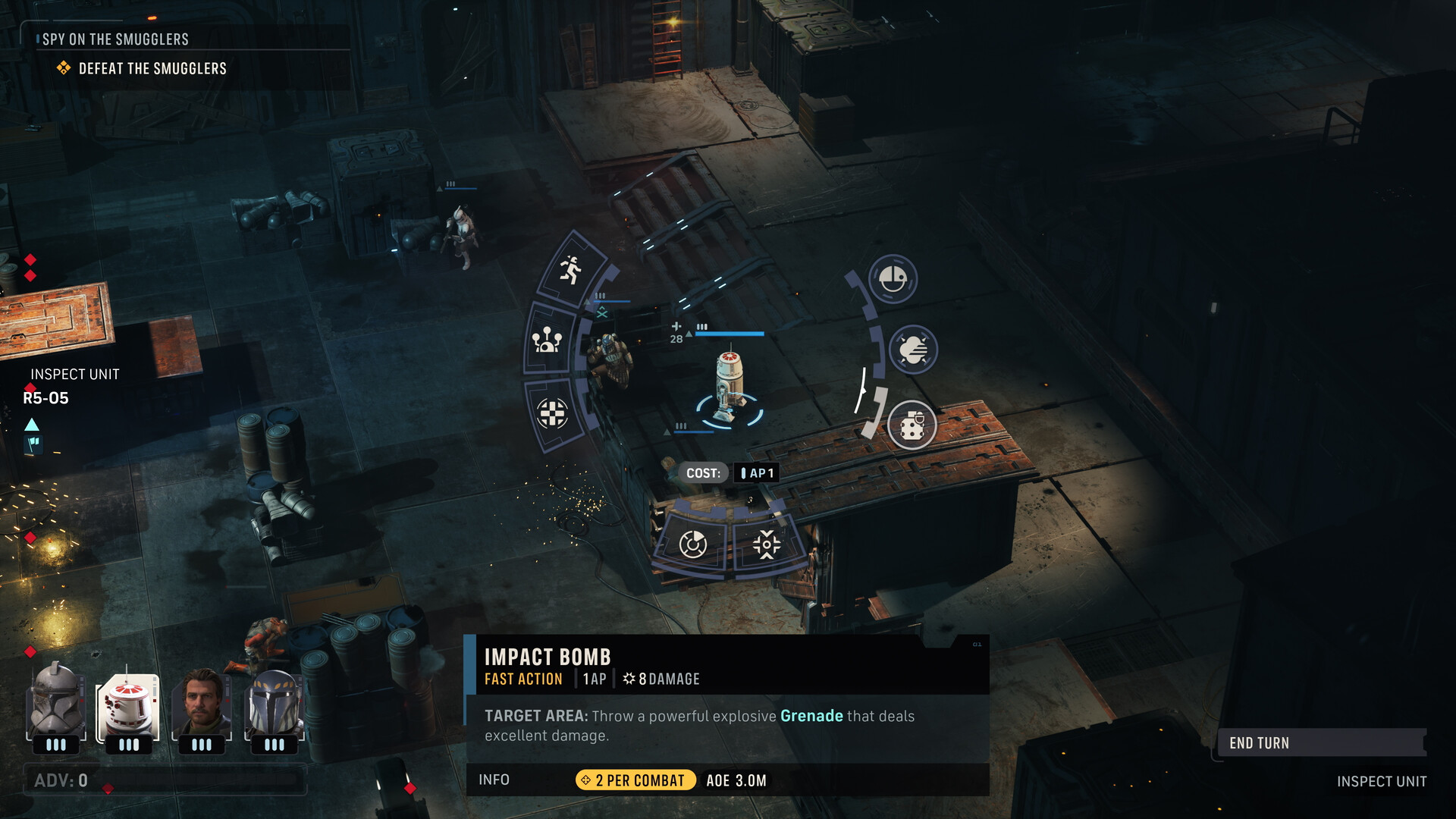
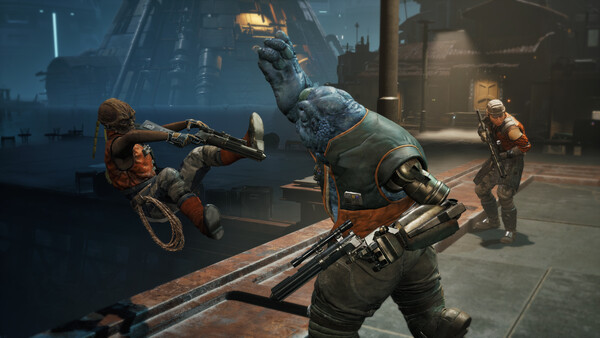
STAR WARS Zero Company is a single-player tactics game set near the end of the Clone Wars. Former Republic officer Hawks leads a small unit assembled for a dangerous operation against an emerging threat. The story follows the squad across investigations and combat missions, making the people you recruit and the choices you make part of the wider conflict.
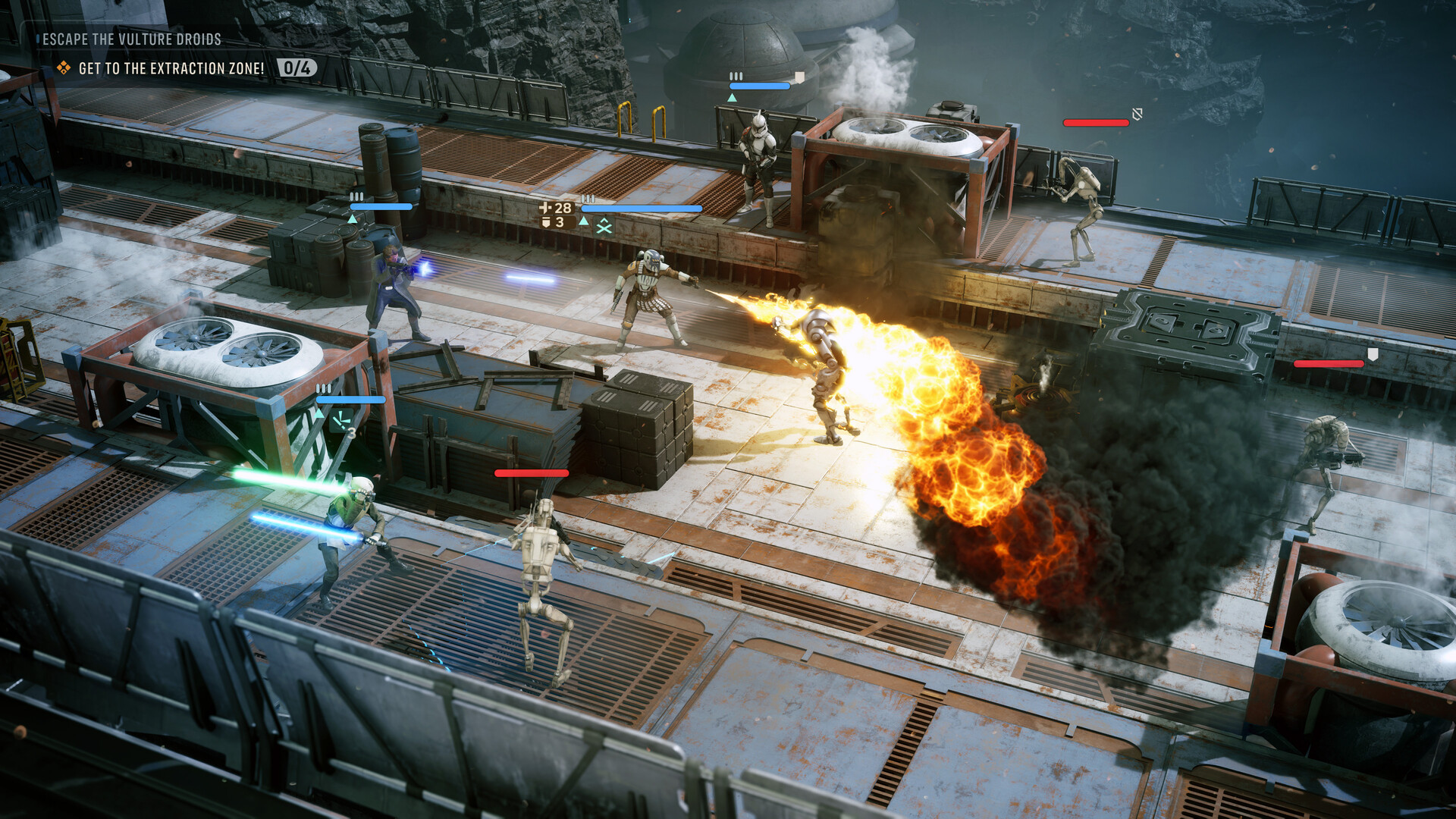
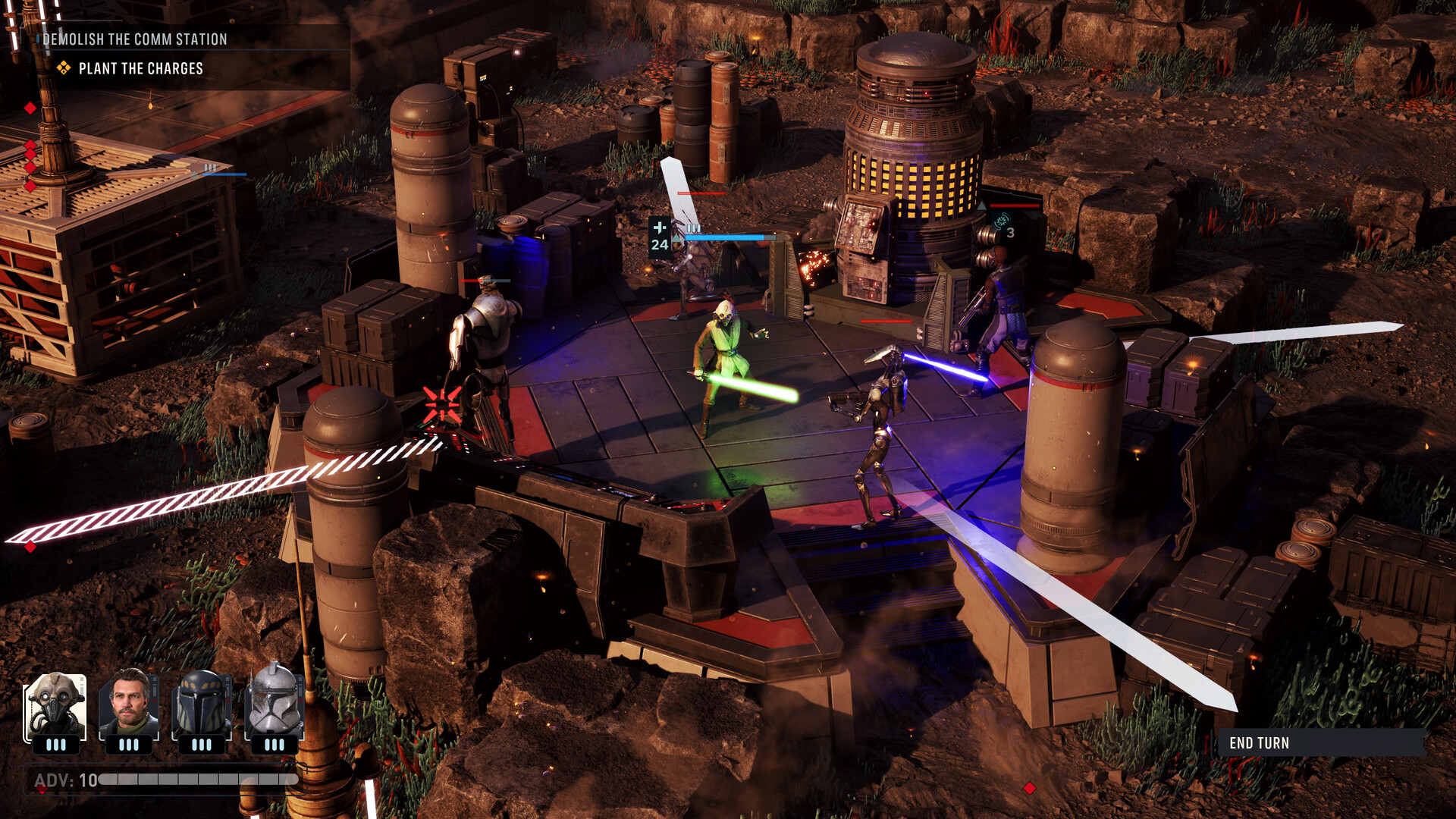
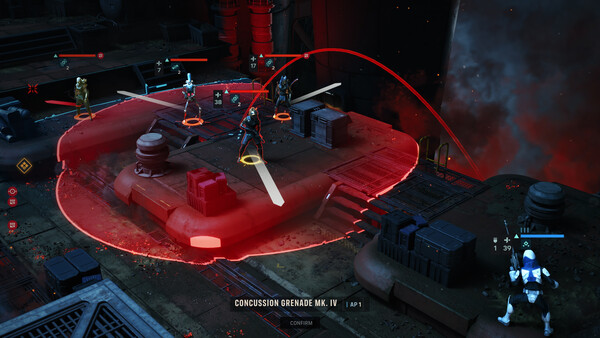
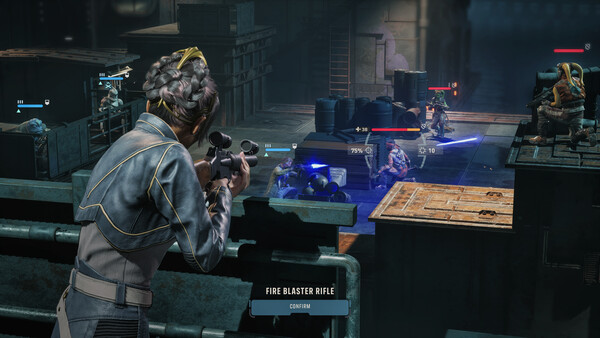
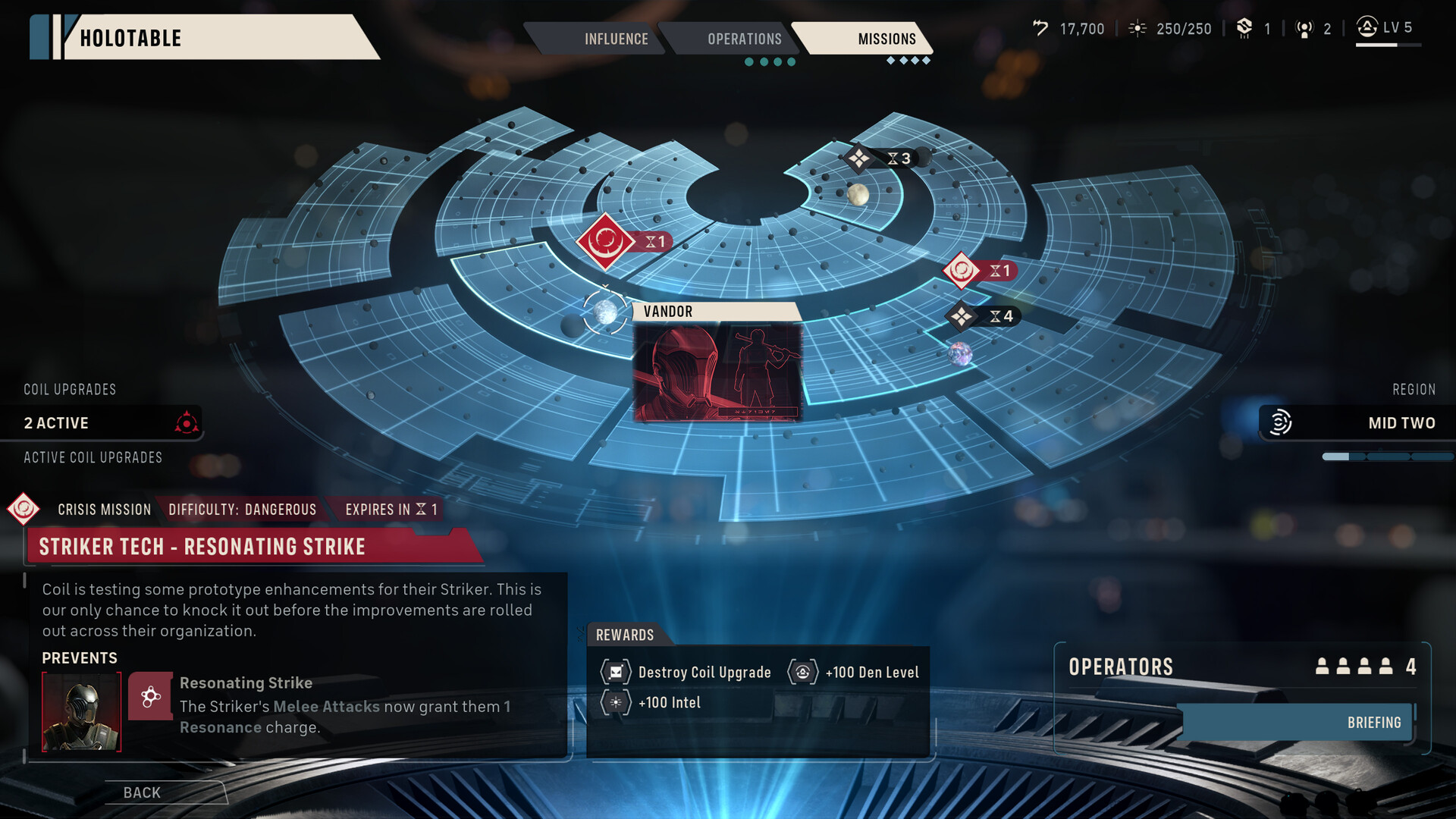
Battles unfold in turns, so positioning, abilities and coordination matter more than reflexes. Operatives come from different backgrounds and roles, including familiar kinds of Star Wars characters such as scoundrels, droids and Jedi. Between missions, you can develop the team, adjust loadouts and build combinations of skills that change how the squad handles later encounters. The campaign ties tactical decisions to a cinematic original story.
Official game page