FREE CHEATS FOR
StarVaders
Released April 30, 2025
Updated

EAGLE CHEATSStarVaders
 EAGLE CHEATS
How to use Eagle in StarVaders
With StarVaders running, press Insert to open the Eagle menu. The quick keys give direct access to Mech Health and Deck Search. Use the menu for Card Draw View, Artifact Inventory and Enemy Intent and the remaining listed features; close it with Insert to return to the app.
- F2 Mech Health
Press F2 to turn Mech Health on or off without opening the menu. - F3 Deck Search
Press F3 to turn Deck Search on or off without opening the menu. - Insert Card Draw View
Press Insert, find Card Draw View in the feature list, and switch it on or off. - Insert Artifact Inventory
Press Insert, find Artifact Inventory in the feature list, and switch it on or off. - Insert Enemy Intent
Press Insert, find Enemy Intent in the feature list, and switch it on or off.
EXPLORE THE MENUFeatures
9 features
Mech, deck and turn information for grid-based battles.
- Mech Health
- Deck Search
- Card Draw View
- Enemy Intent
- Grid Overview
- Rewind Charges
- Artifact Inventory
- Turn Tracker
- Run Statistics
About the game
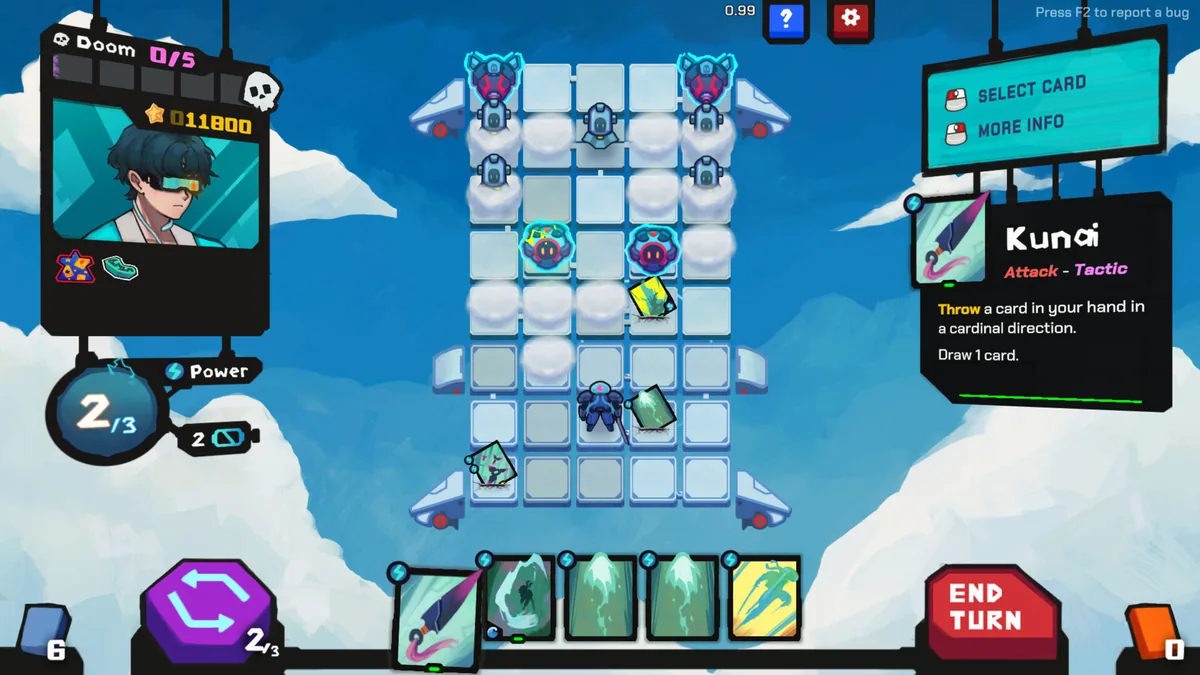
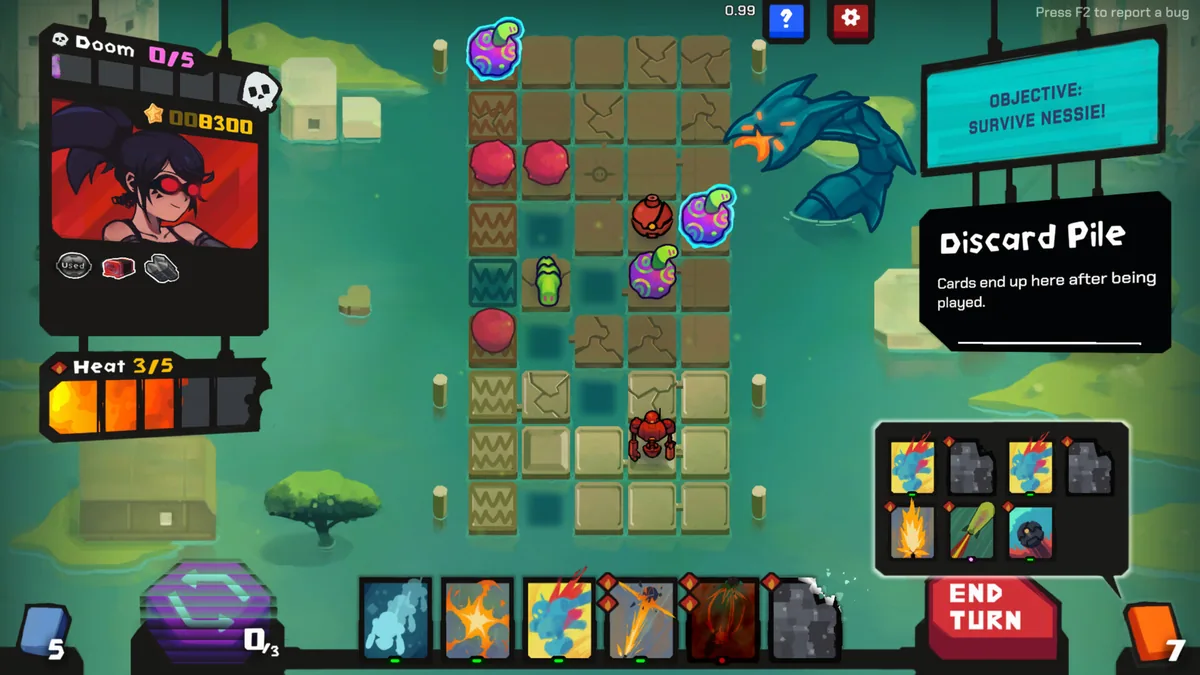
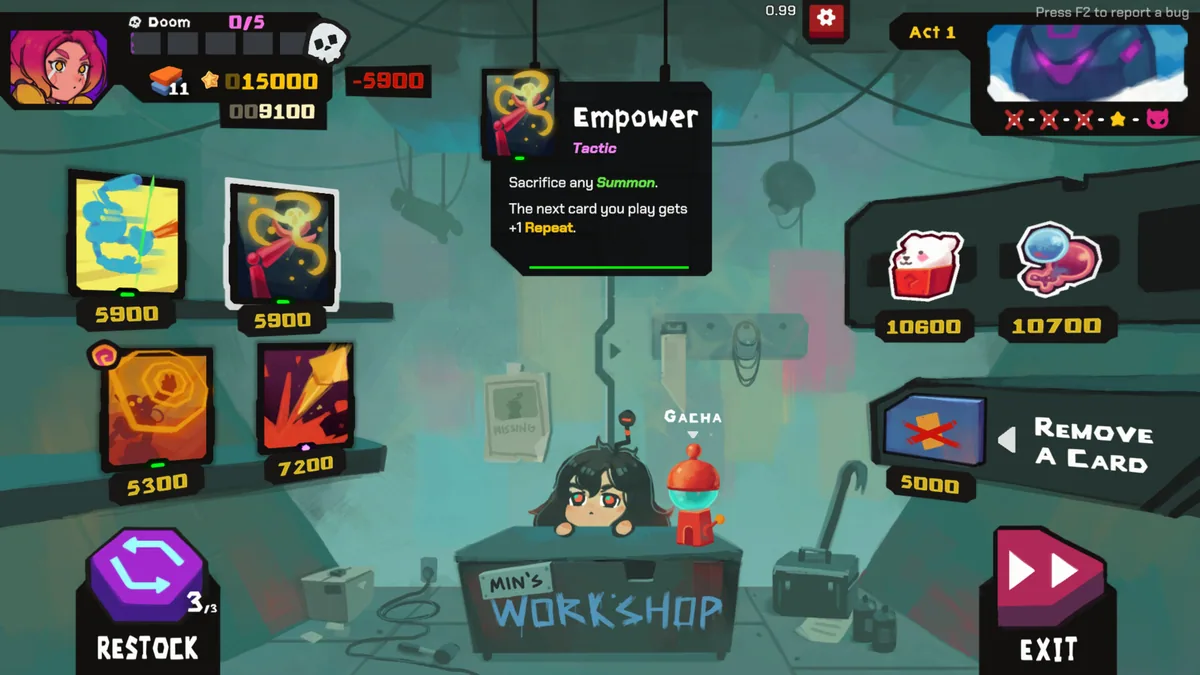
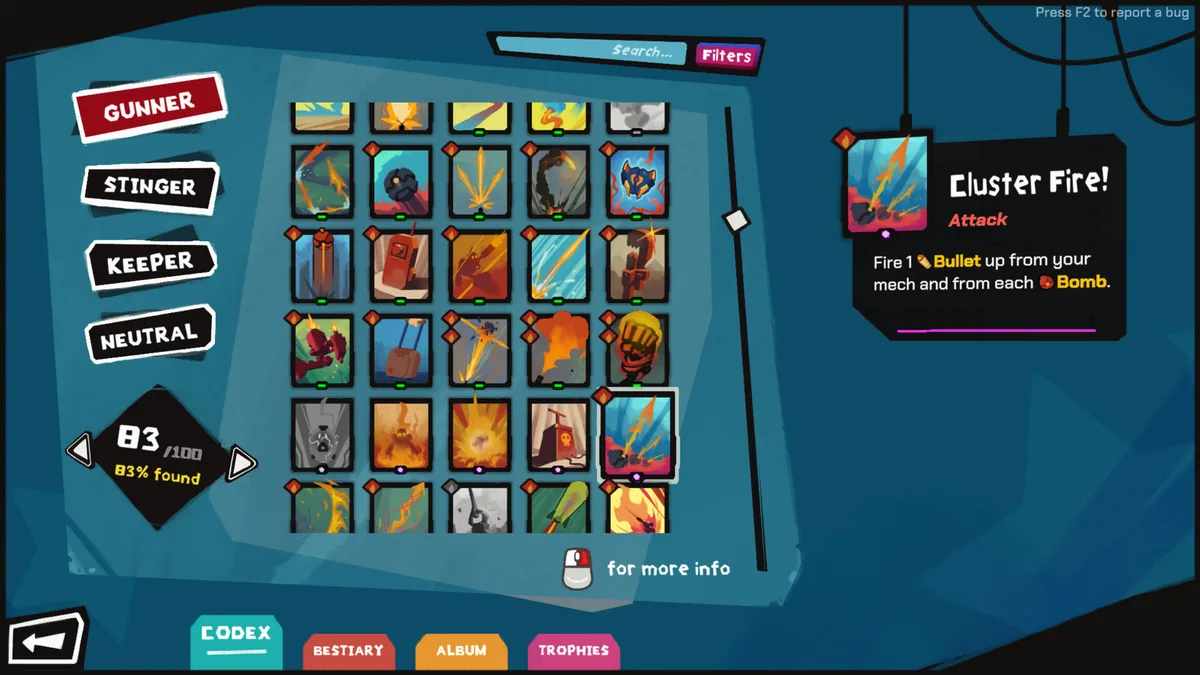
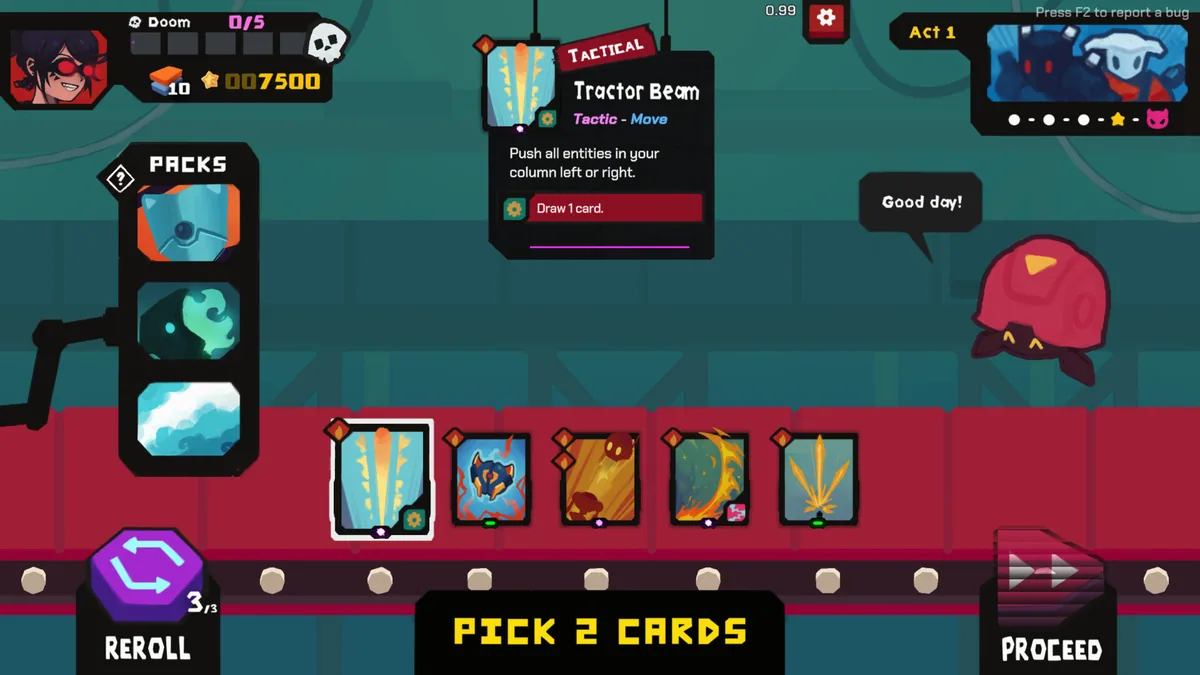
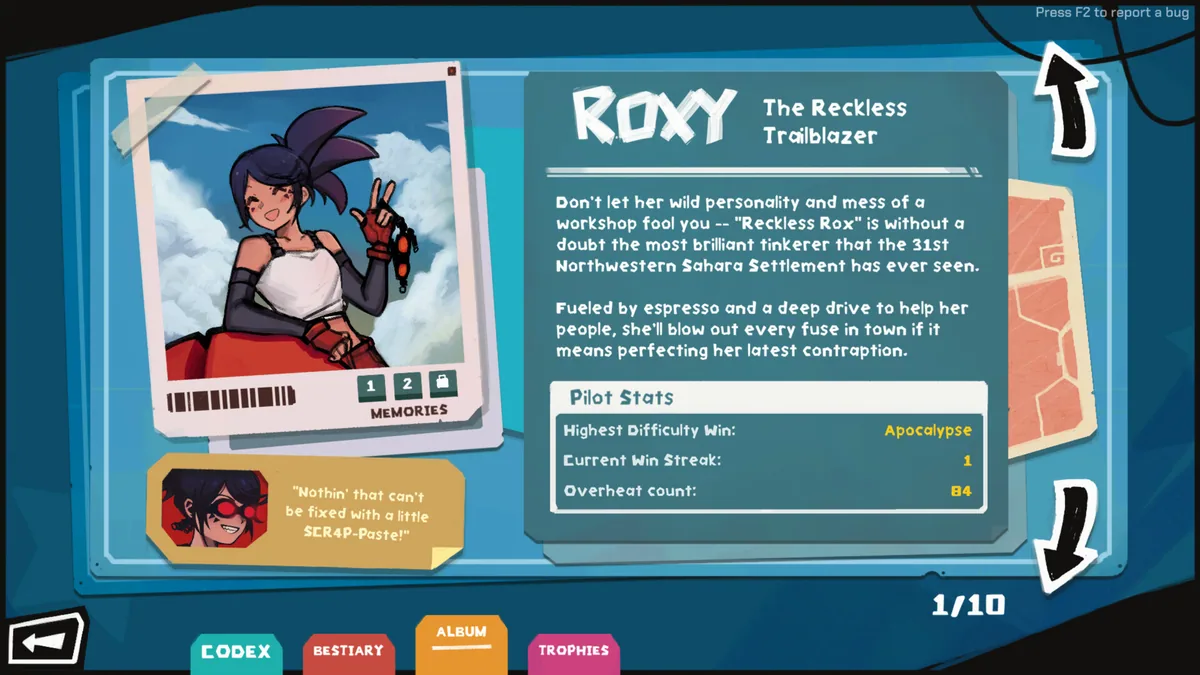
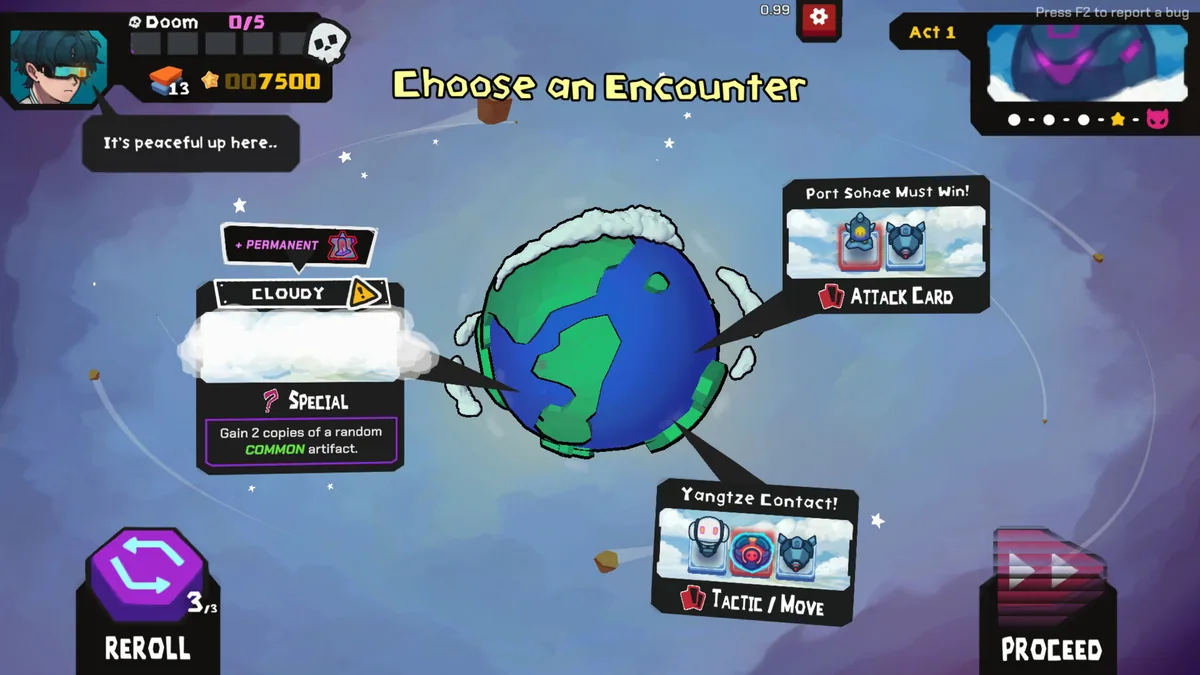
StarVaders puts a mech pilot between Earth and an alien invasion. Battles combine cards with grid movement, requiring players to place attacks, avoid incoming fire and protect the field.
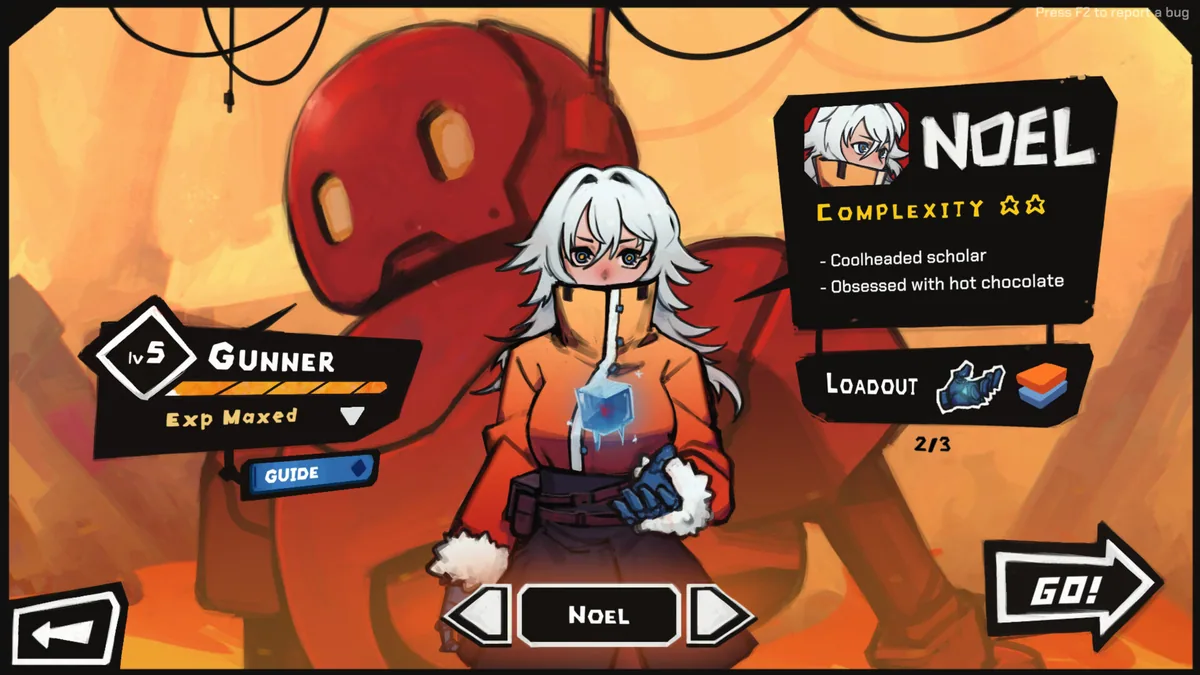
New decks and pilots encourage different tactics. A rewind ability can rescue a difficult turn, while artifacts and card combinations make each campaign develop its own rhythm.
Official game page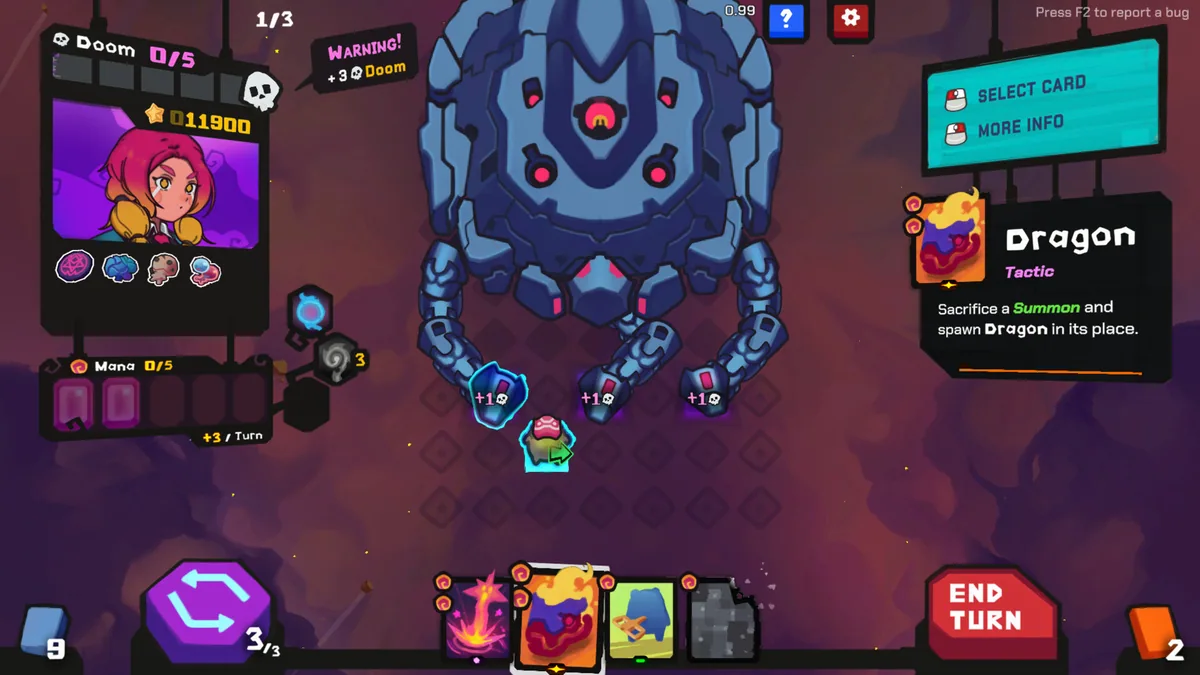
KEEP EXPLORING