FREE CHEATS FOR
Superliminal
Released November 5, 2020
Updated

 EAGLE CHEATS
How to use Eagle in Superliminal
With Superliminal running, press Insert to open the Eagle menu. The quick keys give direct access to Puzzle Hint Overlay and Interaction Markers. Use the menu for Undo Move, Level Select and Timer Pause and the remaining listed features; close it with Insert to return to the app.
- F2 Puzzle Hint Overlay
Press F2 to turn Puzzle Hint Overlay on or off without opening the menu. - F3 Interaction Markers
Press F3 to turn Interaction Markers on or off without opening the menu. - Insert Undo Move
Press Insert, find Undo Move in the feature list, and switch it on or off. - Insert Level Select
Press Insert, find Level Select in the feature list, and switch it on or off. - Insert Timer Pause
Press Insert, find Timer Pause in the feature list, and switch it on or off.
EXPLORE THE MENUFeatures
9 features
Puzzle Hint Overlay and Interaction Markers help players navigate and solve puzzles. These controls allow Eagle to adjust the game's perspective and provide guidance during the dream world's shifting environments. Press Insert to open the Eagle menu on Windows PC. The mod menu is free for Windows PC.
- Puzzle Hint Overlay
- Interaction Markers
- Undo Move
- Timer Pause
- Scene Bookmark
- Free Camera
- Puzzle Reset
- Level Select
- Objective Markers
About the game
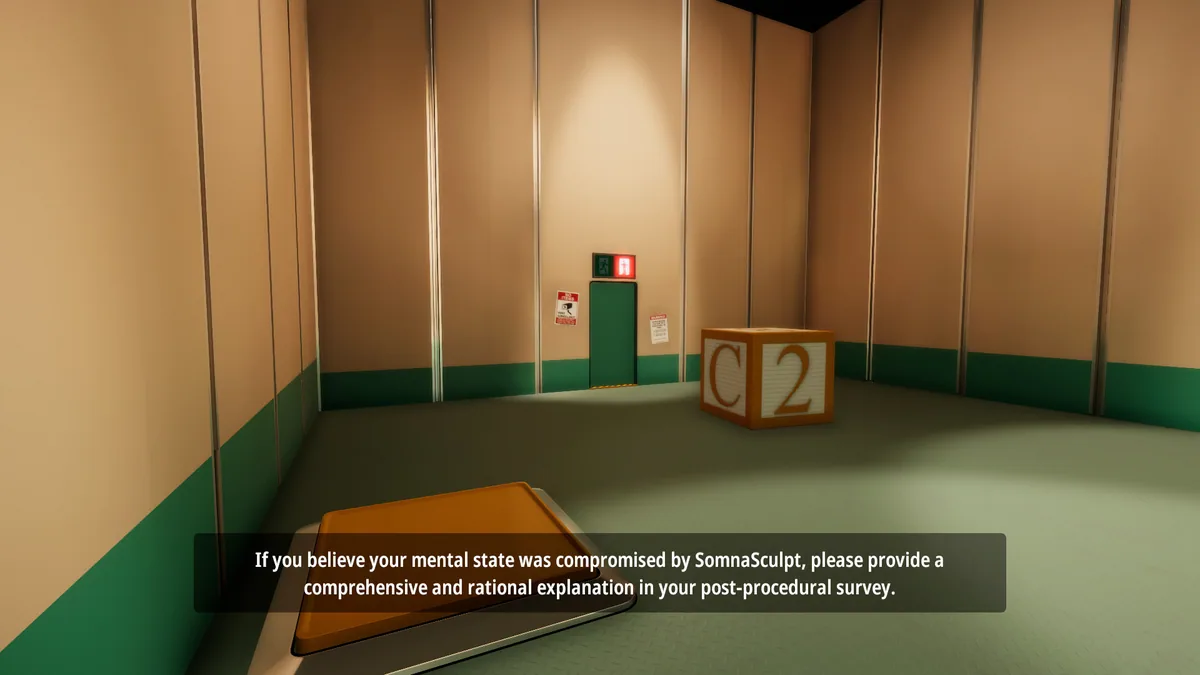
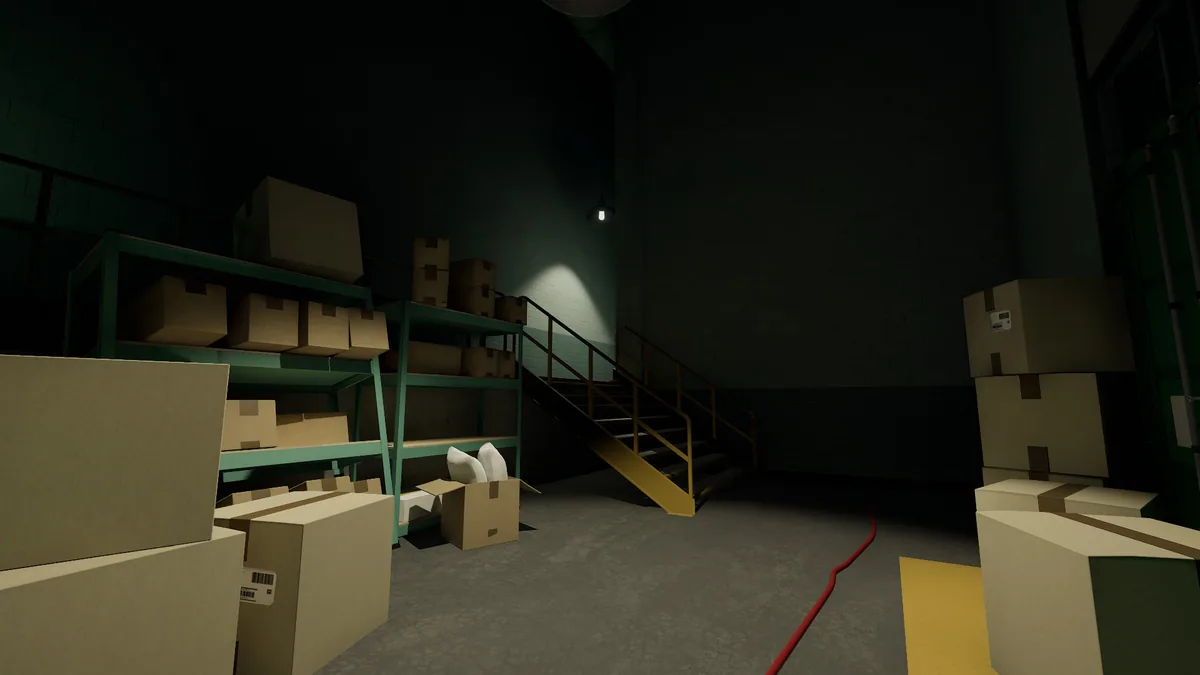
Superliminal is a first-person puzzle game where players navigate a surreal dream world, solving impossible puzzles by manipulating perspective and depth. The game's core loop involves exploring environments, interacting with objects, and rethinking spatial relationships to progress. As the dream world unravels, players must adapt their thinking to overcome challenges and uncover the truth behind their situation. The game blends optical illusions with a compelling narrative, offering a unique experience that challenges perception and logic.
Players take on the role of someone trapped in a dream created by an experimental therapy program. The journey involves navigating shifting environments, deciphering cryptic clues, and working with an AI assistant that has its own agenda. Choices made during the game influence the narrative and the player's ability to escape the dream, making each playthrough a fresh and engaging experience.
Official game page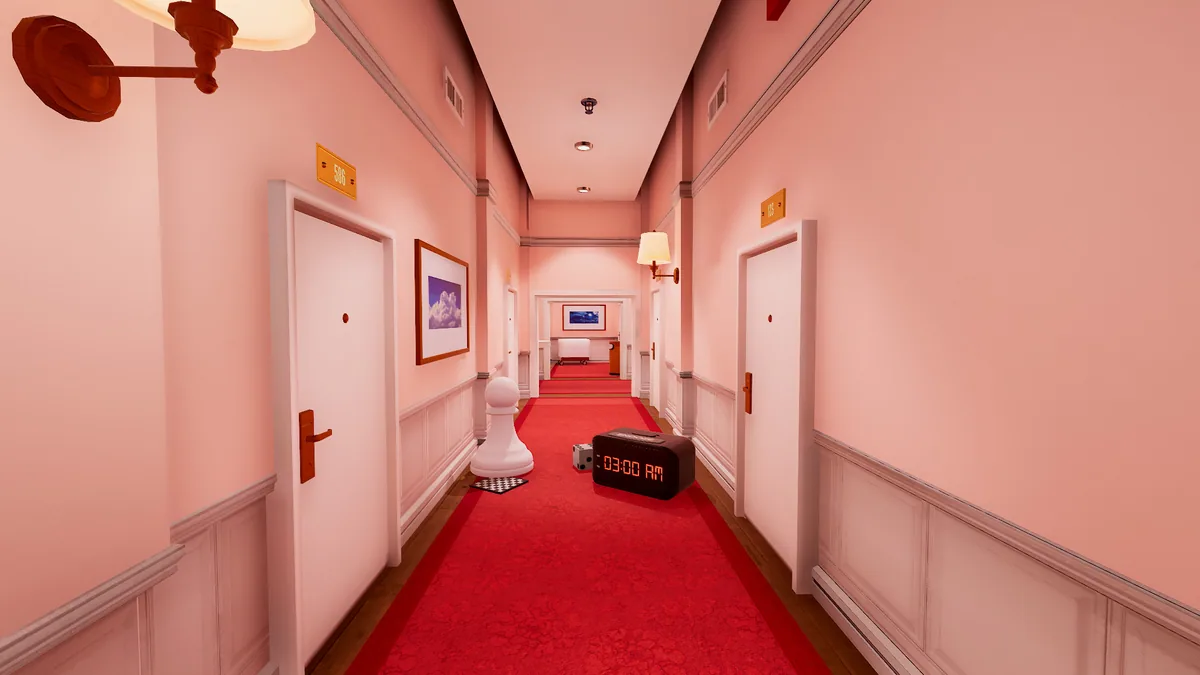
Using the Superliminal mod menu
Use Puzzle Hint Overlay to visualize puzzle solutions and Interaction Markers to identify interactive objects. These features are essential for navigating the dream world's shifting environments and solving complex puzzles efficiently.