FREE CHEATS FOR
THANKS, LIGHT.
Released October 14, 2026
Updated

 EAGLE CHEATS
How to use Eagle in THANKS, LIGHT.
With THANKS, LIGHT. running, press Insert to open the Eagle menu. The quick keys give direct access to Light Source Markers and Object State Overlay. Use the menu for Puzzle Hints, Interactable Highlight and Placement Guide and the remaining listed features; close it with Insert to return to the app.
- F2 Light Source Markers
Press F2 to turn Light Source Markers on or off without opening the menu. - F3 Object State Overlay
Press F3 to turn Object State Overlay on or off without opening the menu. - Insert Puzzle Hints
Press Insert, find Puzzle Hints in the feature list, and switch it on or off. - Insert Interactable Highlight
Press Insert, find Interactable Highlight in the feature list, and switch it on or off. - Insert Placement Guide
Press Insert, find Placement Guide in the feature list, and switch it on or off.
EXPLORE THE MENUFeatures
8 features
The Eagle THANKS, LIGHT. menu includes light source markers, object state overlay and puzzle hints for light-based spatial puzzles. Press Insert to open the menu on Windows PC.
- Light Source Markers
- Object State Overlay
- Puzzle Hints
- Interactable Highlight
- Placement Guide
- Room Reset
- Chapter Progress
- Free Camera
About the game
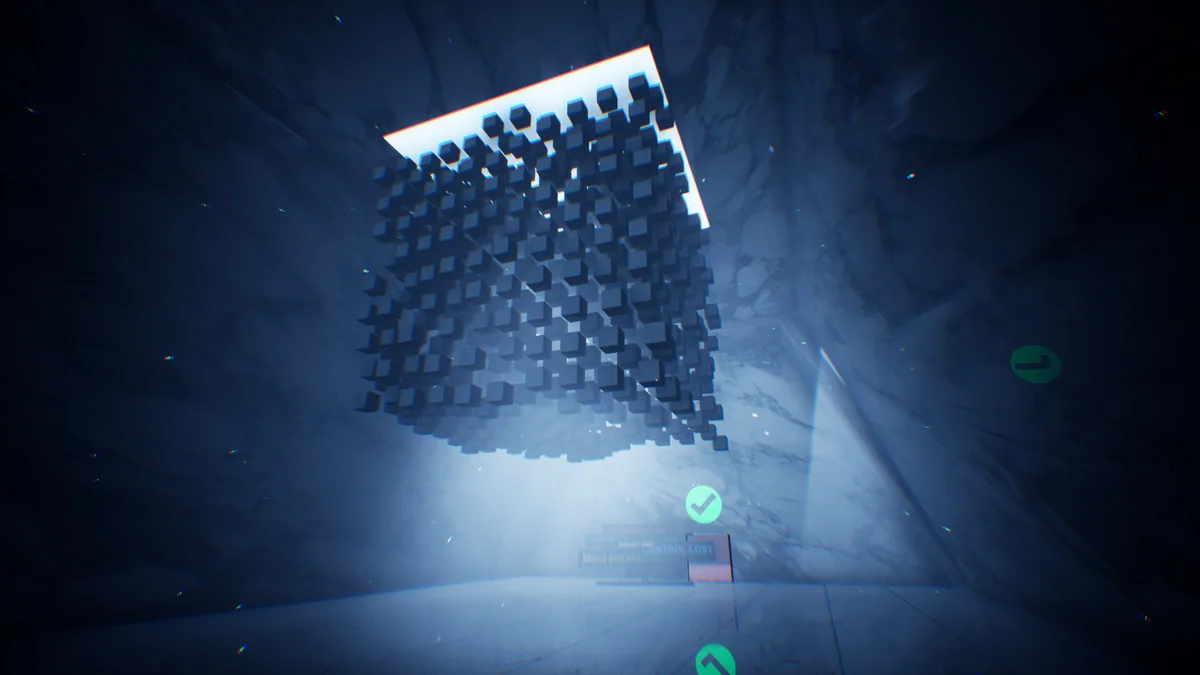
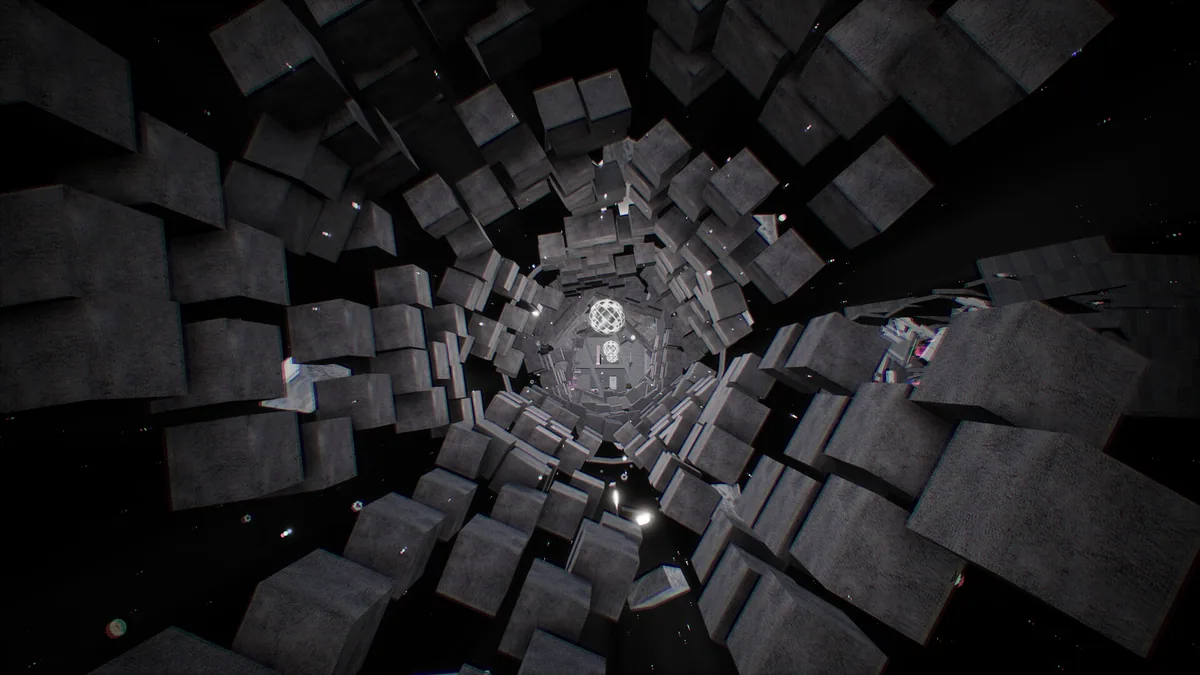
THANKS, LIGHT. is a first-person puzzle game where light changes the shape of objects. Illuminated flat forms become solid, and absorbing light reverses that change.
Solving a room means using these transformations to understand its space.
Official game page