FREE CHEATS FOR
The Doll Shop
Released October 12, 2026
Updated

EAGLE CHEATSThe Doll Shop
 EAGLE CHEATS
How to use Eagle in The Doll Shop
With The Doll Shop running, press Insert to open the Eagle menu. The quick keys give direct access to Conversation Log and Scene Replay. Use the menu for Story Clue Highlight, Location Journal and Chapter Progress and the remaining listed features; close it with Insert to return to the app.
- F2 Conversation Log
Press F2 to turn Conversation Log on or off without opening the menu. - F3 Scene Replay
Press F3 to turn Scene Replay on or off without opening the menu. - Insert Story Clue Highlight
Press Insert, find Story Clue Highlight in the feature list, and switch it on or off. - Insert Location Journal
Press Insert, find Location Journal in the feature list, and switch it on or off. - Insert Chapter Progress
Press Insert, find Chapter Progress in the feature list, and switch it on or off.
EXPLORE THE MENUFeatures
8 features
The Eagle The Doll Shop menu includes conversation log, scene replay and story clue highlight for the dollmaker's story. Press Insert to open the menu on Windows PC.
- Conversation Log
- Scene Replay
- Story Clue Highlight
- Chapter Progress
- Character Notes
- Hidden Scene Markers
- Location Journal
- Free Camera
About the game
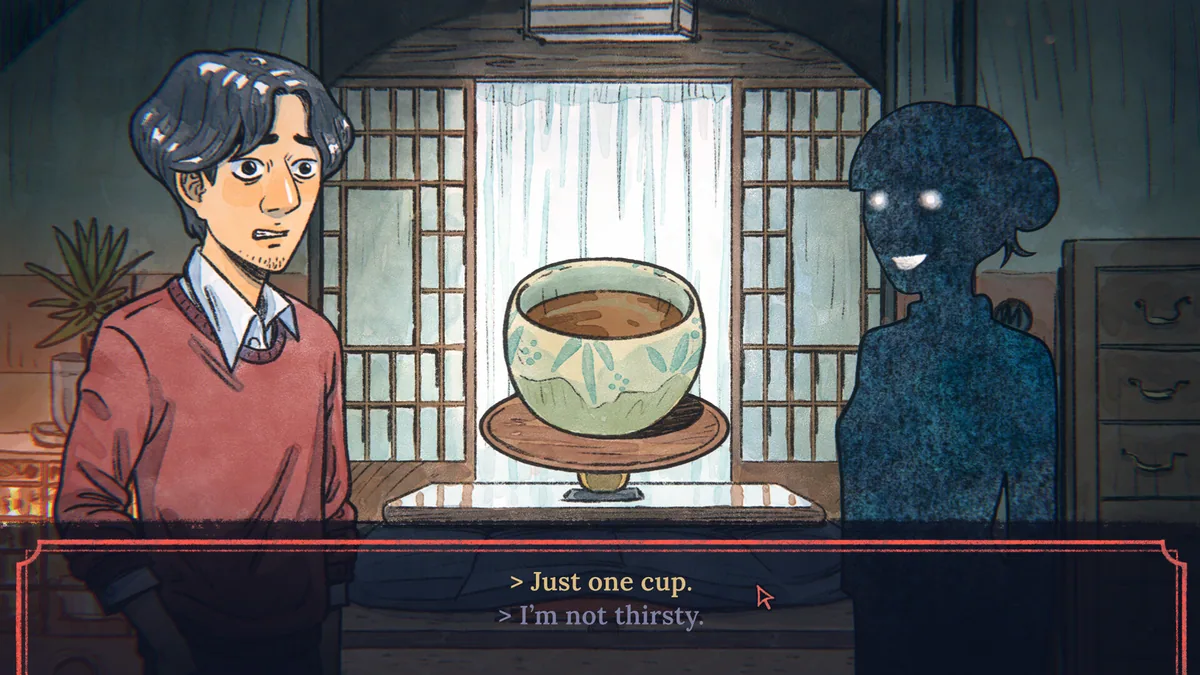
The Doll Shop is a hand-drawn story set in a snowy Japanese village. A dollmaker meets a childhood friend again while keeping a troubling secret.
Romance and horror share the narrative as their relationship develops in an uneasy place.
Official game page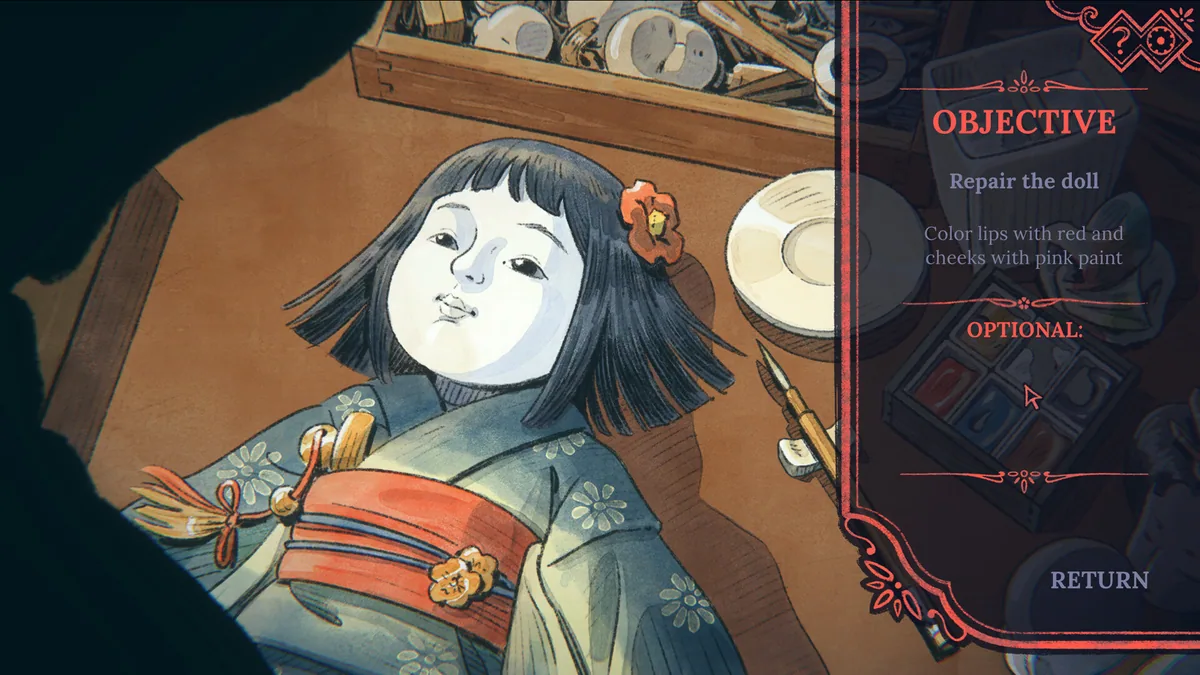

KEEP EXPLORING