FREE CHEATS FOR
The Last Caretaker
Released November 6, 2025
Updated

 EAGLE CHEATS
How to use Eagle in The Last Caretaker
With The Last Caretaker running, press Insert to open the Eagle menu. The quick keys give direct access to Infinite Health, Infinite Stamina and No Hunger. Use the menu for No Thirst, No Item Durability Loss and Instant Crafting and the remaining listed features; close it with Insert to return to the app.
- F2 Infinite Health
Press F2 to turn Infinite Health on or off without opening the menu. - F3 Infinite Stamina
Press F3 to turn Infinite Stamina on or off without opening the menu. - F4 No Hunger
Press F4 to turn No Hunger on or off without opening the menu. - Insert No Thirst
Press Insert, find No Thirst in the feature list, and switch it on or off. - Insert No Item Durability Loss
Press Insert, find No Item Durability Loss in the feature list, and switch it on or off. - Insert Instant Crafting
Press Insert and choose Instant Crafting when you want to run this action.
EXPLORE THE MENUFeatures
13 features
The free The Last Caretaker trainer includes Infinite Health, Infinite Stamina and No Hunger. It also offers No Thirst, No Item Durability Loss and Instant Crafting. Press Insert to open the menu on Windows PC.
- Infinite Health
- Infinite Stamina
- No Hunger
- No Thirst
- No Item Durability Loss
- Instant Crafting
- Resource Highlight
- Save Position
- No Build Cost
- Unlimited Materials
- Instant Repair
- No Repair Mistakes
- Highlight Missing Parts
About the game
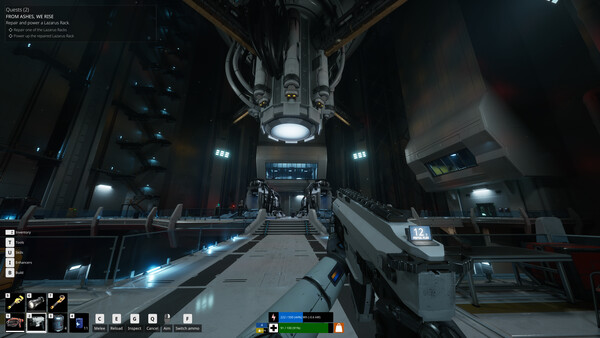
Explore a drowned Earth, restore lost systems, and raise the last human seeds in this first-person survival-crafting adventure. Build, scavenge, defend, and launch humanity back to the stars.
Official game page