FREE CHEATS FOR
The Sims 4
Released June 18, 2020
Updated

 EAGLE CHEATS
How to use Eagle in The Sims 4
With The Sims 4 running, press Insert to open the Eagle menu. The quick keys give direct access to Story progression, Sim and world cheat controls and Character appearance rules. Use the menu for Career settings, Instant Skill Gain and Unlimited Materials and the remaining listed features; close it with Insert to return to the app.
- F2 Story progression
Press F2 to turn Story progression on or off without opening the menu. - F3 Sim and world cheat controls
Press F3 to turn Sim and world cheat controls on or off without opening the menu. - F4 Character appearance rules
Press F4 to turn Character appearance rules on or off without opening the menu. - Insert Career settings
Press Insert, choose Career settings, adjust its value or option, and apply. - Insert Instant Skill Gain
Press Insert and choose Instant Skill Gain when you want to run this action. - Insert Unlimited Materials
Press Insert, find Unlimited Materials in the feature list, and switch it on or off.
EXPLORE THE MENUFeatures
19 features
The free The Sims 4 mod includes Story progression, Sim and world cheat controls and Career settings. It also offers Population settings, Character appearance rules and NPC interactions. Press Insert to open the menu on Windows PC.
- Story progression
- Sim and world cheat controls
- Career settings
- Population settings
- Character appearance rules
- NPC interactions
- Pregnancy settings
- Outfit controls
- Unlimited Household Funds
- No Fatigue
- Max Needs
- Max Relationships
- Instant Skill Gain
- Unlock Outfits
- Freeze Day Clock
- Save Household Preset
- Instant Crafting
- No Build Cost
- Unlimited Materials
About the game
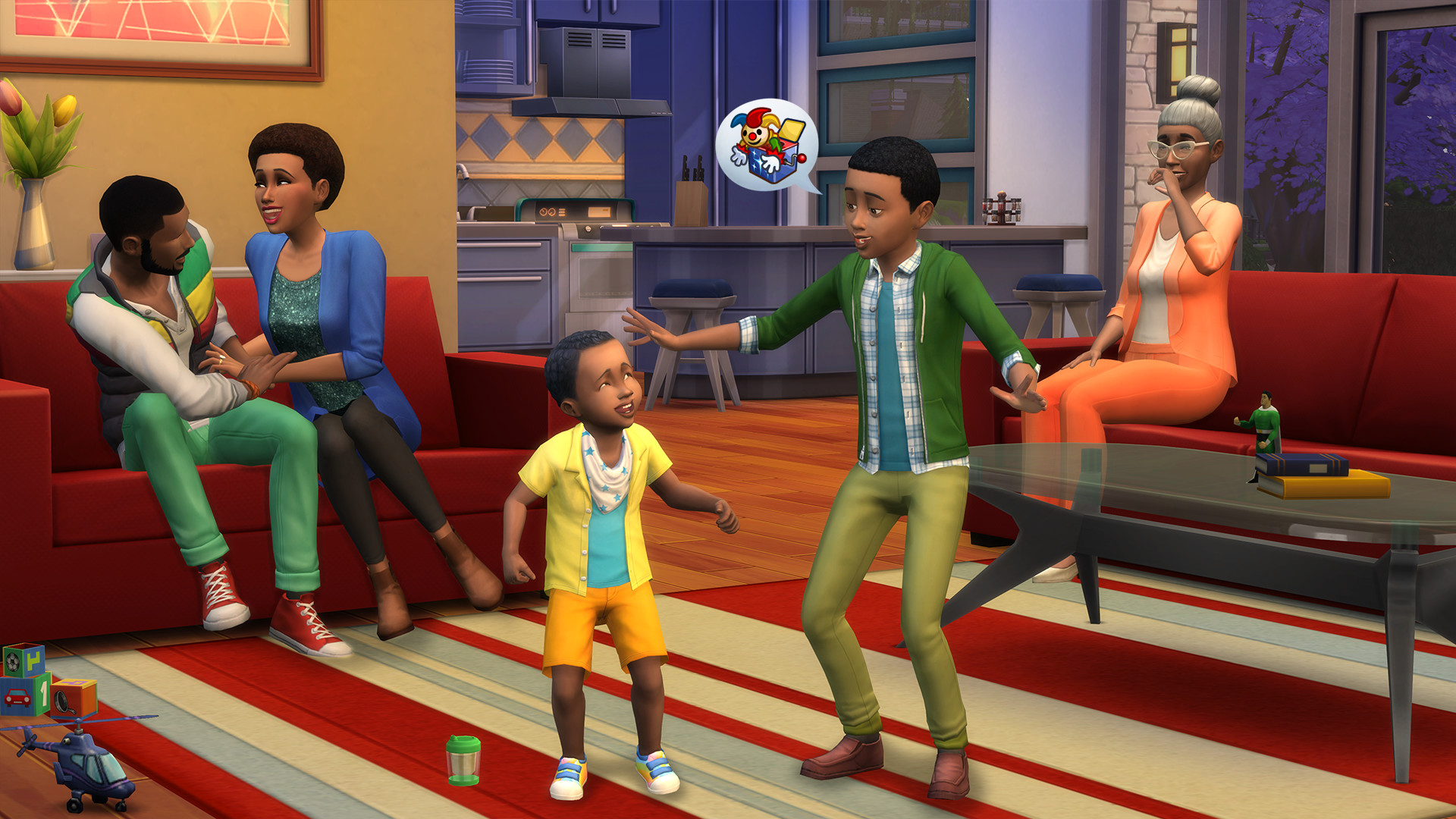
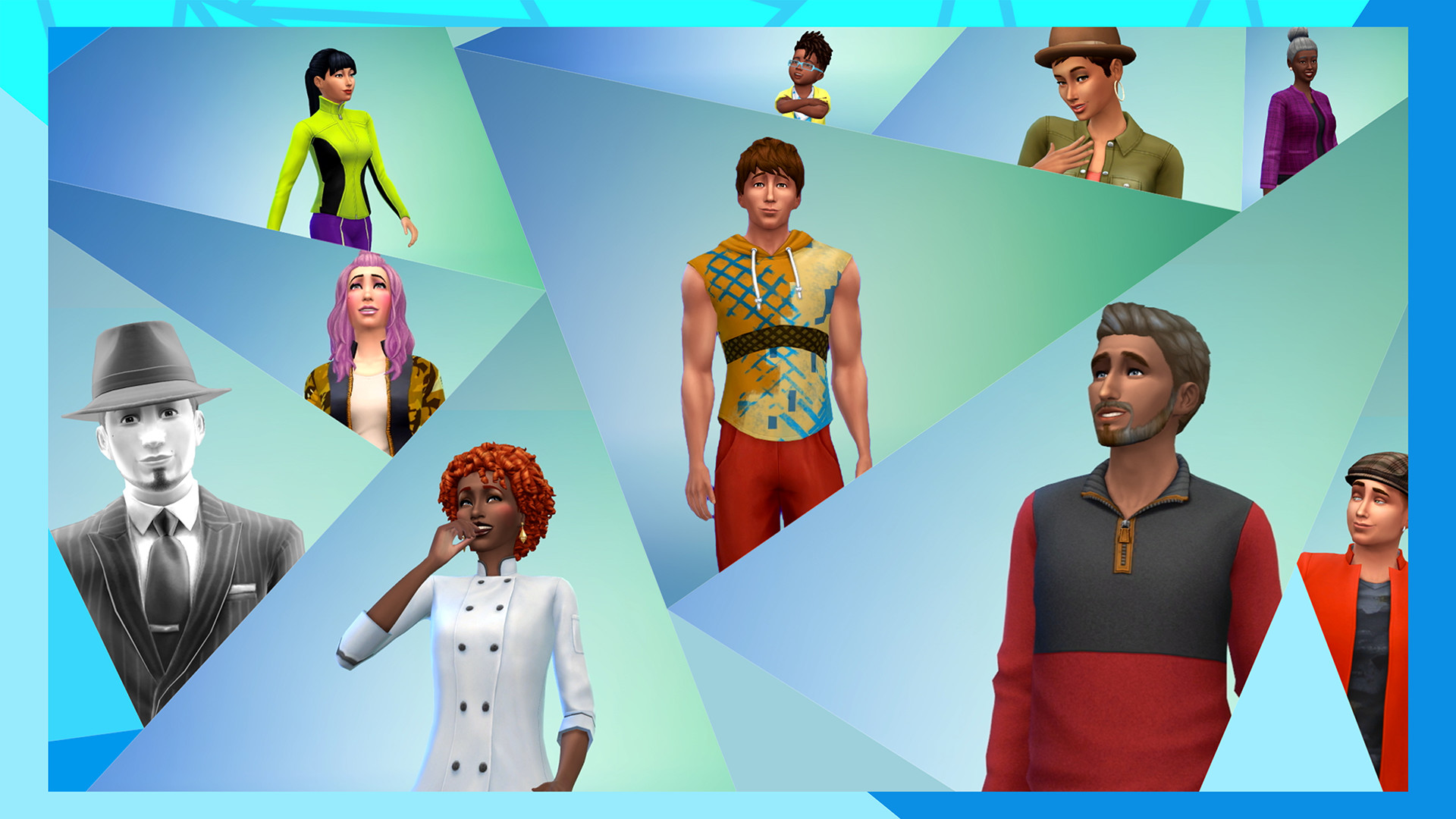
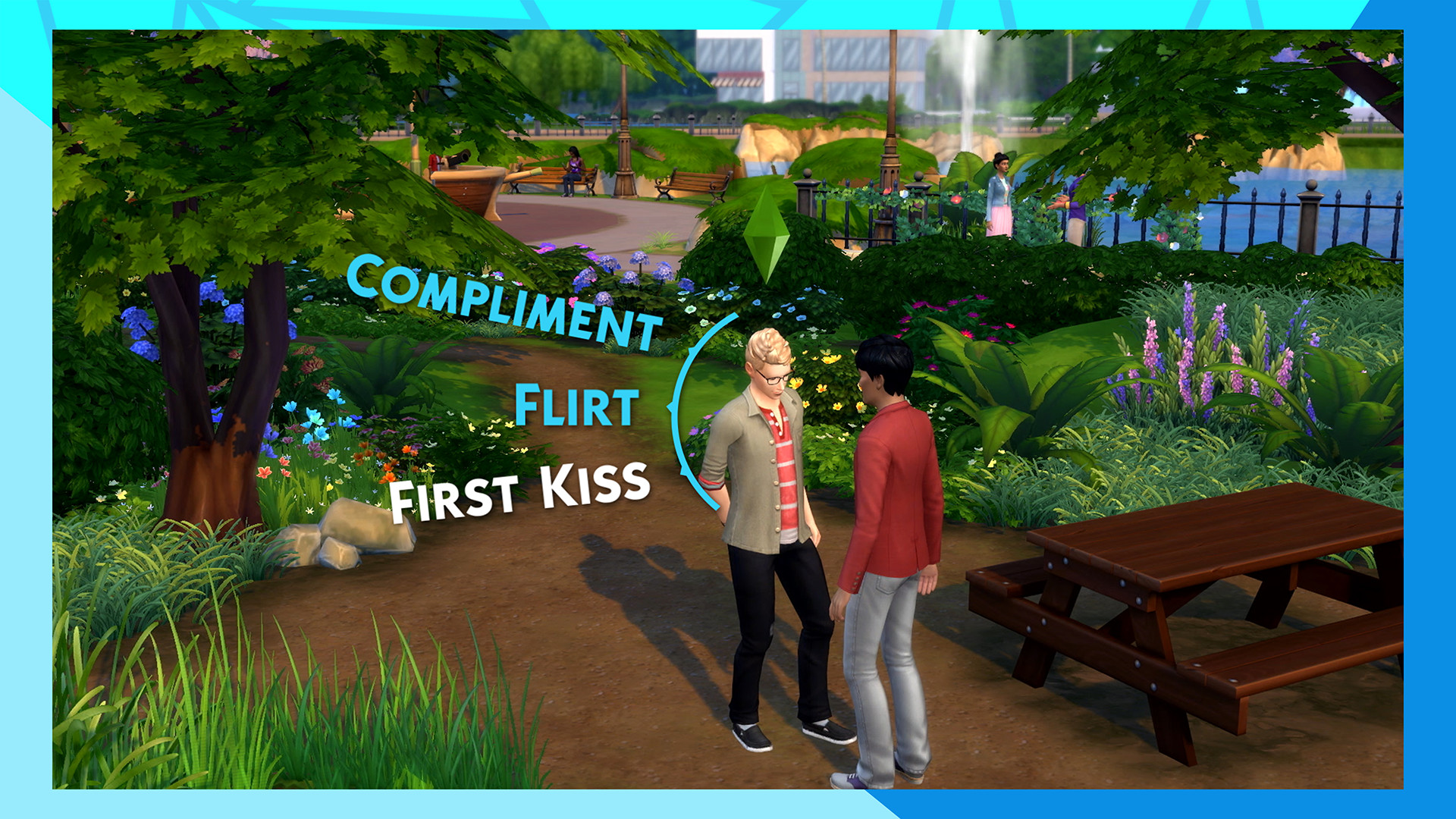
The Sims 4 is a life simulation about creating people and deciding how their lives unfold. Build a Sim's appearance, personality and aspirations, then move them into a home you can furnish room by room. Daily routines lead to friendships, careers, hobbies, family stories and occasional chaos. The game has no single route to a final victory: you can follow a carefully planned household or simply see what happens when its residents interact.
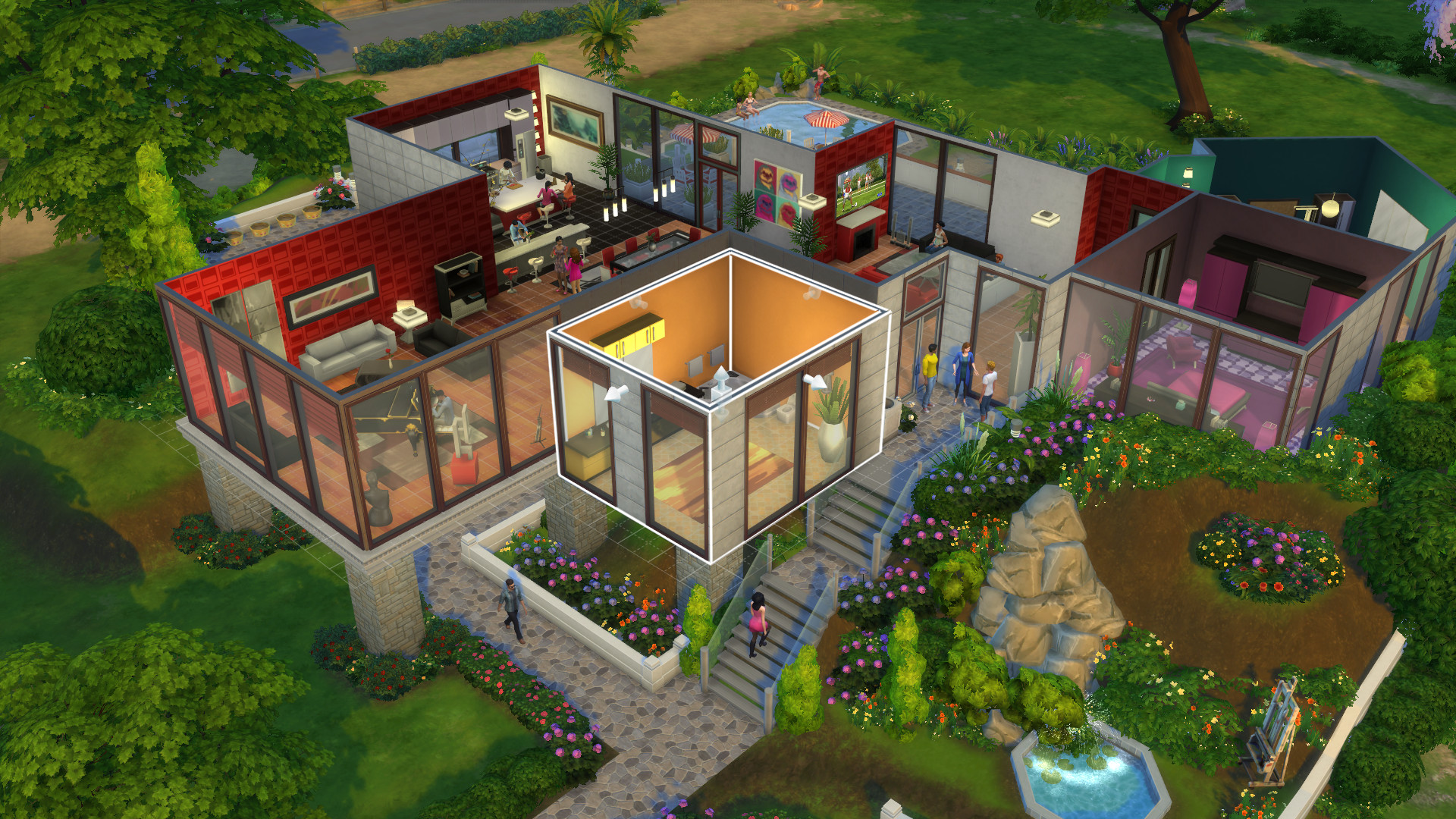
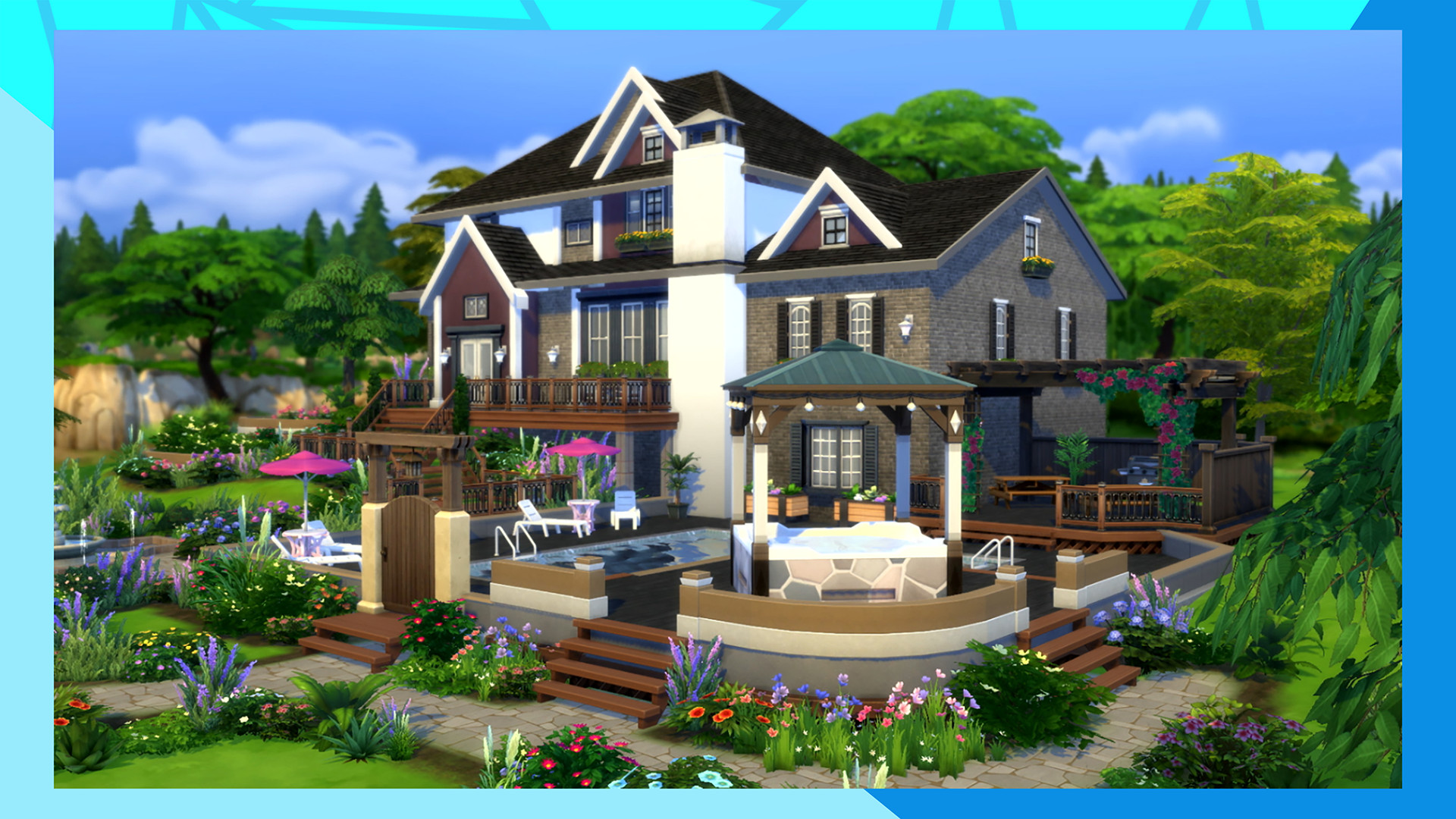
Its building tools let you reshape lots, move walls, choose décor and design spaces for a particular lifestyle. Away from home, Sims visit neighborhoods, meet other characters and pursue changing goals. Different traits and relationships make familiar situations play out in different ways, so the same household can become a comedy, a romance or a long-running family saga.
Official game page