FREE CHEATS FOR
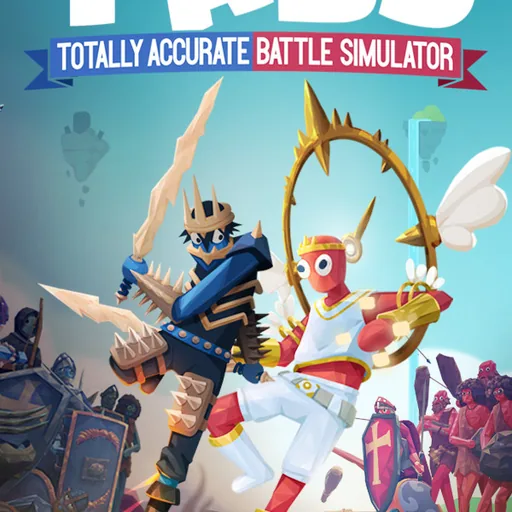
Totally Accurate Battle Simulator
Released April 1, 2021
Updated
 EAGLE CHEATS
How to use Eagle in Totally Accurate Battle Simulator
With Totally Accurate Battle Simulator running, press Insert to open the Eagle menu. The quick keys give direct access to Unit Health and Faction View. Use the menu for Unit Budget Editor, Battle Speed and Deployment Grid and the remaining listed features; close it with Insert to return to the app.
- F2 Unit Health
Press F2 to turn Unit Health on or off without opening the menu. - F3 Faction View
Press F3 to turn Faction View on or off without opening the menu. - Insert Unit Budget Editor
Press Insert, choose Unit Budget Editor, adjust its value or option, and apply. - Insert Battle Speed
Press Insert, choose Battle Speed, adjust the value, and apply. - Insert Deployment Grid
Press Insert, find Deployment Grid in the feature list, and switch it on or off.
EXPLORE THE MENUFeatures
8 features
Unit Budget Editor and Unit Health are key controls. They let players adjust resources and unit durability during battles. Press Insert to open the Eagle menu on Windows PC. The mod menu is free for Windows PC.
- Unit Budget Editor
- Unit Health
- Battle Speed
- Faction View
- Deployment Grid
- Free Camera
- Campaign Unlock
- Replay Controls
About the game
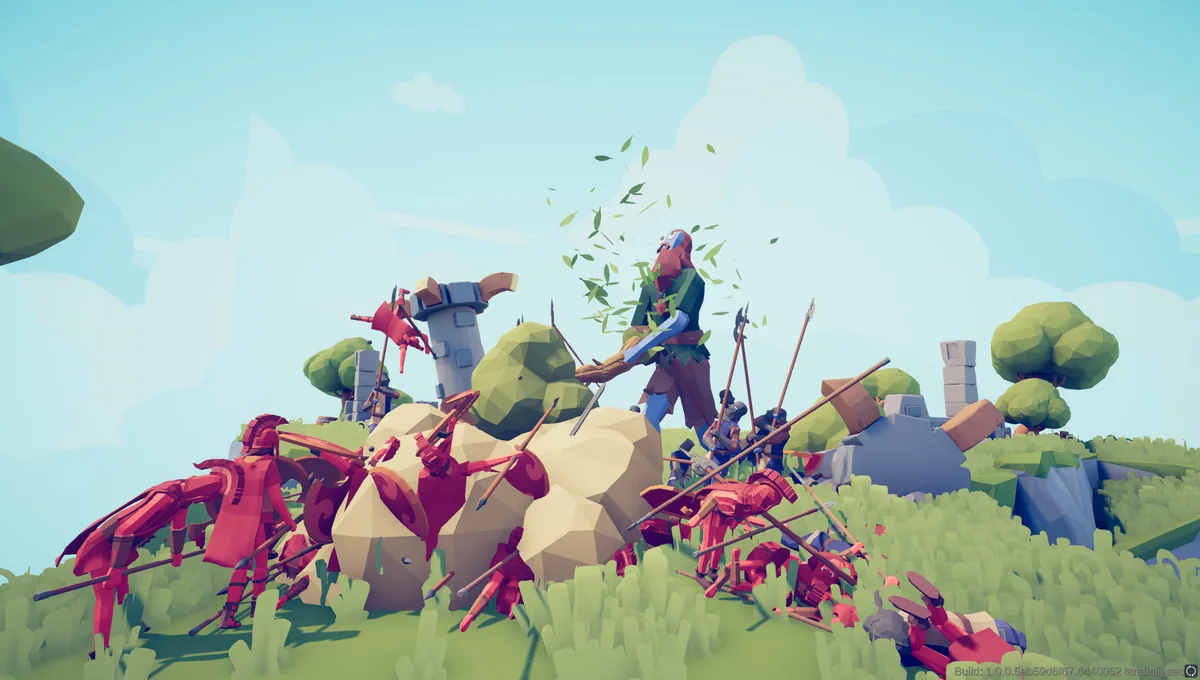
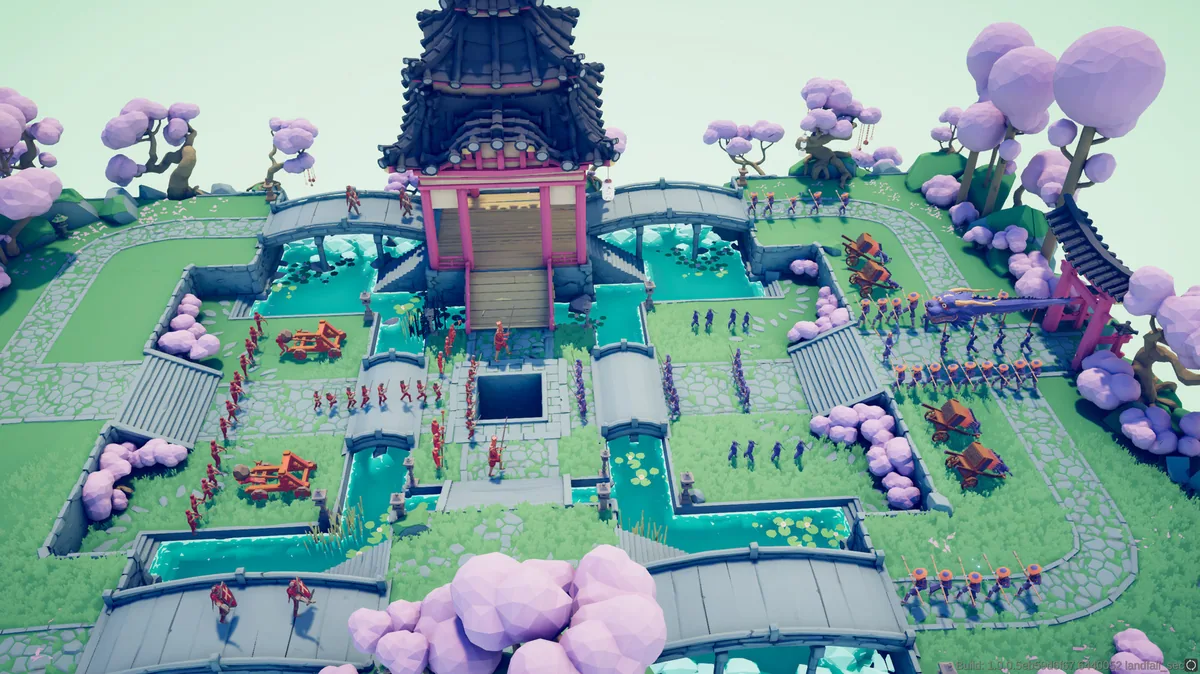
Totally Accurate Battle Simulator invites players to lead armies of wobbling creatures across diverse worlds, from ancient lands to eerie realms. The core gameplay revolves around commanding these wobblers in chaotic, physics-driven battles where every move is unpredictable. Players can customize units, design campaigns, and engage in both solo and multiplayer matches. Strategic decisions, such as resource allocation and unit composition, shape the outcome of each battle. The game's open-ended nature allows for creative experimentation, whether crafting unique factions or testing custom battle scenarios.
The game's loop involves managing a unit budget, deploying troops, and adjusting battle settings to optimize performance. Players can create units and factions, build battles, and test how different lineups behave under the game's unusual physics. The ability to create and share custom content adds depth, encouraging replayability and community-driven innovation.
Official game page
Using the Totally Accurate Battle Simulator mod menu
Use Unit Budget Editor to manage resources efficiently during battles. Adjust Unit Health to balance your army's resilience. These controls are essential for optimizing performance in competitive matches and custom scenarios.