FREE CHEATS FOR
Tower of Hell
Released June 18, 2018
Updated

 EAGLE CHEATS
How to use Eagle in Tower of Hell
With Tower of Hell running, press Insert to open the Eagle menu. The quick keys give direct access to Course Markers and Hazard View. Use the menu for Progress Tracker, Movement Controls and Timer Display and the remaining listed features; close it with Insert to return to the app.
- F2 Course Markers
Press F2 to turn Course Markers on or off without opening the menu. - F3 Hazard View
Press F3 to turn Hazard View on or off without opening the menu. - Insert Progress Tracker
Press Insert, find Progress Tracker in the feature list, and switch it on or off. - Insert Movement Controls
Press Insert, find Movement Controls in the feature list, and switch it on or off. - Insert Timer Display
Press Insert, find Timer Display in the feature list, and switch it on or off.
EXPLORE THE MENUFeatures
11 features
The free Tower of Hell cheat menu includes Course Markers, Hazard View and Progress Tracker. It also offers Timer Display, Camera Controls and Movement Controls. Press Insert to open the menu on Windows PC.
- Course Markers
- Hazard View
- Progress Tracker
- Timer Display
- Camera Controls
- Movement Controls
- Jump Controls
- Session Profiles
- Infinite Jumps
- No Dash Cooldown
- Movement Speed
About the game
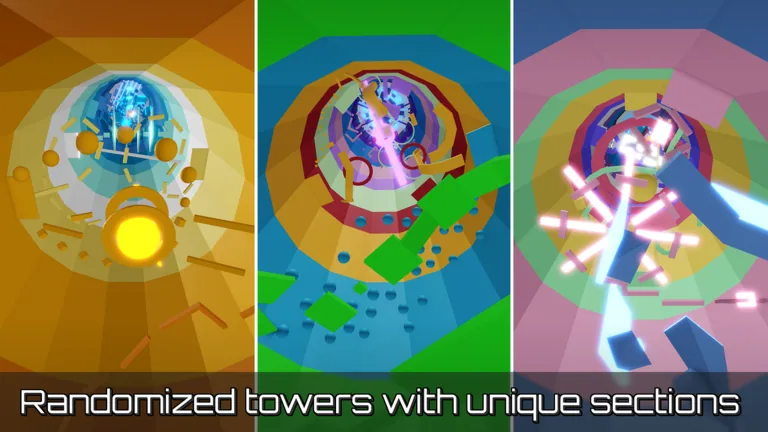
Tower of Hell is a randomly assembled obstacle tower with no checkpoints. Players climb through increasingly demanding stages against a clock and each other.
A mistake sends a player back to the bottom, so route reading and precise movement are essential. New tower combinations keep a familiar challenge from feeling fixed.
Official game page