FREE CHEATS FOR
Toy Shire
Released October 6, 2026
Updated

 EAGLE CHEATS
How to use Eagle in Toy Shire
With Toy Shire running, press Insert to open the Eagle menu. The quick keys give direct access to Base Health, Tower Health and Tower Build Cost. Use the menu for Tower Upgrade Cost, Soldier Health and Soldier Damage and the remaining listed features; close it with Insert to return to the app.
- F2 Base Health
Press F2 to turn Base Health on or off without opening the menu. - F3 Tower Health
Press F3 to turn Tower Health on or off without opening the menu. - F4 Tower Build Cost
Press F4 to turn Tower Build Cost on or off without opening the menu. - Insert Tower Upgrade Cost
Press Insert, find Tower Upgrade Cost in the feature list, and switch it on or off. - Insert Soldier Health
Press Insert, find Soldier Health in the feature list, and switch it on or off. - Insert Soldier Damage
Press Insert, find Soldier Damage in the feature list, and switch it on or off.
EXPLORE THE MENUFeatures
14 features
Build stronger defenses across Toy Shire's miniature battlefields. The trainer brings tower health, soldier deployment, upgrade resources and wave information into a single menu.
- Base Health
- Tower Health
- Tower Build Cost
- Tower Upgrade Cost
- Soldier Health
- Soldier Damage
- Unit Deployment Limit
- Ability Cooldowns
- Enemy Wave View
- Enemy Health
- Wave Timer
- Placement Grid
- Creative Mode Resources
- Game Speed
About the game
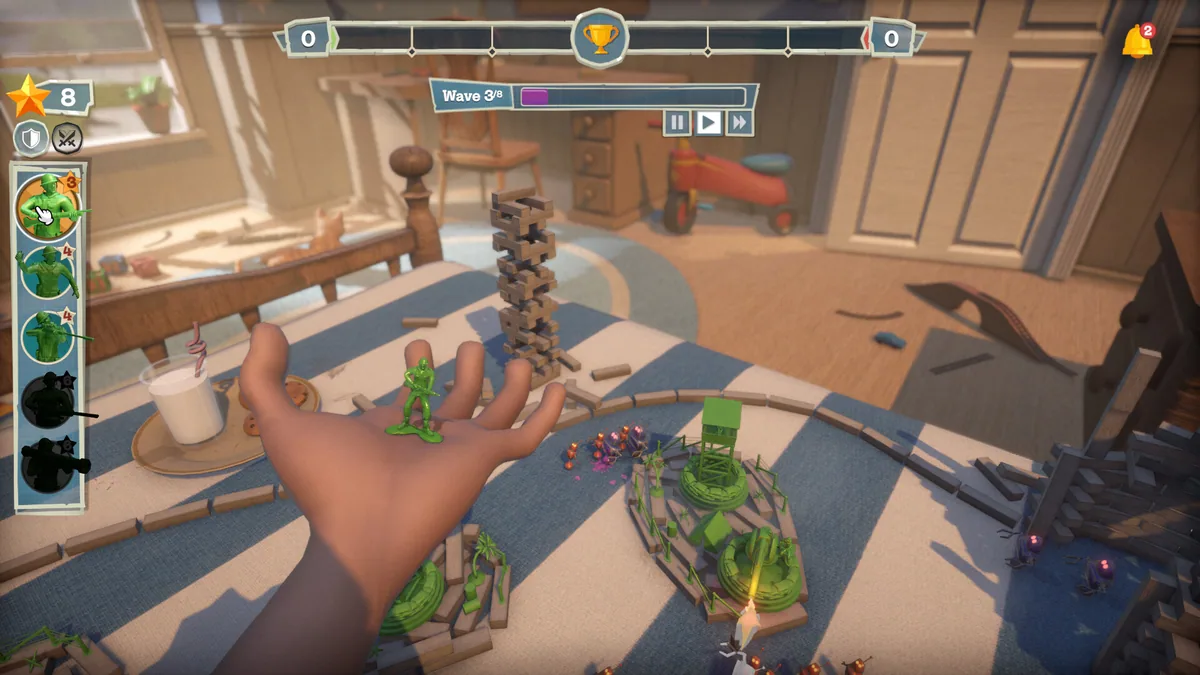
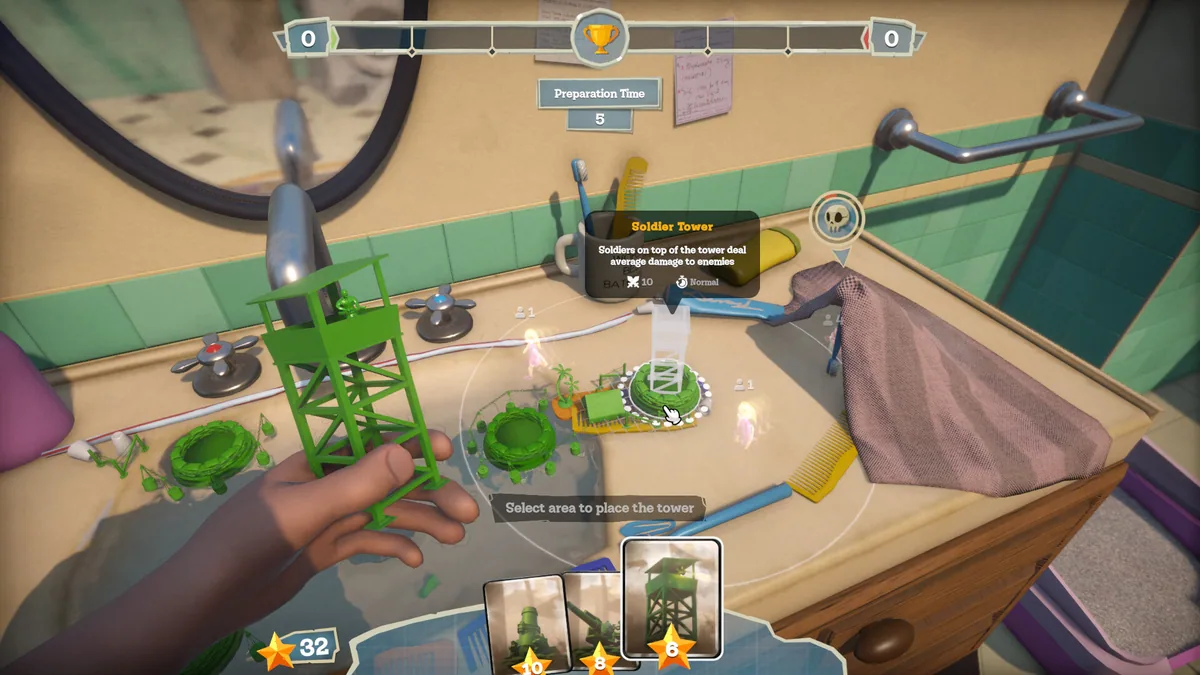
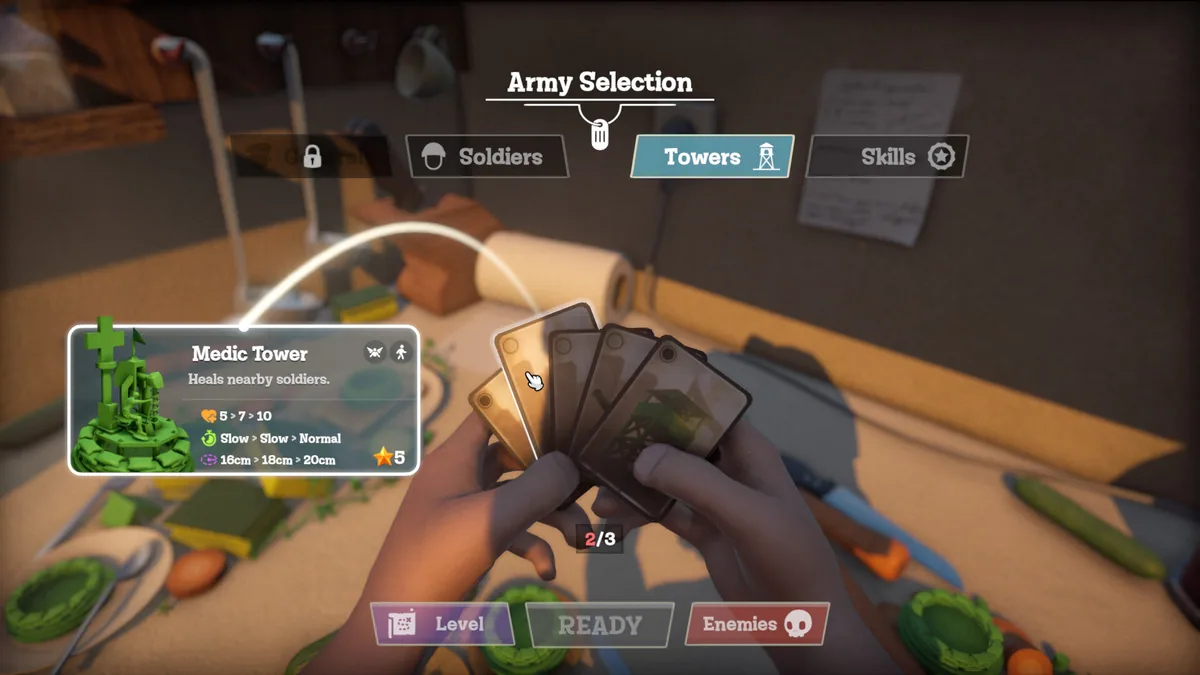
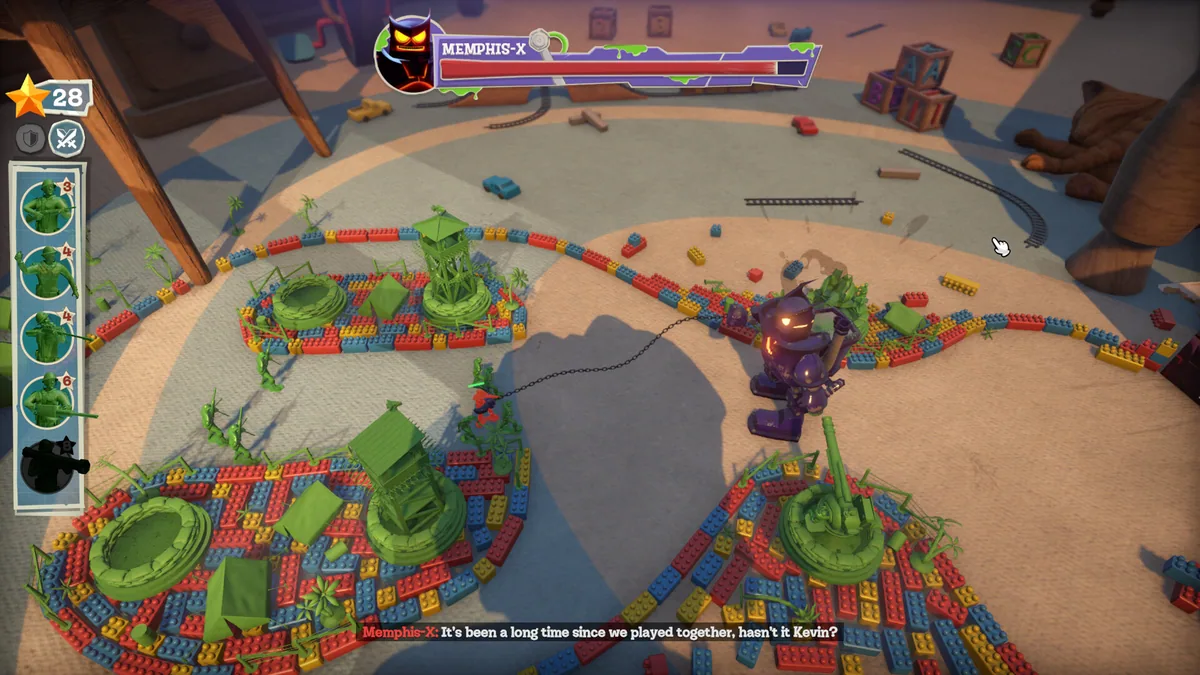
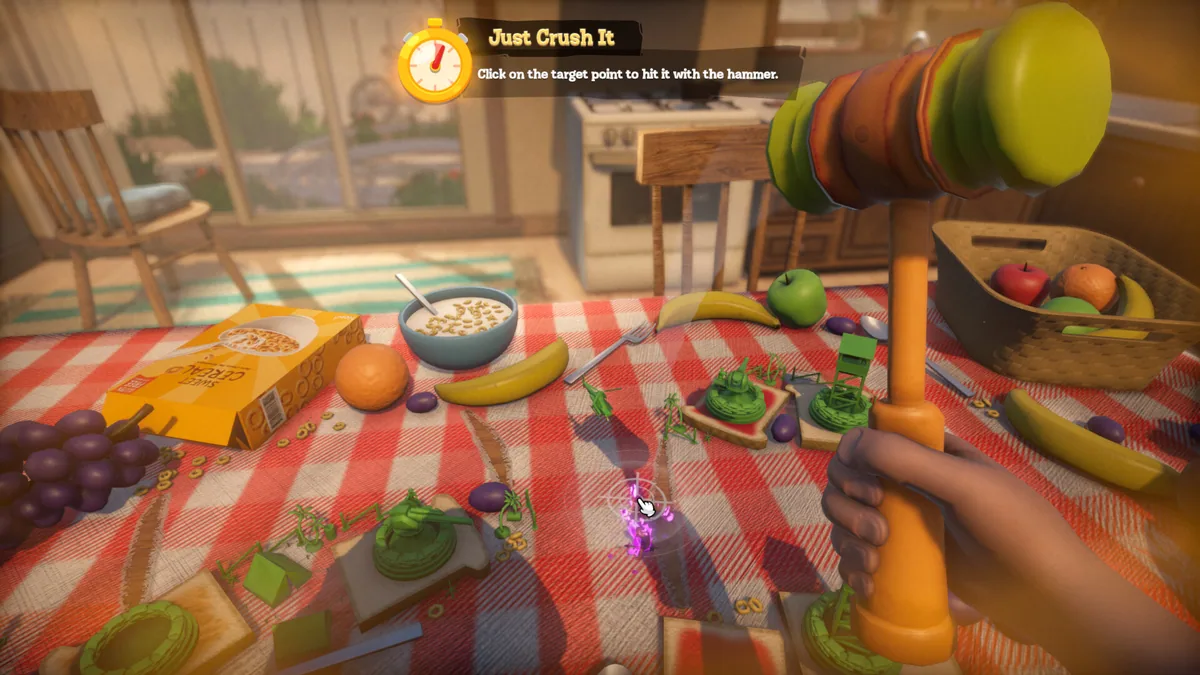
Toy Shire turns a child's home into a series of toy-sized battlefields. Green soldiers defend their new owner against old toys, using towers and troops to protect routes through rooms filled with different enemies.
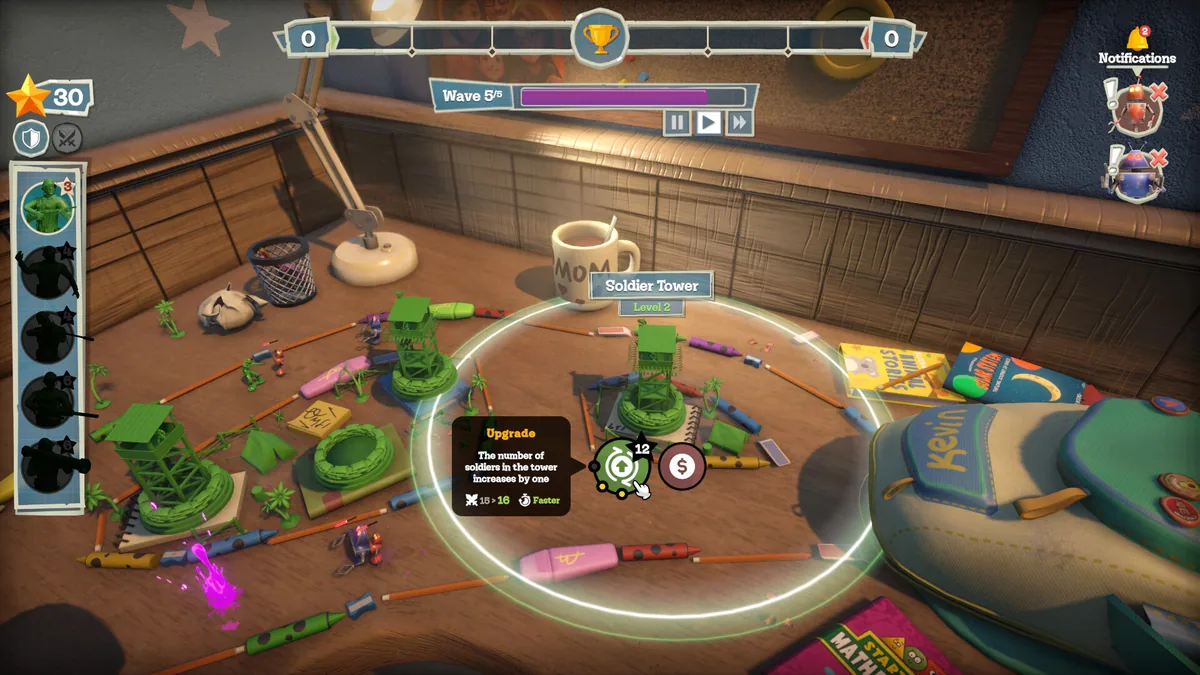
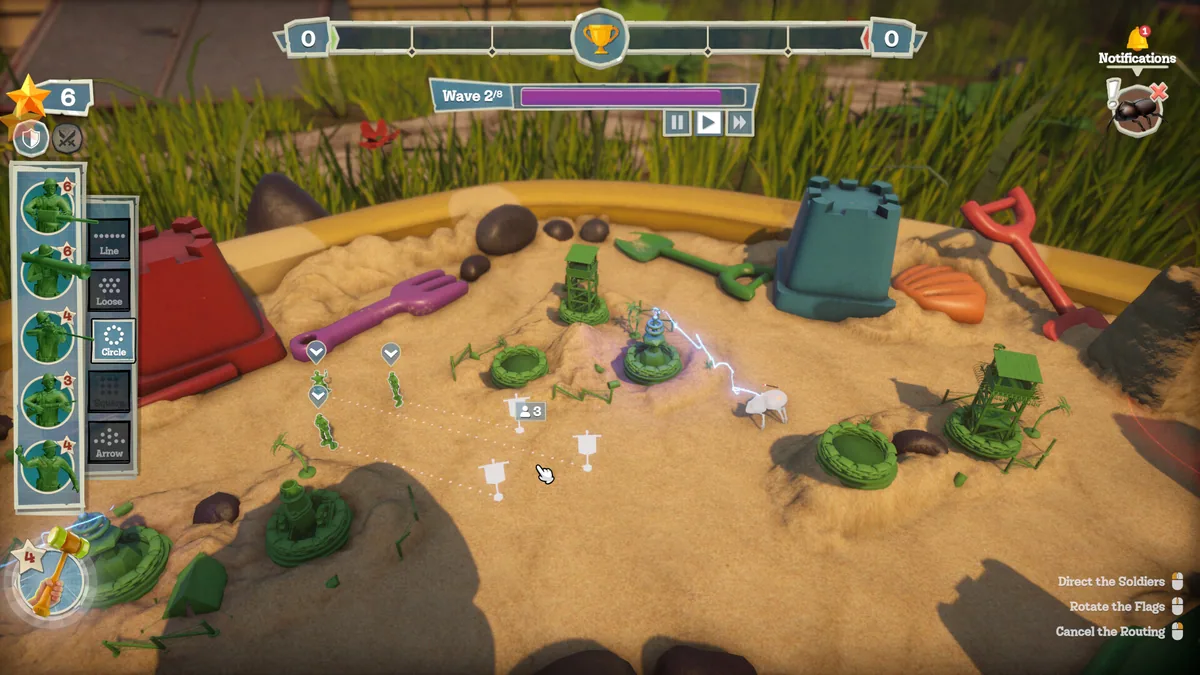
Each level asks players to choose tower locations, deploy units and respond to waves of attackers. Upgrades and special abilities strengthen a defense, while the creative mode and level editor offer another way to experiment with toy armies.
Official game page