FREE CHEATS FOR
Vampire Crawlers
Released April 21, 2026
Updated
 EAGLE CHEATS
How to use Eagle in Vampire Crawlers
With Vampire Crawlers running, press Insert to open the Eagle menu. The quick keys give direct access to Deck Search, Card Draw View and Combo Tracker. Use the menu for Relic Inventory, Health View and Set Game Speed and the remaining listed features; close it with Insert to return to the app.
- F2 Deck Search
Press F2 to turn Deck Search on or off without opening the menu. - F3 Card Draw View
Press F3 to turn Card Draw View on or off without opening the menu. - F4 Combo Tracker
Press F4 to turn Combo Tracker on or off without opening the menu. - Insert Relic Inventory
Press Insert, find Relic Inventory in the feature list, and switch it on or off. - Insert Health View
Press Insert, find Health View in the feature list, and switch it on or off. - Insert Set Game Speed
Press Insert, choose Set Game Speed, adjust the value, and apply.
EXPLORE THE MENUFeatures
18 features
The free Vampire Crawlers mod menu includes Deck Search, Card Draw View and Combo Tracker. It also offers Relic Inventory, Enemy Intent and Health View. Press Insert to open the menu on Windows PC.
- Deck Search
- Card Draw View
- Combo Tracker
- Relic Inventory
- Enemy Intent
- Health View
- Gold Tracker
- Map Reveal
- Encounter Timer
- Run Statistics
- Unlimited Energy
- Draw Extra Cards
- Choose Card Reward
- Free Card Upgrades
- Unlimited Rerolls
- Reveal Next Encounter
- Save Run State
- Set Game Speed
About the game
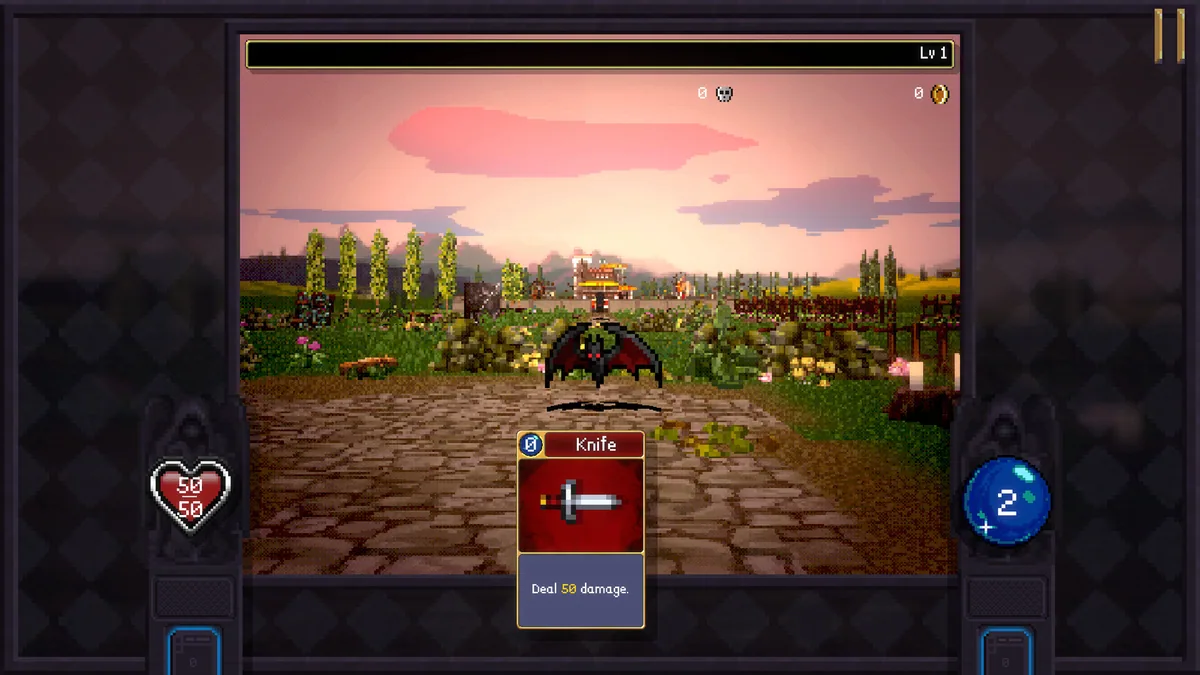
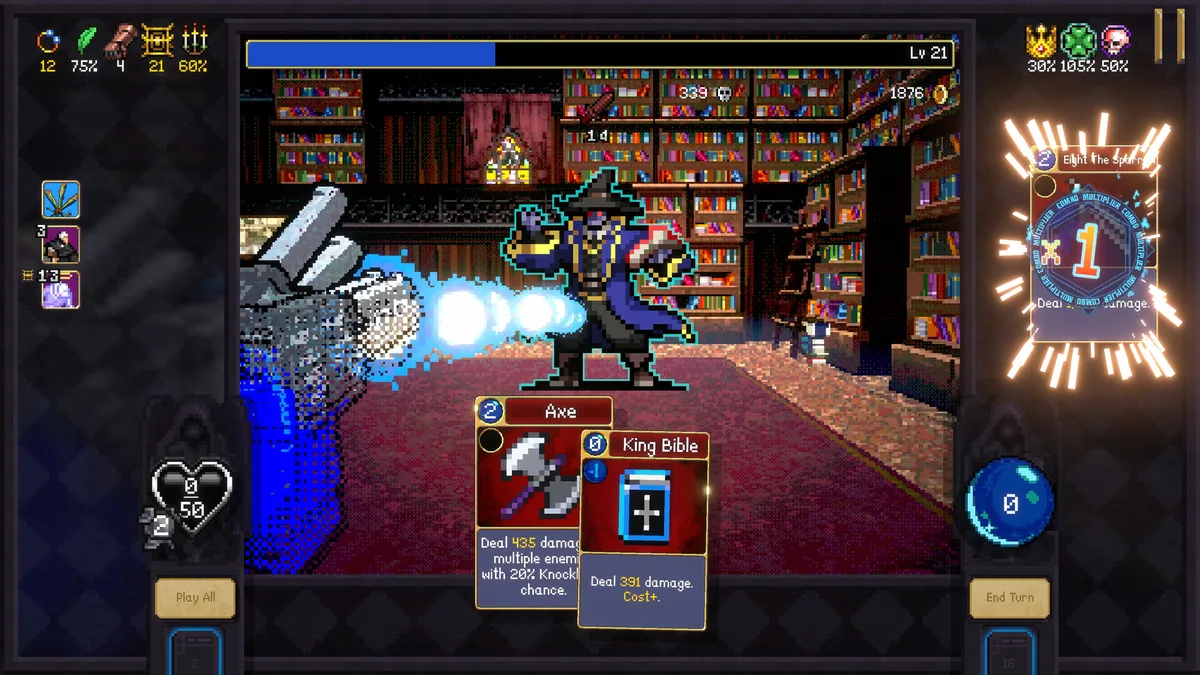
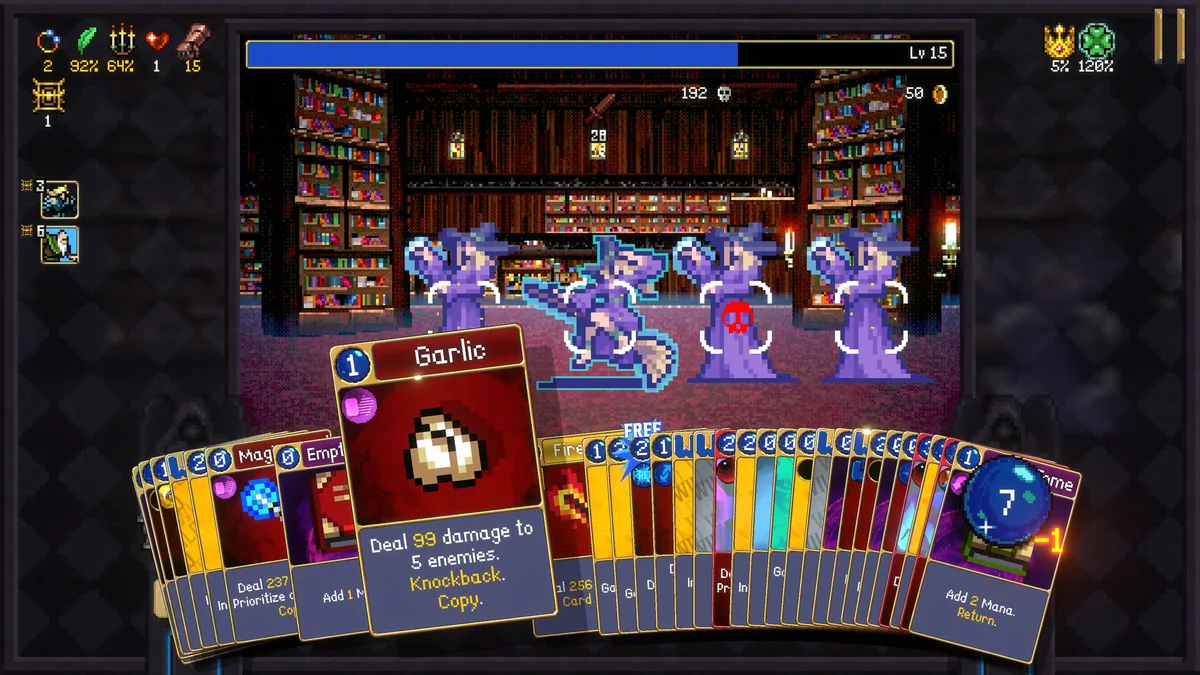
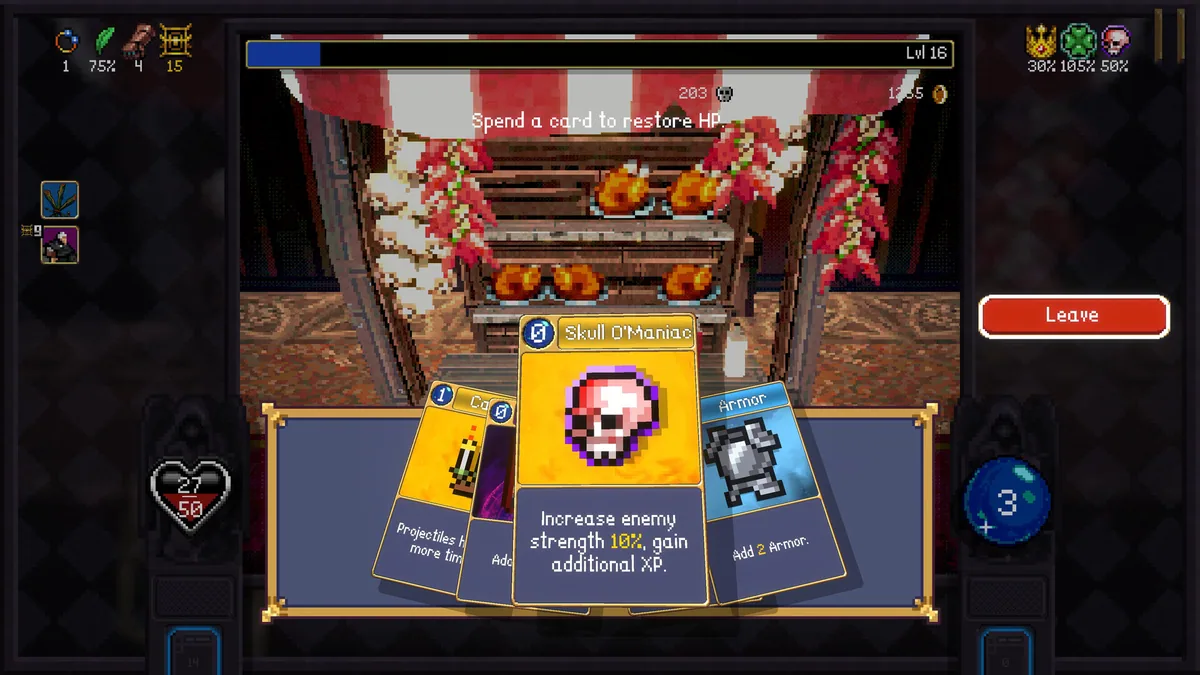
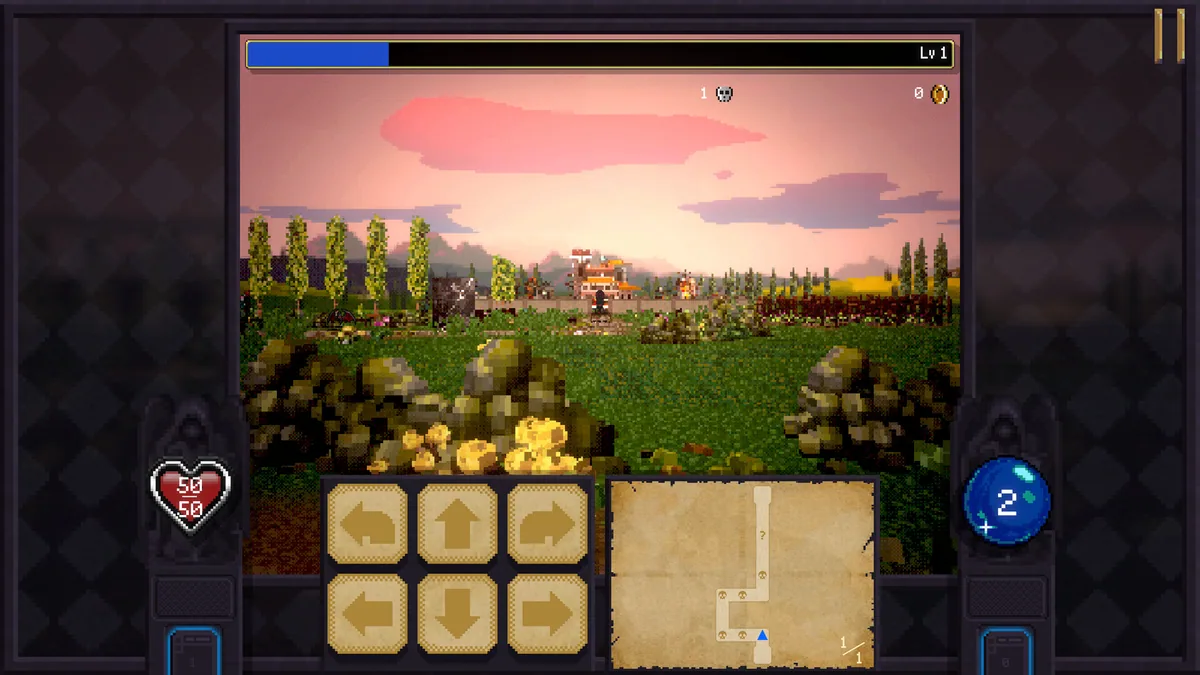
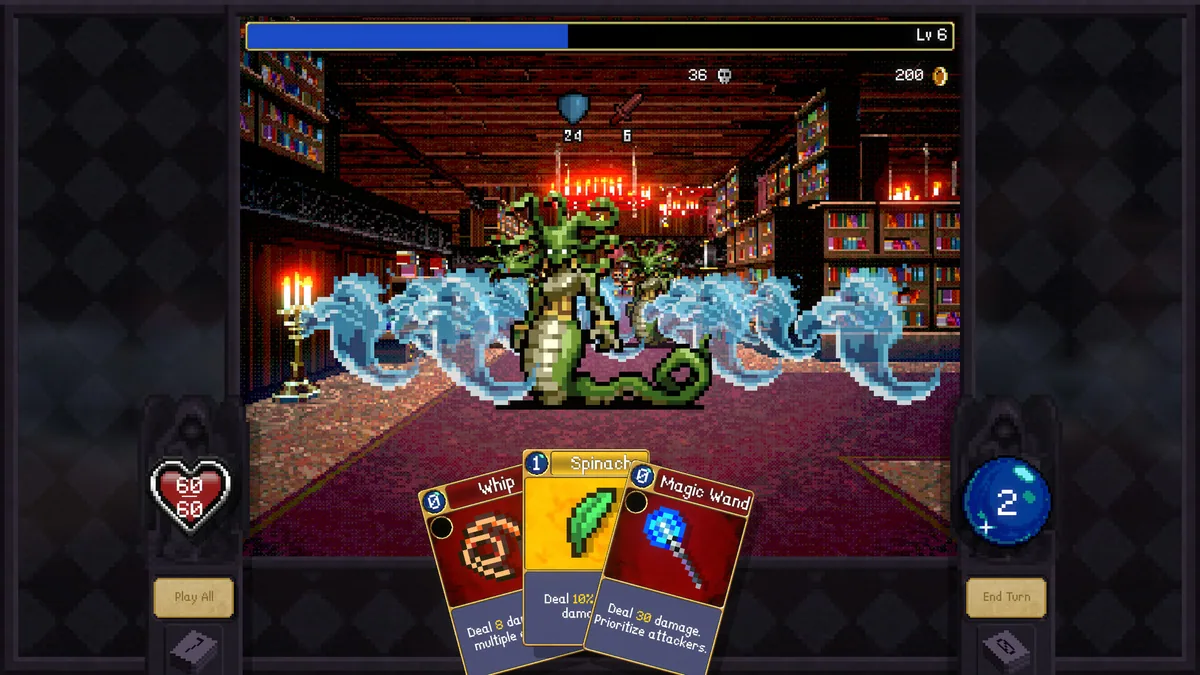
Vampire Crawlers turns the world of Vampire Survivors into a turn-based deckbuilding adventure. Players move through infested dungeons, collect cards and assemble combinations that can clear a crowded room in a single sequence.
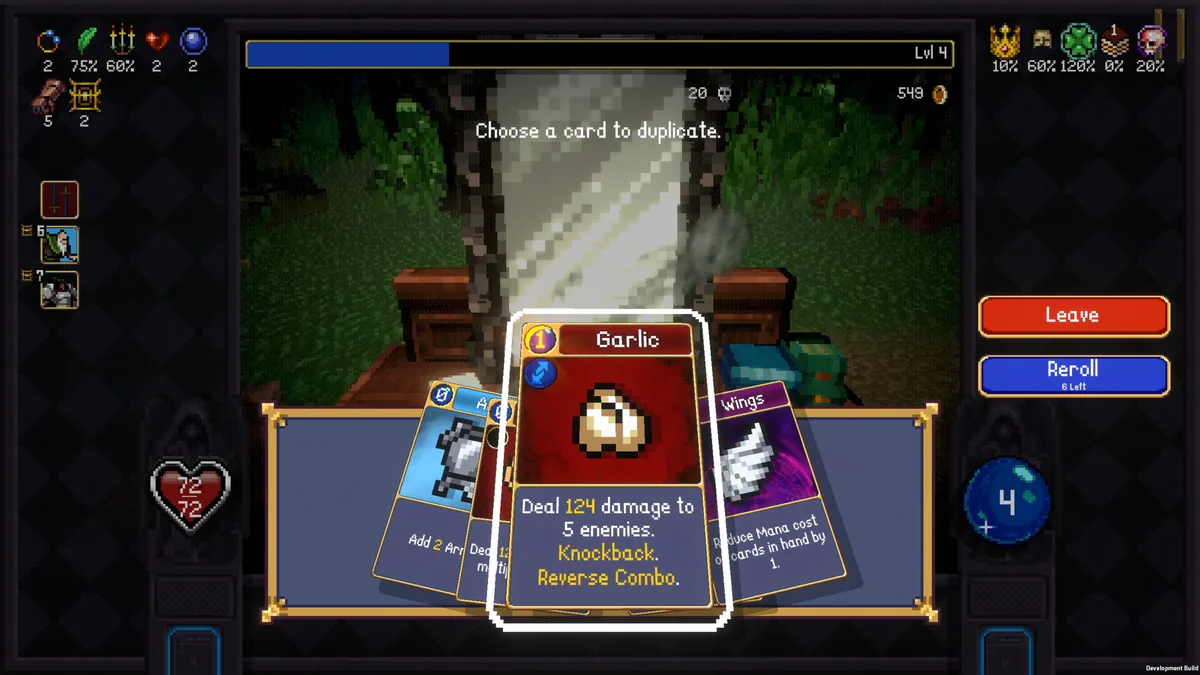
The Turboturn system rewards quick decisions and long chains of effects. New cards, relics and characters change the shape of each run, while familiar monsters demand different responses as a build develops.
Official game page