FREE CHEATS FOR
Witch Cabin Cleanup
Released October 7, 2026
Updated

 EAGLE CHEATS
How to use Eagle in Witch Cabin Cleanup
With Witch Cabin Cleanup running, press Insert to open the Eagle menu. The quick keys give direct access to Reveal Item Locations, Instant Sorting and No Item Limit. Use the menu for Unlock Rooms, Set Game Speed and Unlock Spells and the remaining listed features; close it with Insert to return to the app.
- F2 Reveal Item Locations
Press F2 to turn Reveal Item Locations on or off without opening the menu. - F3 Instant Sorting
Press F3 to activate Instant Sorting without opening the menu. - F4 No Item Limit
Press F4 to turn No Item Limit on or off without opening the menu. - Insert Unlock Rooms
Press Insert, choose Unlock Rooms, and apply the unlock. - Insert Set Game Speed
Press Insert, choose Set Game Speed, adjust the value, and apply. - Insert Unlock Spells
Press Insert, choose Unlock Spells, and apply the unlock.
EXPLORE THE MENUFeatures
20 features
The free Witch Cabin Cleanup mod menu includes Reveal Item Locations, Instant Sorting and Unlock Rooms. It also offers Unlock Spells, No Item Limit and Free Camera. Press Insert to open the menu on Windows PC.
- Reveal Item Locations
- Instant Sorting
- Unlock Rooms
- Unlock Spells
- No Item Limit
- Free Camera
- Save Anywhere
- Set Game Speed
- Highlight Unsorted Objects
- Auto Sort Objects
- Snap to Correct Position
- Undo Last Placement
- Show Remaining Objects
- Camera Zoom
- Fast Placement
- Infinite Magic Energy
- No Spell Cooldown
- Max Customer Satisfaction
- Fast Orders
- Reveal Customer Demand
About the game
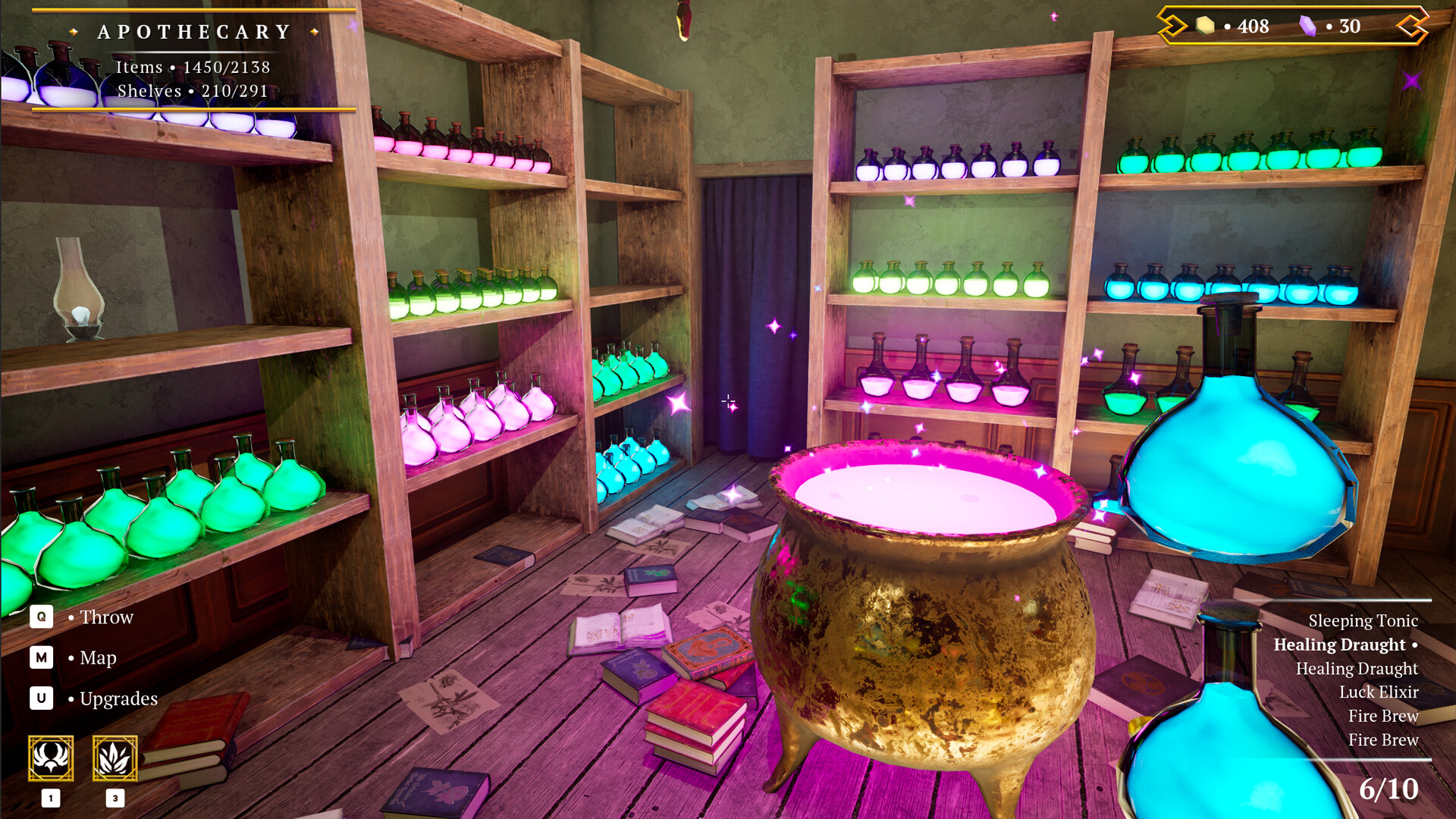
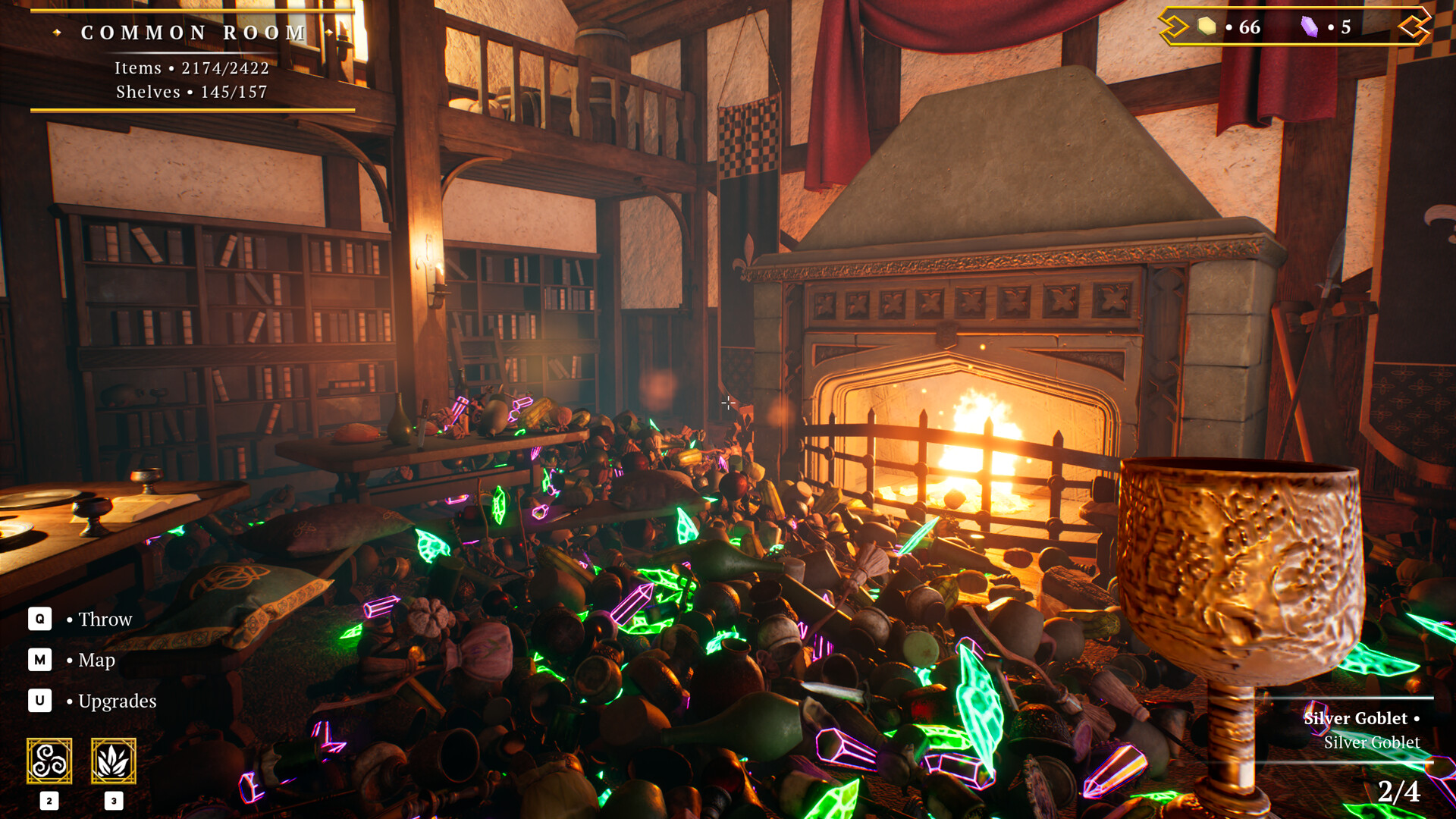
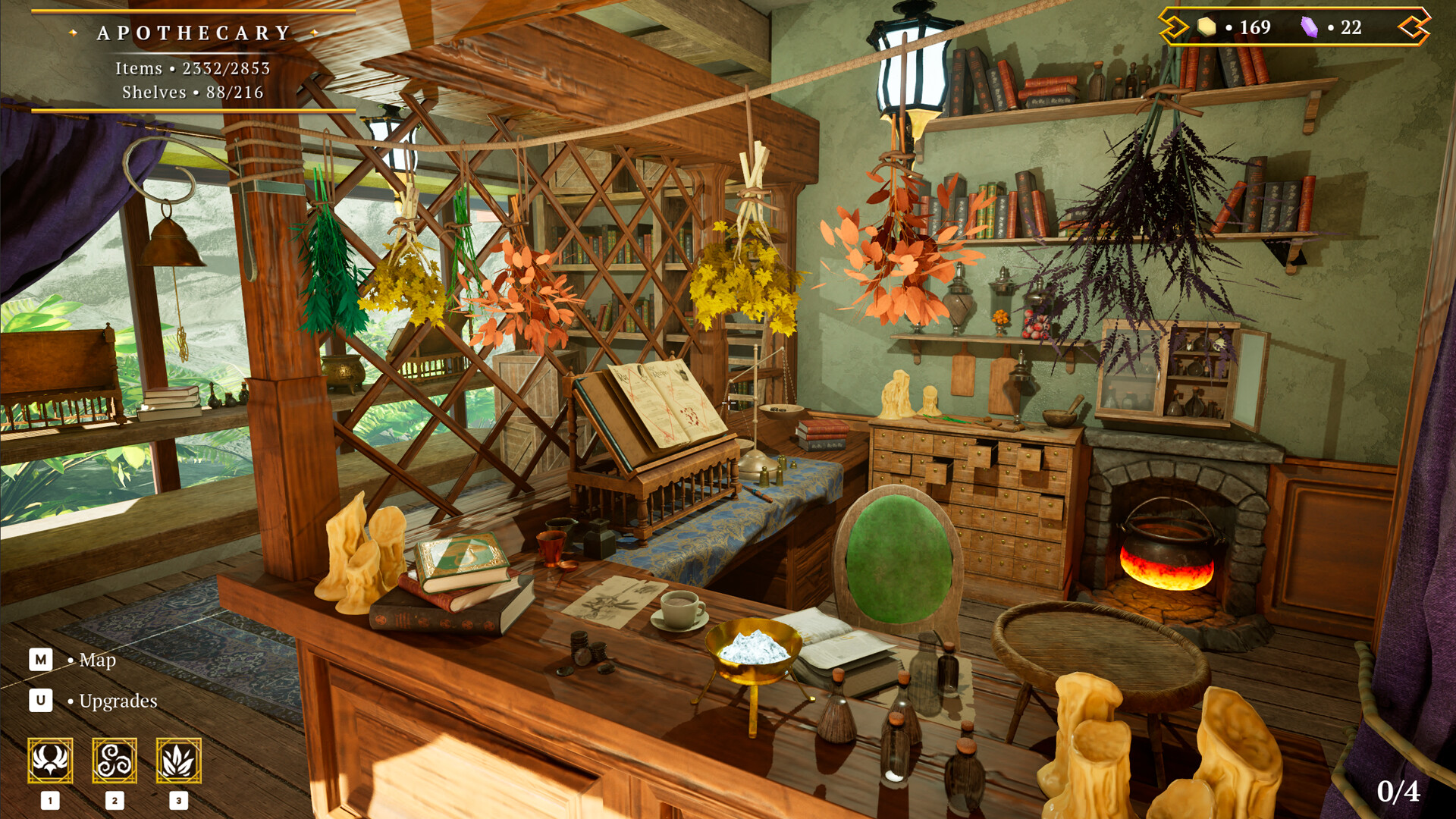
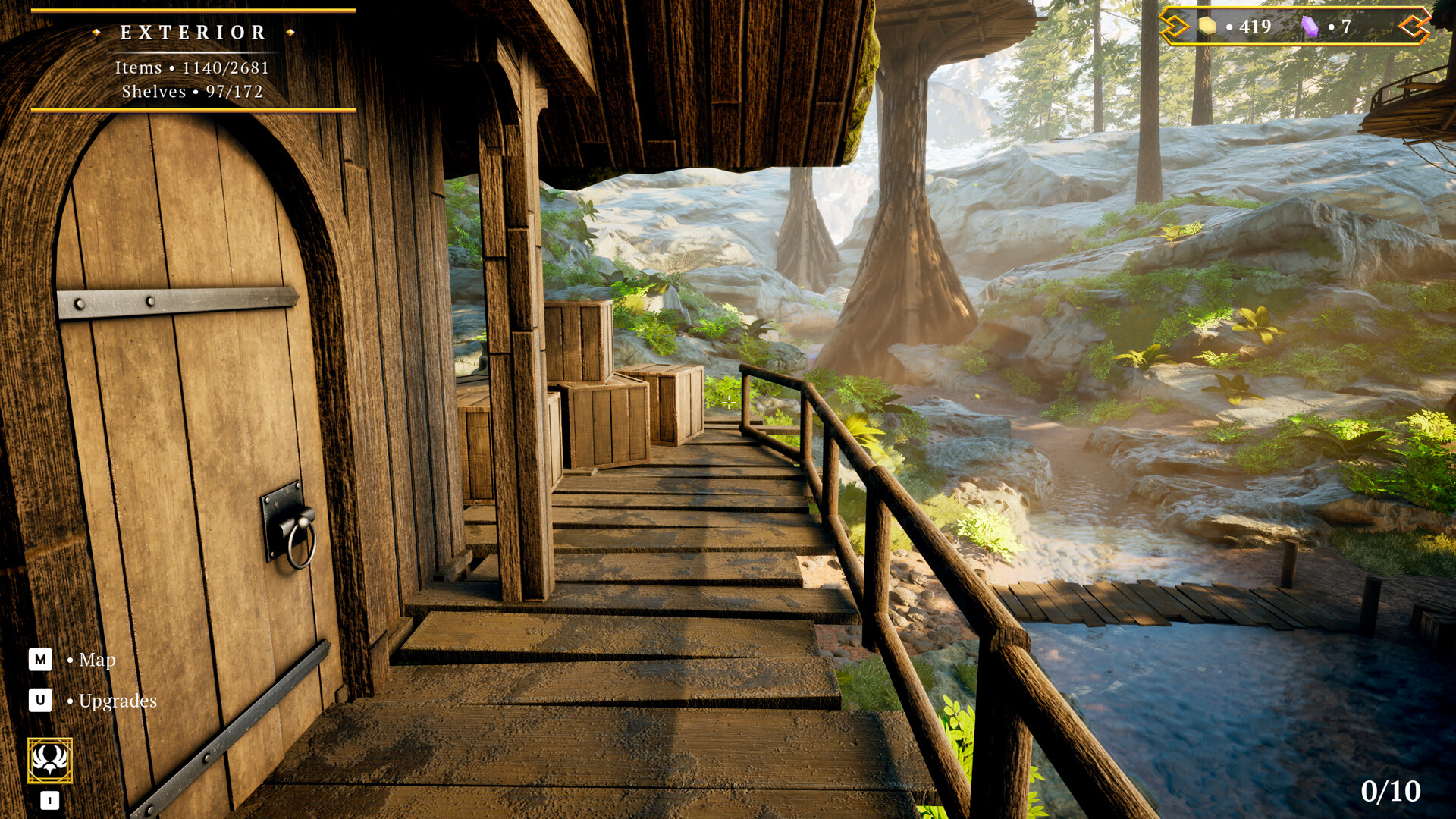
Witch Cabin Cleanup is an organizing game set inside a cluttered magical cabin. The player sorts thousands of curios, learns spells and restores order room by room. Its steady pace turns each newly cleared space into a small discovery about the cabin.
Official game page