FREE CHEATS FOR
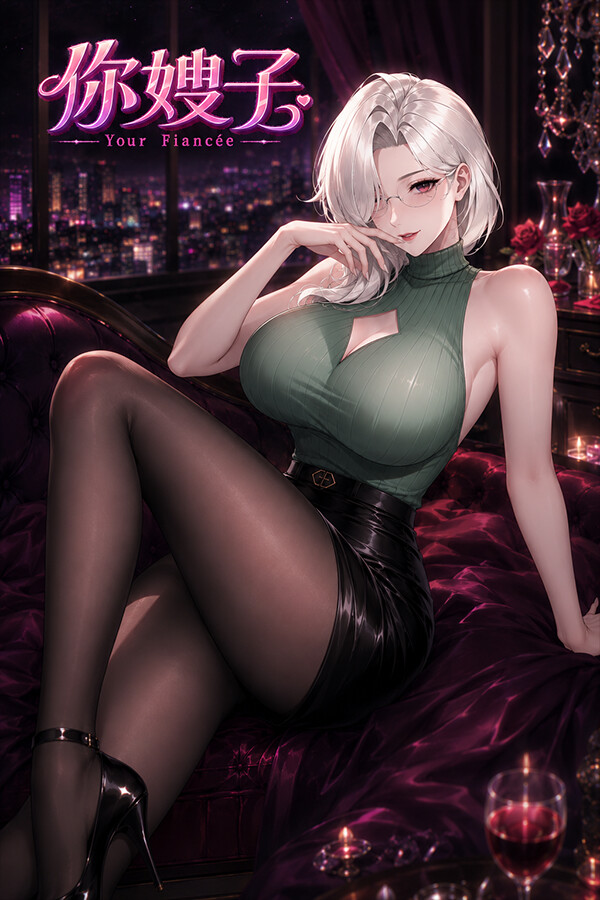
Your Fiancée
Released September 17, 2026
Updated
 EAGLE CHEATS
How to use Eagle in Your Fiancée
With Your Fiancée running, press Insert to open the Eagle menu. The quick keys give direct access to Quick Outfit Switch and Always On Top. Use the menu for Unlock Outfit Collection, Animation Speed and Avatar Scale and the remaining listed features; close it with Insert to return to the app.
- F2 Quick Outfit Switch
Press F2 to activate Quick Outfit Switch without opening the menu. - F3 Always On Top
Press F3 to turn Always On Top on or off without opening the menu. - Insert Unlock Outfit Collection
Press Insert, choose Unlock Outfit Collection, and apply the unlock. - Insert Animation Speed
Press Insert, choose Animation Speed, adjust the value, and apply. - Insert Avatar Scale
Press Insert, choose Avatar Scale, adjust the value, and apply.
EXPLORE THE MENUFeatures
8 features
Quick Outfit Switch and Always On Top use F2 and F3. Open the Eagle menu with Insert to unlock the outfit collection, change avatar scale and animation speed, adjust overlay opacity, select a pose, or save the desktop layout.
- Quick Outfit Switch
- Always On Top
- Unlock Outfit Collection
- Avatar Scale
- Animation Speed
- Desktop Overlay Opacity
- Pose Selection
- Save Desktop Layout
About the game
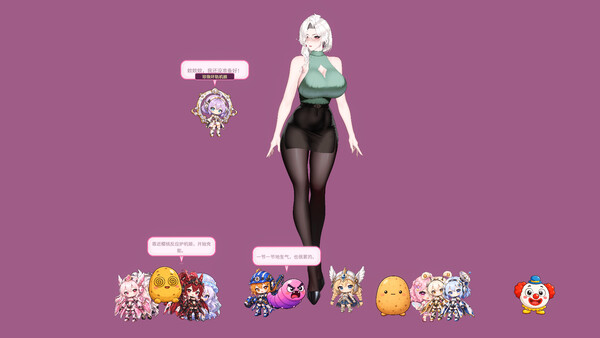
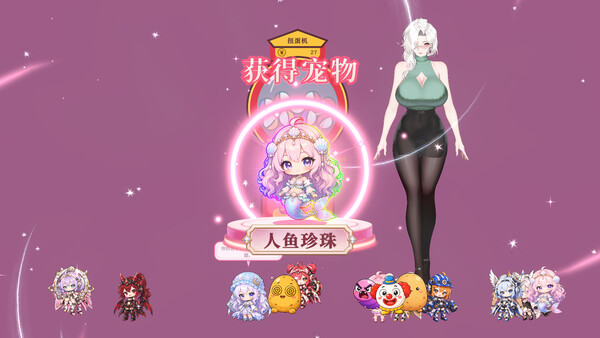
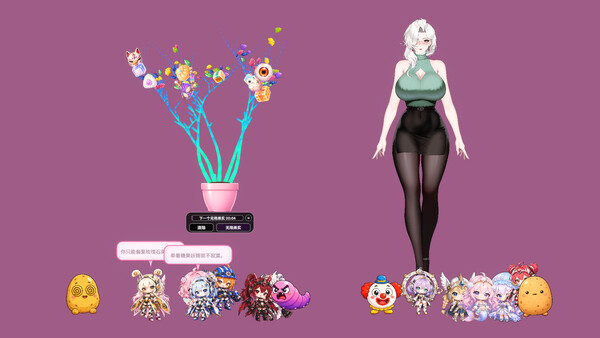
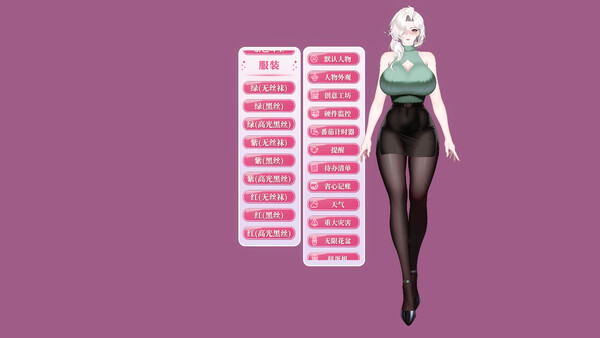
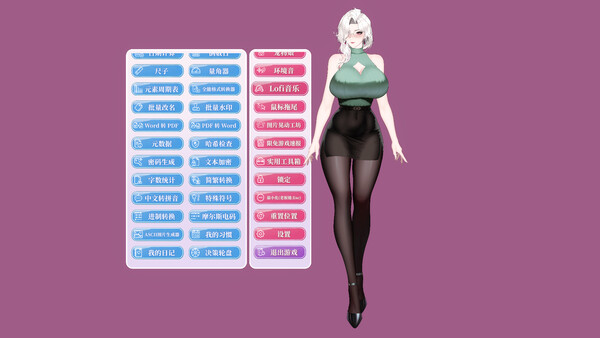
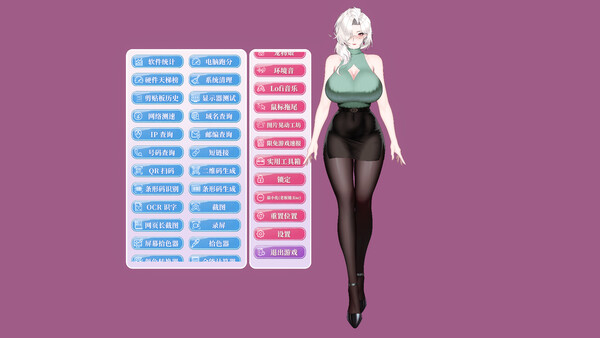
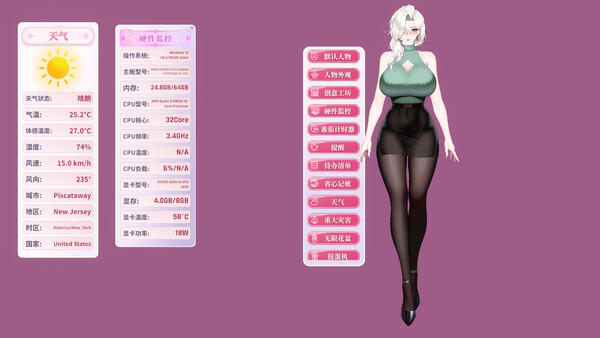
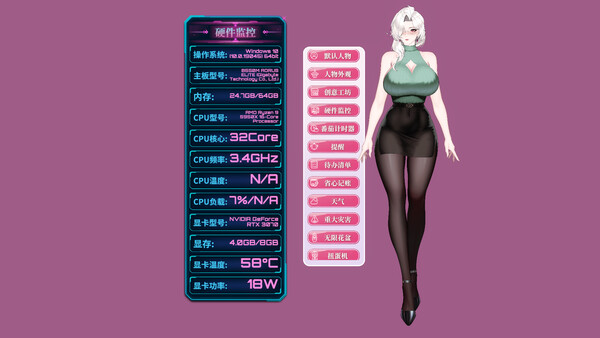
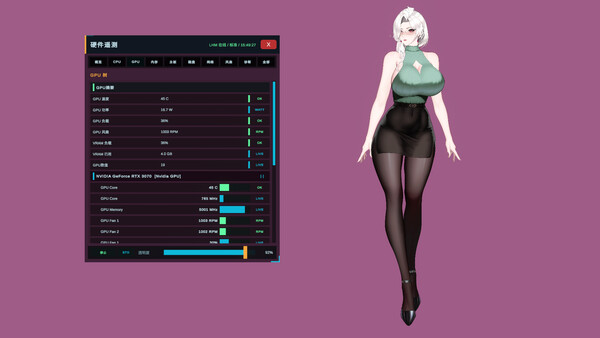
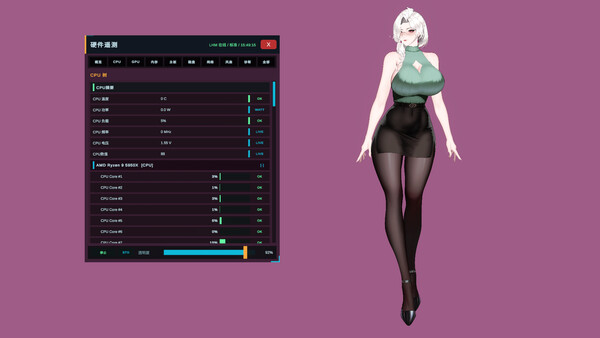
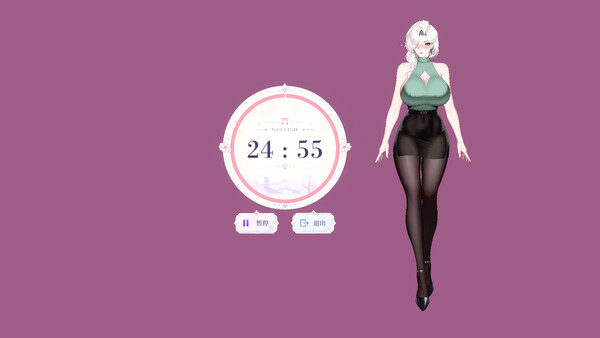
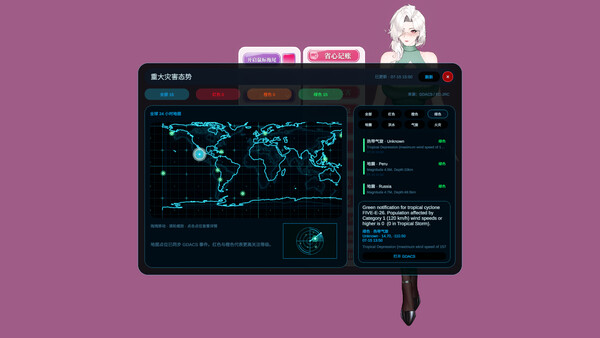
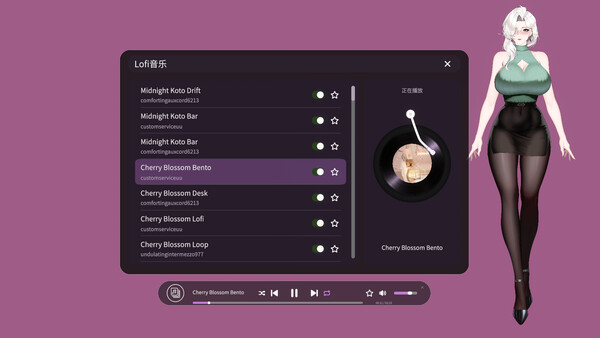
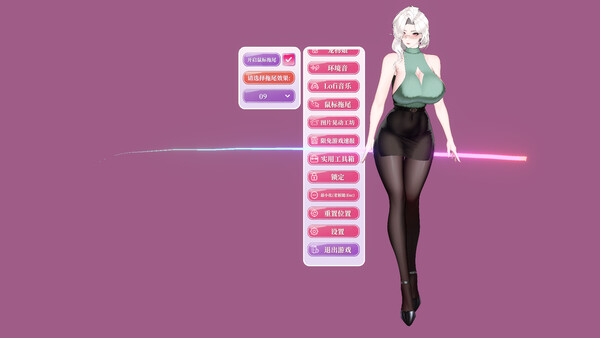
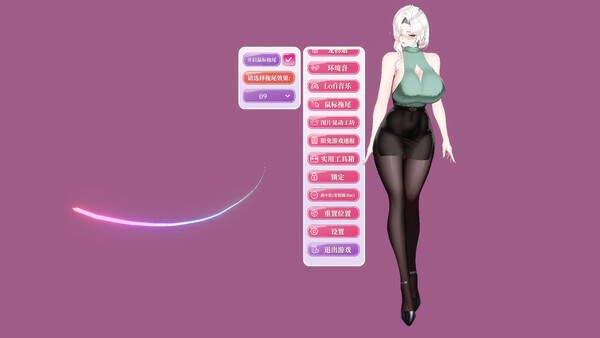
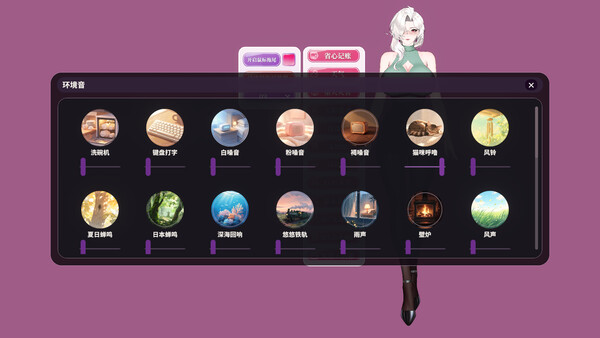
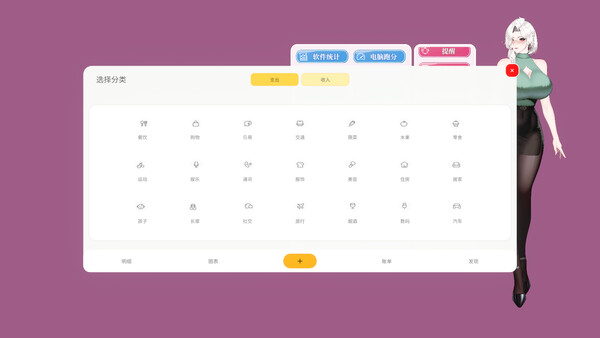
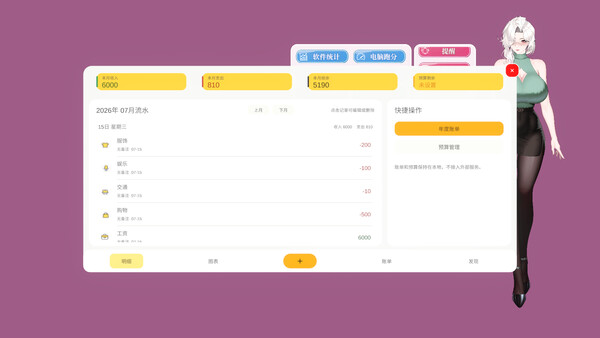
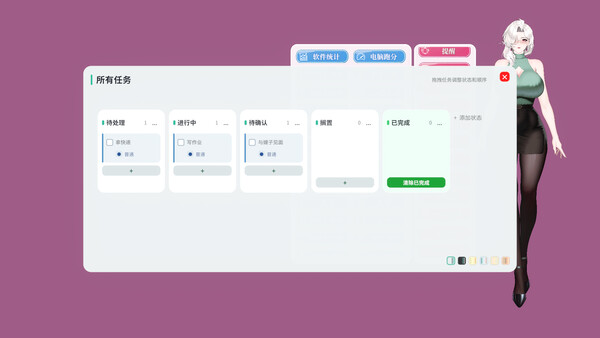
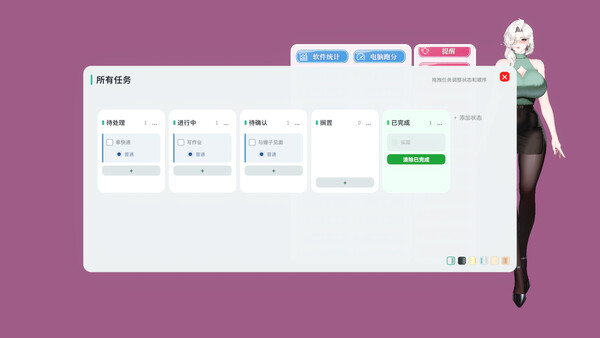
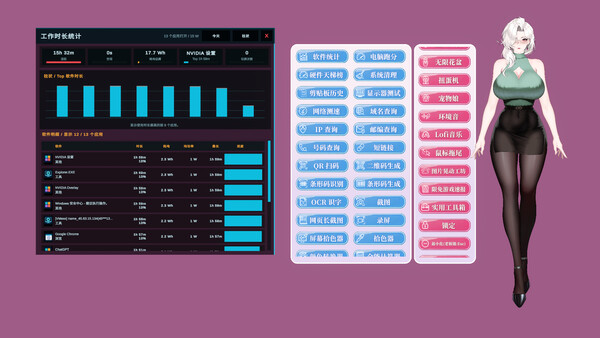
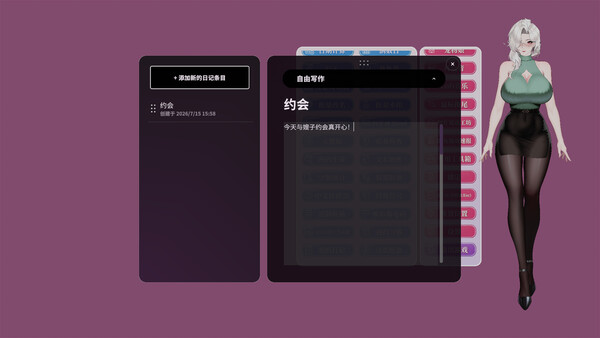
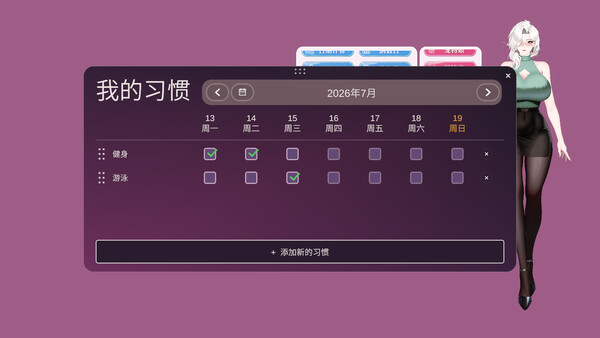
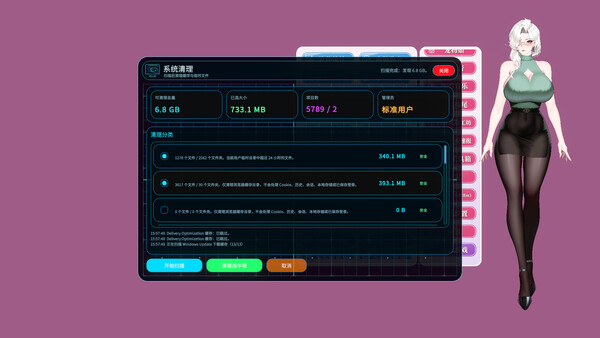
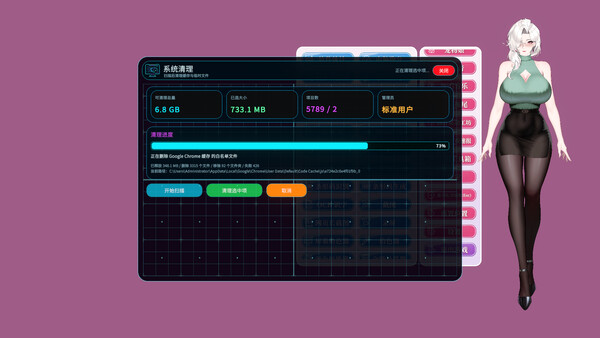
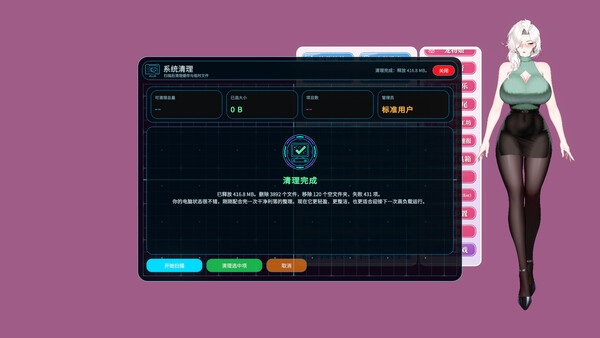
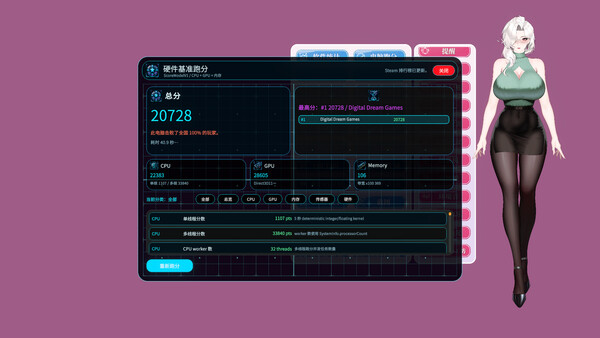
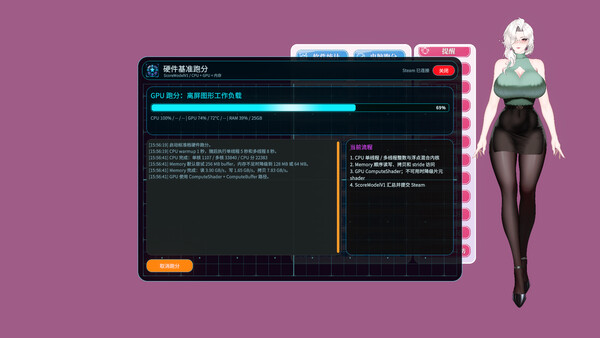
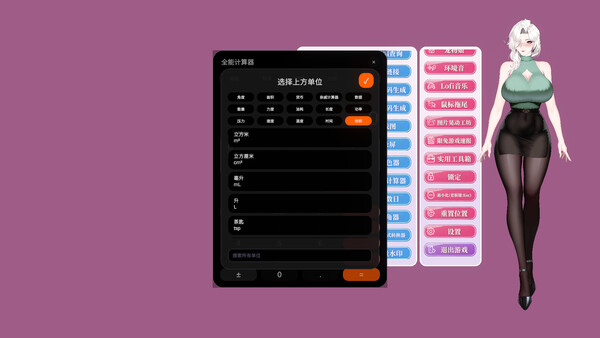
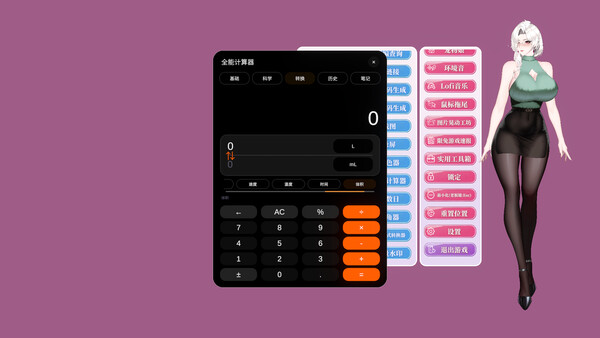
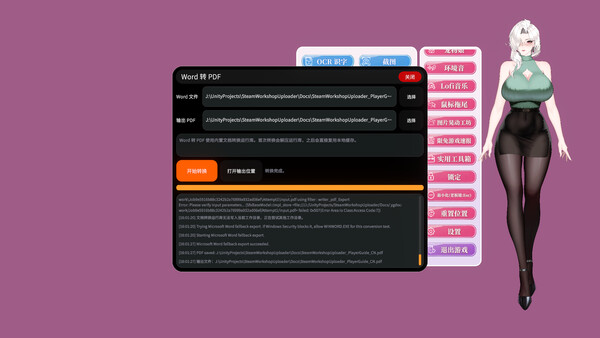
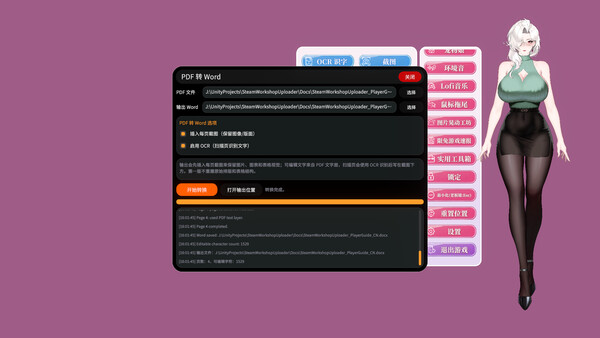
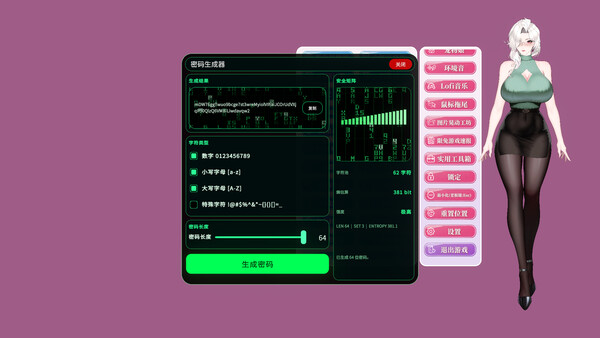
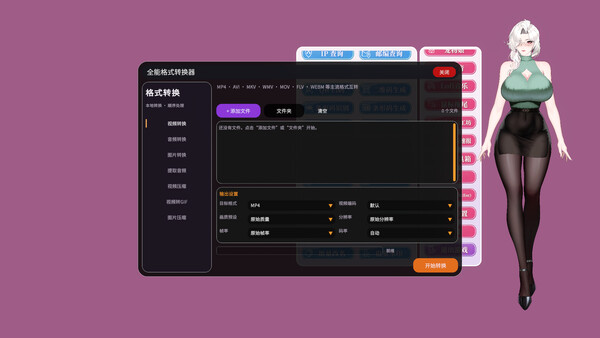
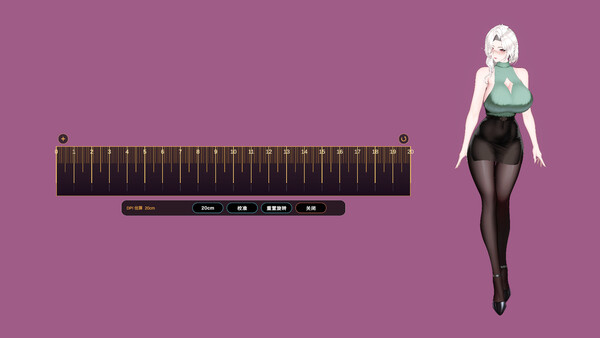
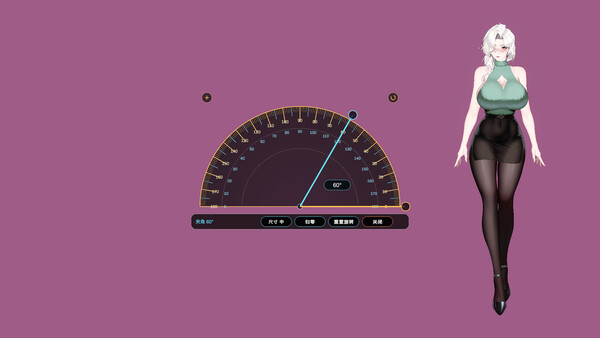
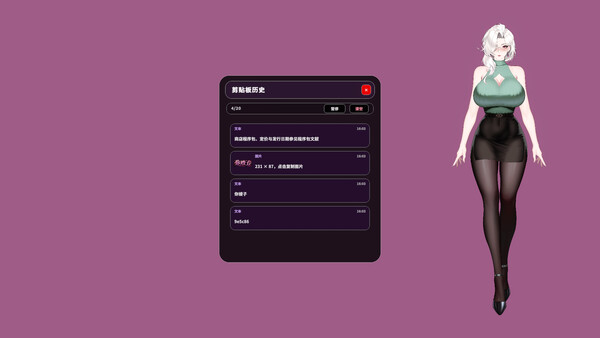
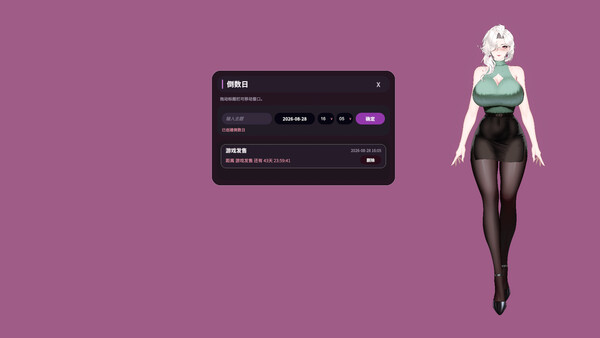
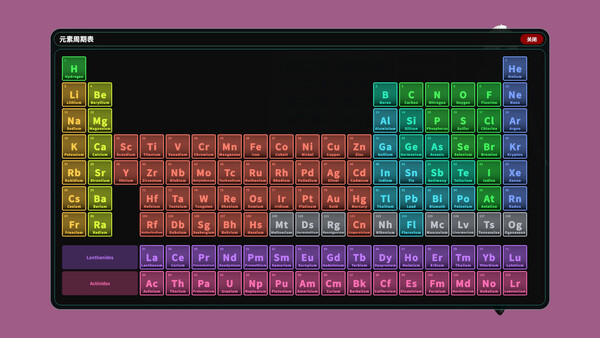
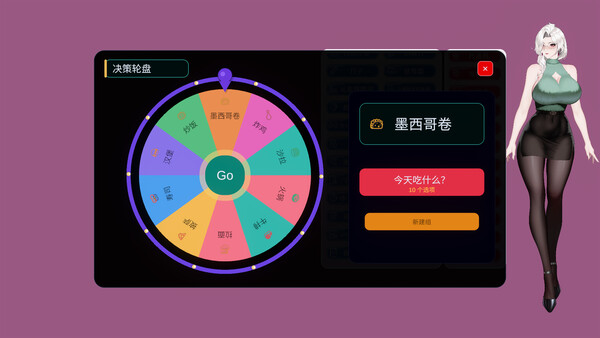
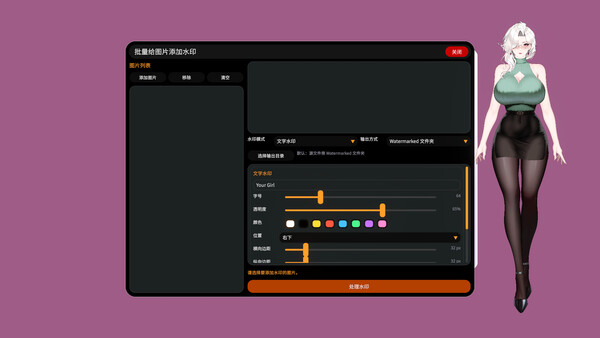
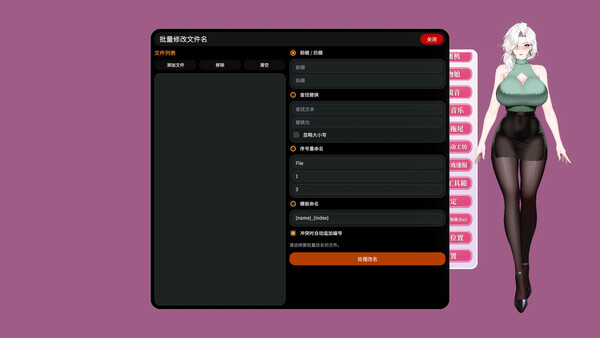
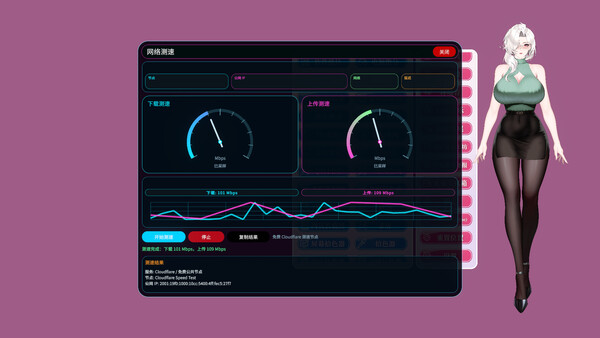
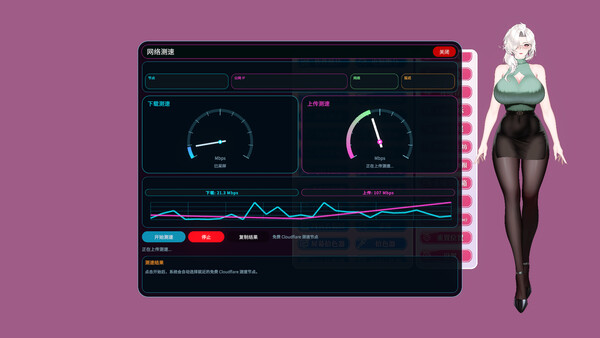
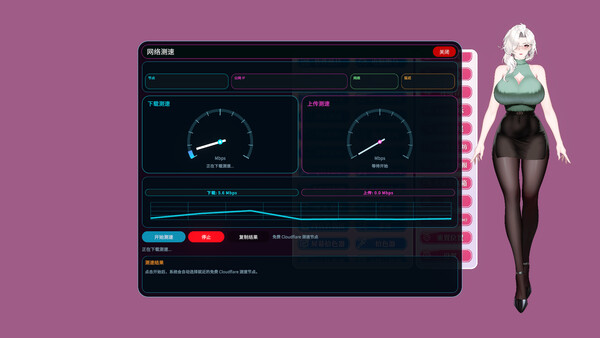
An all-in-one desktop companion with a stylish mature avatar, productivity tools, collection and growth features, and a lively desktop ecosystem. Customize her look and outfits while she helps with hardware monitoring, planning, finances, music, pets, desktop effects, and more.
Official game page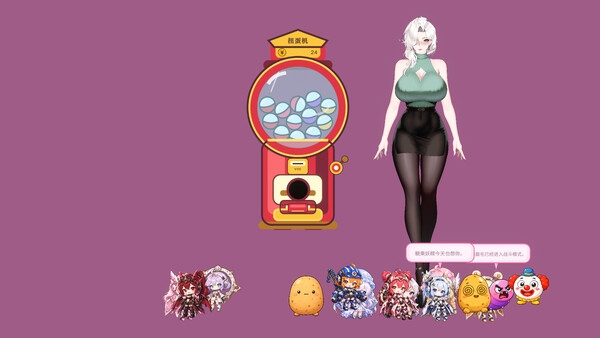

More about Your Fiancée cheats
Your Fiancée is a desktop companion, so Eagle's controls focus on the avatar and the desktop window rather than story progression. Use F2 to switch outfits and F3 to keep the companion on top. The Insert menu holds appearance, animation, overlay and layout options.