FREE CHEATS FOR
City States: Medieval
Released July 24, 2026
Updated
 EAGLE CHEATS
How to use Eagle in City States: Medieval
With City States: Medieval running, press Insert to open the Eagle menu. The quick keys give direct access to Instant Construction and Instant Research. Use the menu for Resource Editor, Unit Health and Production Speed and the remaining listed features; close it with Insert to return to the app.
- F2 Instant Construction
Press F2 to activate Instant Construction without opening the menu. - F3 Instant Research
Press F3 to activate Instant Research without opening the menu. - Insert Resource Editor
Press Insert, choose Resource Editor, adjust its value or option, and apply. - Insert Unit Health
Press Insert, find Unit Health in the feature list, and switch it on or off. - Insert Production Speed
Press Insert, choose Production Speed, adjust the value, and apply.
EXPLORE THE MENUFeatures
9 features
Resource Editor and Instant Construction let you manipulate resources and speed up building. These controls let you manage your city's growth and adapt to challenges quickly. Press Insert to open the Eagle menu on Windows PC. The trainer is free for Windows PC.
- Resource Editor
- Instant Construction
- Instant Research
- Unit Health
- Production Speed
- Map Reveal
- Campaign Speed
- Supply View
- Faction View
About the game
City States: Medieval places you in the role of a leader of a medieval city-state, where you must balance trade, military strength, and diplomacy to thrive in a competitive world. The core loop involves managing resources, expanding your city, and defending against threats while forging alliances and expanding your influence across Europe and the Middle East. As you grow your city, you'll face challenges from rival factions and powerful kingdoms, requiring strategic decisions that shape your city's fate. Your choices in trade, warfare, and diplomacy will determine whether your city-state rises to greatness or fades into obscurity.
The game emphasizes deep city-building mechanics, allowing you to customize your economy, military, and infrastructure. You'll manage trade routes, build fortifications, and engage in warfare to protect your interests. The unpredictable nature of the 12th-century world means that every decision carries weight, and the game's dynamic environment ensures that no two playthroughs are the same.
Official game page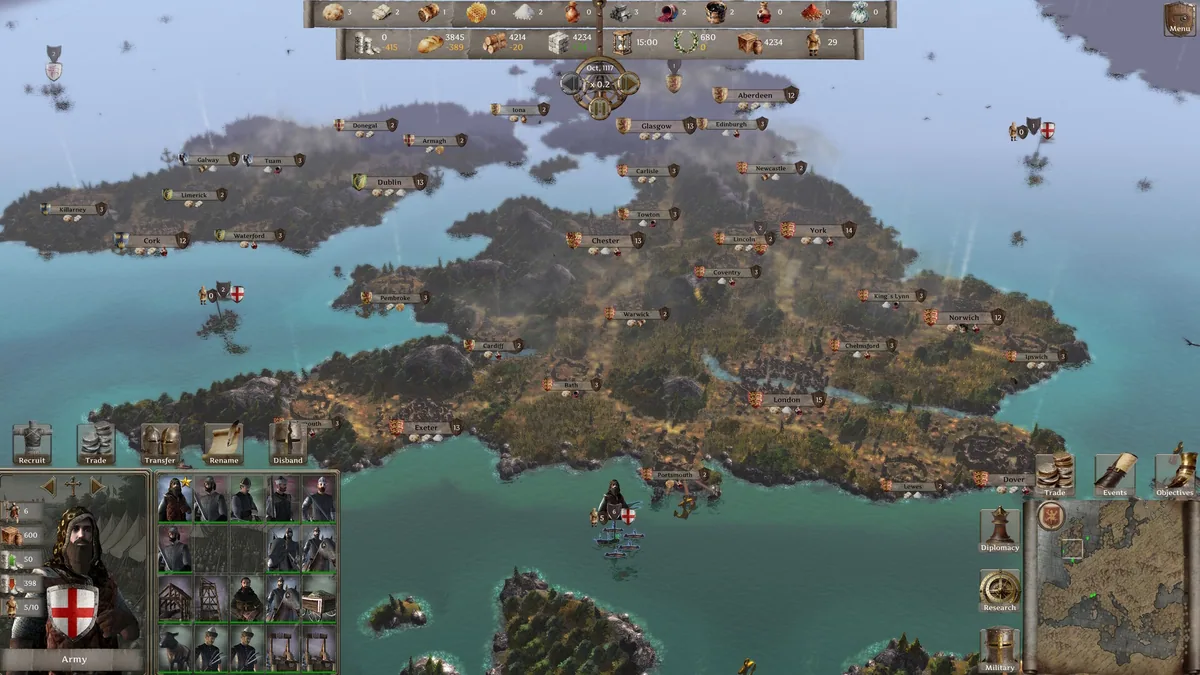
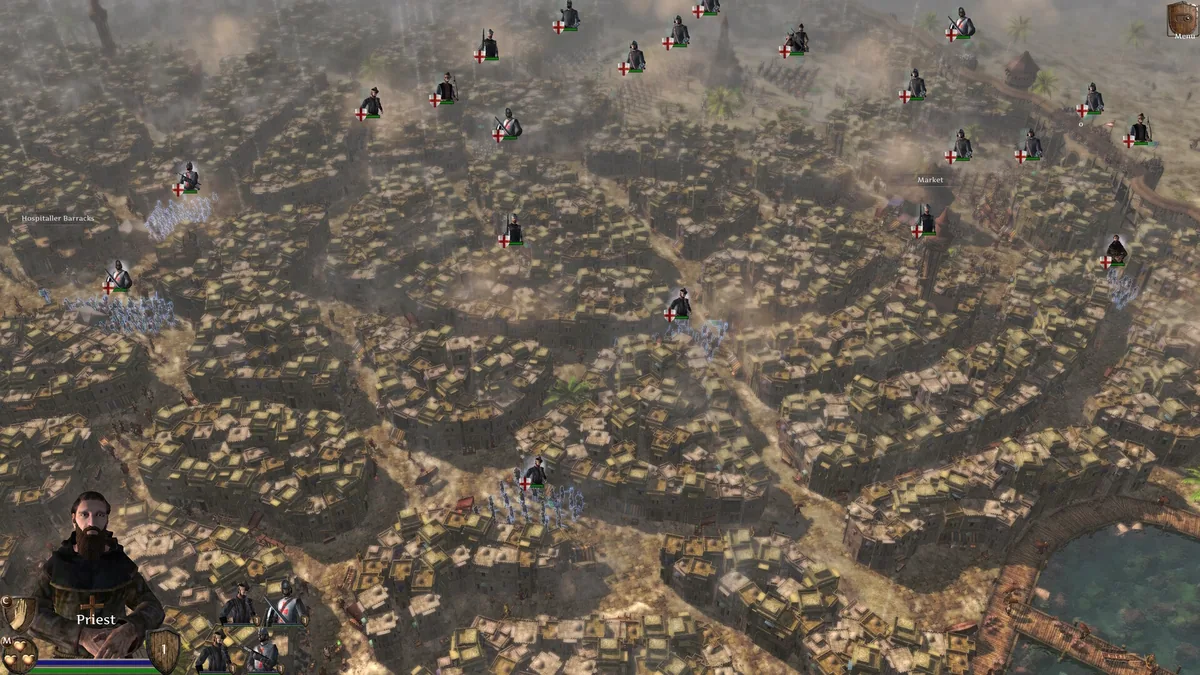
Using the City States: Medieval trainer
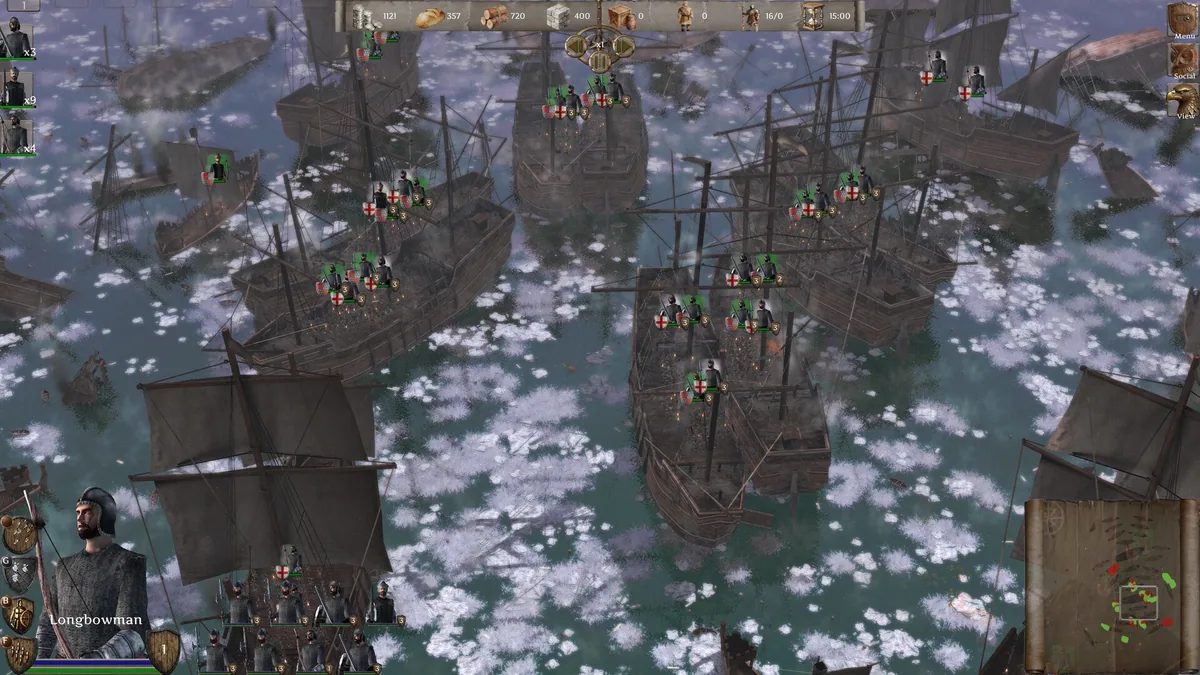
Use Resource Editor to adjust economic outputs and Instant Construction to accelerate city expansion. These controls are essential for managing trade and defense efficiently during campaigns. The Map Reveal and Campaign Speed features allow precise control over exploration and pacing, enhancing strategic depth in gameplay.