FREE CHEATS FOR
Distant Worlds 2
Released March 10, 2022
Updated

 EAGLE CHEATS
How to use Eagle in Distant Worlds 2
With Distant Worlds 2 running, press Insert to open the Eagle menu. The quick keys give direct access to Instant Construction and Instant Research. Use the menu for Resource Editor, Unit Health and Production Speed and the remaining listed features; close it with Insert to return to the app.
- F2 Instant Construction
Press F2 to activate Instant Construction without opening the menu. - F3 Instant Research
Press F3 to activate Instant Research without opening the menu. - Insert Resource Editor
Press Insert, choose Resource Editor, adjust its value or option, and apply. - Insert Unit Health
Press Insert, find Unit Health in the feature list, and switch it on or off. - Insert Production Speed
Press Insert, choose Production Speed, adjust the value, and apply.
EXPLORE THE MENUFeatures
9 features
Resource Editor and Instant Construction allow rapid galaxy customization. Players can manipulate resources and build structures instantly, enhancing strategic flexibility during gameplay. Press Insert to open the Eagle menu on Windows PC. The trainer is free for Windows PC.
- Resource Editor
- Instant Construction
- Instant Research
- Unit Health
- Production Speed
- Map Reveal
- Campaign Speed
- Supply View
- Faction View
About the game
Distant Worlds 2 is a vast real-time 4X space strategy game where players manage empires across sprawling galaxies. The core loop involves exploring, expanding, exploiting, and exterminating as you build and grow your civilization. Players can choose from seven distinct factions, each with unique playstyles, and engage in diplomacy, warfare, or peaceful development. The game's depth lies in its complex galaxy generation and the ability to shape your own universe through strategic decisions.
With a focus on immersion and replayability, the game offers both story-driven campaigns and open-ended sandbox modes. Players can interact with other empires, manage resources, and navigate the challenges of interstellar politics. The balance between exploration and development ensures a dynamic and engaging experience that keeps players invested for hours.
Official game page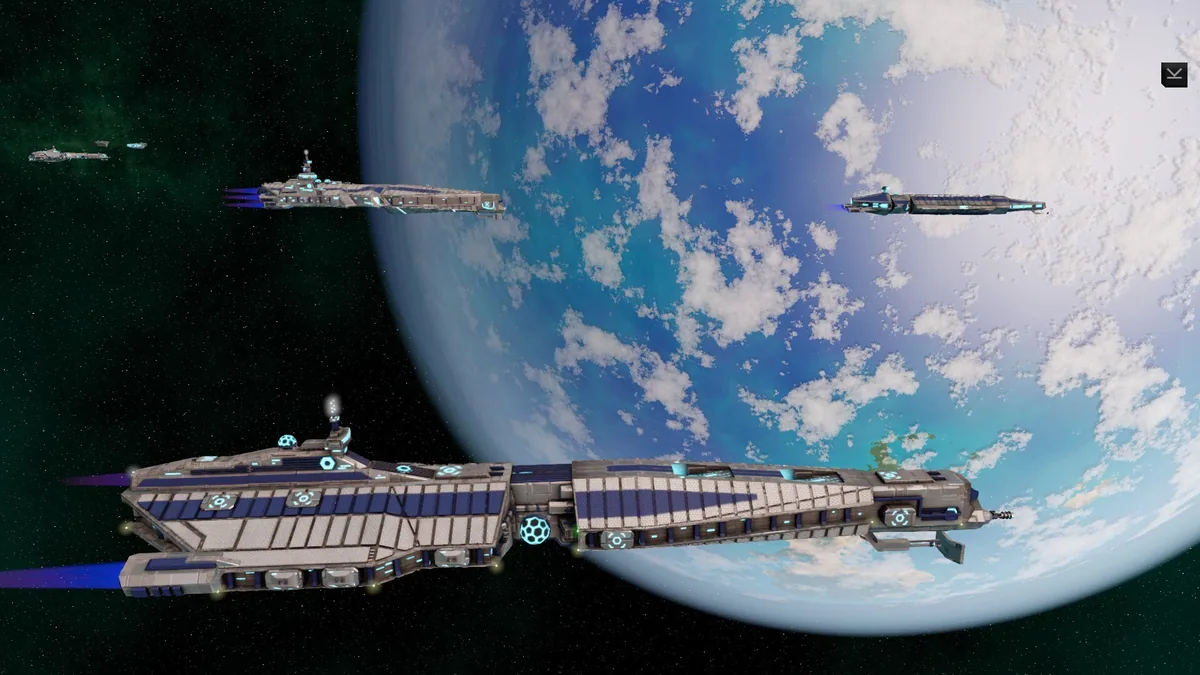
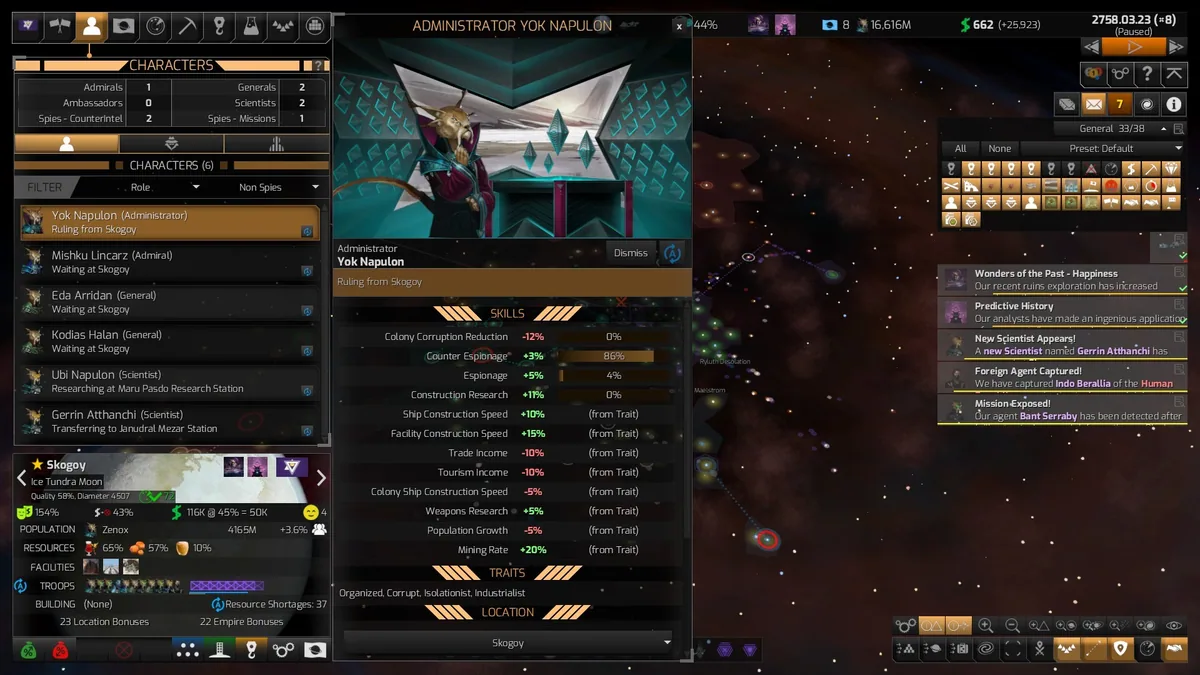
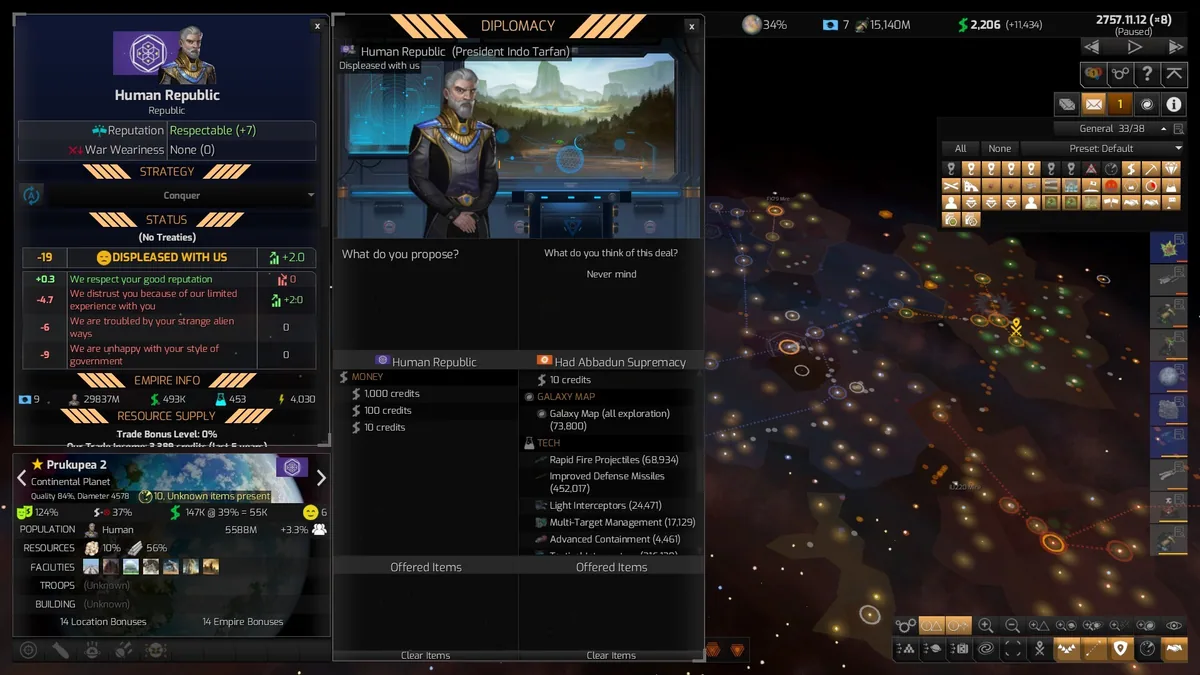
Using the Distant Worlds 2 trainer
Use Resource Editor to tweak planetary resources and Instant Construction to accelerate base building. These controls let players optimize their empire's growth efficiently during gameplay.