FREE CHEATS FOR
Creature Kitchen
Released February 6, 2026
Updated

 EAGLE CHEATS
How to use Eagle in Creature Kitchen
With Creature Kitchen running, press Insert to open the Eagle menu. The quick keys give direct access to Recipe Book and Ingredient Search. Use the menu for Creature Favorites, Inventory View and House Map and the remaining listed features; close it with Insert to return to the app.
- F2 Recipe Book
Press F2 to turn Recipe Book on or off without opening the menu. - F3 Ingredient Search
Press F3 to turn Ingredient Search on or off without opening the menu. - Insert Creature Favorites
Press Insert, find Creature Favorites in the feature list, and switch it on or off. - Insert Inventory View
Press Insert, find Inventory View in the feature list, and switch it on or off. - Insert House Map
Press Insert, find House Map in the feature list, and switch it on or off.
EXPLORE THE MENUFeatures
8 features
Recipe, ingredient and creature information around the woodland kitchen.
- Recipe Book
- Ingredient Search
- Creature Favorites
- Friendship Tracker
- House Map
- Forest Markers
- Inventory View
- Time of Day
About the game
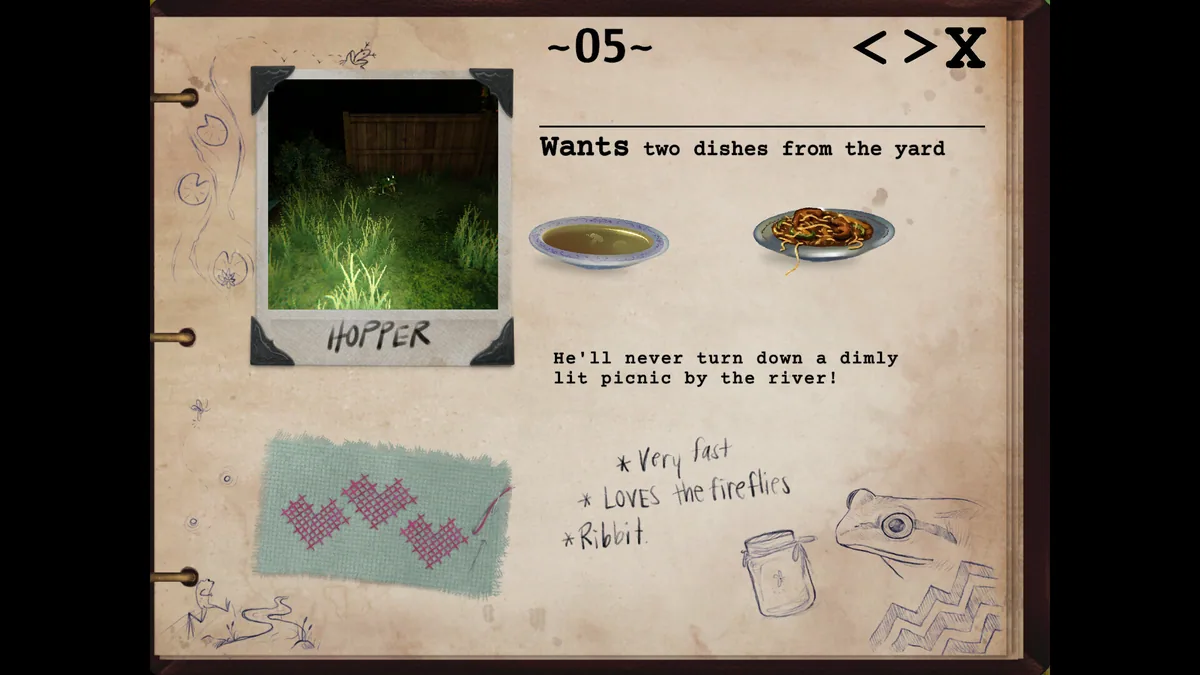
Creature Kitchen combines cooking with an eerie woodland mystery. Players search a strange house and nearby forest, discover local creatures and learn which snacks will earn their trust.
Gathering ingredients and preparing the right dish opens new interactions. The quiet routine of cooking sits beside clues hidden around the property, so exploration matters as much as a recipe.
Official game page