FREE CHEATS FOR
Burgie's Cozy Kitchen
Released February 10, 2025
Updated

 EAGLE CHEATS
How to use Eagle in Burgie's Cozy Kitchen
With Burgie's Cozy Kitchen running, press Insert to open the Eagle menu. The quick keys give direct access to Order Queue and Cooking Timer. Use the menu for Ingredient Amount, Service Speed and Currency Editor and the remaining listed features; close it with Insert to return to the app.
- F2 Order Queue
Press F2 to turn Order Queue on or off without opening the menu. - F3 Cooking Timer
Press F3 to turn Cooking Timer on or off without opening the menu. - Insert Ingredient Amount
Press Insert, choose Ingredient Amount, adjust the value, and apply. - Insert Service Speed
Press Insert, choose Service Speed, adjust the value, and apply. - Insert Currency Editor
Press Insert, choose Currency Editor, adjust its value or option, and apply.
EXPLORE THE MENUFeatures
8 features
Order Queue and Cooking Timer let you manage customer orders and adjust cooking pace. The game loop involves serving customers, upgrading your kitchen, and balancing work with short breaks. Press Insert to open the Eagle menu on Windows PC. The trainer is free for Windows PC.
- Order Queue
- Cooking Timer
- Ingredient Amount
- Customer Patience
- Currency Editor
- Service Speed
- Recipe View
- Game Speed
About the game
Burgie's Cozy Kitchen is a casual simulation game where you manage a tiny burger stand on your desktop. The core loop involves serving picky customers, upgrading your kitchen, and balancing your workload with short breaks. The game adapts to your schedule, allowing you to play actively or let it run in the background while you work. Customers arrive with unique orders, and you must prepare meals efficiently while managing resources and maintaining customer satisfaction. The game's flexible playstyle lets you choose between fast-paced action or relaxed, timed breaks, making it a perfect companion for daily routines.
As you progress, you can customize your kitchen, adjust cooking speeds, and even interact with your chat during live streams. The game blends productivity with fun, offering a unique way to enjoy small moments of satisfaction while managing your virtual restaurant with ease.
Official game page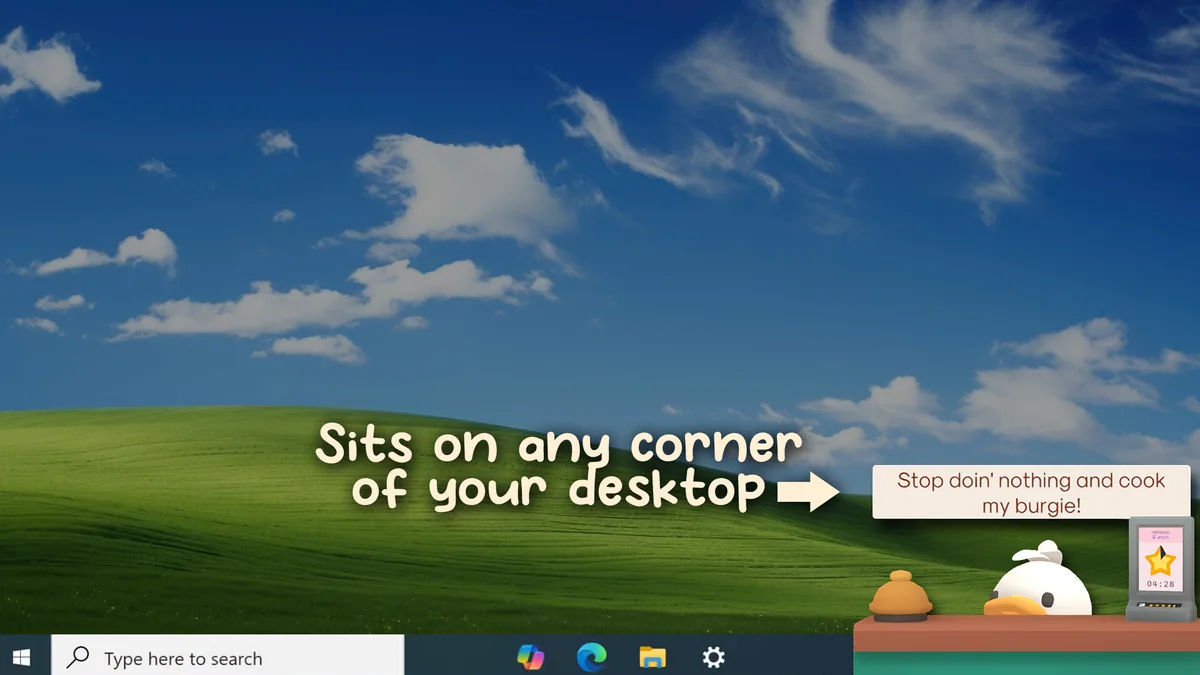
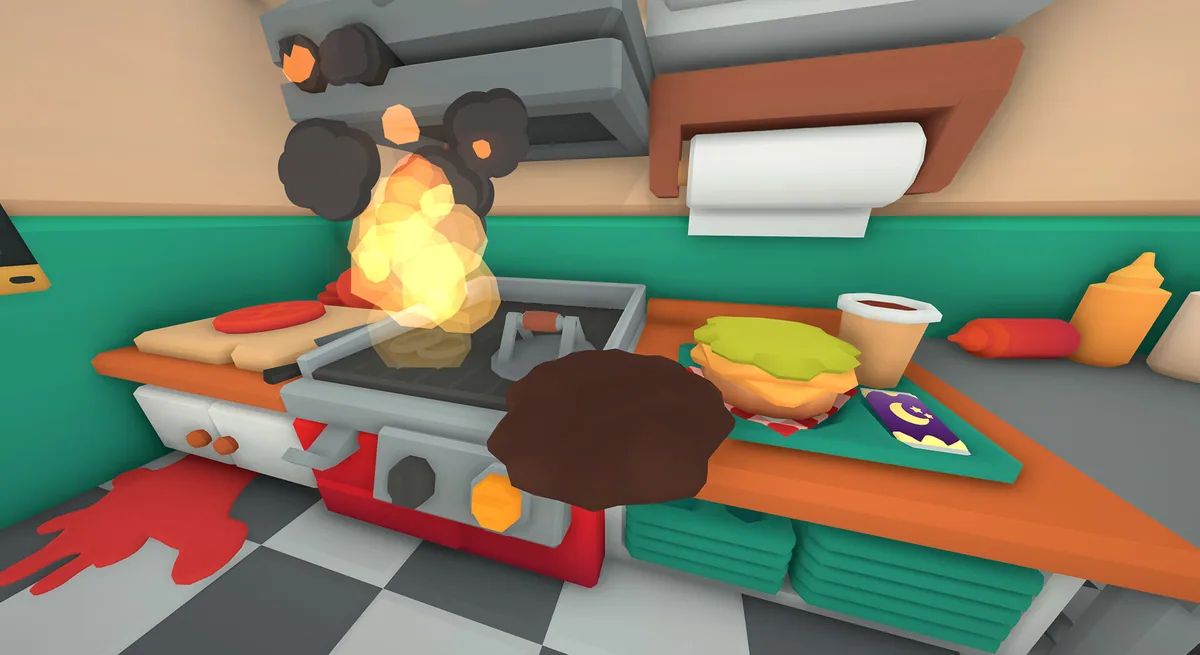

Using the Burgie's Cozy Kitchen trainer
Use Order Queue to manage customer orders and Cooking Timer to adjust cooking pace. These controls help manage the game's core loop of serving customers and upgrading your kitchen efficiently.