FREE CHEATS FOR
Forza Motorsport
Released October 9, 2023
Updated

 EAGLE CHEATS
How to use Eagle in Forza Motorsport
With Forza Motorsport running, press Insert to open the Eagle menu. The quick keys give direct access to Car Credits, Car XP and Upgrade Parts. Use the menu for Engine Output, Damage Status and Weather View and the remaining listed features; close it with Insert to return to the app.
- F2 Car Credits
Press F2 to turn Car Credits on or off without opening the menu. - F3 Car XP
Press F3 to turn Car XP on or off without opening the menu. - F4 Upgrade Parts
Press F4 to turn Upgrade Parts on or off without opening the menu. - Insert Engine Output
Press Insert, find Engine Output in the feature list, and switch it on or off. - Insert Damage Status
Press Insert, find Damage Status in the feature list, and switch it on or off. - Insert Weather View
Press Insert, find Weather View in the feature list, and switch it on or off.
EXPLORE THE MENUFeatures
18 features
Tune a car and read the race through a motorsport dashboard. Track tire condition, fuel, weather, lap deltas and nearby traffic from practice to the finish.
- Car Credits
- Car XP
- Upgrade Parts
- Engine Output
- Tire Wear View
- Tire Temperature
- Fuel Remaining
- Brake Temperature
- Weather View
- Track Grip View
- Lap Delta
- Sector Split View
- Race Position Tracker
- Nearby Car Radar
- Pit Stop View
- Damage Status
- Setup Save
- Free Camera
About the game
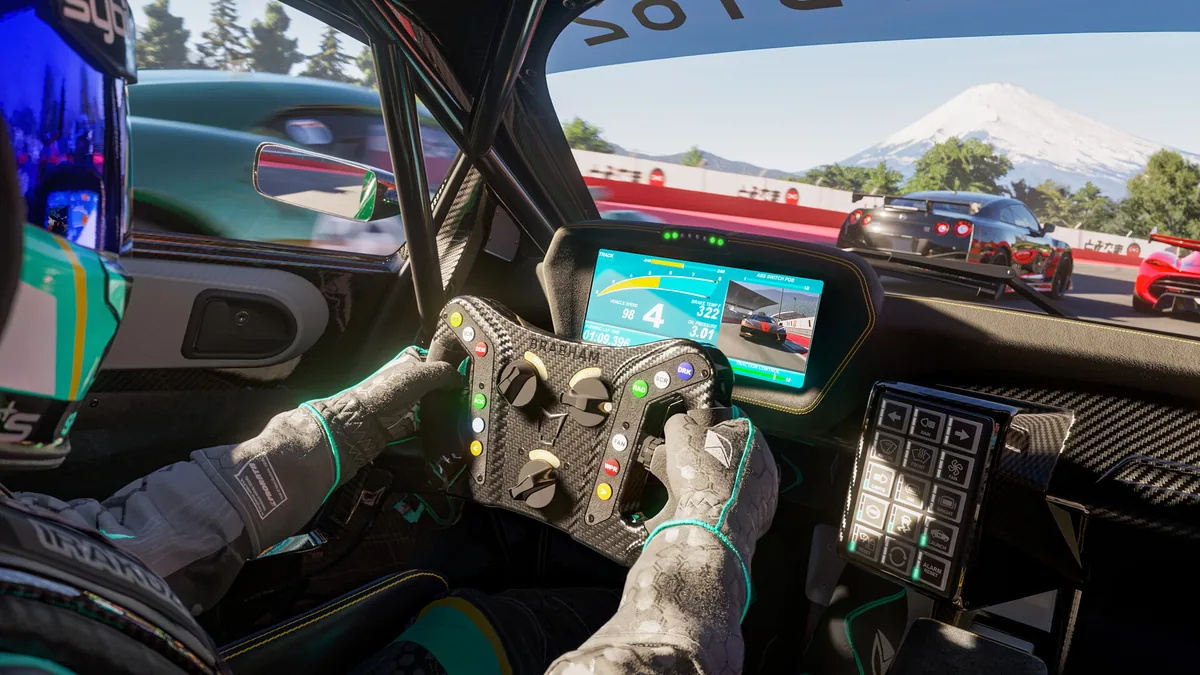
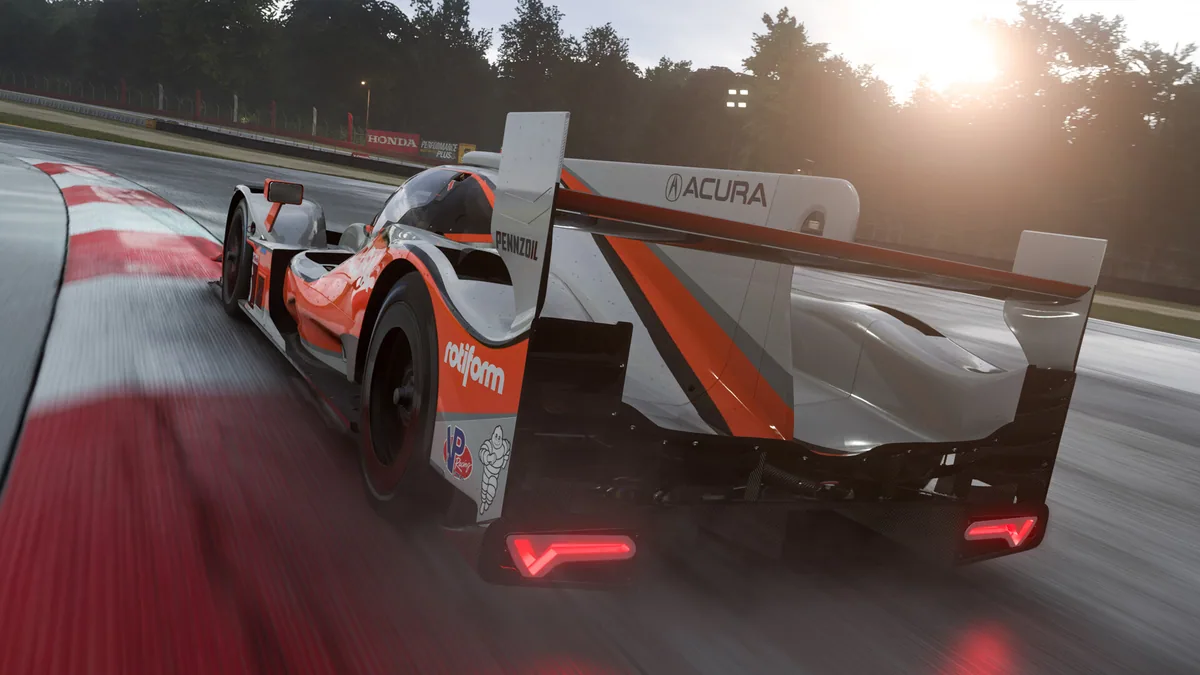
Forza Motorsport puts a broad car roster on real-world circuits for single-player progression and online racing. Building a car through practice, upgrades and events changes how it handles through every sector.
Tire behavior, fuel, weather and track conditions reward preparation as much as speed. The garage offers different classes and setups, while race weekends turn each lap into a comparison with the field.
Official game page



Forza Motorsport trainer features
Forza Motorsport ties garage upgrades to what happens on track. The trainer connects car progression with tire, fuel and lap data, making it easier to understand a setup before the next event.