FREE CHEATS FOR
iRacing
Released January 12, 2015
Updated
 EAGLE CHEATS
How to use Eagle in iRacing
With iRacing running, press Insert to open the Eagle menu. The quick keys give direct access to Fuel Remaining, Fuel Window Estimate and Tire Wear View. Use the menu for Tire Temperature, Nearby Car Radar and Brake Temperature and the remaining listed features; close it with Insert to return to the app.
- F2 Fuel Remaining
Press F2 to turn Fuel Remaining on or off without opening the menu. - F3 Fuel Window Estimate
Press F3 to turn Fuel Window Estimate on or off without opening the menu. - F4 Tire Wear View
Press F4 to turn Tire Wear View on or off without opening the menu. - Insert Tire Temperature
Press Insert, find Tire Temperature in the feature list, and switch it on or off. - Insert Nearby Car Radar
Press Insert, find Nearby Car Radar in the feature list, and switch it on or off. - Insert Brake Temperature
Press Insert, find Brake Temperature in the feature list, and switch it on or off.
EXPLORE THE MENUFeatures
16 features
Review car condition and lap data from a single racing panel. Fuel, tires, brake temperatures, splits and nearby-car information stay readable during practice and events.
- Fuel Remaining
- Fuel Window Estimate
- Tire Wear View
- Tire Temperature
- Brake Temperature
- Engine Temperature
- Current Lap Delta
- Sector Split View
- Best Lap Comparison
- Pit Strategy View
- Race Position Tracker
- Nearby Car Radar
- Incident Counter
- Track Map
- Setup Comparison
- Telemetry Overlay
About the game
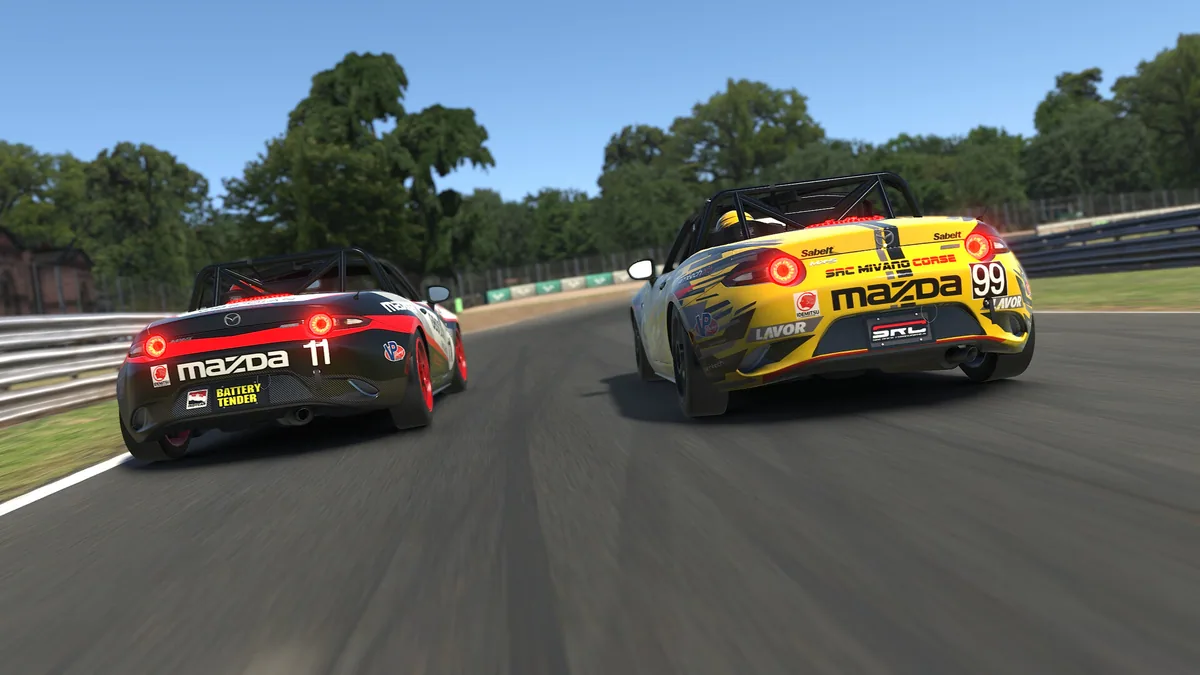
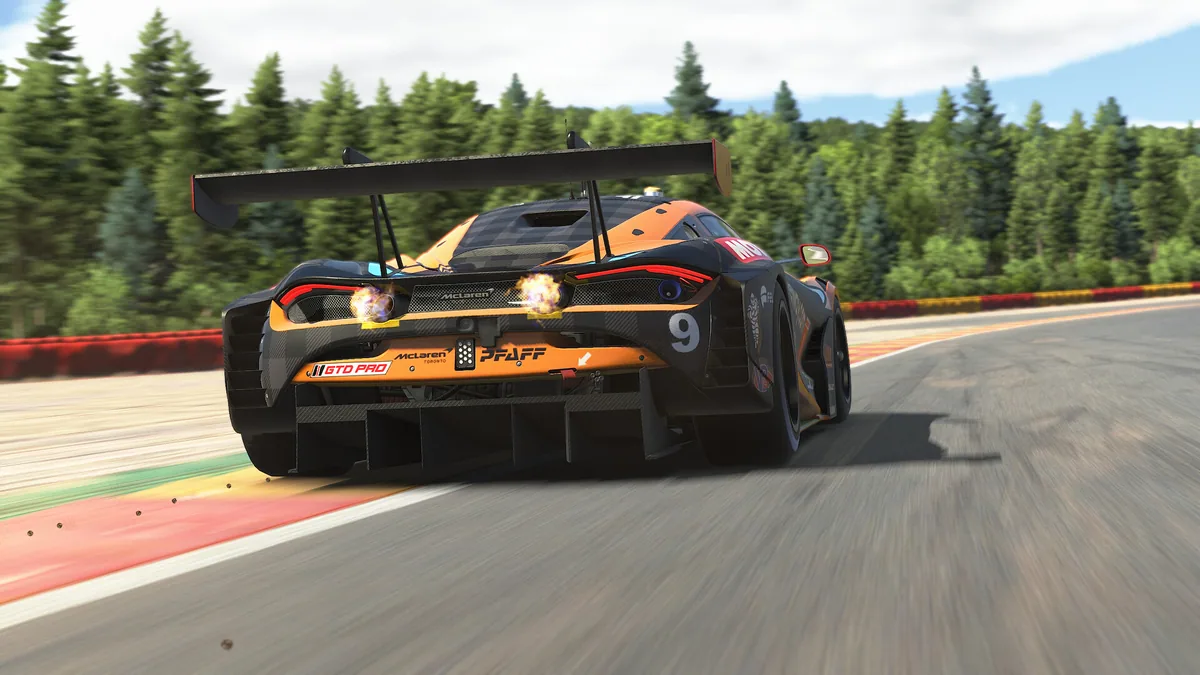
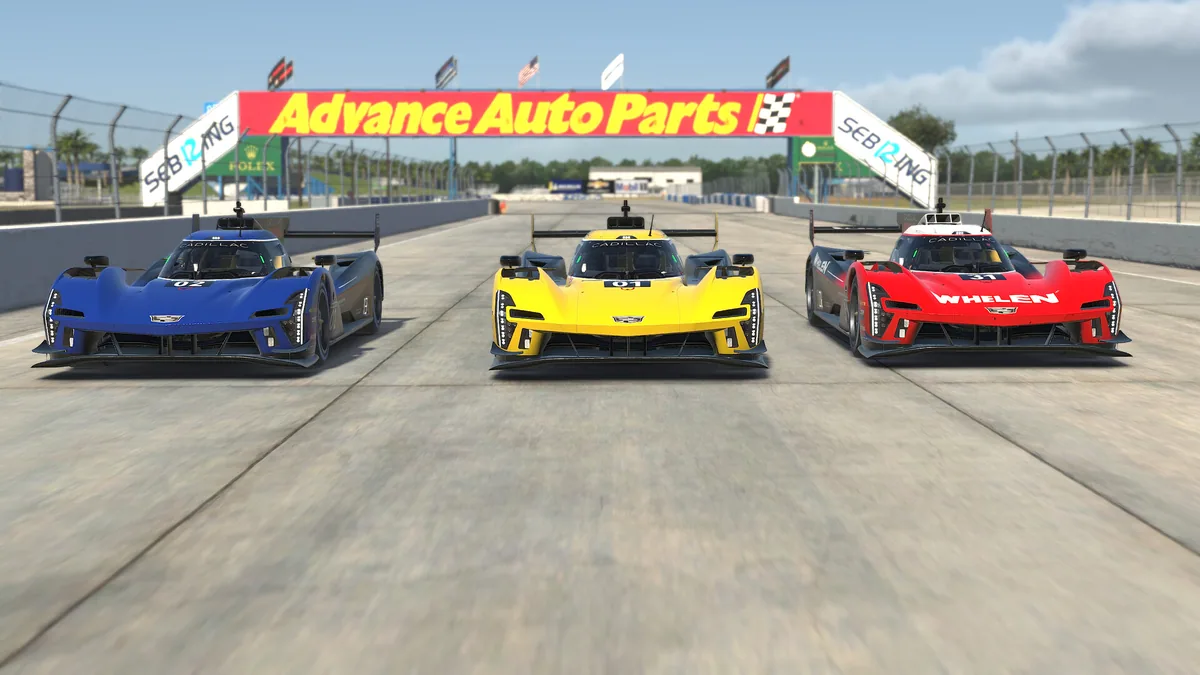
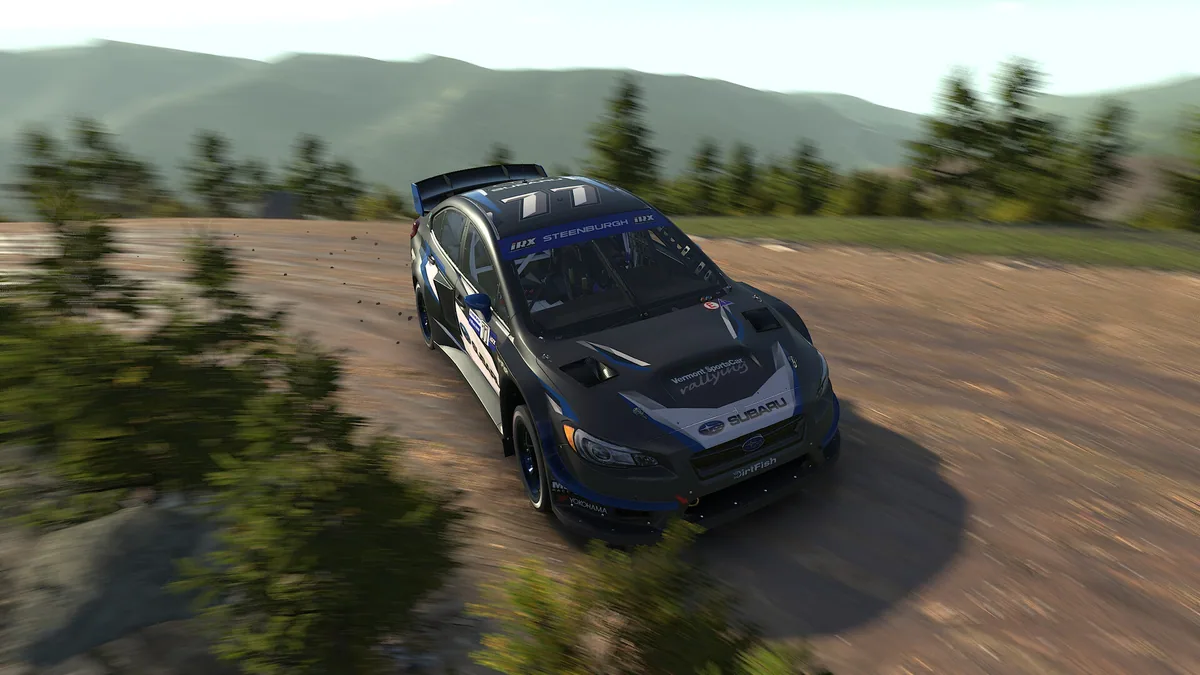
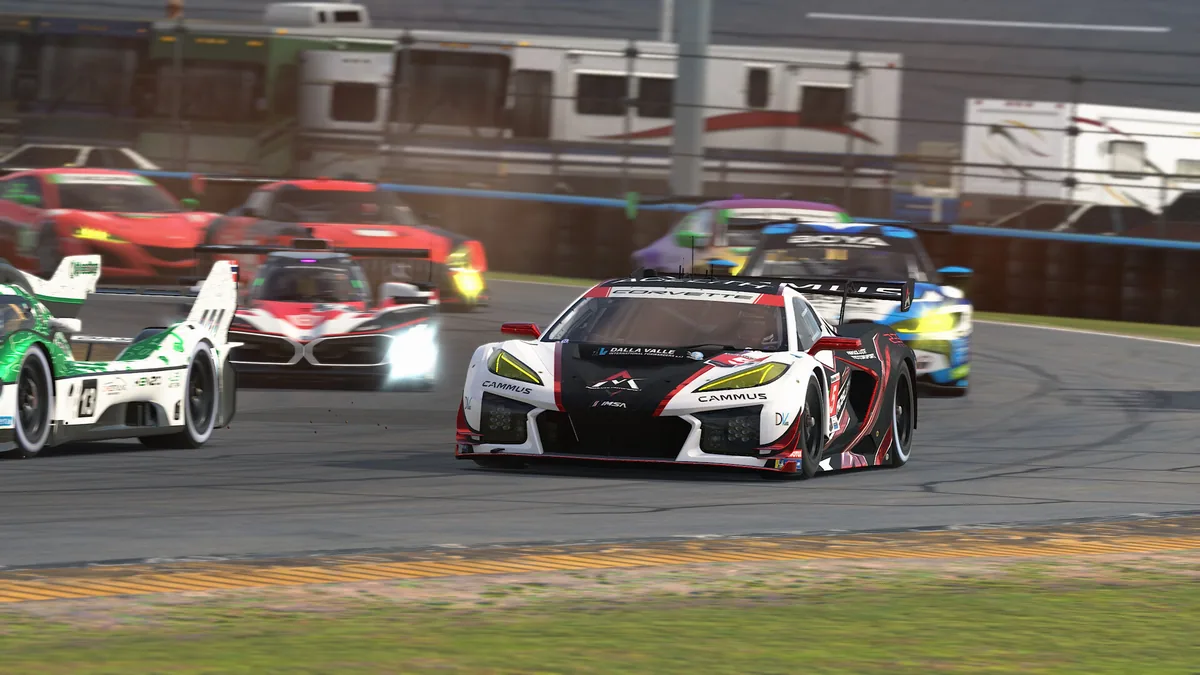
iRacing is an online motorsport simulation with organized racing across multiple car classes and circuits. A driver can practice a line, qualify, then enter a race where tire wear, fuel and clean overtakes matter as much as outright speed.
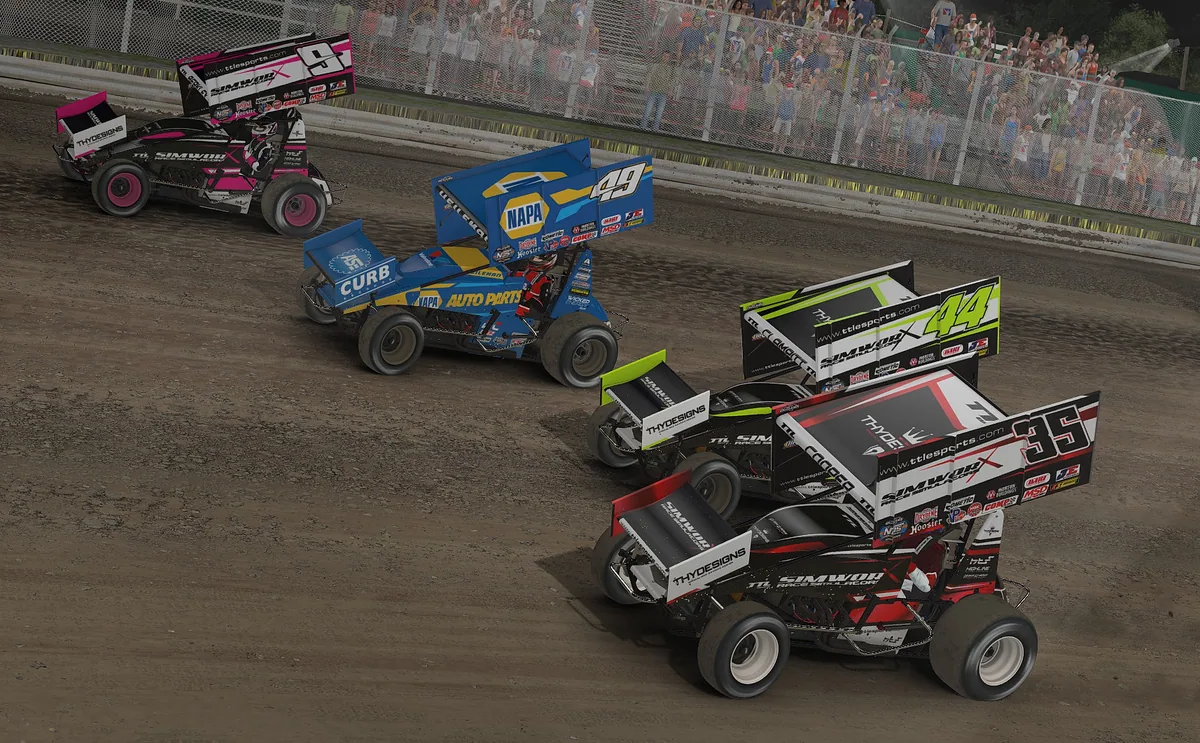
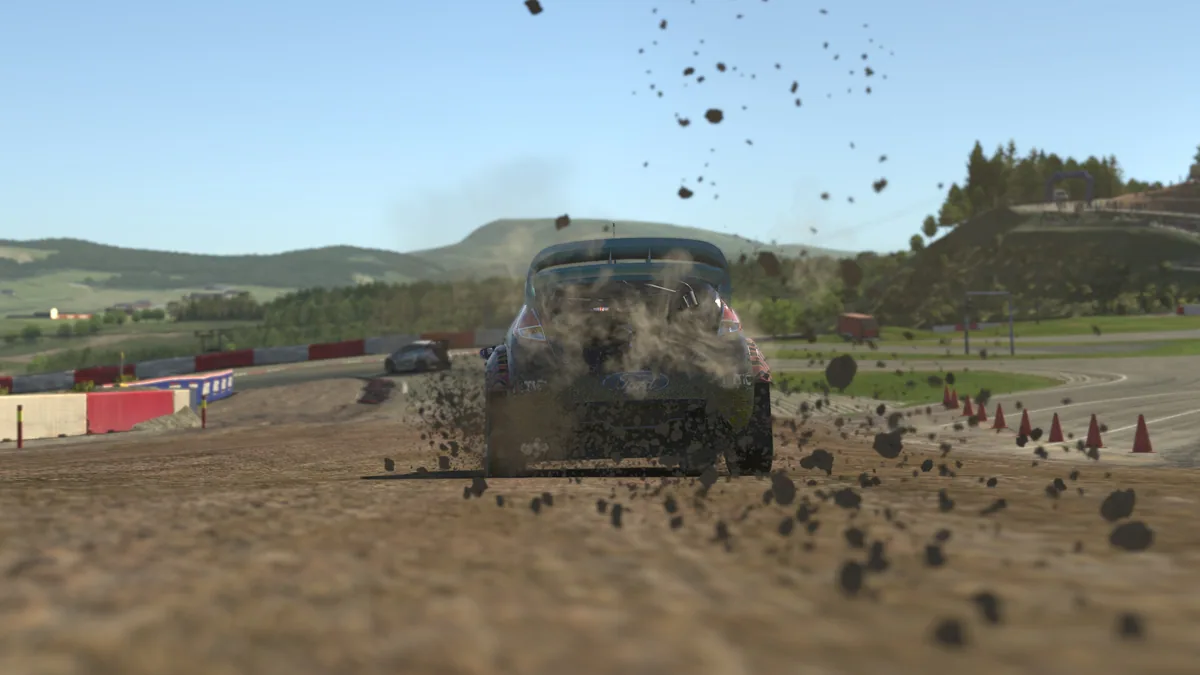
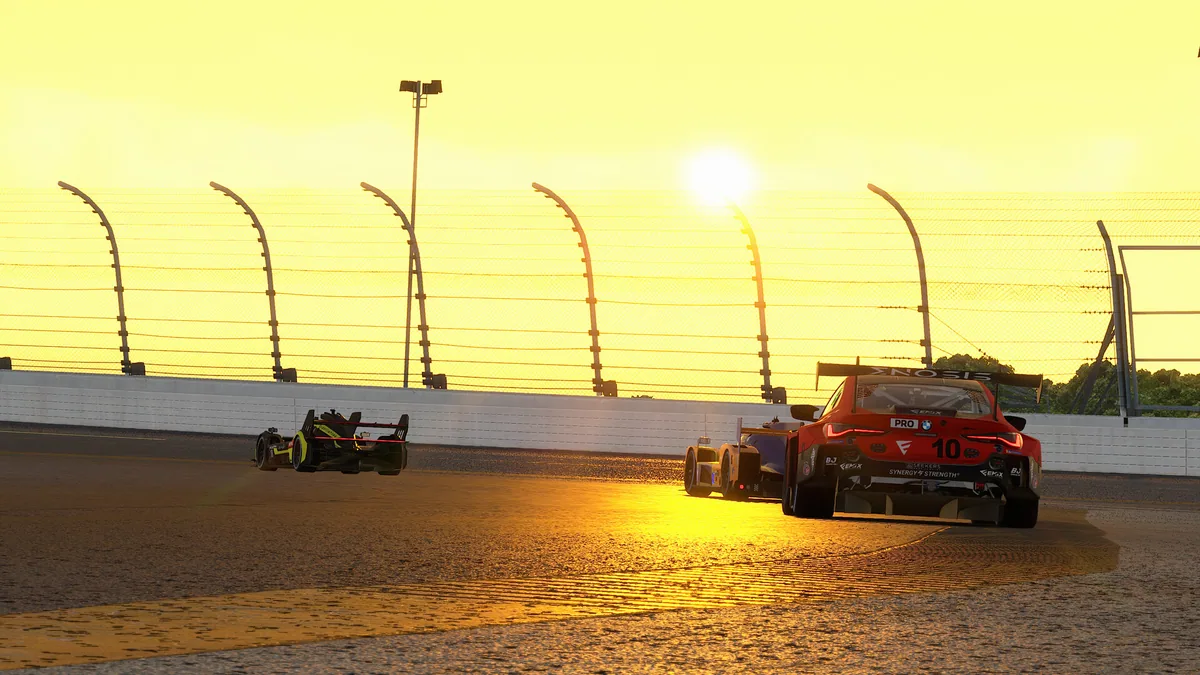
Its schedule brings road, oval and other disciplines into structured competition. Replays, telemetry and detailed vehicle setup turn each session into an opportunity to understand where time was won or lost.
Official game page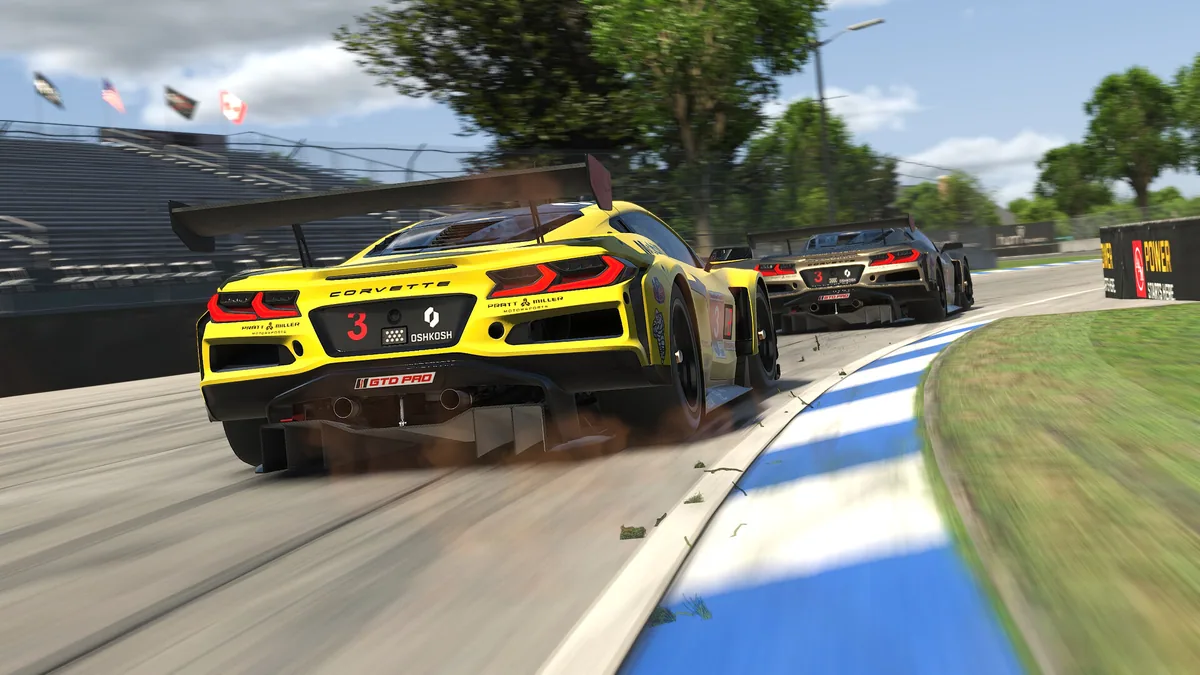
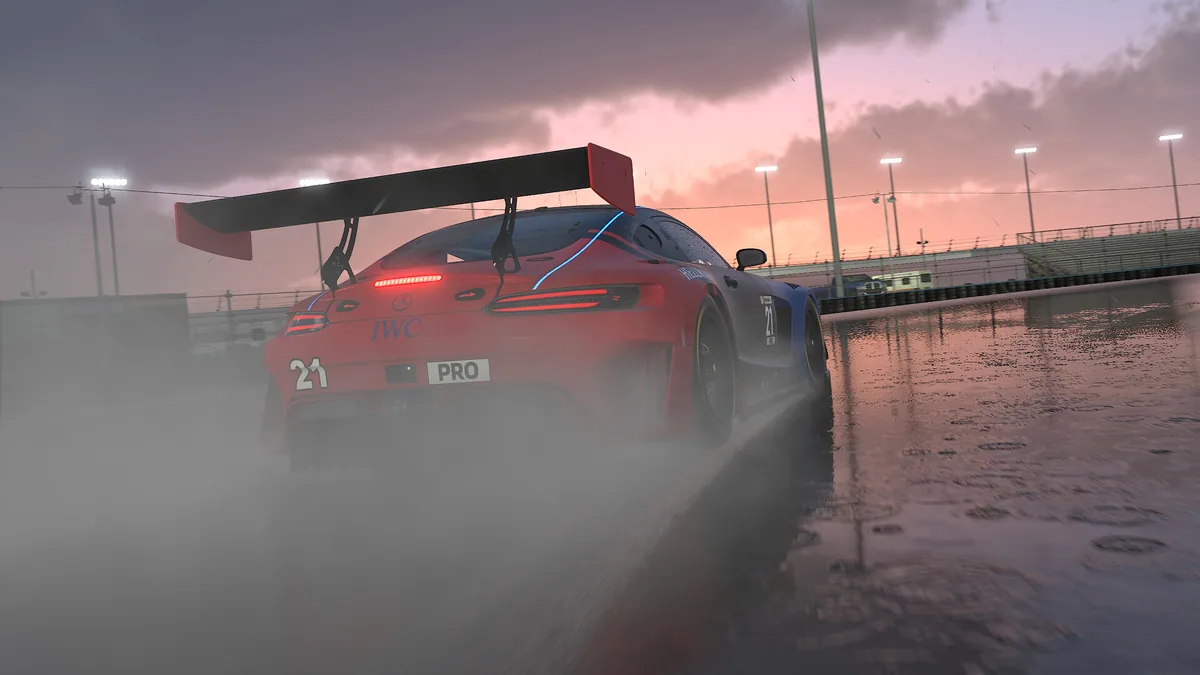
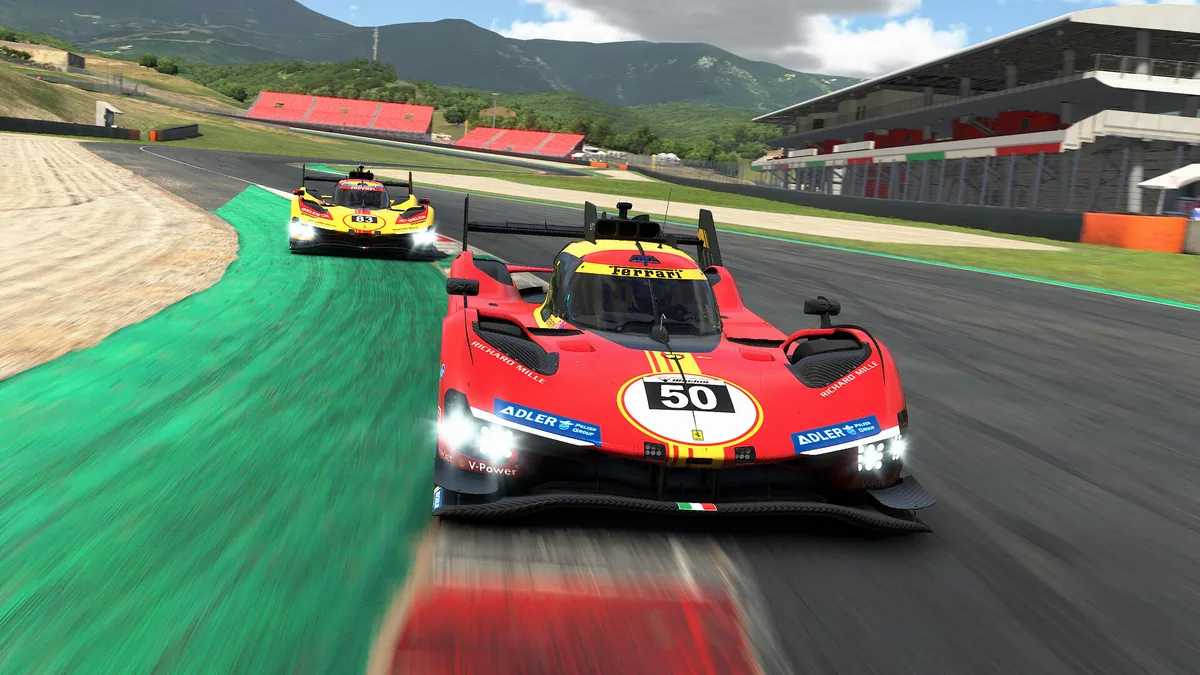
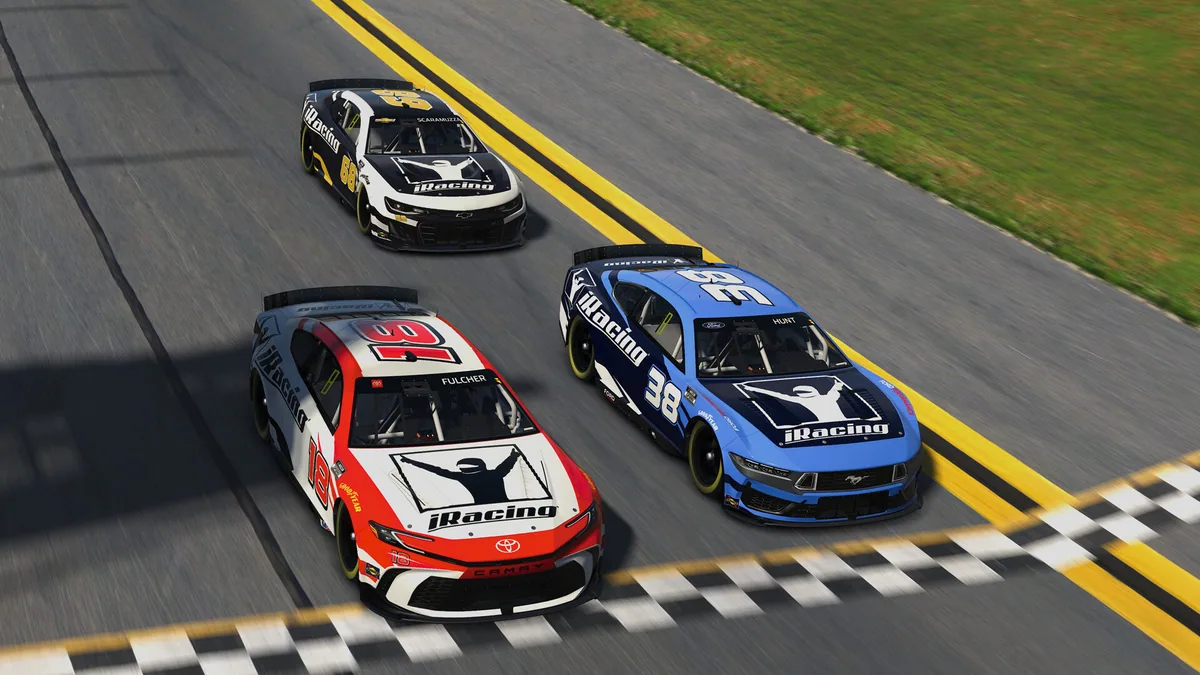
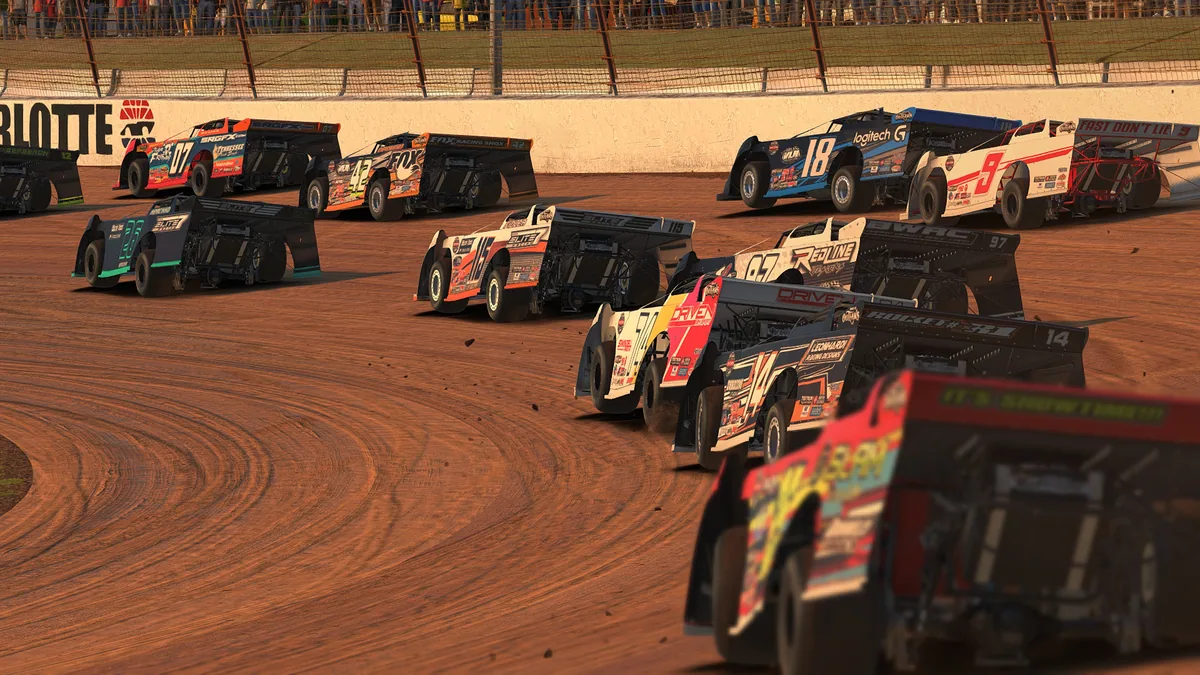
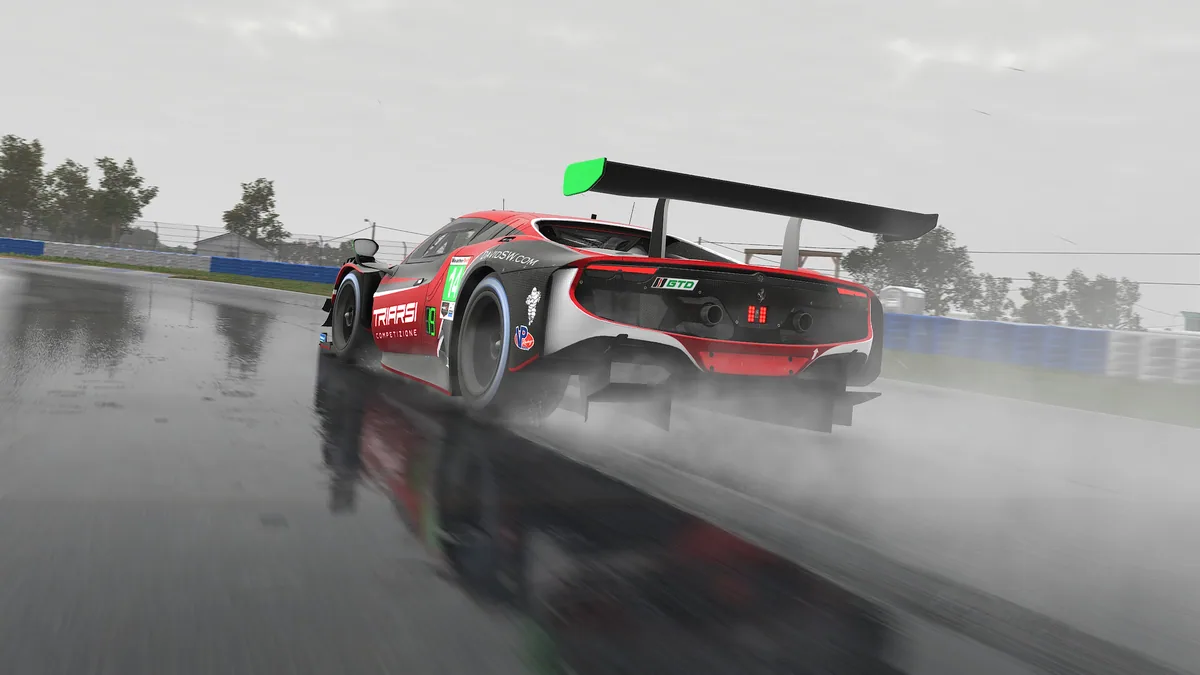
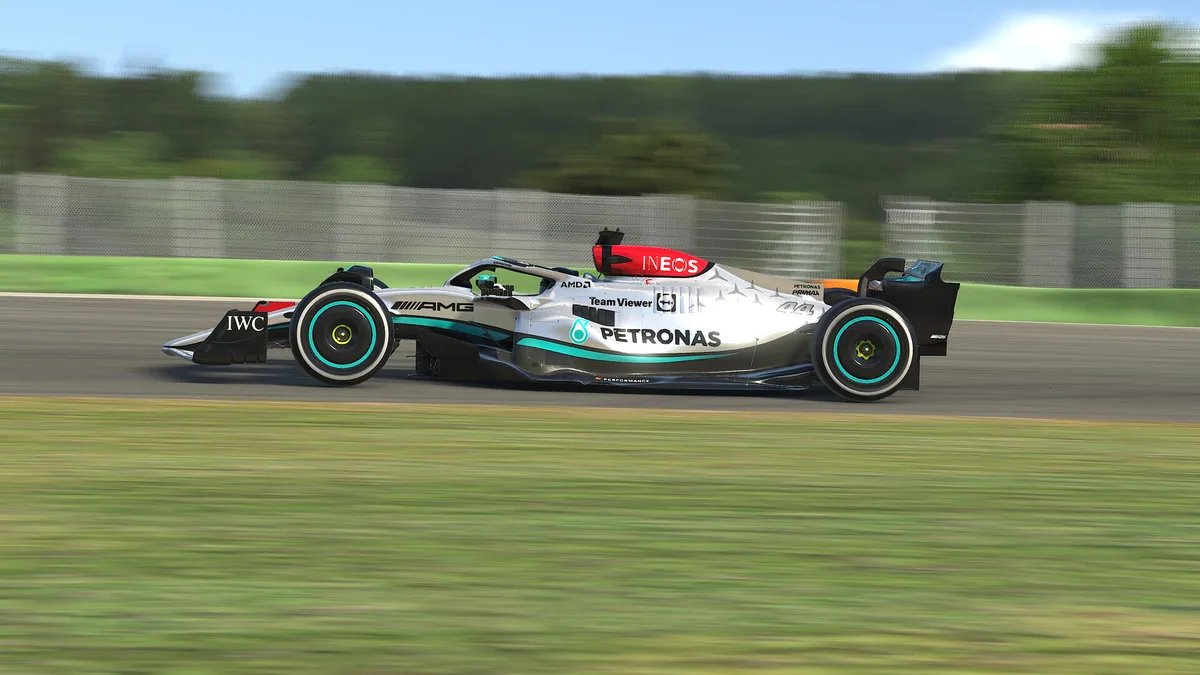
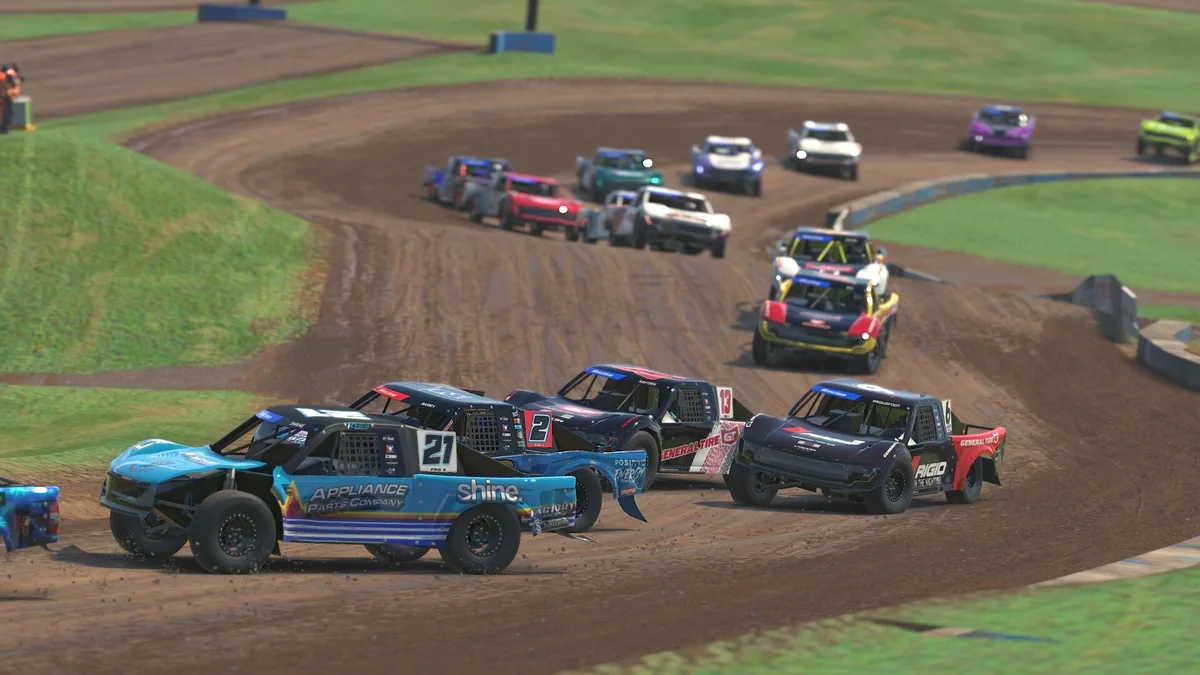
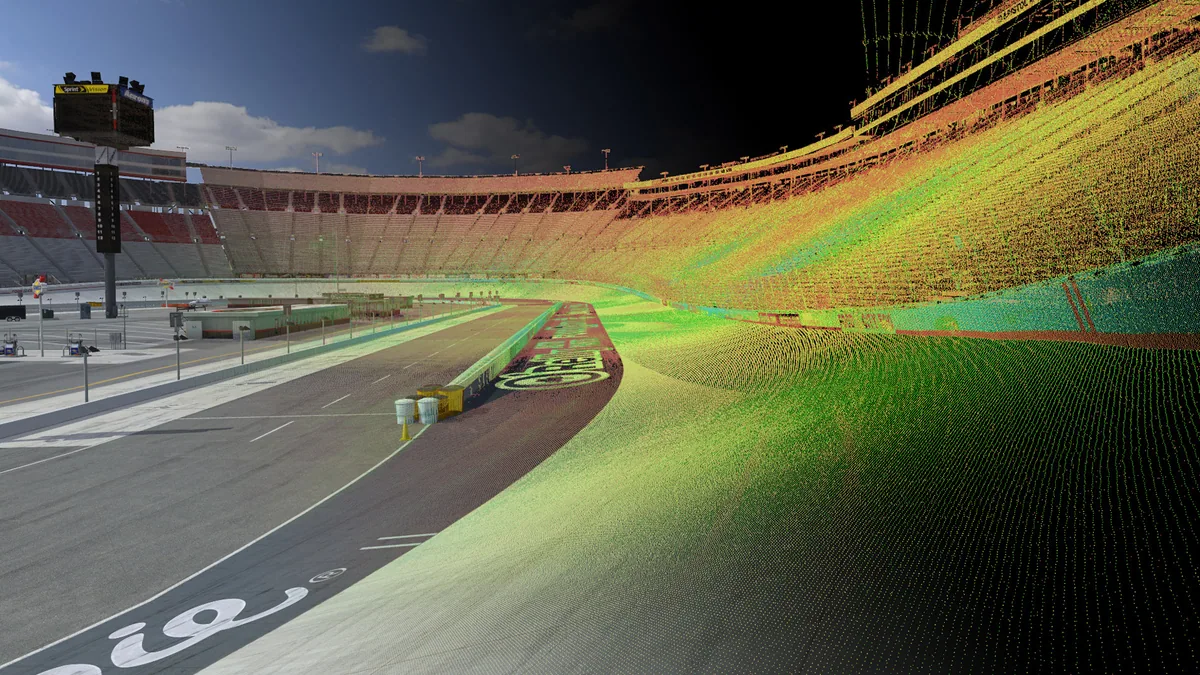
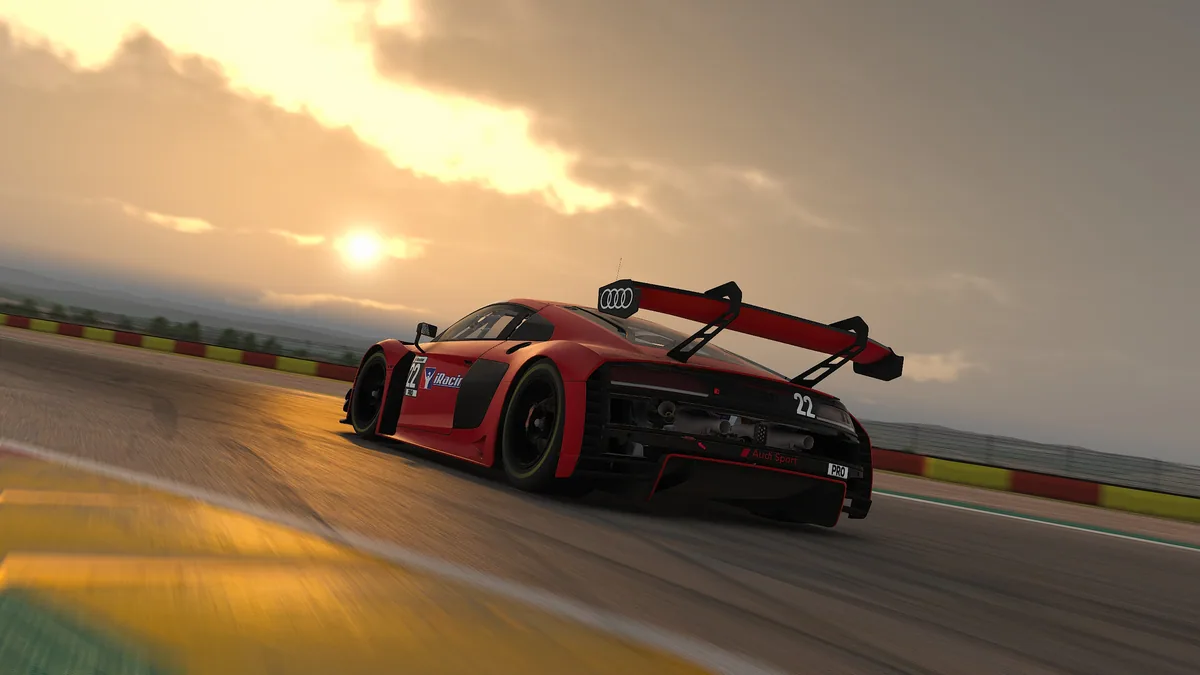
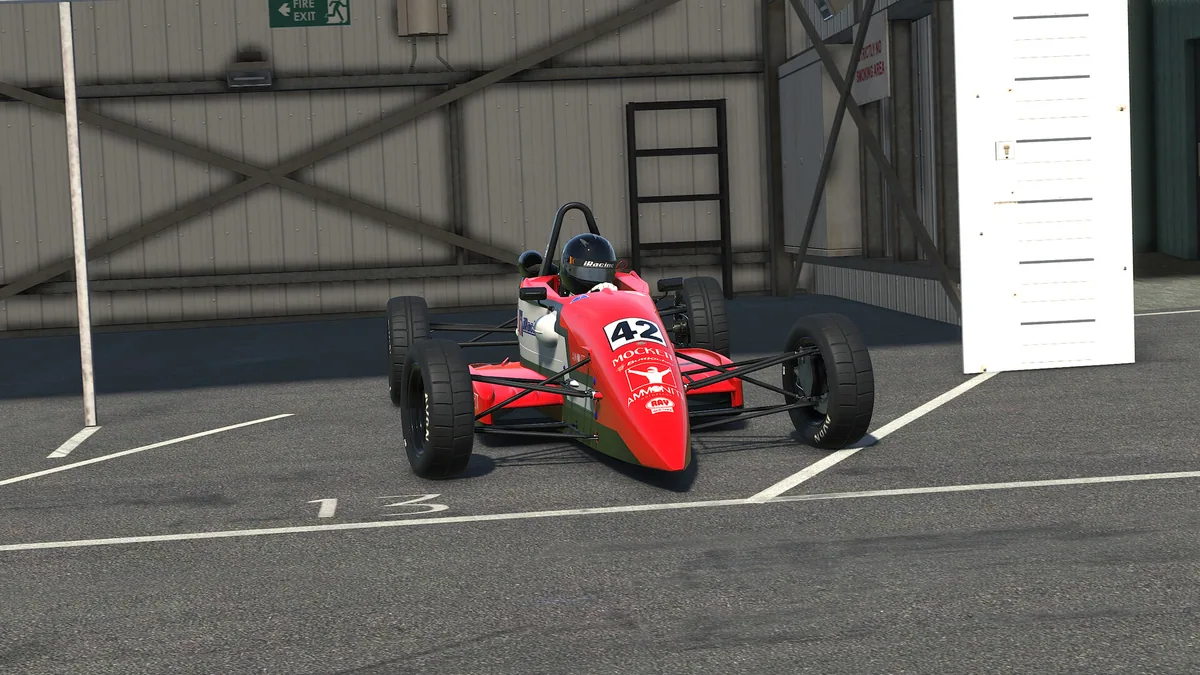
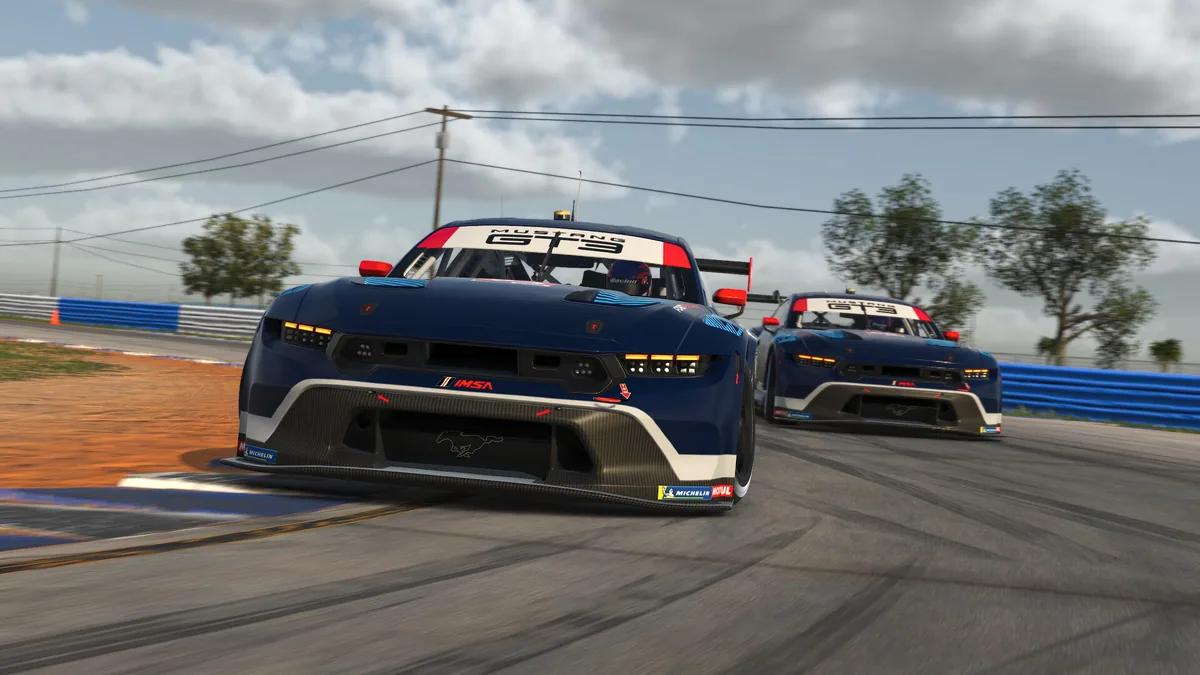
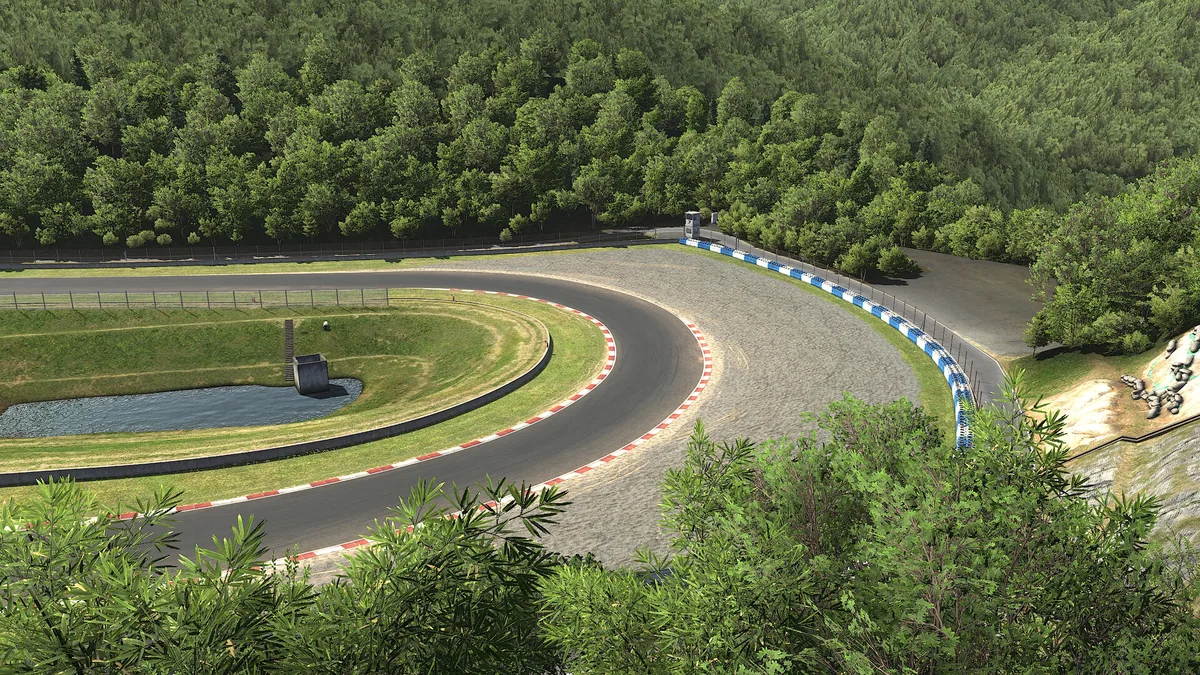
iRacing trainer features
iRacing revolves around measured improvement. The menu puts tire and fuel information next to lap deltas, split comparisons, pit planning and traffic awareness, giving drivers a clearer view of each session.