FREE CHEATS FOR
Hearts of Iron IV
Released June 6, 2016
Updated

 EAGLE CHEATS
How to use Eagle in Hearts of Iron IV
With Hearts of Iron IV running, press Insert to open the Eagle menu. The quick keys give direct access to Political Power, Command Power and Army Experience. Use the menu for Navy Experience, Set Game Speed and Reveal Map and the remaining listed features; close it with Insert to return to the app.
- F2 Political Power
Press F2 to turn Political Power on or off without opening the menu. - F3 Command Power
Press F3 to turn Command Power on or off without opening the menu. - F4 Army Experience
Press F4 to turn Army Experience on or off without opening the menu. - Insert Navy Experience
Press Insert, find Navy Experience in the feature list, and switch it on or off. - Insert Set Game Speed
Press Insert, choose Set Game Speed, adjust the value, and apply. - Insert Reveal Map
Press Insert, find Reveal Map in the feature list, and switch it on or off.
EXPLORE THE MENUFeatures
19 features
The free Hearts of Iron IV trainer includes Political Power, Command Power and Army Experience. It also offers Navy Experience, Air Experience and Instant Research. Press Insert to open the menu on Windows PC.
- Political Power
- Command Power
- Army Experience
- Navy Experience
- Air Experience
- Instant Research
- Instant Construction
- Equipment Stockpile
- Focus Progress
- Supply View
- Unlimited Resources
- Instant Recruitment
- Fast Research
- Max Unit Morale
- Reveal Map
- No Unit Upkeep
- Set Game Speed
- Save Position
- Teleport to Waypoint
About the game
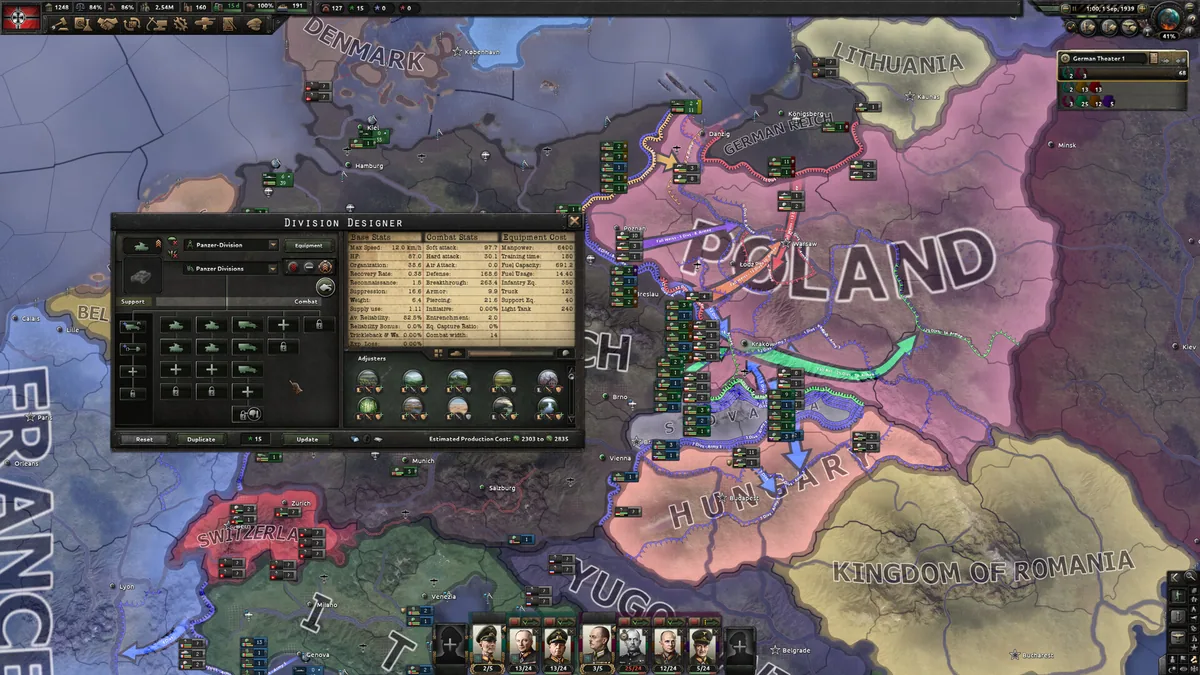
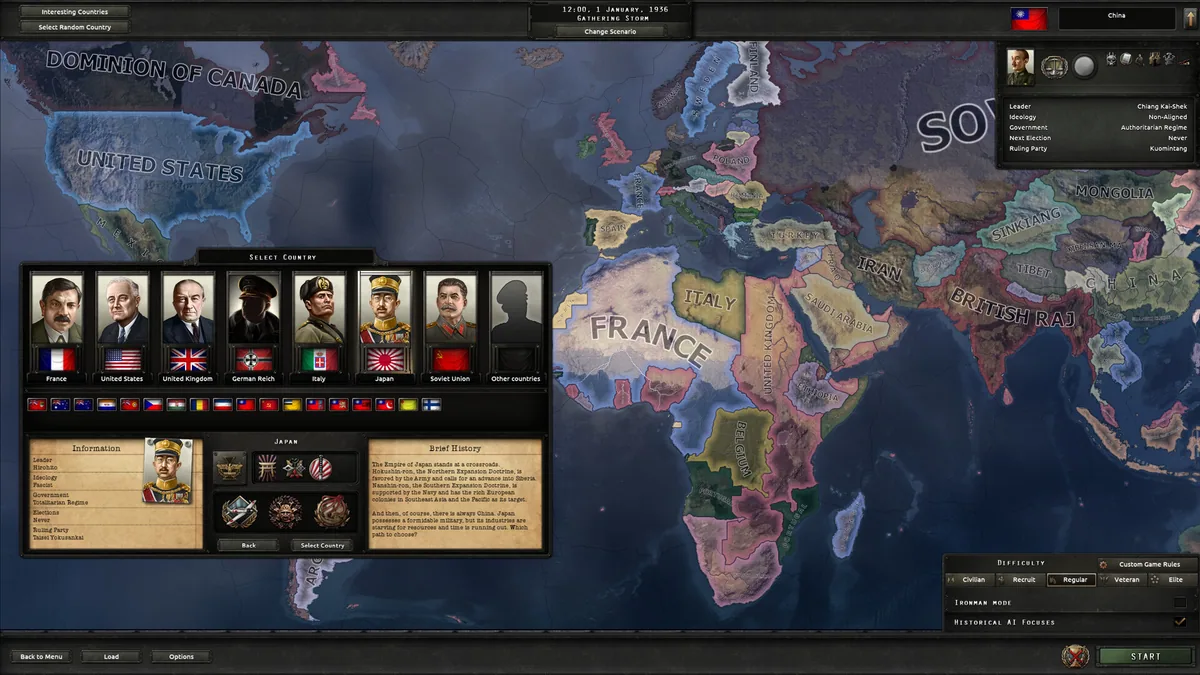
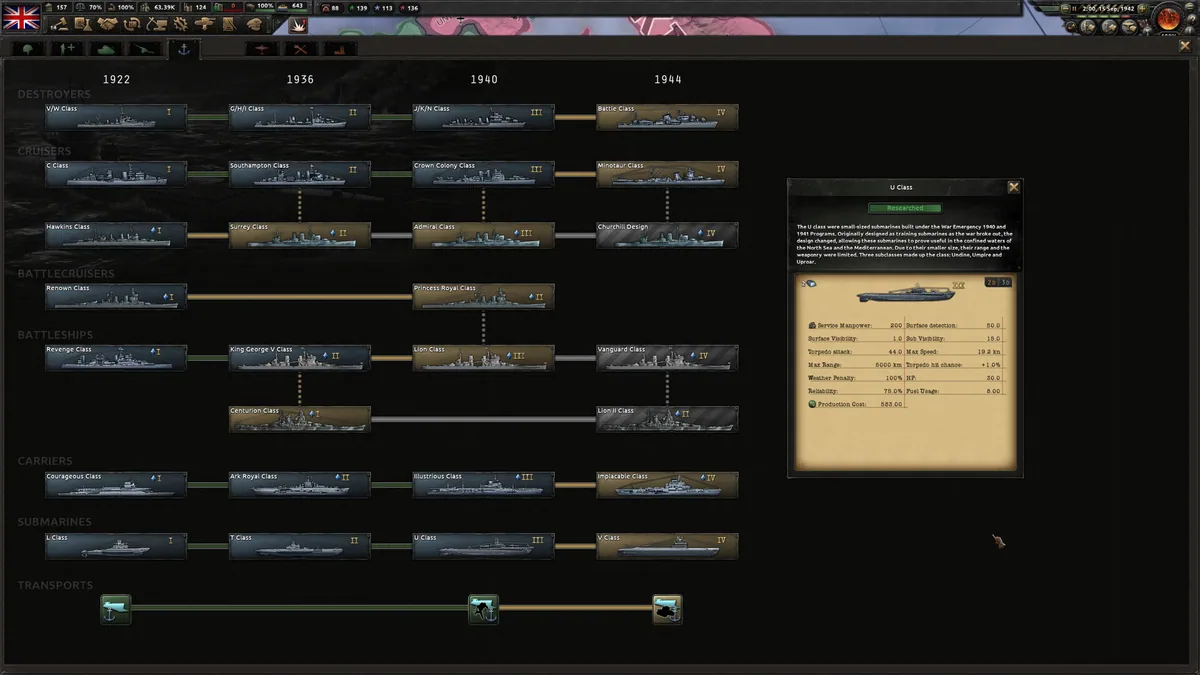
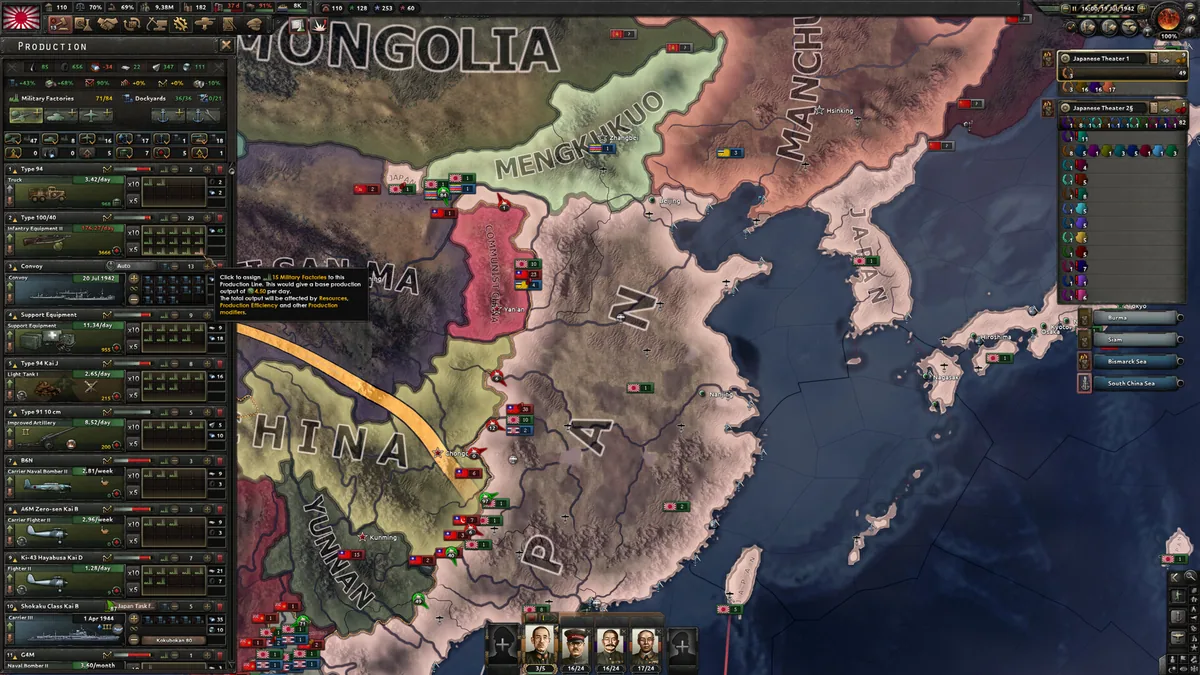
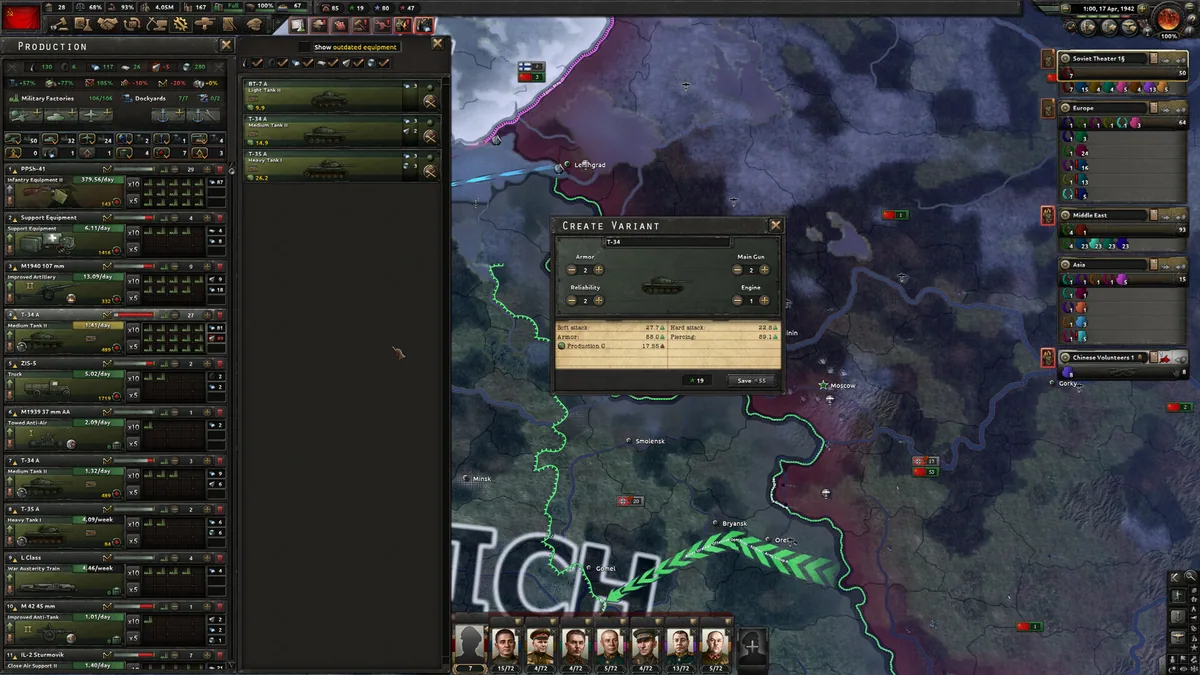
Hearts of Iron IV is a grand strategy game set around the Second World War. Players direct a nation through diplomacy, industry, research and military planning on a world map.
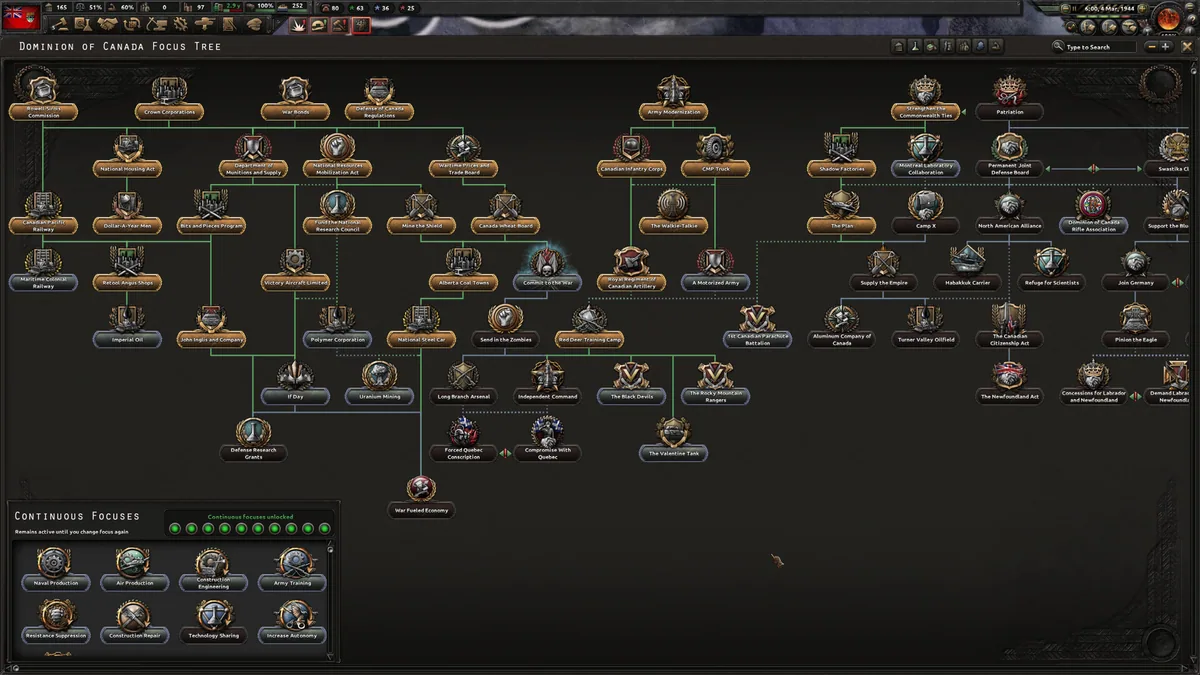
The focus tree shapes national priorities while armies, fleets and aircraft compete for supply and territory. Campaigns can follow history or diverge through different alliances and political choices.
Official game page