FREE CHEATS FOR
IRON NEST: Heavy Turret Simulator
Released August 6, 2026
Updated

 EAGLE CHEATS
How to use Eagle in IRON NEST: Heavy Turret Simulator
With IRON NEST: Heavy Turret Simulator running, press Insert to open the Eagle menu. The quick keys give direct access to Infinite Turret Health and No Hydraulic Failure. Use the menu for Instant Gunlaying, No Recoil and Set Game Speed and the remaining listed features; close it with Insert to return to the app.
- F2 Infinite Turret Health
Press F2 to turn Infinite Turret Health on or off without opening the menu. - F3 No Hydraulic Failure
Press F3 to turn No Hydraulic Failure on or off without opening the menu. - Insert Instant Gunlaying
Press Insert and choose Instant Gunlaying when you want to run this action. - Insert No Recoil
Press Insert, find No Recoil in the feature list, and switch it on or off. - Insert Set Game Speed
Press Insert, choose Set Game Speed, adjust the value, and apply.
EXPLORE THE MENUFeatures
10 features
The free IRON NEST: Heavy Turret Simulator mod menu includes Infinite Turret Health, No Hydraulic Failure and Instant Gunlaying. It also offers No Cannon Cooldown, Infinite Shells and Reveal Target Coordinates. Press Insert to open the menu on Windows PC.
- Infinite Turret Health
- No Hydraulic Failure
- Instant Gunlaying
- No Cannon Cooldown
- Infinite Shells
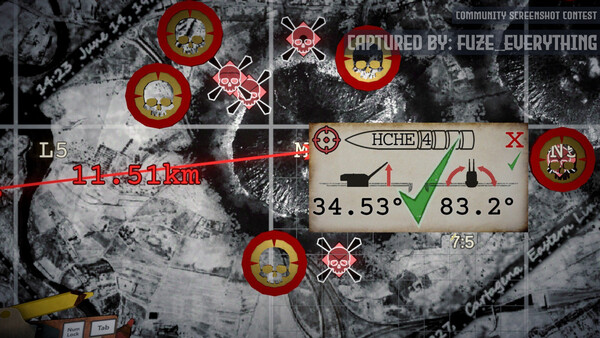
- Reveal Target Coordinates
- Trajectory Preview
- No Recoil
- Free Camera
- Set Game Speed
About the game
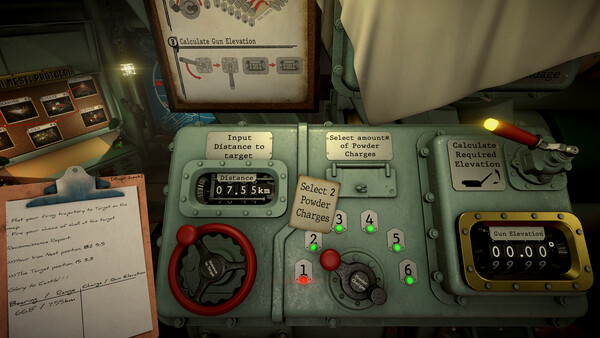
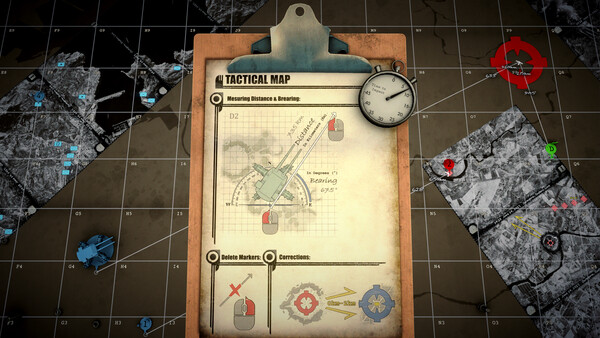
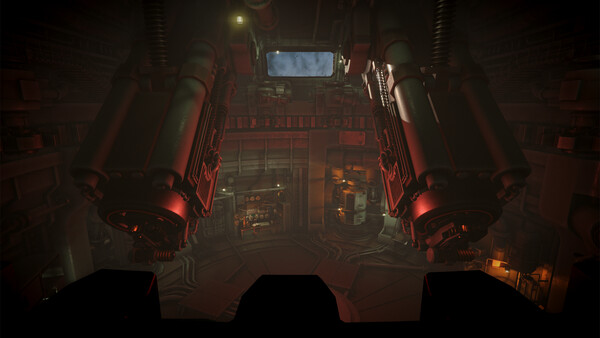
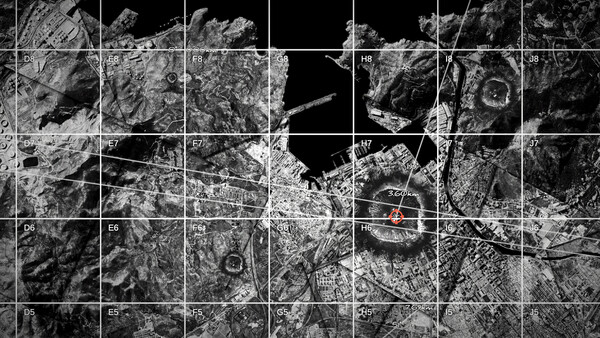
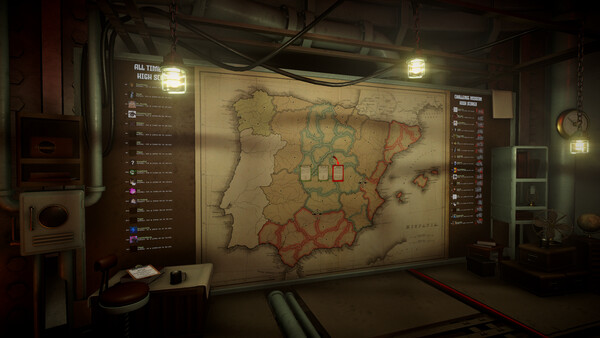
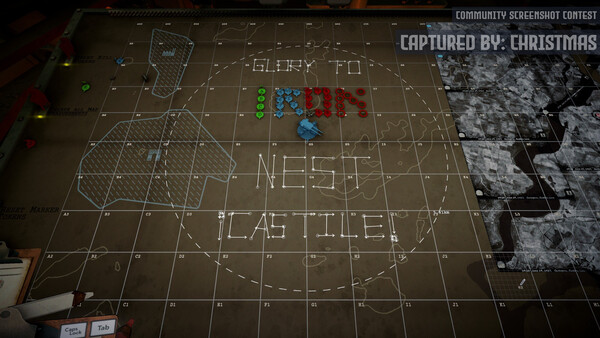
IRON NEST is a brutal dieselpunk heavy-artillery game where you dominate the battlefield through a colossal war machine. Take map measurements based on the received coordinates, strain the hydraulics, and gunlay the cannons to unleash devastating blows ⟹ Will you obey High Command, Operator?.
Official game page