FREE CHEATS FOR
Nuclear Option
Released October 15, 2023
Updated
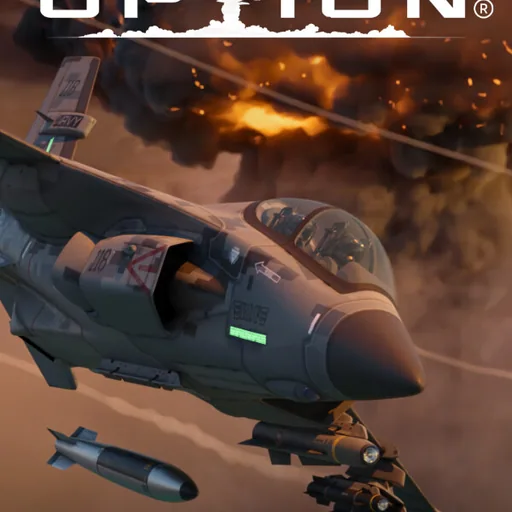
 EAGLE CHEATS
How to use Eagle in Nuclear Option
With Nuclear Option running, press Insert to open the Eagle menu. The quick keys give direct access to Aircraft Durability and Weapon Ammo. Use the menu for Fuel Editor, Flight Speed and Mission Timer and the remaining listed features; close it with Insert to return to the app.
- F2 Aircraft Durability
Press F2 to turn Aircraft Durability on or off without opening the menu. - F3 Weapon Ammo
Press F3 to turn Weapon Ammo on or off without opening the menu. - Insert Fuel Editor
Press Insert, choose Fuel Editor, adjust its value or option, and apply. - Insert Flight Speed
Press Insert, choose Flight Speed, adjust the value, and apply. - Insert Mission Timer
Press Insert, find Mission Timer in the feature list, and switch it on or off.
EXPLORE THE MENUFeatures
8 features
Insert opens the menu on Windows PC. Aircraft Durability and Fuel Editor let players adjust critical flight parameters during gameplay. The mod menu is free for Windows PC.
- Aircraft Durability
- Fuel Editor
- Weapon Ammo
- Target Markers
- Missile Warning
- Flight Speed
- Free Camera
- Mission Timer
About the game
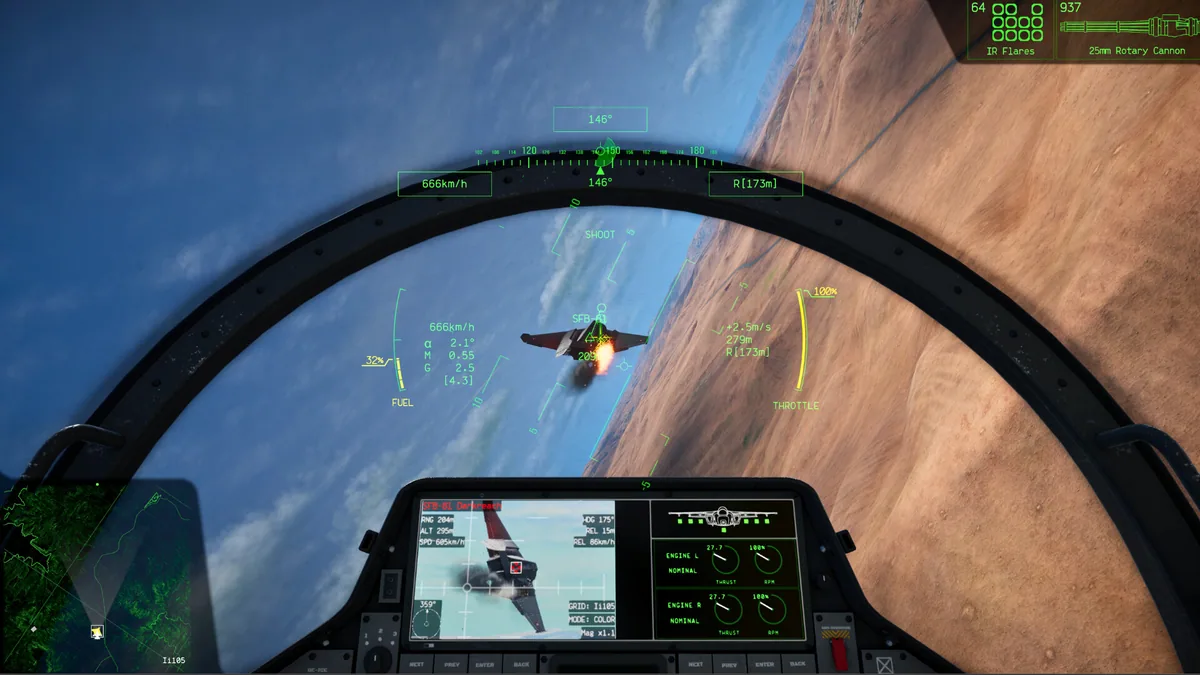
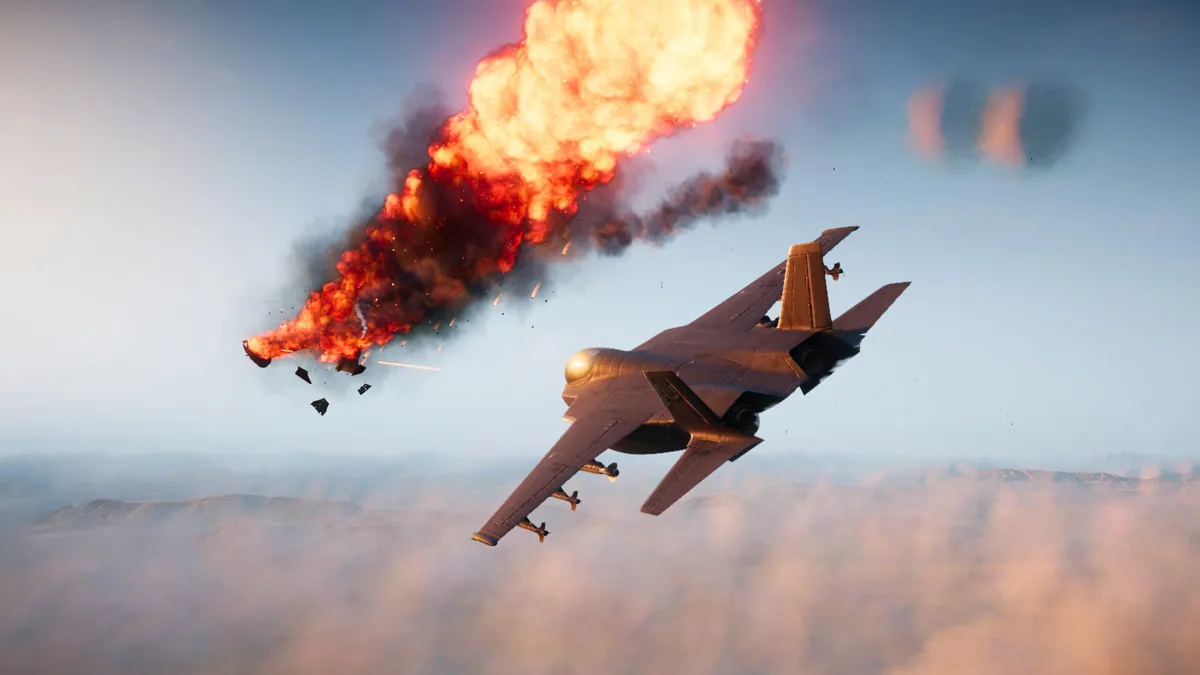
Nuclear Option immerses players in a near-future combat environment where they pilot advanced aircraft to engage in dynamic battles across land, air, and sea. The core gameplay revolves around managing resources, navigating complex environments, and utilizing a wide range of weaponry to outmaneuver enemies. Players can customize their approach by adjusting aircraft settings, tracking threats, and managing fuel and ammunition. The game emphasizes realistic flight mechanics, with each aircraft composed of multiple simulated parts that affect performance and damage. Strategic decisions, such as when to deploy nuclear weapons or how to evade enemy fire, shape the outcome of every mission.
With a focus on immersion and realism, Nuclear Option allows players to experience the challenges of aerial combat through detailed cockpit HUDs and responsive flight dynamics. The game supports both solo and multiplayer modes, enabling players to engage in competitive or cooperative scenarios. Whether intercepting bombers, engaging in dogfights, or executing precision strikes, the game offers a variety of scenarios that test tactical thinking and adaptability.
Official game page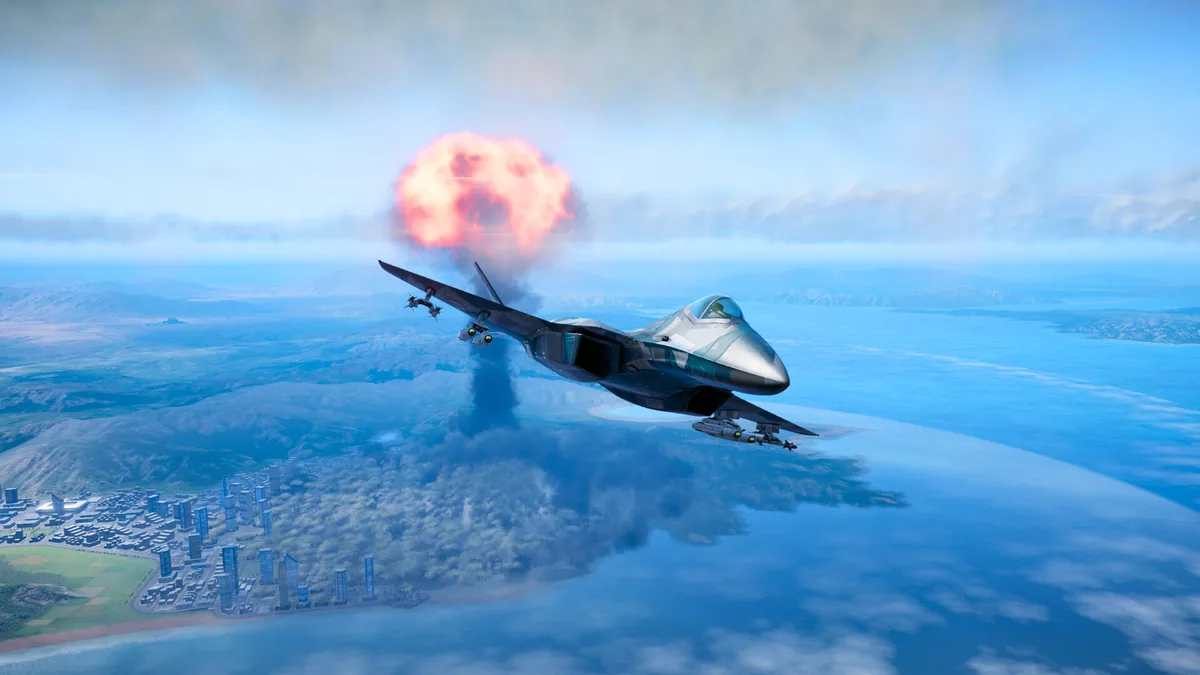
Using the Nuclear Option mod menu
Use Aircraft Durability to manage your plane's condition during intense combat scenarios. Employ Fuel Editor to optimize your flight strategy in extended missions. These controls enhance your ability to adapt to changing battlefield conditions and maintain operational efficiency.