FREE CHEATS FOR
Professional Ship Simulator
Released September 16, 2026
Updated
 EAGLE CHEATS
How to use Eagle in Professional Ship Simulator
With Professional Ship Simulator running, press Insert to open the Eagle menu. The quick keys give direct access to Traffic Overlay and Clear Traffic. Use the menu for Fast Transport, No Weather Damage and Teleport to Waypoint and the remaining listed features; close it with Insert to return to the app.
- F2 Traffic Overlay
Press F2 to turn Traffic Overlay on or off without opening the menu. - F3 Clear Traffic
Press F3 to turn Clear Traffic on or off without opening the menu. - Insert Fast Transport
Press Insert, find Fast Transport in the feature list, and switch it on or off. - Insert No Weather Damage
Press Insert, find No Weather Damage in the feature list, and switch it on or off. - Insert Teleport to Waypoint
Press Insert and choose Teleport to Waypoint when you want to run this action.
EXPLORE THE MENUFeatures
9 features
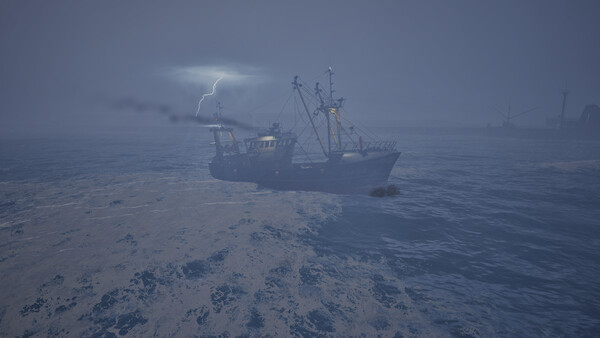
The free Professional Ship Simulator mod menu includes Traffic Overlay, Clear Traffic and Fast Transport. It also offers Set Weather, Set Wind and No Weather Damage. Press Insert to open the menu on Windows PC.
- Traffic Overlay
- Clear Traffic
- Fast Transport
- Set Weather
- Set Wind
- No Weather Damage
- Reveal Map
- Save Position
- Teleport to Waypoint
About the game
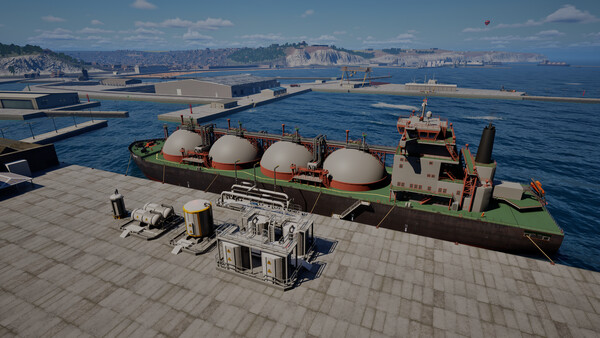
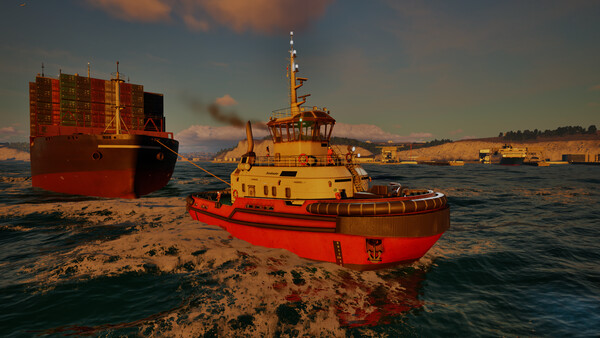
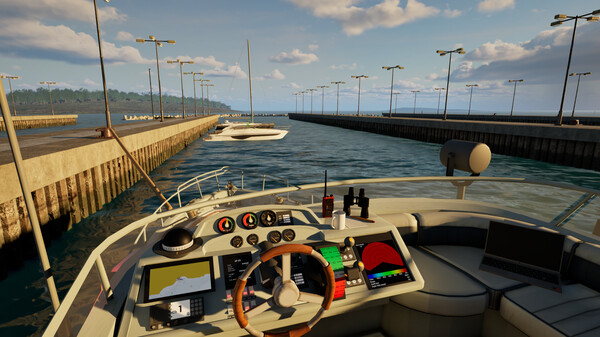
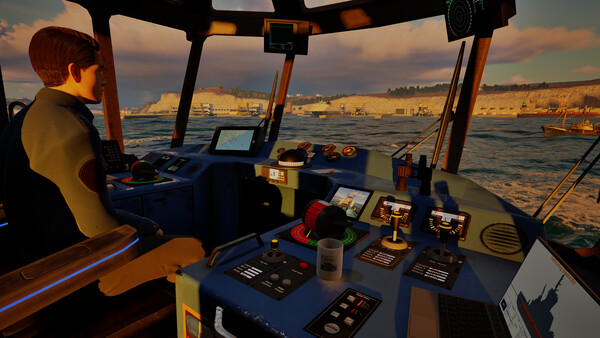
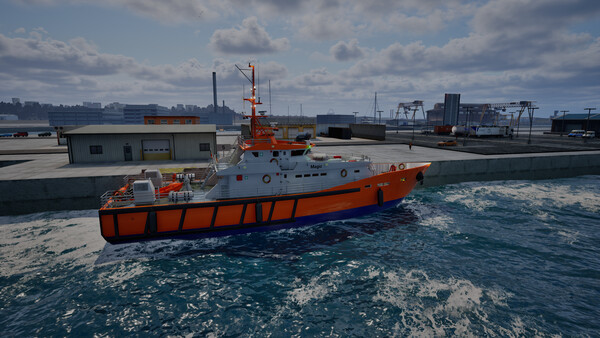
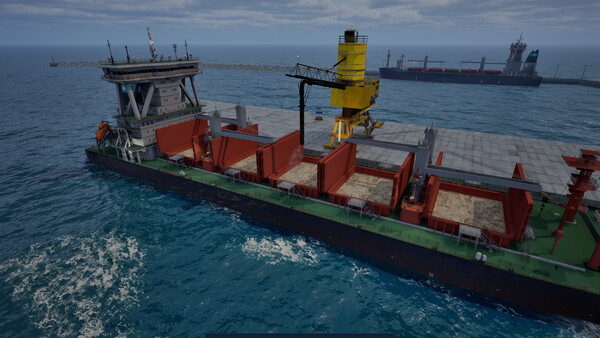
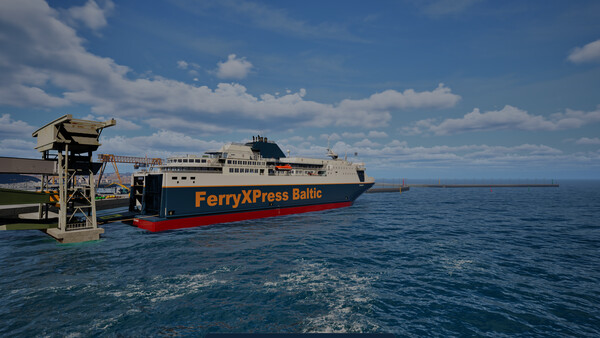
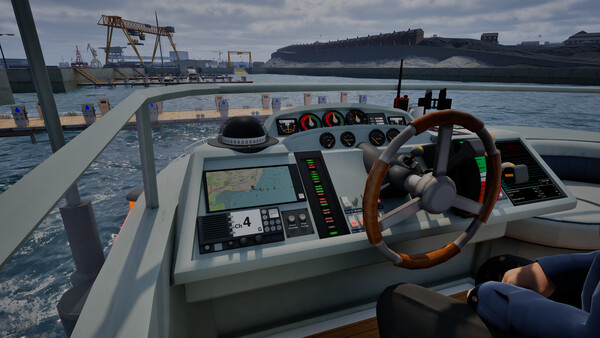
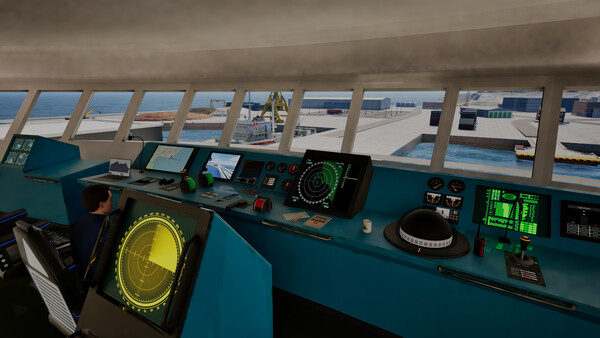
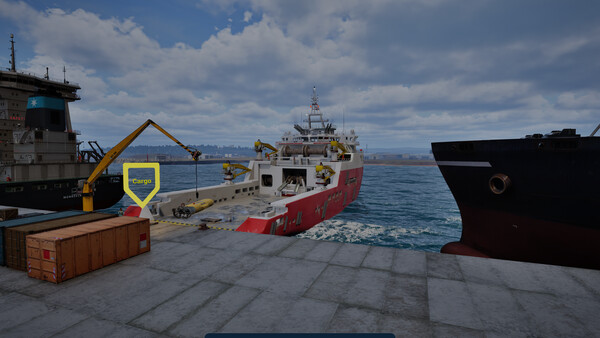
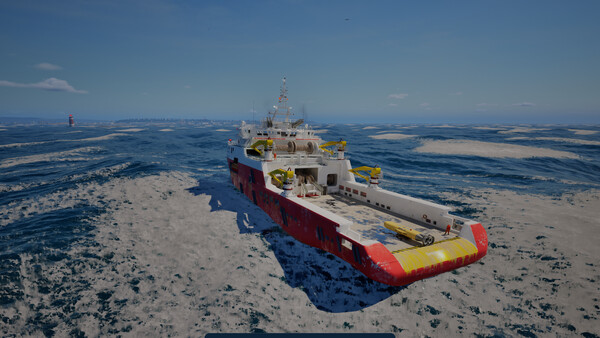
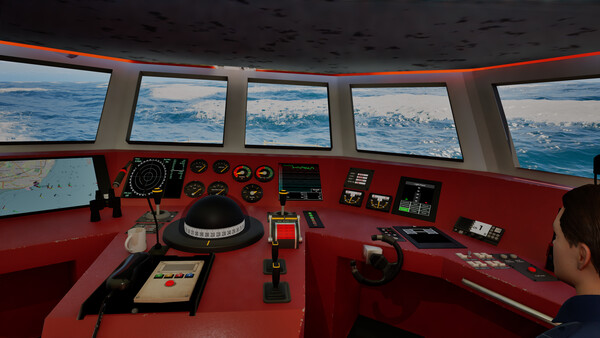
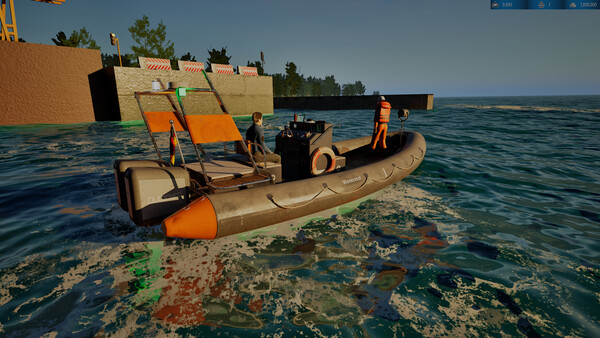
Take the helm in this realistic, large-scale maritime simulation. Command your fleet from agile rescue vessels to massive LNG tankers and perform precise maneuvers in challenging conditions. Navigate a living open world where weather, traffic, and every wave shape your career.
Official game page