FREE CHEATS FOR
Stripjong - Super Real Mahjong Venus Returns
Released August 26, 2026
Updated
 EAGLE CHEATS
How to use Eagle in Stripjong - Super Real Mahjong Venus Returns
With Stripjong - Super Real Mahjong Venus Returns running, press Insert to open the Eagle menu. The quick keys give direct access to Skip Seen Dialogue and Free Camera. Use the menu for Unlock Scenes, Animation Speed and Unlock Gallery and the remaining listed features; close it with Insert to return to the app.
- F2 Skip Seen Dialogue
Press F2 to activate Skip Seen Dialogue without opening the menu. - F3 Free Camera
Press F3 to turn Free Camera on or off without opening the menu. - Insert Unlock Scenes
Press Insert, choose Unlock Scenes, and apply the unlock. - Insert Animation Speed
Press Insert, choose Animation Speed, adjust the value, and apply. - Insert Unlock Gallery
Press Insert, choose Unlock Gallery, and apply the unlock.
EXPLORE THE MENUFeatures
8 features
The free Stripjong - Super Real Mahjong Venus Returns trainer includes Unlock Scenes, Unlock Gallery and Skip Seen Dialogue. It also offers Animation Speed, Free Camera and Camera Zoom. Press Insert to open the menu on Windows PC.
- Unlock Scenes
- Unlock Gallery
- Skip Seen Dialogue
- Animation Speed
- Free Camera
- Camera Zoom
- Hide Interface
- Save Scene Preset
About the game
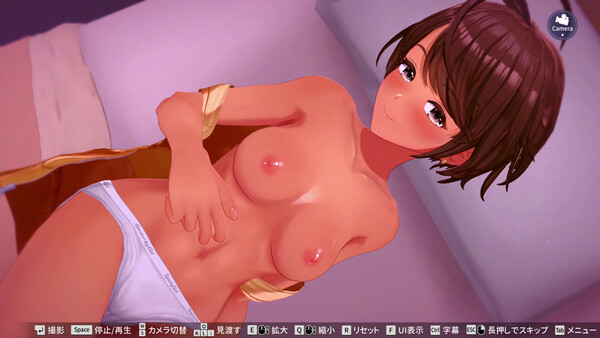
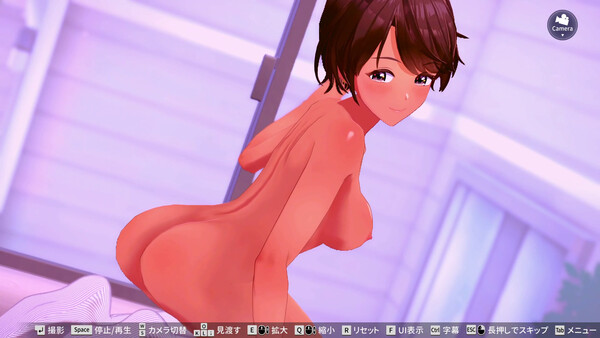
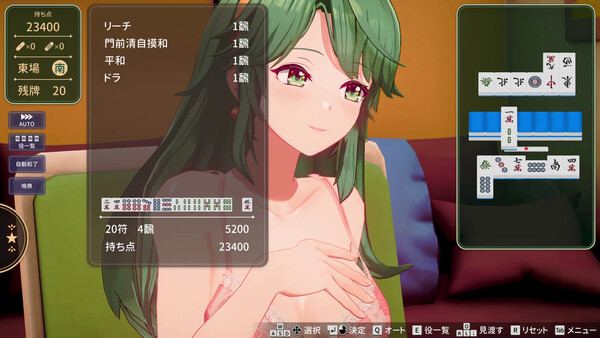
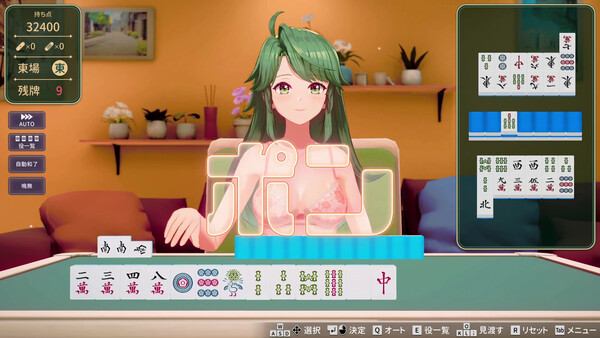
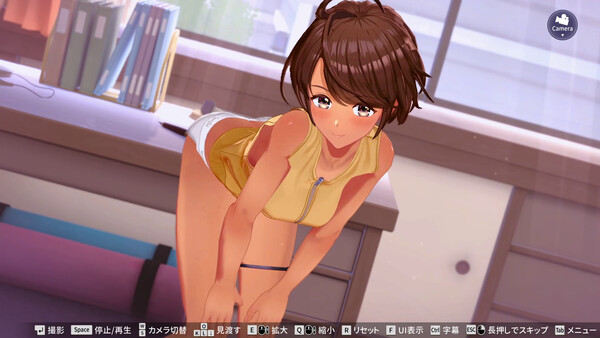
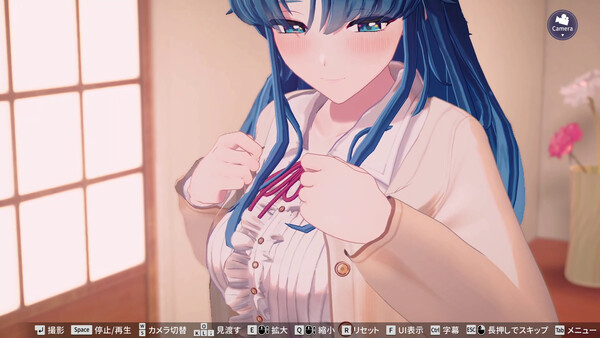
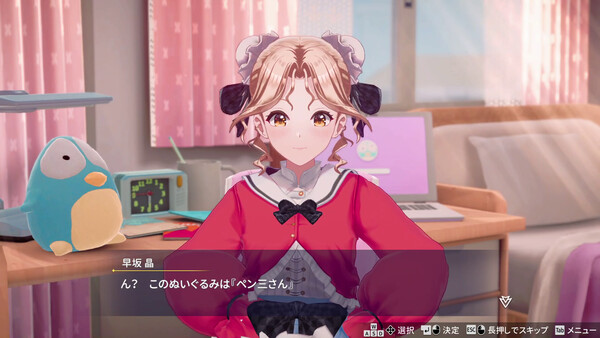
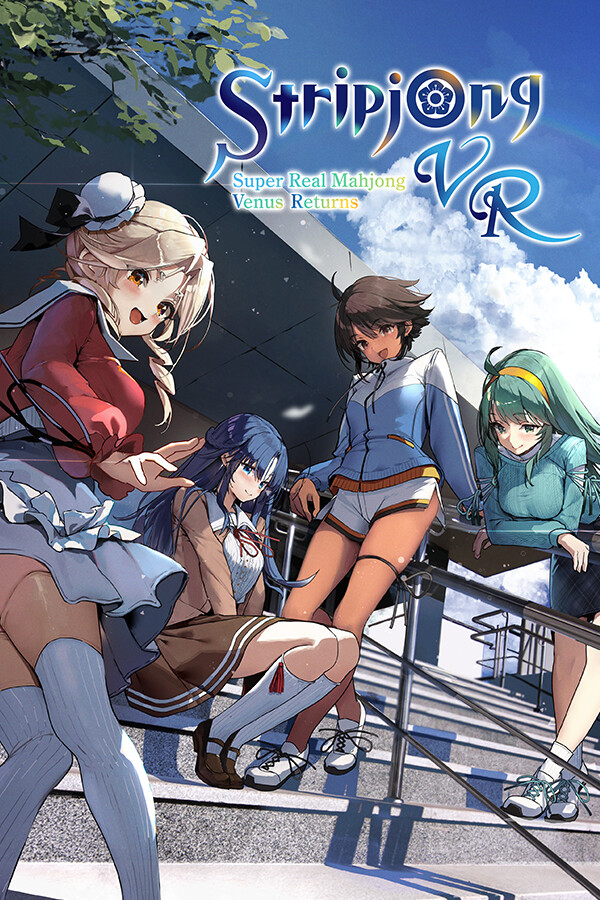
Stripjong is back—Super Real Mahjong, Japan's arcade legend! Lose, and the clothes come off! One-on-one strip mahjong. View strip scenes from any angle and distance with the industry-first Point-blank Strip Mahjong System. 100% without VR, 120% with VR Mode DLC. Experience zero-distance undressing!.
Official game page