FREE CHEATS FOR
Tasty Chef
Released September 23, 2026
Updated

 EAGLE CHEATS
How to use Eagle in Tasty Chef
With Tasty Chef running, press Insert to open the Eagle menu. The quick keys give direct access to Instant Cooking, No Food Burn and Unlimited Ingredients. Use the menu for Reveal Orders, Max Staff Skill and Unlimited Materials and the remaining listed features; close it with Insert to return to the app.
- F2 Instant Cooking
Press F2 to activate Instant Cooking without opening the menu. - F3 No Food Burn
Press F3 to turn No Food Burn on or off without opening the menu. - F4 Unlimited Ingredients
Press F4 to turn Unlimited Ingredients on or off without opening the menu. - Insert Reveal Orders
Press Insert, find Reveal Orders in the feature list, and switch it on or off. - Insert Max Staff Skill
Press Insert, find Max Staff Skill in the feature list, and switch it on or off. - Insert Unlimited Materials
Press Insert, find Unlimited Materials in the feature list, and switch it on or off.
EXPLORE THE MENUFeatures
15 features
The free Tasty Chef trainer includes Instant Cooking, No Food Burn and Unlimited Ingredients. It also offers Reveal Orders, Freeze Order Timer and Max Customer Satisfaction. Press Insert to open the menu on Windows PC.
- Instant Cooking
- No Food Burn
- Unlimited Ingredients
- Reveal Orders
- Freeze Order Timer
- Max Customer Satisfaction
- No Staff Fatigue
- Fast Serving
- Instant Crafting
- No Build Cost
- Unlimited Materials
- Max Staff Skill
- Instant Recruitment
- Fast Orders
- Reveal Customer Demand
About the game
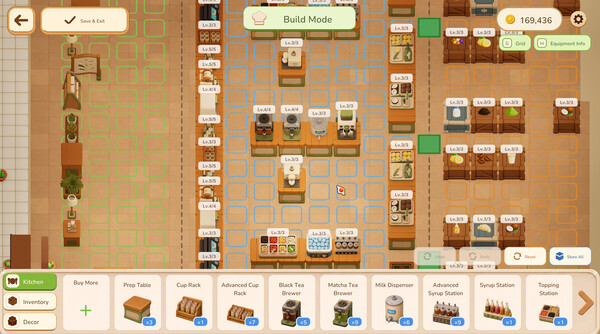
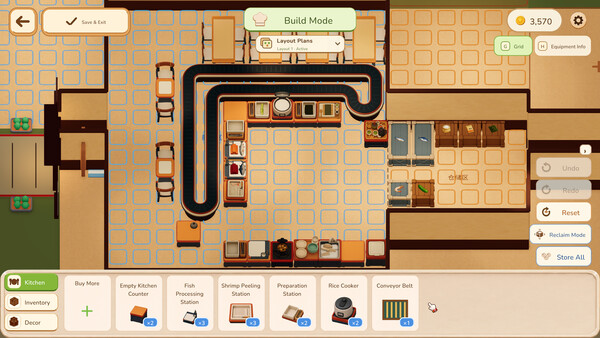
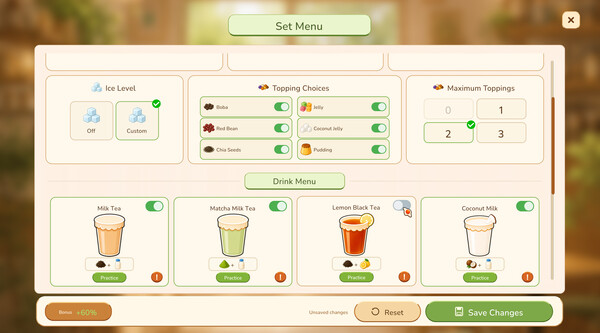
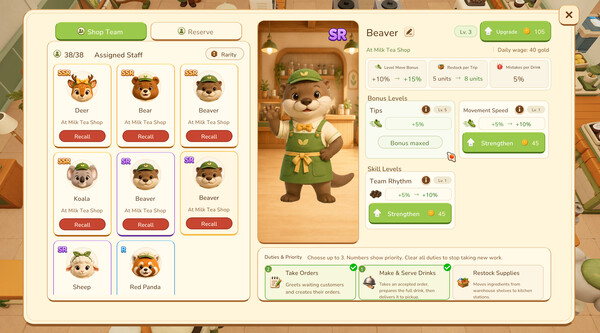
Tasty Chef is a cozy restaurant management and cooking game where you build and expand unique restaurants, design menus, order ingredients, prepare dishes step by step, hire helpful staff, and serve customers alone or with friends.
Official game page