FREE CHEATS FOR
Tiny Bookshop
Released August 7, 2025
Updated

 EAGLE CHEATS
How to use Eagle in Tiny Bookshop
With Tiny Bookshop running, press Insert to open the Eagle menu. The quick keys give direct access to Book Inventory and Customer Preferences. Use the menu for Shop Revenue, Location Schedule and Decoration View and the remaining listed features; close it with Insert to return to the app.
- F2 Book Inventory
Press F2 to turn Book Inventory on or off without opening the menu. - F3 Customer Preferences
Press F3 to turn Customer Preferences on or off without opening the menu. - Insert Shop Revenue
Press Insert, find Shop Revenue in the feature list, and switch it on or off. - Insert Location Schedule
Press Insert, find Location Schedule in the feature list, and switch it on or off. - Insert Decoration View
Press Insert, find Decoration View in the feature list, and switch it on or off.
EXPLORE THE MENUFeatures
8 features
Books, customers and daily business information for a seaside bookshop.
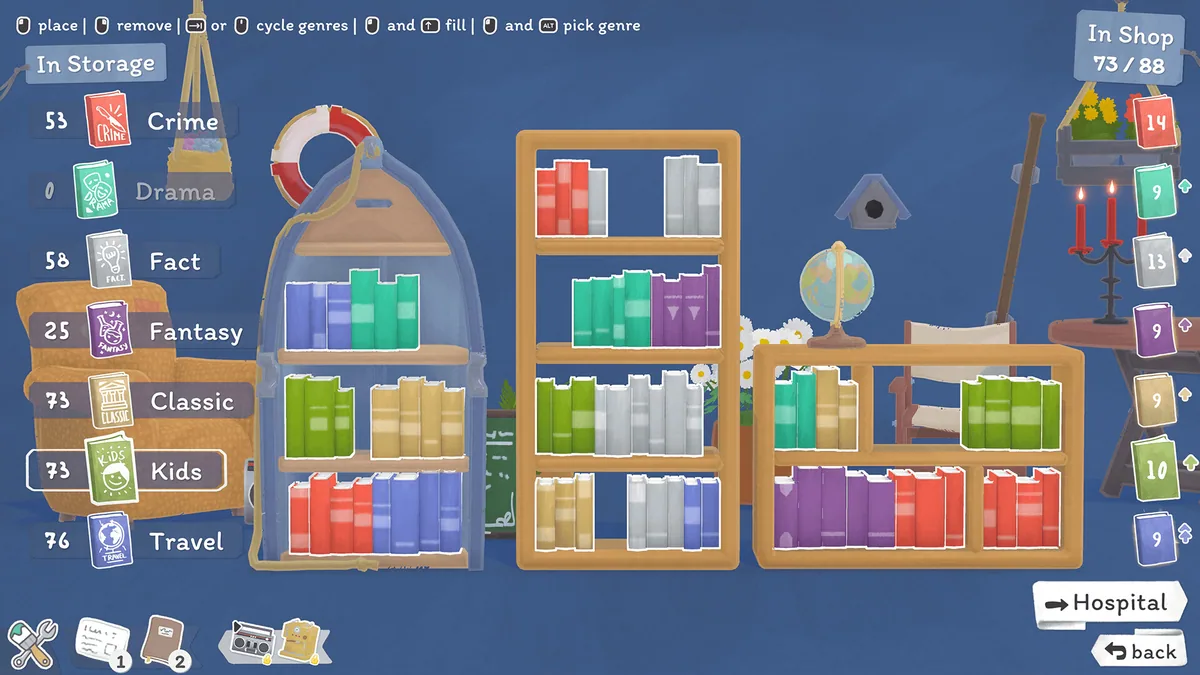
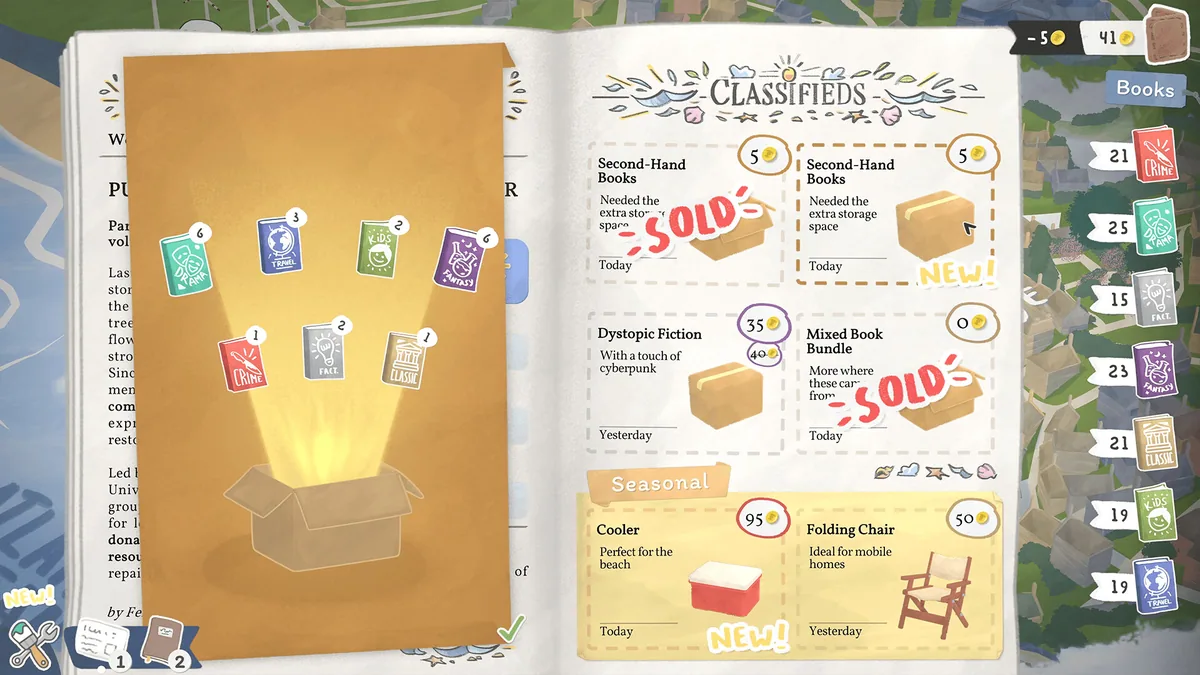
- Book Inventory
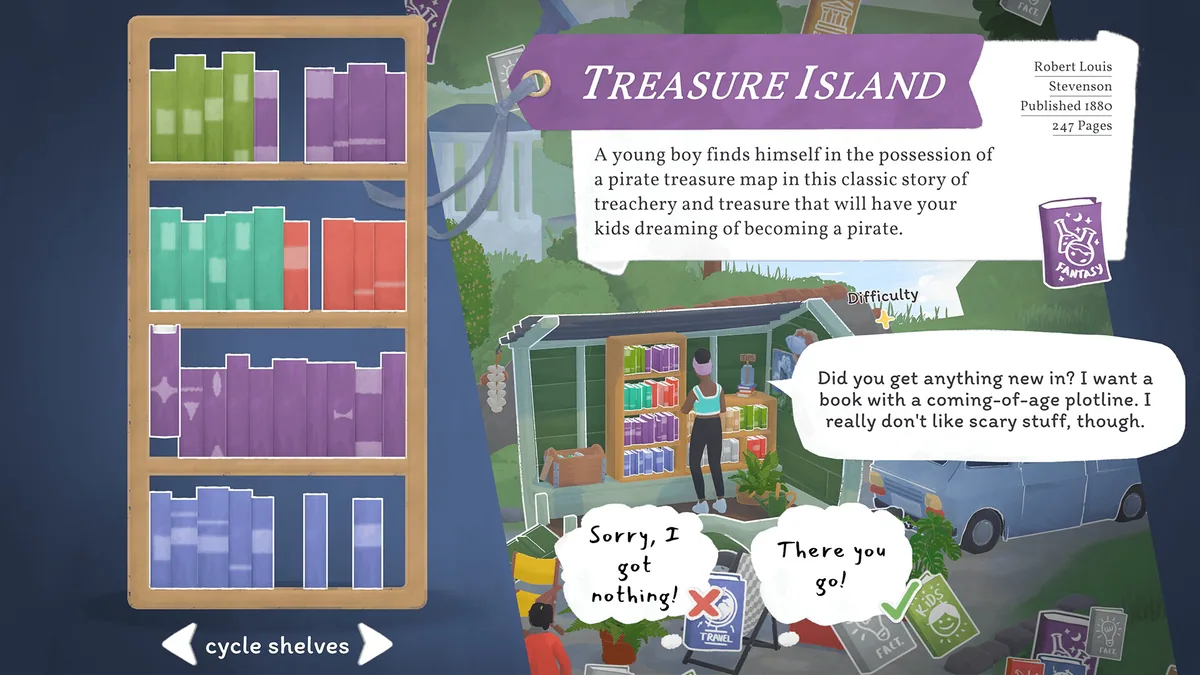
- Customer Preferences
- Shop Revenue
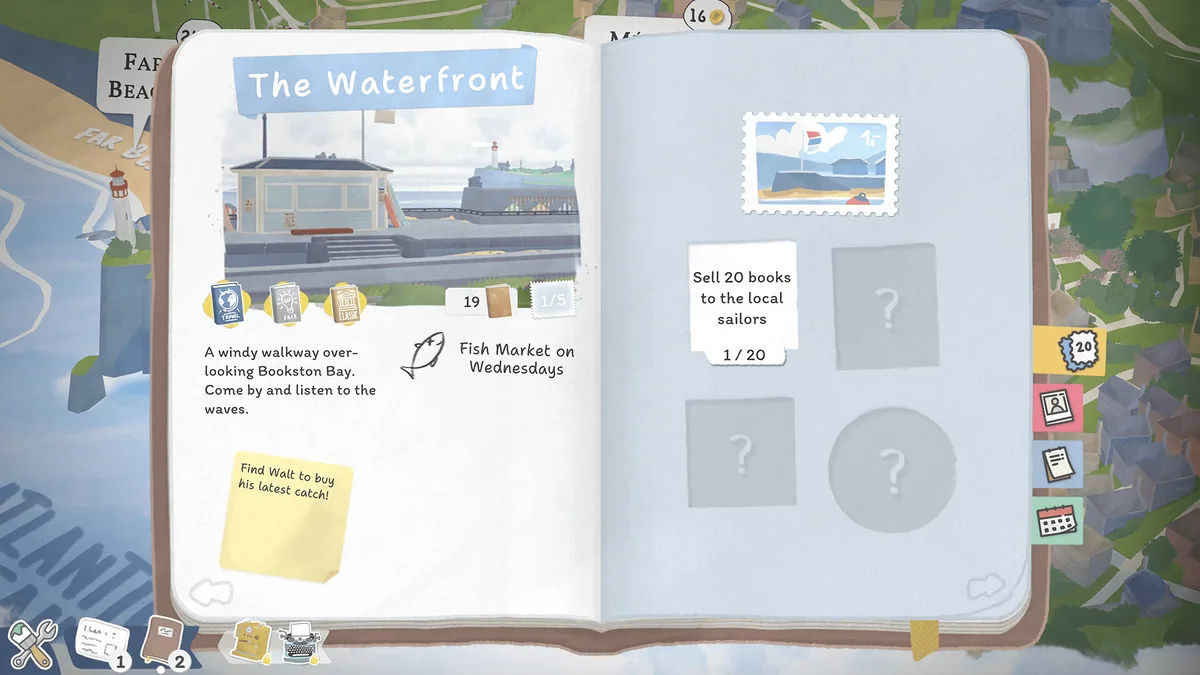
- Location Schedule
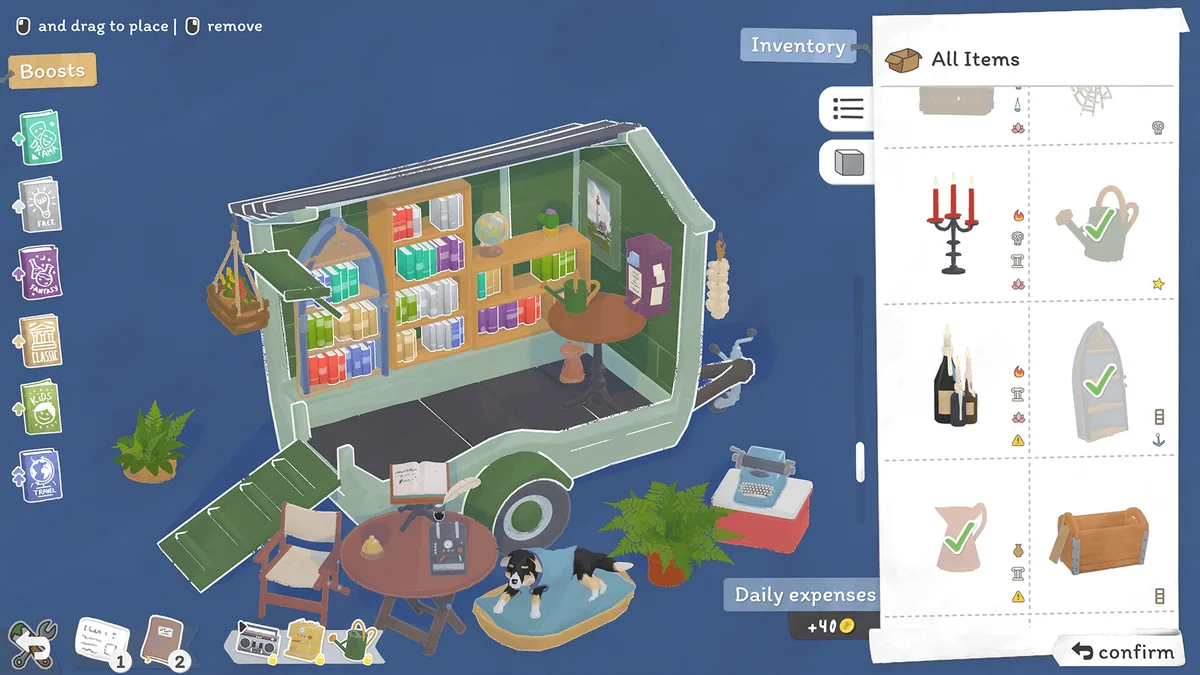
- Decoration View
- Stock Search
- Daily Goals
- Town Events
About the game
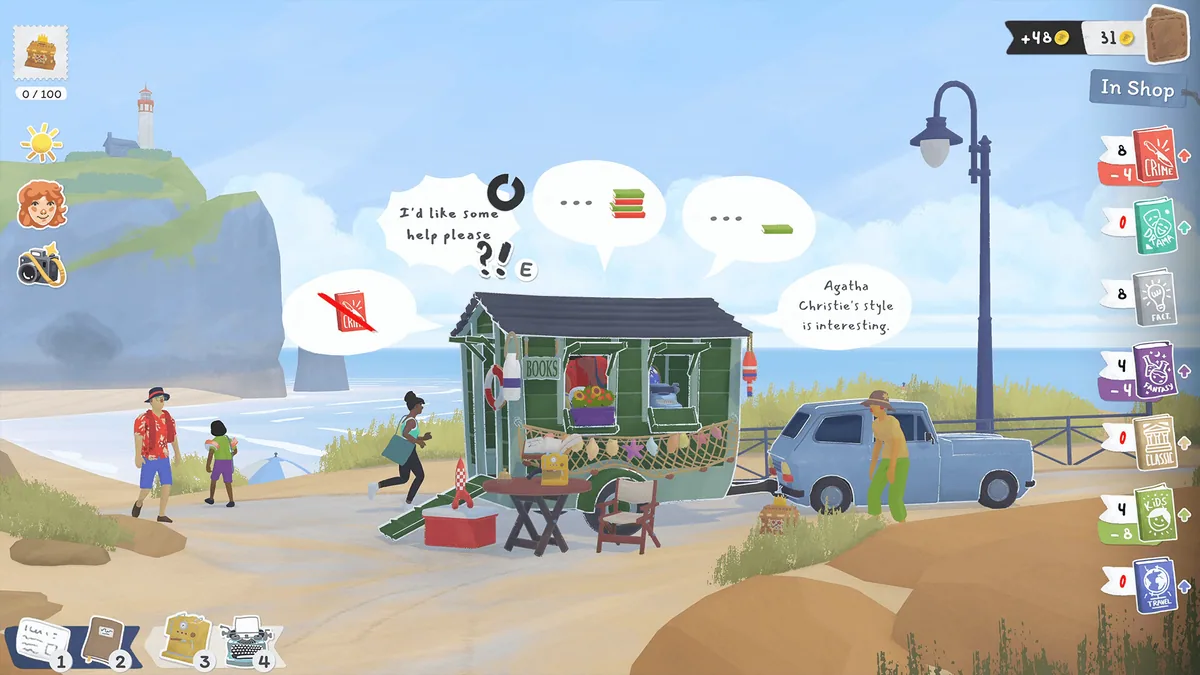
Tiny Bookshop follows a small second-hand bookstore as it moves between seaside locations. Players choose a stock of books, arrange the shop and meet the people who stop by to browse.
Customer preferences and local events help determine what sells. Decorating the space and learning about the town create a gentle management loop beyond the day's takings.
Official game page