FREE CHEATS FOR
Tiny Glade
Released September 23, 2024
Updated
 EAGLE CHEATS
How to use Eagle in Tiny Glade
With Tiny Glade running, press Insert to open the Eagle menu. The quick keys give direct access to Undo Last Edit and Free Camera. Use the menu for Save Presets, Unlock Materials and Camera Zoom and the remaining listed features; close it with Insert to return to the app.
- F2 Undo Last Edit
Press F2 to turn Undo Last Edit on or off without opening the menu. - F3 Free Camera
Press F3 to turn Free Camera on or off without opening the menu. - Insert Save Presets
Press Insert, choose Save Presets, adjust its value or option, and apply. - Insert Unlock Materials
Press Insert, choose Unlock Materials, and apply the unlock. - Insert Camera Zoom
Press Insert, find Camera Zoom in the feature list, and switch it on or off.
EXPLORE THE MENUFeatures
8 features
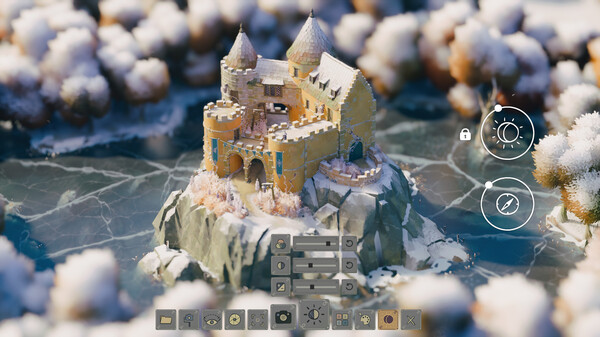
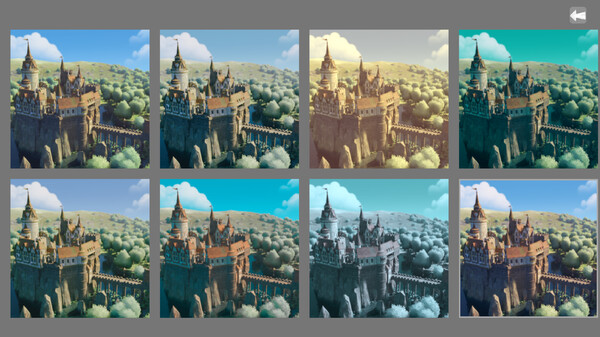
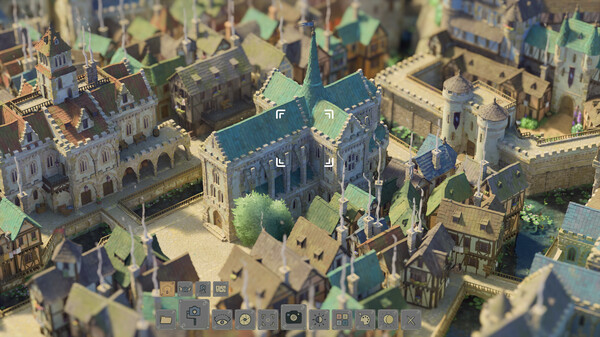
The free Tiny Glade trainer includes Save Presets, Undo Last Edit and Free Camera. It also offers Camera Zoom, Hide Interface and High Resolution Capture. Press Insert to open the menu on Windows PC.
- Save Presets
- Undo Last Edit
- Free Camera
- Camera Zoom
- Hide Interface
- High Resolution Capture
- Unlock Materials
- Adjust Lighting
About the game
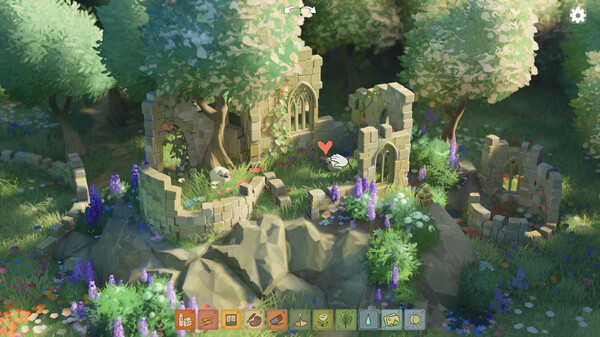
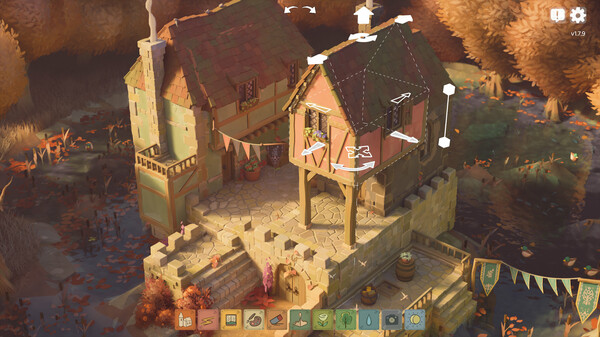
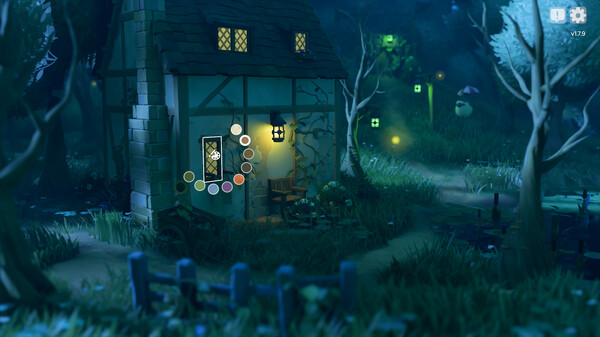
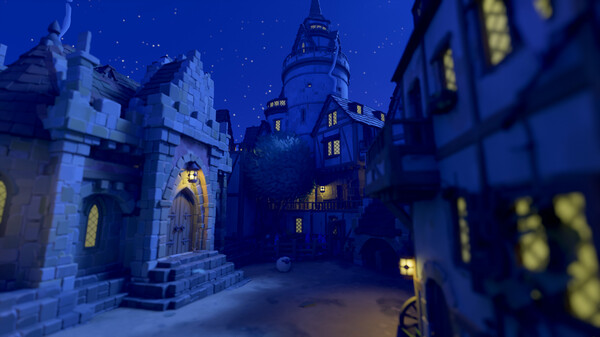
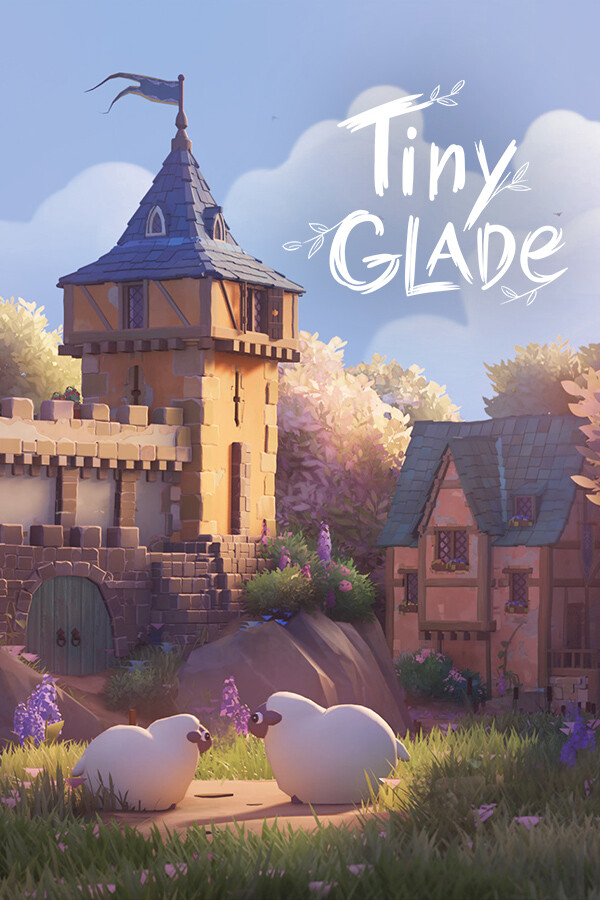
Tiny Glade is a small diorama builder where you doodle whimsical castles, cozy cottages & romantic ruins. Explore gridless building chemistry as the game adorns your glades with procedural detail. No management, combat or goals: just kick back and turn forgotten meadows into lovable dioramas.
Official game page