FREE CHEATS FOR
Two Point Campus
Released August 9, 2022
Updated

 EAGLE CHEATS
How to use Eagle in Two Point Campus
With Two Point Campus running, press Insert to open the Eagle menu. The quick keys give direct access to Campus Funds and Instant Construction. Use the menu for Staff Energy, Research Speed and Student Needs View and the remaining listed features; close it with Insert to return to the app.
- F2 Campus Funds
Press F2 to turn Campus Funds on or off without opening the menu. - F3 Instant Construction
Press F3 to activate Instant Construction without opening the menu. - Insert Staff Energy
Press Insert, find Staff Energy in the feature list, and switch it on or off. - Insert Research Speed
Press Insert, choose Research Speed, adjust the value, and apply. - Insert Student Needs View
Press Insert, find Student Needs View in the feature list, and switch it on or off.
EXPLORE THE MENUFeatures
8 features
Insert opens the menu on Windows PC, allowing access to Campus Funds and Instant Construction. These controls let players manage financial resources and accelerate building processes during the campus development phase. The trainer is free for Windows PC.
- Campus Funds
- Instant Construction
- Staff Energy
- Student Needs View
- Research Speed
- Course Progress
- Campus Rating
- Game Speed
About the game
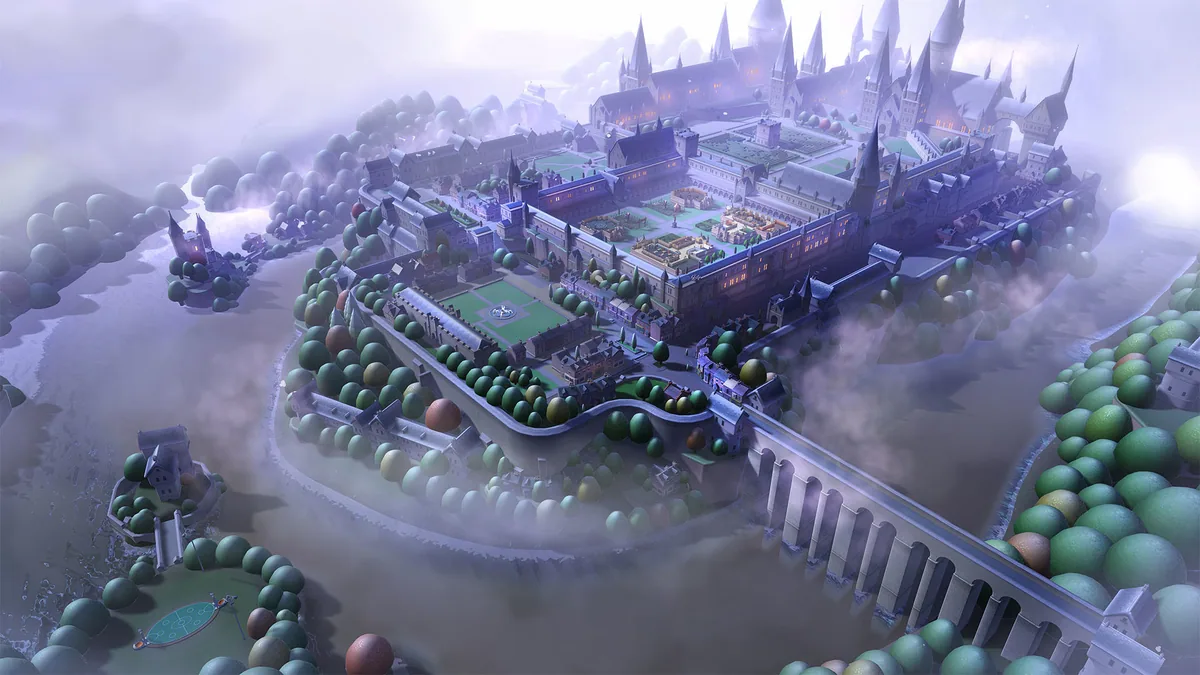
Two Point Campus invites players to build and manage their dream university, blending creativity with strategic planning. The core loop involves designing the campus layout, hiring staff, and managing student needs while balancing budgets and academic goals. Players can customize everything from classrooms to outdoor spaces, ensuring a unique educational experience. As the academic year progresses, players prepare facilities and courses while looking after the students who use them. The game's open-ended approach lets players experiment with different strategies, making each campus a reflection of their vision.
The setting is a whimsical version of academia, where students engage in unconventional courses such as Gastronomy and Knight School. Players must navigate the challenges of maintaining a thriving campus while ensuring staff and students are content. Building paths, outdoor spaces and facilities lets players give each campus a distinct layout and respond to student needs.
Official game page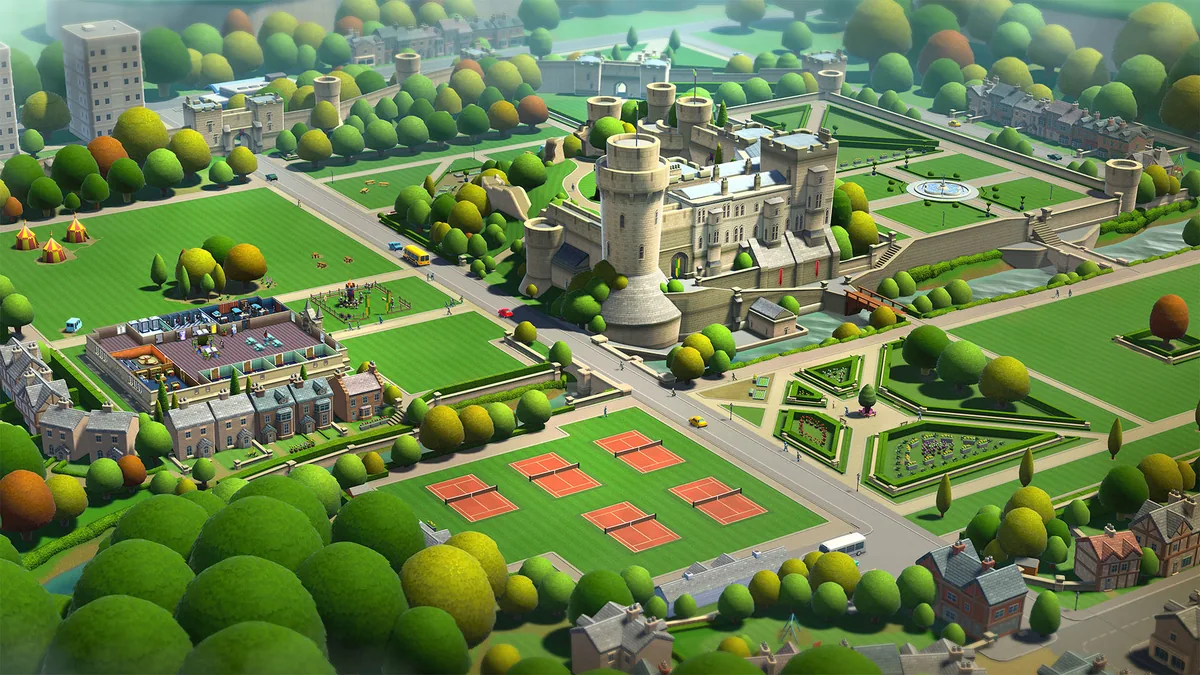

Using the Two Point Campus trainer
Use Campus Funds to adjust your budget and Instant Construction to speed up building tasks. Manage Student Needs View to ensure satisfaction and utilize Course Progress to track academic developments. These controls allow for efficient campus management and tailored gameplay experiences.