FREE CHEATS FOR
Two Point Hospital
Released August 29, 2018
Updated
 EAGLE CHEATS
How to use Eagle in Two Point Hospital
With Two Point Hospital running, press Insert to open the Eagle menu. The quick keys give direct access to Hospital Funds and Instant Construction. Use the menu for Staff Energy, Research Speed and Patient Needs View and the remaining listed features; close it with Insert to return to the app.
- F2 Hospital Funds
Press F2 to turn Hospital Funds on or off without opening the menu. - F3 Instant Construction
Press F3 to activate Instant Construction without opening the menu. - Insert Staff Energy
Press Insert, find Staff Energy in the feature list, and switch it on or off. - Insert Research Speed
Press Insert, choose Research Speed, adjust the value, and apply. - Insert Patient Needs View
Press Insert, find Patient Needs View in the feature list, and switch it on or off.
EXPLORE THE MENUFeatures
8 features
Use 'Hospital Funds' to manage finances and 'Instant Construction' to speed up building. These controls affect hospital operations and expansion during gameplay. Press Insert to open the Eagle menu on Windows PC. The trainer is free for Windows PC.
- Hospital Funds
- Instant Construction
- Staff Energy
- Patient Needs View
- Research Speed
- Treatment Progress
- Hospital Rating
- Game Speed
About the game
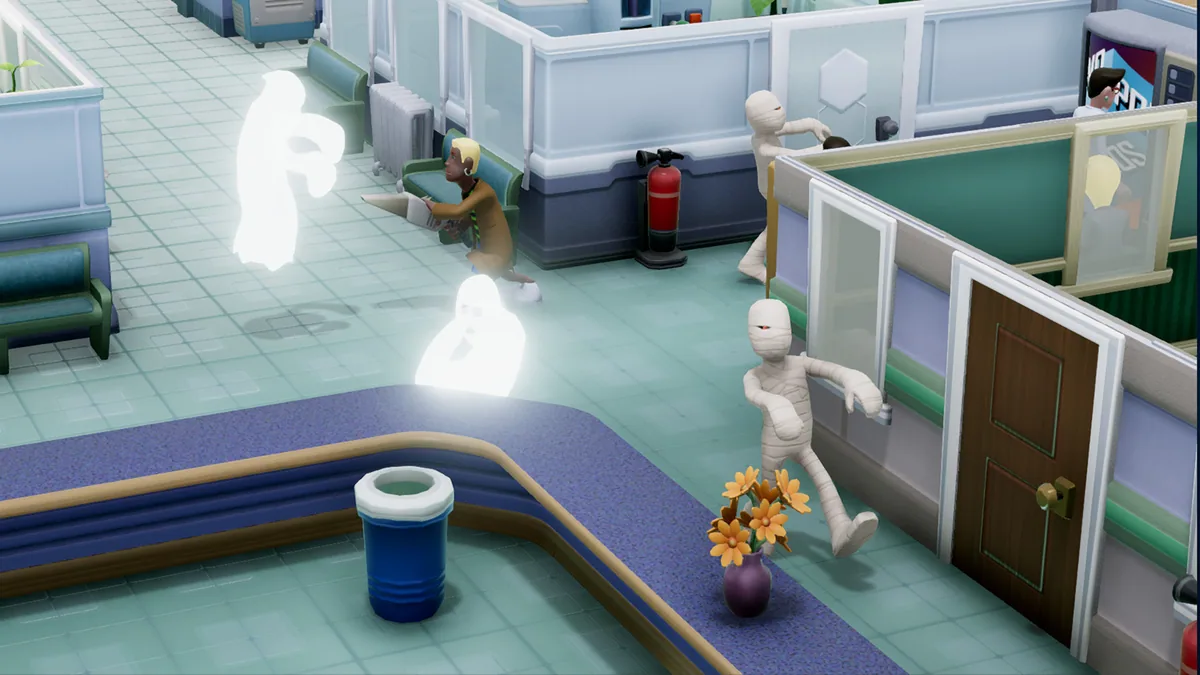
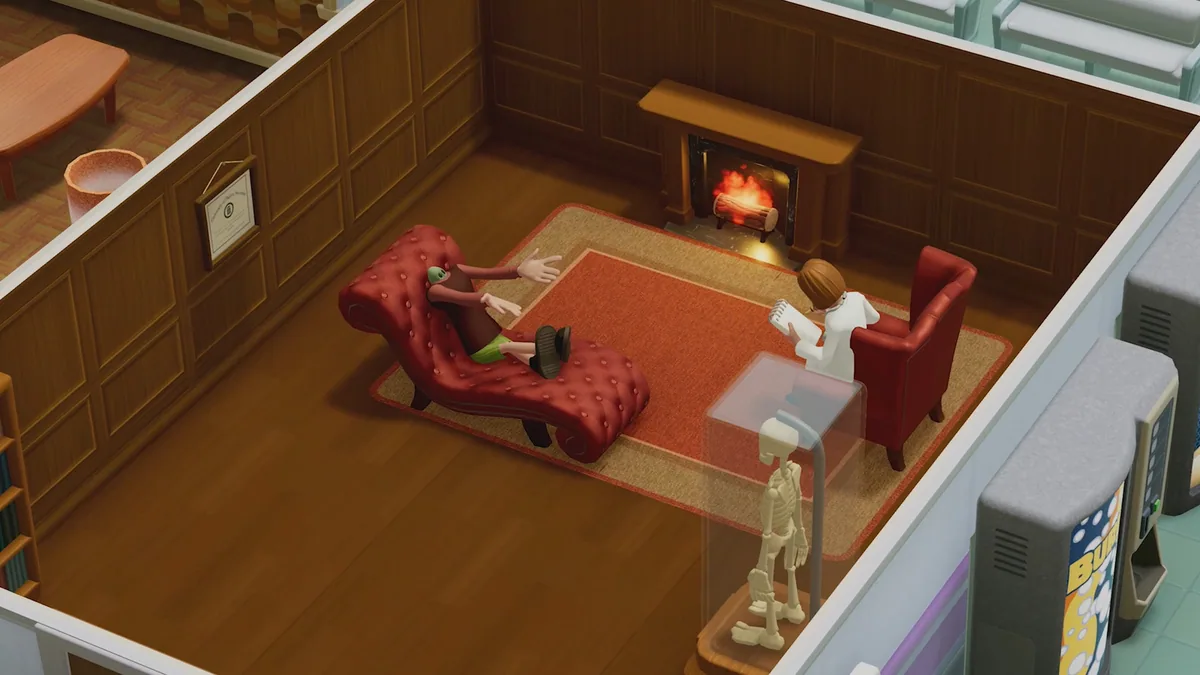
In Two Point Hospital, players manage a healthcare facility in a quirky town, balancing patient care, staff management, and hospital expansion. The core loop involves designing and optimizing hospital layouts, treating unique illnesses, and maintaining staff morale. Players must adapt to strange medical conditions, from light-headedness to cubism, by building specialized treatment rooms and hiring skilled staff. As the hospital grows, players can expand into multiple buildings, research advanced cures, and tackle pandemics to elevate their healthcare empire.
The game's setting is a whimsical, rural county where every patient brings a new challenge. Player choices impact hospital efficiency, patient satisfaction, and overall success. Strategic decisions about layout, staffing, and resource allocation determine how well the hospital thrives, making each playthrough a unique blend of management and creativity.
Official game page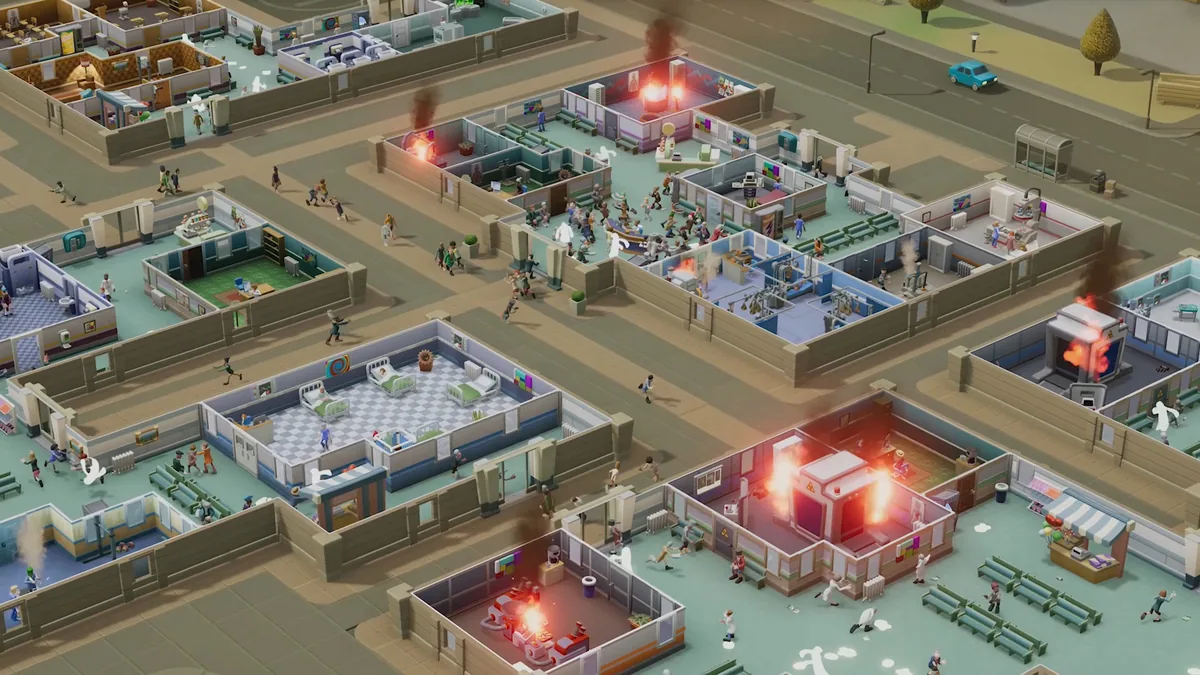
Using the Two Point Hospital trainer
Use 'Hospital Funds' to track and allocate resources efficiently. Employ 'Instant Construction' to rapidly develop hospital facilities. These controls help manage financial stability and accelerate building processes in Two Point Hospital.