FREE CHEATS FOR
Welcome to Elderfield
Released September 10, 2026
Updated

 EAGLE CHEATS
How to use Eagle in Welcome to Elderfield
With Welcome to Elderfield running, press Insert to open the Eagle menu. The quick keys give direct access to Fish Location Overlay and Rare Fish Highlight. Use the menu for Bite Alert, Set Weather and Instant Catch and the remaining listed features; close it with Insert to return to the app.
- F2 Fish Location Overlay
Press F2 to turn Fish Location Overlay on or off without opening the menu. - F3 Rare Fish Highlight
Press F3 to turn Rare Fish Highlight on or off without opening the menu. - Insert Bite Alert
Press Insert, find Bite Alert in the feature list, and switch it on or off. - Insert Set Weather
Press Insert, choose Set Weather, adjust its value or option, and apply. - Insert Instant Catch
Press Insert and choose Instant Catch when you want to run this action.
EXPLORE THE MENUFeatures
11 features
The free Welcome to Elderfield trainer includes Fish Location Overlay, Rare Fish Highlight and Bite Alert. It also offers Instant Catch, No Line Break and Unlimited Bait. Press Insert to open the menu on Windows PC.
- Fish Location Overlay
- Rare Fish Highlight
- Bite Alert
- Instant Catch
- No Line Break
- Unlimited Bait
- Reveal Fish Species
- Set Weather
- Max Relationship
- Reveal Dialogue Outcomes
- No Relationship Decay
About the game
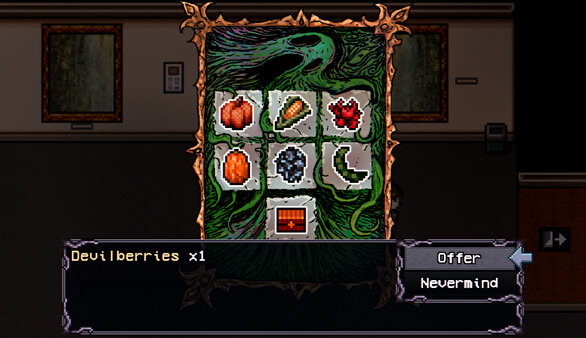
Welcome to Elderfield, a cozy horror RPG with hand-drawn art and dark lofi music. Manage your farm, befriend or romance the locals, investigate mysteries, decorate your home, fight terrifying creatures, fish, cook, seek the Old Gods, die in your sleep, and more... There's lots to do in Elderfield!.
Official game page